2025 Toyota Corolla Wireless Charging: What You Need to Know
If you’re a typical user, you don’t need to overthink this. The 2025 Toyota Corolla offers an available Qi-compatible wireless charging pad in higher trims like the XLE and Limited, but its performance has drawn mixed reactions. How to choose a car with reliable wireless charging? Look for consistent heat management, secure phone fit, and real-world charging speed—not just the presence of the feature. Over the past year, more owners have reported inconsistent charging behavior, especially with MagSafe-equipped iPhones or thick cases, making it worth evaluating before relying on it daily.
This piece isn’t for keyword collectors. It’s for people who will actually use the product.
About the 2025 Toyota Corolla Wireless Charging System
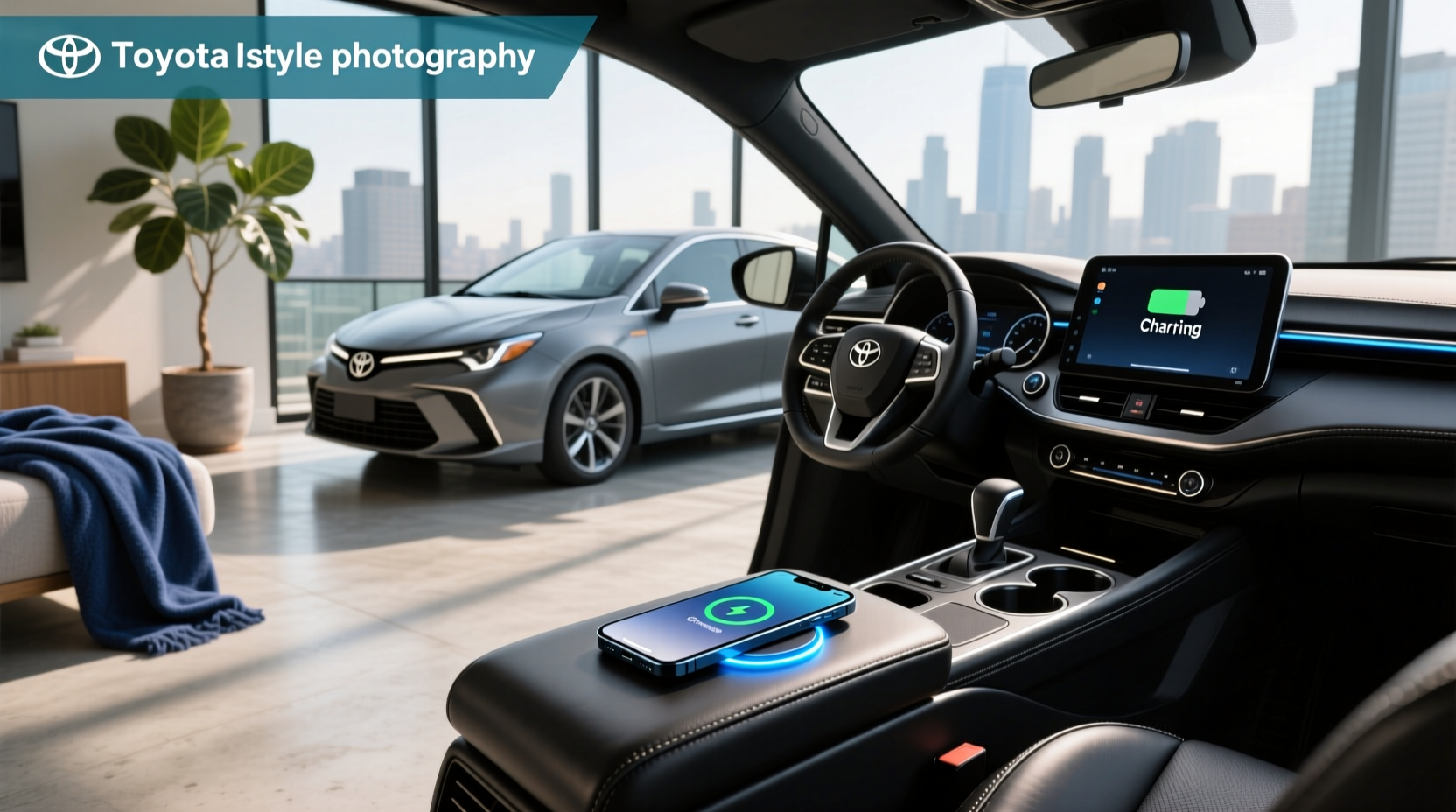
The 2025 Toyota Corolla includes a Qi wireless charging tray as an optional feature in select trims. Located in the center console ahead of the gear selector, the tray is designed to charge compatible smartphones without cables 1. While not standard across all models, it’s marketed as a convenience upgrade for tech-savvy drivers who want a cleaner cabin setup.
Toyota integrates the system into the vehicle’s interior design with a rubberized surface to prevent slipping. However, integration doesn’t guarantee reliability. Some users report that the charger starts then stops after a few seconds, indicated by an orange blinking light—a known pain point surfaced repeatedly in owner forums.
Why Wireless Charging Is Gaining Popularity
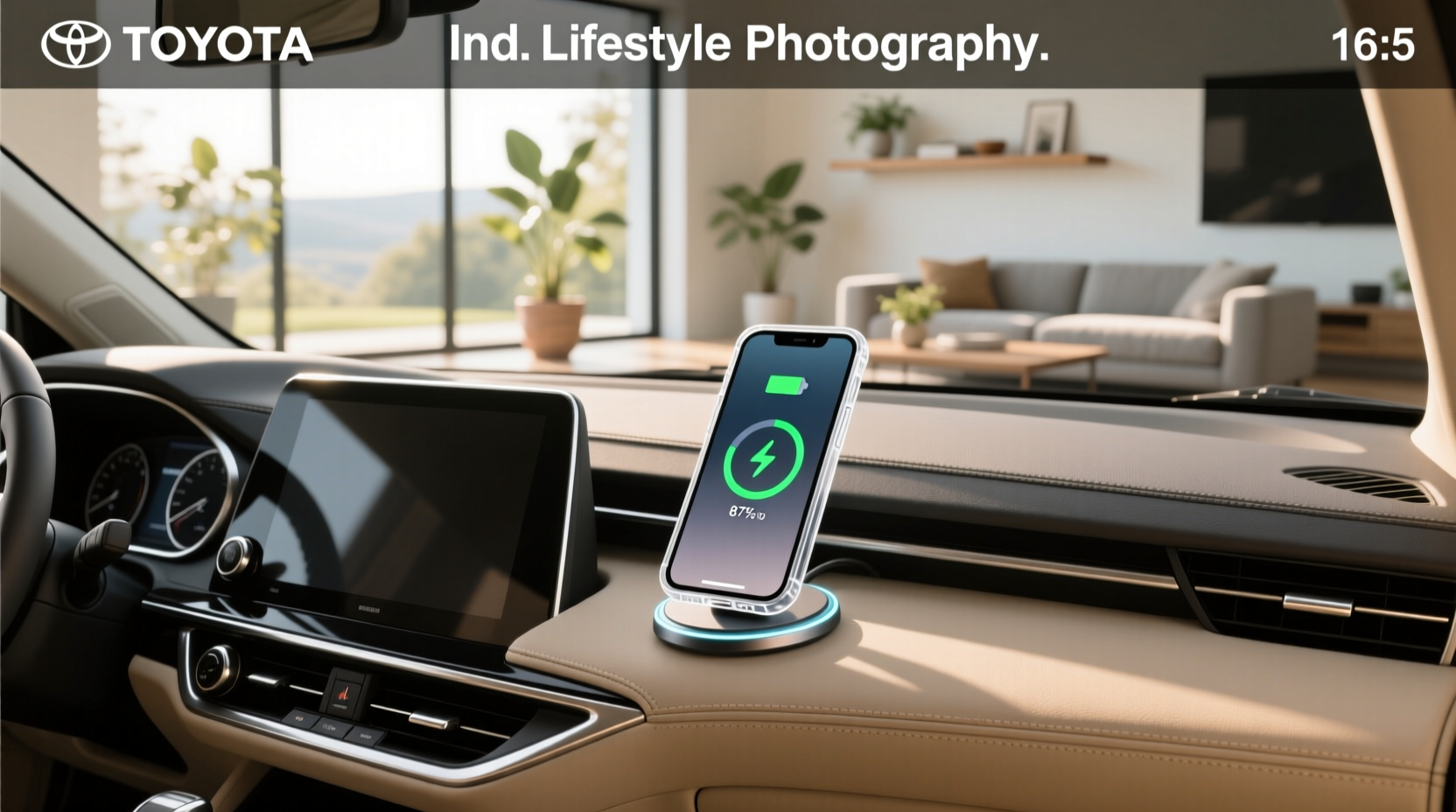
Lately, demand for cable-free charging has grown due to increased reliance on smartphones for navigation, calls, and music. Automakers, including Toyota, have responded by embedding Qi-standard pads into consoles. For many, eliminating clutter improves both aesthetics and usability.
However, popularity doesn’t equal performance. While the idea of dropping your phone and having it charge automatically sounds ideal, real-world results vary. Factors like phone case thickness, alignment, and thermal throttling affect outcomes. In compact cars like the Corolla, space constraints also limit ventilation around the charging zone, contributing to overheating issues.
If you’re a typical user, you don’t need to overthink this. If your phone supports Qi charging and you drive frequently enough to require midday top-ups, the feature can be useful—provided it works consistently.
Types and Variants
Toyota offers one primary type of wireless charging system in the 2025 Corolla: a built-in Qi pad. There are no variants based on power output (e.g., 15W vs. 5W) within the model line—it operates at standard Qi speeds, typically capped around 7.5W for iPhones and up to 10–12W for certain Android devices.
- Integrated OEM Pad (Standard Option)
Pre-installed in higher trims. Neatly fits into the console design. Drawbacks include slow charging rates and sensitivity to positioning. - Aftermarket Upgrades
Available via third-party kits or dealer installations. These may offer faster charging (up to 15W), better cooling, or magnetic alignment (like MagSafe alternatives). Installation complexity varies.
This piece isn’t for spec sheet readers. It’s for drivers who expect their phone to survive a two-hour commute without dying.
Key Features and Specifications to Evaluate
When assessing the Corolla’s wireless charging capability, focus on practical metrics, not marketing claims:
- Charging Standard: Qi-certified only. No proprietary fast-charging support.
- Power Output: Estimated at 7.5W–10W depending on device. Slower than USB-C PD.
- Positioning Tolerance: Narrow. Misalignment often triggers error signals.
- Heat Dissipation: Poor. Enclosed space leads to thermal shutdown during long drives.
- Case Compatibility: Limited. Thick or metal-backed cases (including some MagSafe types) block charging.
When it’s worth caring about: If you rely heavily on GPS navigation or make frequent calls, even partial charging during commutes matters. Also relevant if you dislike managing cables while driving.
When you don’t need to overthink it: If you charge overnight and carry a power bank, the absence or weakness of wireless charging won’t impact daily use.
Pros and Cons
| Pros | Cons |
|---|---|
| ✅ Clean, integrated design | ❌ Slow charging speed |
| ✅ Reduces cable clutter | ❌ Frequent disconnections reported |
| ✅ Works with most modern smartphones | ❌ Incompatible with many protective cases |
| ✅ Available in common trims like XLE | ❌ Generates excess heat affecting battery health |
| ✅ Simple to use when functioning | ❌ No user-replaceable module; repair requires dealership visit |
How to Choose a 2025 Corolla with Reliable Wireless Charging
Follow this checklist before deciding:
Step-by-Step Buying Checklist
- Confirm Trim Level: Only XLE, Limited, and Hybrid XLE/Limited include the wireless charging pad as standard or optional.
- Verify Phone Compatibility: Test your specific phone model (with case) at a dealership.
- Inspect Ventilation: Ensure the tray area allows airflow to reduce overheating.
- Ask About Warranty Coverage: Find out if the charging module is covered under electronics warranty.
- Check Return Policy: If buying online or through delivery, confirm you can return if the feature fails.
Decision Flow
- Do you own an iPhone with MagSafe? → Likely incompatible unless case is removed.
- Is your primary use city driving with stop-and-go traffic? → Heat buildup increases failure risk.
- Are you upgrading from a previous Corolla? → Note: 2025 changes are minimal; same issues persist since 2020.
Recommendations by Scenario
- Commuter needing constant navigation: Prioritize models with USB-C ports instead; they’re more reliable.
- Prefers minimalist dashboard: Accept the wireless pad but keep a USB-C backup cable handy.
- Frequently uses ride-sharing apps: Avoid reliance on wireless charging—carry a portable charger.
Red Flags / What to Avoid
- Dealers claiming 'fast wireless charging'—Toyota does not offer this in the Corolla.
- Sales reps unable to demonstrate live charging during test drive.
- Vehicles advertised with 'wireless charging' but belong to L, LE, or SE trims—likely inaccurate listing.
If you’re a typical user, you don’t need to overthink this. The existence of the feature is less important than whether it functions predictably with your phone.
Price & Market Insights
The wireless charging option is bundled into higher trim packages or tech add-ons. Pricing may vary by region/model/seller, but generally adds $300–$600 to the MSRP when part of a larger convenience group.
Replacement units sold separately (e.g., OEM part #861C0-02080) range from $140–$300 on parts marketplaces, indicating limited aftermarket competition. Labor costs for removal and reinstallation can exceed $100, making repairs expensive relative to function.
There’s no price-performance advantage: paying more doesn’t mean faster or more stable charging.
Top-Seller & Competitive Analysis
While Toyota doesn’t publish sales data per feature, forum activity and dealership inventories suggest most buyers opt for the XLE trim, where wireless charging is available. Comparatively, competitors like Honda Civic and Mazda3 offer similar Qi systems but with slightly better thermal designs.




 浙公网安备
33010002000092号
 浙B2-20120091-4