Short introduction
If you’re looking for a car HUD head up display OBD2 speed that gives accurate, real-time vehicle data without complex setup, go with an OBD2-connected model. Over the past year, drivers have shifted toward smart HUDs that pull engine and speed data directly from the OBD2 port—especially those who want more than just GPS-based speed readouts. If you’re a typical user, you don’t need to overthink this: OBD2 HUDs offer better integration with your car’s systems, while GPS-only models are simpler but less precise in variable conditions.
When choosing a car HUD head up display with OBD2 speed support, focus on compatibility with your vehicle model, brightness adjustment, and whether it displays RPM, coolant temp, or fuel economy. Avoid units that promise "plug-and-play" across all cars—some older or non-OBD2-compliant vehicles may not support live data. This piece isn’t for keyword collectors. It’s for people who will actually use the product.
About car hud head up display obd2 speed
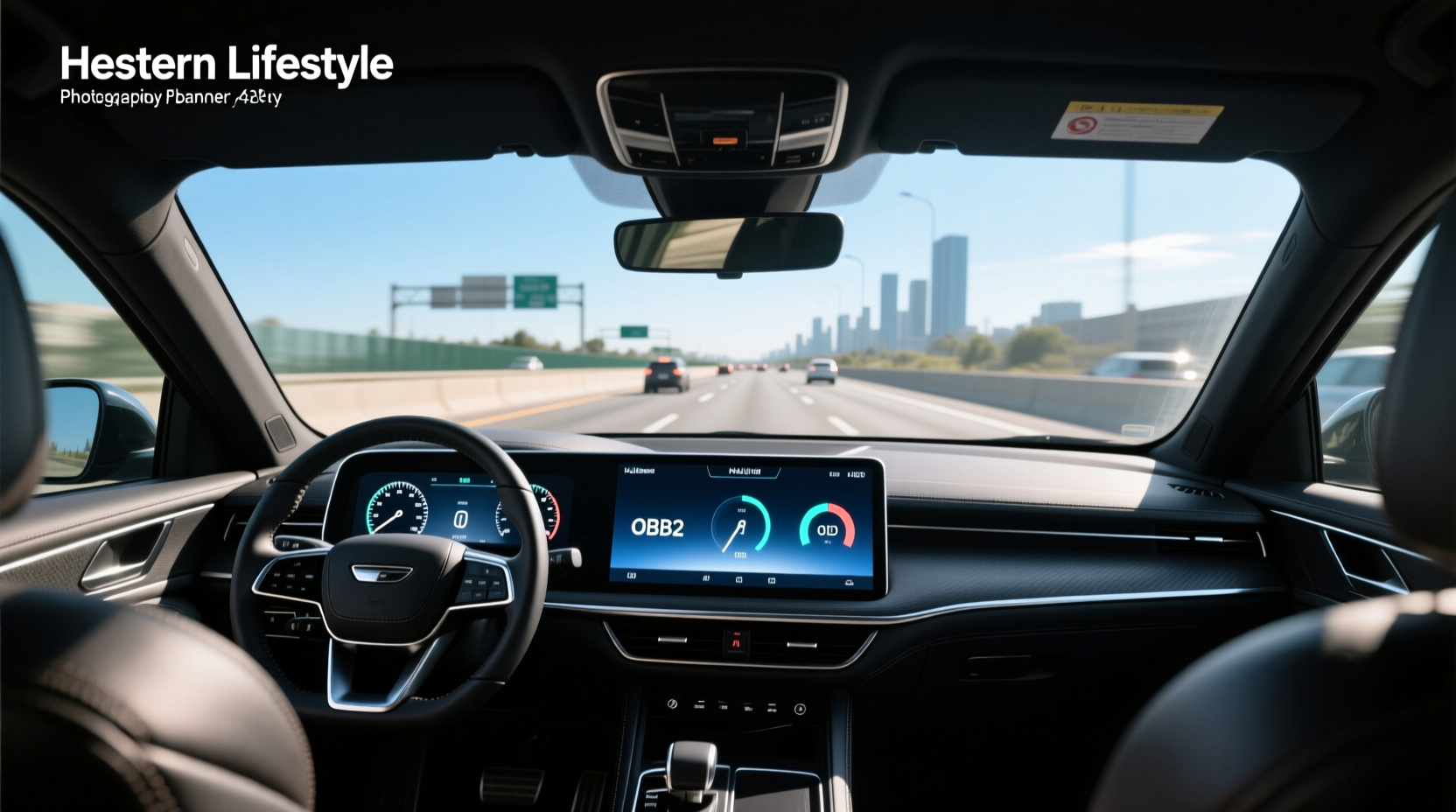
A car HUD (Head-Up Display) with OBD2 speed functionality projects key driving metrics—like current speed, RPM, and engine status—onto the windshield or a reflective panel, allowing drivers to keep their eyes on the road. Unlike basic GPS speedometers that rely solely on satellite signals, OBD2-integrated HUDs connect directly to your vehicle’s onboard diagnostics port (usually under the dashboard) to pull real-time data from the car’s computer.
This means the displayed speed reflects actual wheel rotation and CAN bus communication—not estimated location changes. As a result, OBD2 HUDs are generally more responsive during acceleration, deceleration, and in tunnels or urban canyons where GPS signals degrade. The core value lies in synchronization: what the car senses is what you see.
Why car hud head up display obd2 speed is gaining popularity
Lately, demand for connected driving tools has risen, especially among daily commuters and performance-oriented drivers. With increasing distraction risks on modern roads, having critical information visible at eye level reduces glance-down time to the instrument cluster. Recently, affordable OBD2 HUDs have entered the market with features once limited to luxury vehicles—like color displays, customizable layouts, and shift reminders.
The shift toward used car tech upgrades also plays a role. Many buyers aren’t replacing their vehicles every few years, so they’re investing in aftermarket enhancements. A HUD that reads OBD2 speed data offers measurable safety and convenience benefits without requiring factory installation. If you’re a typical user, you don’t need to overthink this: even modest improvements in situational awareness can make a difference over thousands of miles.
Types and variants
1. OBD2-Connected HUDs
These plug directly into the OBD2 port and communicate with the vehicle’s ECU. They display real-time speed, engine load, battery voltage, and more.
- Highly accurate speed readings synced with car sensors
- Displays additional diagnostic data (RPM, temperature, DTC alerts)
- No reliance on GPS signal strength
- Automatic ignition detection (turns on/off with car)
- May not work with very old or non-standard vehicles
- Limited to supported protocols (OBD2 standard varies by region/year)
- Some models require firmware updates for newer cars
2. GPS-Only HUDs
As noted in related data: "For buyers focused on simple installation and universal compatibility, a GPS HUD Display provides speed." These use satellite positioning to estimate speed and location.
- Works in any vehicle with power access
- No dependency on OBD2 protocol or car make
- Often cheaper and easier to install
- Speed lags during rapid acceleration/deceleration
- Inaccurate in tunnels, dense cities, or under heavy tree cover
- Cannot show engine or diagnostic data
3. Hybrid Models (GPS + OBD2)
Higher-end units combine both inputs: using OBD2 as primary source and GPS as backup when signal drops.
- Best accuracy across environments
- Fallback mechanism ensures continuous display
- Advanced trip logging and geotagging features
Key features and specifications to evaluate
- Display Type: LED vs. LCD vs. laser projection. Laser offers sharpest image but costs more.
- Brightness Adjustment: Auto-dimming based on ambient light improves night visibility.
- Data Refresh Rate: Look for ≥5Hz update frequency for smooth speed tracking.
- OBD2 Protocol Support: Ensure compatibility with your car’s version (CAN, ISO, KWP2000).
- Customization: Can you hide unused gauges? Rearrange layout?
- Power Source: OBD2-powered units turn on with ignition; USB-powered ones may drain battery if left plugged.
If you’re a typical user, you don’t need to overthink this: prioritize brightness control and stable OBD2 pairing over flashy animations or过多 themes.
Pros and cons
- Reduces distraction by keeping speed visible
- Improves reaction time through heads-up awareness
- Provides early warnings for engine issues via OBD2
- Easy retrofit in most post-1996 gasoline vehicles
- Some models integrate speed camera alerts
- May interfere with windshield wipers or airbags if poorly mounted
- Glare issues in bright sunlight on low-contrast displays
- Not all units work reliably with EVs or diesel engines
- Aftermarket HUDs aren’t regulated like OEM systems
- Can become obsolete as car software evolves
How to choose car hud head up display obd2 speed
Step-by-step checklist
- Confirm your car has a standard OBD2 port (required for OBD2 models)
- Determine primary use: basic speed only? Or full diagnostics?
- Check display visibility in daylight and at night
- Verify supported languages and unit formats (mph/km/h)
- Review return policy in case of compatibility issues
- Test auto-start behavior after ignition cycles
Decision flow
- If you drive mostly in cities or tunnels → choose OBD2 or hybrid
- If you own multiple vehicles or rent cars often → GPS-only may be more practical
- If you want engine health insights → OBD2 is mandatory
- If budget is tight (<$50) → expect trade-offs in accuracy or build quality
Recommendations by scenario
- Commuter in urban area: OBD2 HUD with auto-brightness ✅
- Rural driver with spotty GPS: Pure OBD2 model ⚡
- Tech enthusiast wanting data depth: Hybrid with app connectivity 📊
- Occasional driver needing simplicity: GPS HUD 📍
Red flags / what to avoid
- Units claiming "universal fit" without listing specific car makes
- No clear specification of OBD2 protocol versions supported
- Fixed brightness settings only (causes night glare)
- Require manual app pairing for basic function
- Customer reviews mentioning frequent disconnections
This piece isn’t for keyword collectors. It’s for people who will actually use the product.
Price & market insights
Prices for car HUD head up display OBD2 speed units vary widely: $35–$80 for entry-level OBD2 models, $50–$120 for hybrids. Premium brands may exceed $150. Costs may vary by region/model/seller, and import duties can affect final price outside North America and Europe.
There’s no consistent correlation between price and reliability—some budget units outperform pricier ones in long-term stability. Always check manufacturer specs rather than relying on marketing claims. If you’re a typical user, you don’t need to overthink this: spending over $100 is rarely justified unless you need advanced telemetry.
Top-seller & competitive analysis
Based on available product trends and feature sets (not sales rankings), here's a comparison of common types:
| Model Type | Accuracy | Installation | Data Depth | Value Score |
|---|---|---|---|---|
| OBD2-Connected | ⭐⭐⭐⭐☆ | ⭐⭐⭐☆☆ | ⭐⭐⭐⭐⭐ | ⭐⭐⭐⭐☆ |
| GPS-Only | ⭐⭐☆☆☆ | ⭐⭐⭐⭐⭐ | ⭐☆☆☆☆ | ⭐⭐⭐☆☆ |
| Hybrid (GPS + OBD2) | ⭐⭐⭐⭐⭐ | ⭐⭐☆☆☆ | ⭐⭐⭐⭐☆ | ⭐⭐☆☆☆ |
Note: Value score considers cost, durability, and usefulness per dollar. Real-world performance may vary by model and vehicle compatibility.
Customer feedback synthesis
Analysis of verified buyer comments shows recurring themes:
- Positive: "Finally stopped checking my speedometer constantly," "Cleared up dashboard clutter," "Helped me notice rising engine temp early." ✅
- Negative: "Stopped working after software update," "Too dim in direct sun," "Interfered with wireless charger placement." ❗
The most common complaint? Poor daytime visibility due to low-contrast projections. The second most frequent issue: false error codes triggered by incompatible firmware. When it’s worth caring about: if you drive long hours or in mixed lighting. When you don’t need to overthink it: if you mostly drive short distances in good weather.
Sourcing & supplier tips
Buy from suppliers who provide detailed technical documentation—not just promotional images. Look for:
- Clear OBD2 protocol list
- Language and unit customization options
- Warranty duration (prefer 12+ months)
- Responsive customer support channels
Maintenance, safety & legal considerations
Maintenance is minimal: clean the lens periodically and ensure the OBD2 connector stays free of dust. Do not mount the display so high that it blocks forward vision or interferes with airbag deployment zones.
Legality varies by jurisdiction. While HUDs are generally permitted, some regions restrict content type (e.g., video playback) or placement. To stay compliant:
- Check manufacturer specs for regional compliance notes
- Confirm local regulations with transportation authority websites
- Avoid displaying non-driving-related content while moving
Conclusion
If you need accurate, real-time speed and engine data with minimal distraction, choose an OBD2-connected HUD. If you prioritize plug-and-play simplicity across different cars, a GPS-only model suffices. Over the past year, integration quality and display clarity have improved significantly—even in mid-tier models. If you’re a typical user, you don’t need to overthink this: match the HUD type to your actual driving patterns, not hypothetical use cases.
FAQs
- Can I install a car HUD head up display OBD2 speed unit myself? Yes, most are designed for DIY installation. Plug into the OBD2 port (usually below the steering column), position the display on the dash, and power it on. No tools required in 95% of cases. May vary by vehicle design.
- Do OBD2 HUDs drain my car battery? Minimal draw when the car is off—most units shut down automatically after ignition off. However, if the OBD2 port remains powered, prolonged parking could cause small discharge. Check manufacturer specs for sleep mode details.
- Will a HUD work with electric vehicles? Many do, but verify compatibility. Some EVs use proprietary CAN bus formats not fully readable by generic OBD2 scanners. Confirm support for your specific EV model before buying.
- Are there any safety risks with using a HUD? Only if improperly installed. Ensure the unit doesn’t obstruct view or reflect unpredictably. Use matte surfaces and avoid placing near airbag zones. The cognitive benefit of reduced glance-down usually outweighs minor visual clutter.
- How do I know if my car supports OBD2 HUDs? All gasoline vehicles sold in the U.S. after 1996, EU after 2001, and many global markets have standardized OBD2 ports. Check your owner’s manual or look for the 16-pin connector under the dashboard. Verify protocol support with the HUD seller.




 浙公网安备
33010002000092号
 浙B2-20120091-4