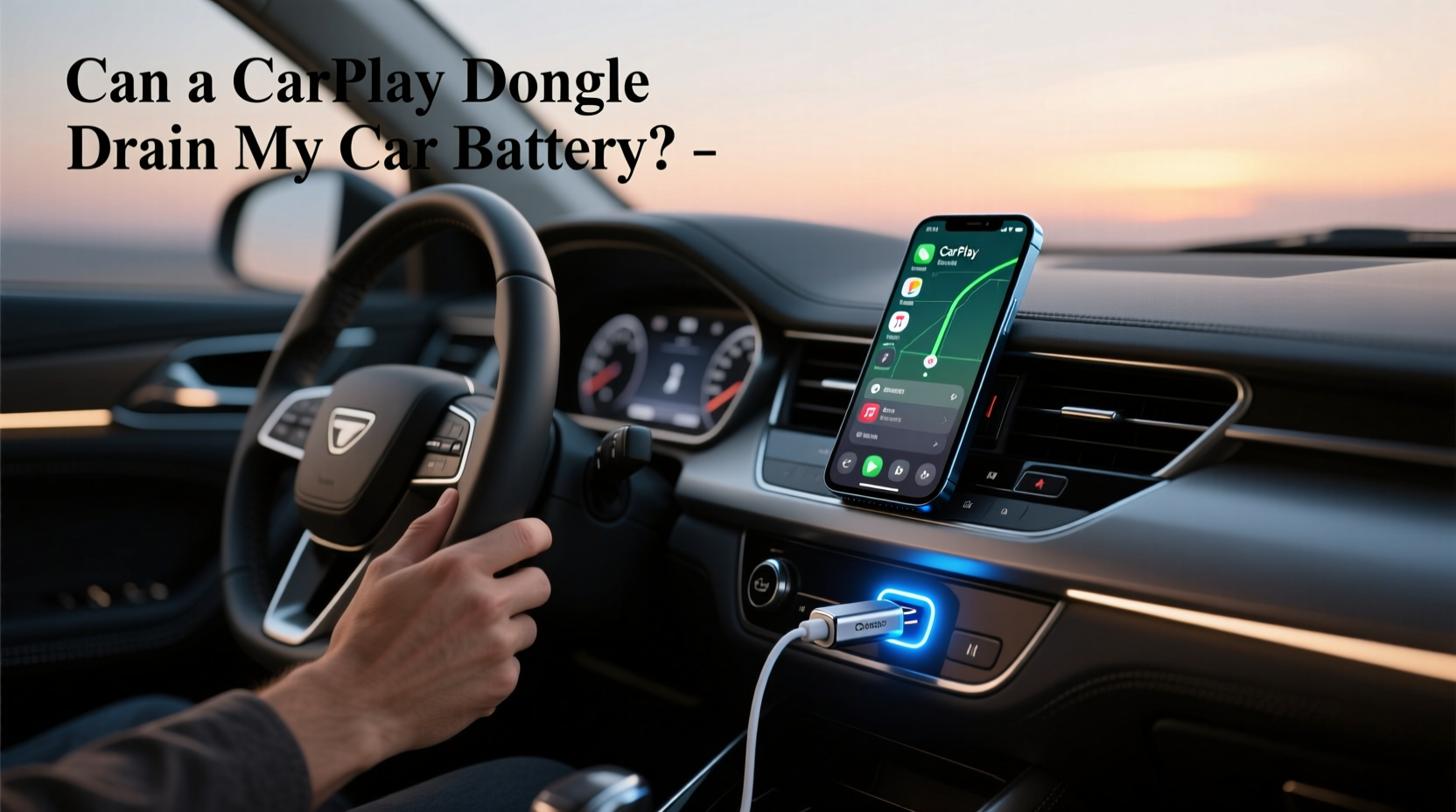
Short Introduction: What to Look for in a CarPlay USB Dongle and Battery Safety
When considering how to choose a CarPlay USB dongle, one of the most pressing concerns is whether it can drain your car battery. The short answer: a CarPlay dongle will not drain your car’s battery when the engine is running. However, if the device remains powered after the engine is turned off—either through a constantly live cigarette lighter socket or improper hardwiring—it can cause battery drain over time 1. This buying guide covers what to look for in a carplay usb dongle, including power management, wired vs. wireless options, and installation best practices to avoid unexpected battery issues.
For users seeking convenience without compromising vehicle reliability, understanding the power dynamics of these devices is critical. Key decision factors include how the dongle is powered (socket vs. hardwired), whether it connects via ACC or constant circuit, and the impact of wireless connectivity on both phone and car systems. Avoid models that draw power continuously unless paired with an auto-shutdown mechanism.
About CarPlay USB Dongles and Battery Drain Risk
A CarPlay USB dongle is a small adapter that enables Apple CarPlay functionality in vehicles that lack native support. These devices plug into a car’s USB port or OBD-II interface and allow seamless integration of an iPhone with the factory infotainment system. While highly convenient, many buyers ask: Can a CarPlay dongle drain my car battery? The risk exists—not from the dongle itself under normal operation, but from how it's installed and powered 2.
Most dongles consume minimal power—typically less than 5 watts. In context, this is far less than headlights or HVAC systems. The real issue arises when power continues to be drawn after the ignition is off. For example, some cars keep the 12V socket energized for up to 10–30 minutes post-shutdown, which may be enough to deplete the battery if the dongle stays active longer.
Why CarPlay Dongles Are Gaining Popularity
🚗 Increasing demand for smartphone integration has driven adoption of aftermarket solutions like CarPlay dongles. Many older or base-model vehicles lack built-in CarPlay, prompting owners to upgrade affordably. Users value features like voice-controlled navigation, hands-free calling, and music streaming—all accessible through familiar iOS interfaces.
Additionally, wireless CarPlay adapters eliminate cable clutter, enhancing driver experience. As automakers phase out physical buttons in favor of touchscreens, intuitive phone mirroring becomes essential. This trend explains growing interest in how to choose a CarPlay USB dongle that balances performance, safety, and ease of use.
Types and Variants of CarPlay Dongles
Different dongle types cater to various needs and vehicle setups. Understanding their differences helps assess potential battery risks.
⚡ Wired CarPlay Dongles
These require a physical Lightning-to-USB connection between the iPhone and the dongle. They are typically more stable and efficient.
- Pros: Stable connection, lower latency, allows iPhone charging
- Cons: Requires cable management, less convenient for frequent entry/exit
🌐 Wireless CarPlay Dongles
Enable CarPlay over Wi-Fi and Bluetooth without cables. Popular for modern usability.
- Pros: Cord-free experience, automatic pairing
- Cons: Higher phone battery consumption, occasional lag or disconnection 3
🔧 Hardwired vs. Plug-and-Play Models
Some dongles connect directly to the car’s fuse box (hardwired), while others use the 12V socket (plug-and-play).
- Plug-and-Play: Easy installation, removable, ideal for rentals
- Hardwired: Cleaner look, permanent setup, but requires proper circuit selection to avoid battery drain
❗ Key Insight: A hardwired dongle connected to a constant power line (like BAT+) will draw current even when the car is off—posing a real risk of battery depletion.
Key Features and Specifications to Evaluate
When evaluating what to look for in a CarPlay USB dongle, consider the following technical and functional aspects:
- Power Source Type: Does it run off the accessory (ACC) circuit or constant (BAT) power? ACC-only ensures shutdown with ignition.
- Auto-Sleep Functionality: Some advanced models enter low-power mode after inactivity.
- Compatibility: Verify match with your car’s infotainment system (e.g., Toyota Entune, Honda Display Audio).
- Firmware Updates: Regular updates improve stability and fix bugs.
- Connection Protocol: Dual-band Wi-Fi (2.4GHz + 5GHz) reduces interference in wireless models.
- Latency & Responsiveness: Measured in milliseconds; lower is better for smooth interaction.
🔋 Always check if the model includes power-saving modes or auto-off timers—especially important for preventing overnight drain.
Pros and Cons of Using a CarPlay Dongle
✅ Advantages
- Enables CarPlay in non-equipped vehicles
- No need for expensive head unit replacement
- Wireless versions offer seamless daily use
- Supports Siri, Maps, Messages, and third-party apps
❌ Disadvantages
- Potential battery drain if improperly installed
- Wireless models increase iPhone battery usage
- May cause overheating in enclosed dash spaces
- Occasional firmware glitches requiring reset
Best suited for: Drivers who want modern infotainment without replacing factory radios.
Not recommended for: Those unwilling to modify wiring or monitor battery health regularly.
How to Choose a CarPlay USB Dongle (Buying Guide)
Follow this step-by-step checklist to make an informed decision and avoid common pitfalls.
📋 Step 1: Determine Your Use Case
- Do you take long trips? → Prioritize wired or charging-capable models.
- Want cord-free access? → Consider wireless, but expect higher phone battery use.
📍 Step 2: Assess Vehicle Power Behavior
Test your 12V socket: Plug in a device, turn off the car, and see if power cuts immediately or lingers. If it stays on, unplugging manually is necessary.
🔧 Step 3: Decide Installation Method
- Plug-and-Play: Suitable for temporary use; unplug after driving.
- Hardwired: Must connect to ACC circuit only—not constant power—to prevent drain.
⚙️ Step 4: Check Dongle Power Management
Look for:
• Auto-sleep after 5–10 minutes of inactivity
• Low standby power (<0.1A)
• Overheat protection
❗ Red Flags to Avoid
- Dongles marketed as “always-on” without sleep mode
- No clear documentation on power draw
- Forced hardwiring to constant 12V line
- Lack of firmware update support
Always verify specifications with the manufacturer before purchase.
Price & Market Insights
💰 CarPlay dongles range widely in price:
- $20–$40: Basic plug-and-play models (e.g., simple wireless adapters)
- $50–$80: Mid-tier with better stability, firmware updates, and improved Wi-Fi chips
- $90+: High-end units with hardwire kits, enhanced cooling, and premium support
Value isn’t always tied to cost. Some affordable models perform reliably, while pricier ones may offer unnecessary features. Focus on verified user feedback and circuit design rather than brand名气. Prices may vary by region and retailer availability.
Top-Seller & Competitive Analysis
Below is a comparison of popular CarPlay dongles based on key decision criteria:
| Model | Connection Type | Power Source | Auto-Shutdown | Avg. Price |
|---|---|---|---|---|
| Carlinkit 3.0 | Wireless | 12V Socket / ACC Hardwire | Yes (configurable) | $65 |
| Ottocast UA1 | Wireless | 12V Socket | Yes (default 5 min) | $70 |
| Autokit F-Series | Wired/Wireless | ACC Hardwire | Yes | $85 |
| Basic Generic Adapter | Wireless | 12V Socket | No | $25 |
Note: Auto-shutdown capability significantly reduces long-term battery risk. Higher-priced models often include better thermal management and customer support.
Customer Feedback Synthesis
Analyzing real-world reports reveals consistent patterns:
👍 Frequent Praises
- “Seamless auto-connect with Carlinkit after startup”
- “Transformed my old Honda into a smart cockpit”
- “Firmware updates fixed early lag issues”
👎 Common Complaints
- “Drained my battery overnight because the socket stayed live”
- “iPhone battery drops fast during commutes with wireless mode”
- “Device overheated after 2 hours in direct sun”
User experiences confirm that installation method and environmental factors heavily influence satisfaction and safety.
Sourcing & Supplier Tips
🛒 When purchasing:
- Buy from reputable sellers with return policies (Amazon, authorized distributors)
- Avoid no-name brands lacking firmware update logs
- For bulk purchases (e.g., fleet upgrades), request sample testing
- Verify compatibility using VIN or model-year lookup tools provided by suppliers
- Inspect packaging for CE/FCC marks as basic indicators of regulatory compliance
📦 For resale or integration services, ensure clear documentation on power requirements and installation diagrams.
Maintenance, Safety & Legal Considerations
🛠️ To maintain safe operation:
- Inspect connections monthly for corrosion or looseness
- Ensure ventilation around the dongle to prevent overheating
- Update firmware as released to patch security or performance flaws
- Never leave the dongle plugged in during extended storage (weeks/months)
⚠️ Safety note: Poorly insulated wires or overloaded circuits can pose fire risks. Use inline fuses when hardwiring.
🚦 Legally, modifying vehicle electronics may affect warranty or insurance in some regions. Consult local regulations or dealer policies before permanent installations.
Conclusion
If you're asking how to choose a CarPlay USB dongle while minimizing battery risk, focus on power behavior and installation method. If your priority is simplicity and occasional use, a plug-and-play model that you unplug after driving is safest. If you want a permanent setup, ensure the dongle is hardwired only to the ACC circuit—not constant power—and has auto-sleep functionality. Wireless models offer convenience but increase phone battery usage; wired connections are more efficient for long drives.
Ultimately, the right choice depends on your vehicle’s electrical design, usage habits, and tolerance for maintenance. By prioritizing intelligent power management and verified compatibility, you can enjoy CarPlay benefits without risking battery failure.
Frequently Asked Questions
- Can a CarPlay dongle drain my car battery?
Yes, but only if it draws power when the engine is off—such as when connected to a live socket or constant circuit. When the engine runs, the alternator powers the system without affecting the battery. - Should I hardwire my CarPlay dongle?
Only if done correctly. Connect it to the ACC circuit so it turns off with the ignition. Avoid connecting to constant power lines unless the device has reliable auto-shutdown. - Does wireless CarPlay use more power than wired?
It uses more power on your phone due to continuous Wi-Fi and Bluetooth use. Car battery consumption remains minimal when the engine is running. - How can I tell if my 12V socket stays powered after turning off the car?
Plug in a device with a visible LED. If the light stays on after shutdown, the socket is still drawing power from the battery. - What should I do if my car battery keeps dying after installing a dongle?
Check if the dongle is on a constant power source. Switch to ACC circuit or use a timer-based relay. Also, disconnect it temporarily to test if battery drain stops.




 浙公网安备
33010002000092号
 浙B2-20120091-4