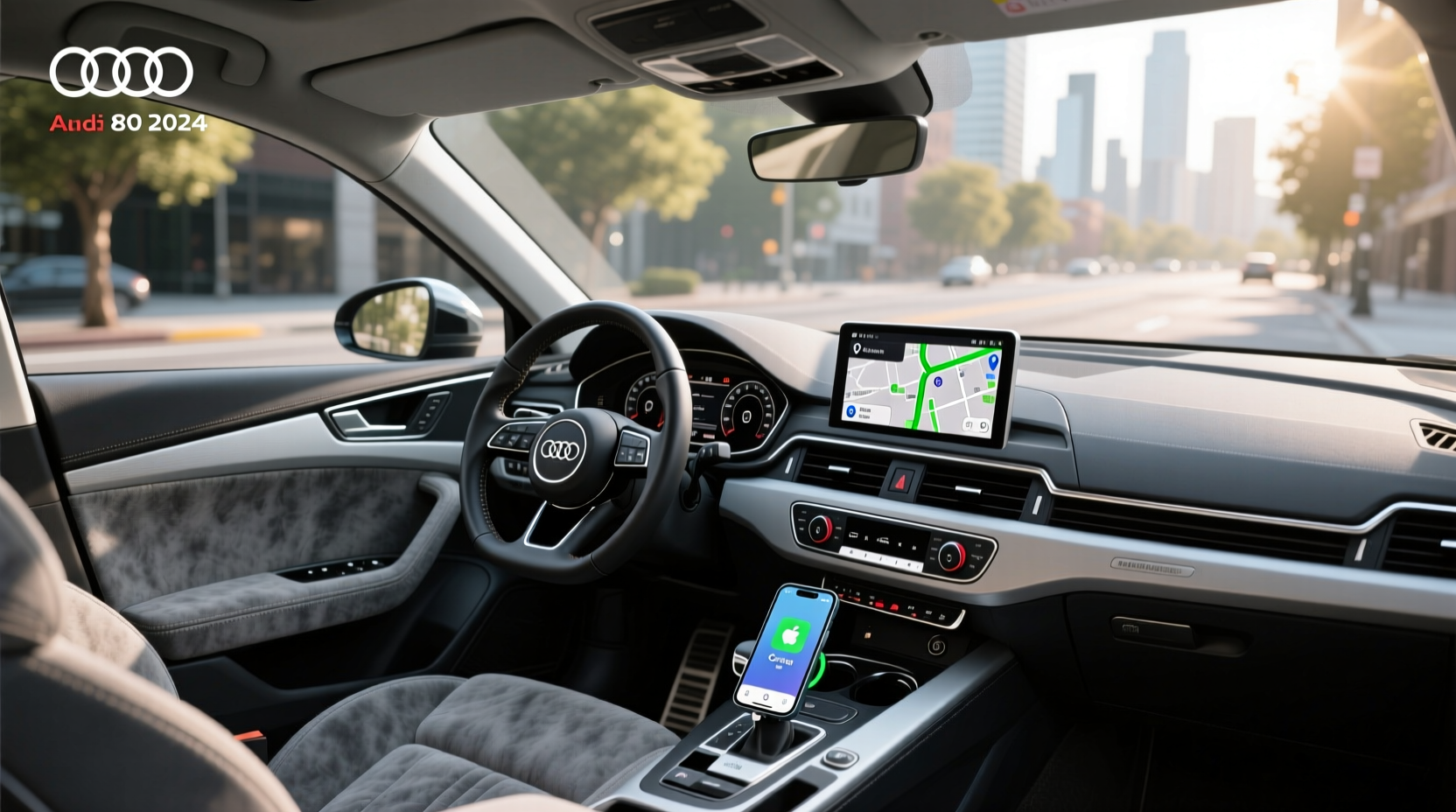
If you own an Audi A3 8V (2012–2020) and want Apple CarPlay, here’s the key fact: factory CarPlay is not available. However, you can add it through aftermarket retrofit kits. When deciding how to choose CarPlay for Audi A3 8V, consider whether you have the RMC or MIB infotainment system—this determines compatibility. For most owners, integration boxes like the ATD SPI-77101 or UNAVI ZSTAWAU13C offer seamless wired or wireless CarPlay without replacing the factory screen ✅. Alternatively, full head unit replacements such as the PBA R1213 provide modern features but may affect resale value ⚠️. Always verify compatibility with your exact model year and trim before purchasing.
About CarPlay in the Audi A3 8V
The Audi A3 8V platform, produced from 2012 to 2020, predates standard factory integration of Apple CarPlay. While newer Audis include CarPlay from 2017 onward, the 8V generation requires aftermarket solutions 1. This means that if you’re asking “Does the Audi A3 support CarPlay?”, the answer depends on modifications—not original equipment.
Apple CarPlay allows iPhone users to access navigation, calls, messages, and music via the car’s display using Siri voice commands or touchscreen input. In the A3 8V, enabling CarPlay enhances daily usability, especially for those relying on apps like Google Maps, WhatsApp, or Spotify.
Why Adding CarPlay Is Gaining Popularity
Owners of older luxury vehicles like the A3 8V increasingly seek modern connectivity. Smartphones have become central to navigation and communication, making outdated infotainment systems feel limiting. Retrofitting CarPlay addresses this gap without requiring a new vehicle purchase.
Key motivations include:
- 📍 Real-time traffic and superior navigation via Google Maps or Waze
- 📞 Safer hands-free calling and messaging
- 🎵 Seamless access to streaming services
- 📱 Reduced distraction by mirroring familiar phone interfaces
This trend reflects broader consumer expectations: even pre-2020 cars should support current tech standards.
Types and Variants of CarPlay Solutions
Two primary methods exist for adding CarPlay to the Audi A3 8V: integration boxes and full head unit replacements. Each has distinct advantages and trade-offs.
🔧 Integration Boxes (Plug-and-Play Adapters)
These devices connect between your existing infotainment system and factory screen, enabling CarPlay functionality while preserving OEM aesthetics and controls.
Popular Models:
- ATD SPI-77101
- UNAVI ZSTAWAU13C
- Carlinkit 3.0
Pros:
- Retains factory screen and MMI knob ✅
- Minimal wiring changes
- Supports both wired and wireless CarPlay (model-dependent)
- Reversible installation
Cons:
- Limited performance compared to modern units
- May require firmware updates
- Compatibility varies by MIB version
🛒 Aftermarket Head Units
Replace the entire factory radio with a third-party Android-based unit featuring built-in CarPlay support.
Common Options:
- PBA R1213
- ATD AUDI9
- Various double-DIN units with frame adapters
Pros:
- Faster processors and responsive touchscreens ✅
- Often include Android Auto alongside CarPlay
- Expandable with Wi-Fi, Bluetooth 5.0, and GPS
Cons:
- Loss of OEM design consistency
- Potential issues with CAN bus integration (climate control, trip computer)
- Lower resale value due to non-factory hardware
- Complex installation requiring harness modification
Key Features and Specifications to Evaluate
When exploring how to choose CarPlay for Audi A3 8V, assess these technical and functional criteria:
- Infotainment System Type: Confirm whether your car uses RMC, MIB, or MIB2. Only MIB-equipped models reliably support integration boxes 2.
- Wired vs Wireless CarPlay: Wireless offers convenience but may lag slightly. Wired ensures stable connection.
- Processor Speed & RAM: For smooth performance, aim for at least 1.8 GHz CPU and 2GB RAM in head units.
- Screen Resolution: Factory screen is 640x480; upgraded units can offer HD (1280x720).
- Audio Integration: Ensure the solution preserves amplifier and speaker settings.
- Firmware Update Support: Regular updates fix bugs and improve compatibility.
- Reverse Camera Input: Verify backup camera continues working post-installation.
Pros and Cons Summary
Understanding the balance helps determine what to look for in CarPlay for Audi A3 8V.
✅ Advantages
- Modern smartphone integration in a capable compact sedan
- Improved safety through voice control and larger interface
- Increased convenience for daily commuting and long drives
- Cost-effective upgrade vs buying a new car
⚠️ Limitations
- No official Audi warranty coverage after modification
- Risk of software glitches or boot loops
- Some functions (like DAB+ radio or HVAC display) may be affected
- Not all kits support every iPhone iOS version
How to Choose CarPlay for Audi A3 8V: Step-by-Step Guide
Follow this checklist to make an informed decision:
- Identify Your Infotainment Unit: Check if you have RMC or MIB. Access settings menu or consult VIN decoder tools online.
- Determine Your Budget: Integration boxes range $150–$300; full head units cost $300–$600 plus labor.
- Decide on Interface Preference: Prefer keeping the MMI knob? Choose an integration box. Want full touchscreen? Go for a head unit.
- Check Compatibility Lists: Visit manufacturer sites (e.g., ATD, UNAVI) and confirm match with your model year and region.
- Select Wired or Wireless: Wireless adds convenience but may drain battery faster.
- Plan Installation: Professional install recommended to avoid damaging connectors or losing functionality.
- Buying generic “universal” kits not designed for Audi 8V
- Skipping verification of MIB/RMC type
- Choosing unbranded units with no firmware update path
- Attempting DIY install without proper tools or experience
Price & Market Insights
Pricing varies based on type, brand, and region:
- Integration Boxes: $150–$300. Brands like ATD and UNAVI dominate the reliable segment.
- Aftermarket Head Units: $300–$600. Premium options include built-in navigation and advanced DSP audio.
- Installation Labor: $100–$250 depending on complexity and location.
Value-wise, integration boxes offer better ROI for most users seeking minimal change with maximum functionality. Full replacements suit tech enthusiasts wanting full customization.
Note: Prices may vary significantly by country due to import taxes and availability.
Top-Seller & Competitive Analysis
Below is a comparison of leading retrofit solutions compatible with the Audi A3 8V:
| Product | Type | CarPlay Mode | OEM Screen Retained | Approx. Price |
|---|---|---|---|---|
| ATD SPI-77101 | Integration Box | Wireless | Yes ✅ | $270 |
| UNAVI ZSTAWAU13C | Integration Box | Wired + Wireless | Yes ✅ | $299 |
| PBA R1213 | Head Unit | Wired + Wireless | No ❌ | $450 |
| Carlinkit 3.0 | Integration Box | Wireless | Yes ✅ | $180 |
All listed products support iPhone mirroring and retain core vehicle functions when installed correctly. UNAVI and ATD lead in reliability and customer support.
Customer Feedback Synthesis
Based on user reviews across forums and retailers:
👍 Common Praises
- “Seamless integration with factory screen and MMI controller”
- “Wireless CarPlay works reliably after initial setup”
- “Huge improvement over stock navigation”
- “Professional install took under two hours”
👎 Frequent Complaints
- “Had to return first unit—defective Bluetooth module”
- “Backup camera feed disappeared until re-paired”
- “Firmware update required to fix iOS 16+ pairing issue”
- “Cheaper clones lack ongoing software support”
Reliability correlates strongly with brand reputation and professional installation.
Sourcing & Supplier Tips
When sourcing a CarPlay retrofit kit:
- Buy from authorized dealers or well-reviewed suppliers on platforms like Amazon or specialized automotive electronics stores.
- Look for sellers offering firmware update assistance.
- Verify return policies—some electronic items are final sale.
- For bulk purchases (e.g., install shops), contact distributors directly for volume pricing.
- Inspect packaging upon delivery; test functionality immediately.
Avoid counterfeit or rebranded units lacking model-specific calibration.
Maintenance, Safety & Legal Considerations
Once installed:
- Keep firmware updated to maintain compatibility with new iOS versions.
- Do not interact with CarPlay while driving—use voice commands instead.
- Ensure any modification does not disable critical driver alerts (e.g., blind-spot monitoring).
- Modifications may void certain aspects of manufacturer warranty—check with dealer if under coverage.
- Comply with local laws regarding screen visibility and mobile device use while driving.
Always consult a qualified technician if errors occur post-installation.
Conclusion
If you're wondering “Does the Audi A3 support CarPlay?”—the answer is yes, but only via retrofit. For most owners, an integration box like the ATD SPI-77101 or UNAVI ZSTAWAU13C provides the best balance of functionality and OEM preservation. If you prioritize cutting-edge performance and don’t mind changing the interior look, a full head unit replacement could be ideal. Always confirm compatibility with your specific infotainment system (RMC vs MIB), opt for professional installation, and choose reputable brands with active firmware support. By understanding what to look for in CarPlay for Audi A3 8V, you can make a confident, future-proof upgrade.
Frequently Asked Questions
- Can I install CarPlay myself on my Audi A3 8V?
- Yes, experienced DIYers can install integration boxes with proper tools, but professional installation is recommended to avoid damaging sensitive connectors or losing functionality.
- Will adding CarPlay void my Audi’s warranty?
- It may affect coverage for related electrical components. If your car is still under factory warranty, consult your dealer before modifying the infotainment system.
- Do I need to replace my factory screen to get CarPlay?
- No. Integration boxes allow you to keep the original screen and MMI controls while adding CarPlay functionality.
- Are wireless CarPlay kits reliable in the A3 8V?
- Yes, when using trusted brands like ATD or UNAVI. Initial pairing may take time, and periodic reconnecting might occur, but overall performance is stable.
- How do I know if my A3 8V has MIB or RMC?
- Check the infotainment menu: MIB systems have faster response, better graphics, and often include SD card navigation. You can also enter your VIN into online decoders to confirm.




 浙公网安备
33010002000092号
 浙B2-20120091-4