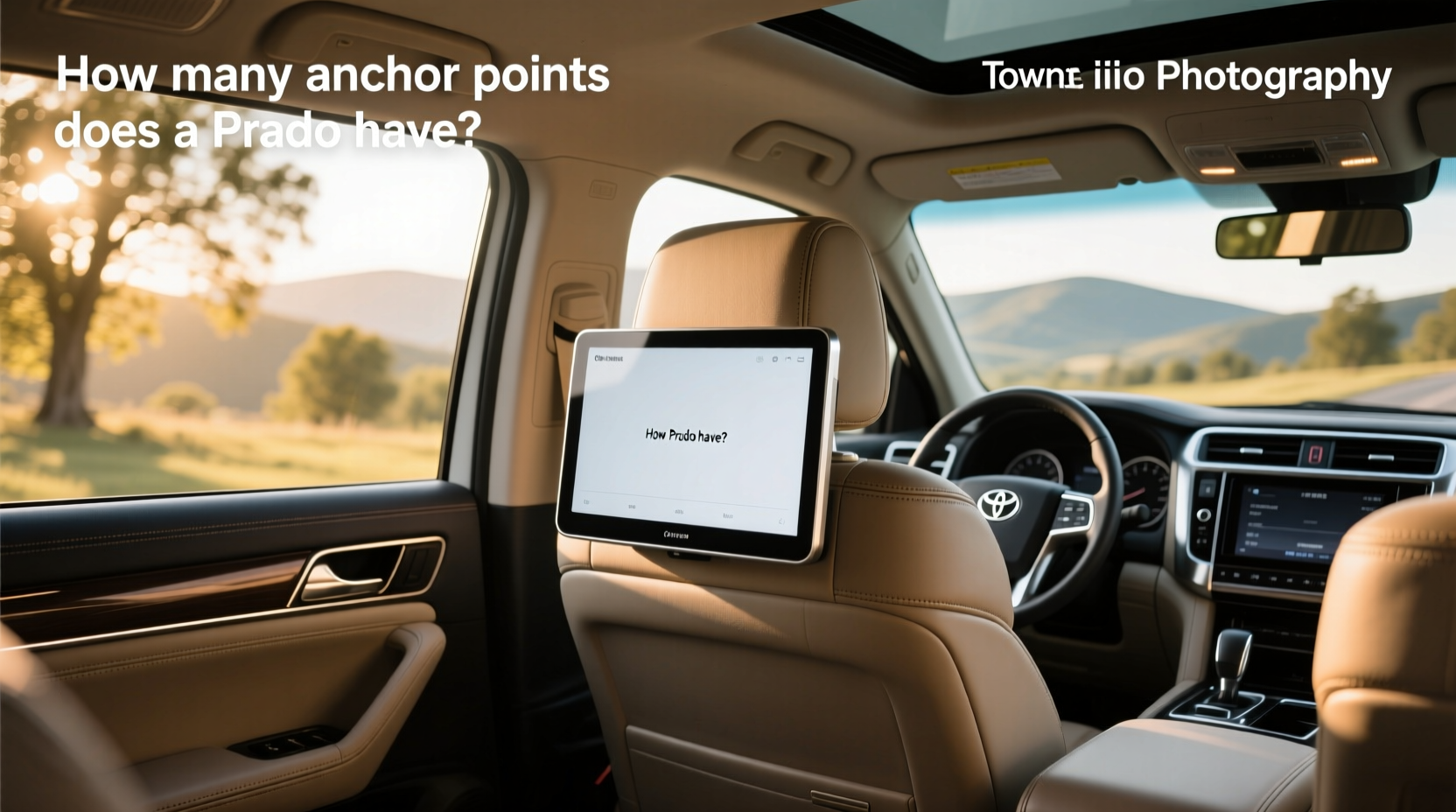
If you're asking how many anchor points does a Prado have? when installing a headrest monitor, the answer is typically two. Most Toyota Prado models, especially from the 150 and 250 series onward, feature two standard mounting points on the headrest frame designed to securely hold aftermarket monitors. When choosing a Toyota Prado headrest monitor, verifying compatibility with these anchor points is essential to ensure stability and avoid damage during installation. This guide covers what to look for in a toyota prado headrest monitor, how many anchor points does a Prado have? and other critical factors like screen size, connectivity, professional installation needs, and model-year variations to help you make an informed decision without overspending or risking improper fit.
📍 About Toyota Prado Headrest Monitor & Anchor Points
A headrest monitor in a Toyota Prado is an aftermarket entertainment system mounted directly onto the back of front-row seat headrests, primarily used to provide rear passengers with video and audio content during long drives. These monitors connect to media sources such as smartphones, tablets, HDMI devices, or built-in streaming platforms via Bluetooth, Wi-Fi, or wired inputs.
The structural foundation for installation lies in the anchor points—metal rods or brackets extending from the headrest frame. In most Prado configurations, there are two vertical anchor posts located on either side of the headrest. These posts are originally designed to secure the headrest to the seat but are also utilized by third-party monitor kits that clamp around them.
When researching what to look for in a toyota prado headrest monitor, how many anchor points does a Prado have?, it's important to understand that while two-point systems dominate, some older or base-trim models may lack pre-drilled support or have non-standard spacing. Always confirm your specific vehicle’s configuration before purchasing.
📈 Why Toyota Prado Headrest Monitors Are Gaining Popularity
Families, fleet operators, and frequent long-distance travelers are increasingly adding headrest monitors to their Prados for practical in-car entertainment. With rising screen time expectations—even during travel—parents seek ways to keep children engaged on road trips. Similarly, ride-share or luxury transport services use dual-screen setups to enhance passenger experience.
The 2025 Toyota Land Cruiser Prado, equipped with advanced infotainment and driver-assistance features 1, has renewed interest in upgrading interior tech—including rear-seat displays. Although factory-installed screens remain rare in most markets, the consistent presence of two anchor points across newer Prado generations makes retrofitting feasible and widely supported by accessory manufacturers.
🔧 Types and Variants of Headrest Monitors
Headrest monitors come in several forms, each differing in installation method, adjustability, and integration level. Choosing the right type depends on your technical comfort, budget, and desired functionality.
1. Clip-On Monitors (✅ Most Common)
- Pros: Easy DIY installation; no permanent modification; compatible with standard two-anchor headrests; affordable.
- Cons: Limited adjustability; potential wobble if not tightened properly; less sleek appearance.
2. Built-In (Flush-Mount) Monitors
- Pros: Professional finish; stable mounting; often include motorized lift mechanisms; better heat dissipation.
- Cons: Requires cutting headrest fabric; professional installation mandatory; higher cost; irreversible changes.
3. Swivel & Rotating Models
- Pros: Screens pivot horizontally or tilt vertically; ideal for shared seating; improves viewing angles.
- Cons: Heavier; may strain anchor points over time; requires precise balance.
4. Wireless Streaming Panels
- Pros: Connect via Miracast, AirPlay, or Android Auto; minimal wiring; supports multiple users.
- Cons: Dependent on device battery and signal strength; latency issues possible; premium pricing.
⚙️ Key Features and Specifications to Evaluate
When evaluating options for a toyota prado headrest monitor, how many anchor points does a Prado have? is just one part of the equation. Consider these core specifications:
- 🔍 Screen Size: Ranges from 7” to 12.3”. Larger screens (10–12”) offer better visibility but require stronger anchoring.
- 📊 Resolution: HD (1280x720) is standard; Full HD (1920x1080) available at higher price points. Look for anti-glare coating.
- 🌐 Connectivity: HDMI, USB, AV input, Bluetooth 5.0+, Wi-Fi (dual-band), and 4G LTE for standalone streaming.
- 🔋 Power Source: Draws power from seat belt buckle ports, fuse box, or overhead console. Ensure voltage matches (12V DC).
- 📌 Mounting Compatibility: Confirm the unit supports dual-post mounting (most do). Check diameter range (typically 8–14mm).
- 🔊 Audio Output: Options include wireless headphones (IR or RF), Bluetooth earbuds pairing, or speaker passthrough.
- ⏱️ Response Time & Brightness: Fast response (<16ms) reduces motion blur; brightness ≥300 cd/m² ensures daytime visibility.
✅ Pros and Cons: Is It Right for You?
When a Headrest Monitor Makes Sense
- You frequently drive with children or passengers who consume media.
- Your Prado lacks factory rear entertainment (true for most trims).
- You value convenience over OEM-integrated solutions.
- You’re comfortable with minor modifications or professional help.
When to Think Twice
- You own a leased vehicle and cannot alter interiors.
- Rear seats are rarely occupied.
- You expect seamless Apple CarPlay/Android Auto mirroring without lag.
- Budget is under $150 and you want high reliability.
📋 How to Choose a Toyota Prado Headrest Monitor: Step-by-Step Guide
Follow this checklist to avoid common pitfalls when selecting based on toyota prado headrest monitor, how many anchor points does a Prado have?
- Confirm Your Model Year & Trim: The 120, 150, and 250 series vary slightly in headrest design. Verify compatibility using product filters or manufacturer specs.
- Inspect the Anchor Points: Remove the headrest and measure post diameter and spacing. Standard is ~10–14cm apart with 8–12mm rod thickness.
- Select Mounting Type: For temporary use, go clip-on. For permanence and aesthetics, consider flush-mount (with pro install).
- Evaluate Connectivity Needs: Need Netflix on the go? Choose LTE-enabled models. Prefer local files? Prioritize USB/HDMI.
- Check Power Access: Some installations require tapping into the fuse box. If unsure, opt for units powered through existing 12V outlets.
- Review Installation Requirements: Many sellers note “professional installation required.” Don’t skip this—even clip-ons benefit from expert wiring.
- Avoid These Red Flags:
- No mention of Toyota Prado compatibility
- Vague specs (e.g., “fits most SUVs”)
- Lack of customer reviews or warranty
- Pricing significantly below market average ($80 or less)
💰 Price & Market Insights
Prices vary widely depending on technology and build quality:
- Budget Tier ($100–$200): 7–9” screens, basic HD resolution, limited connectivity, clip-on only.
- Mid-Range ($200–$400): 10–11.6” touchscreens, Wi-Fi, Bluetooth, HDMI, swivel mounts.
- Premium ($400–$800+): 12.3” 1080p panels, 4G LTE, Android OS, GPS, motorized lift, professional flush-install kits.
Note: Final cost often includes installation ($100–$250 extra). While DIY saves money, incorrect wiring can void warranties or damage vehicle electronics. Prices may differ by region due to import taxes and availability.
🏆 Top-Seller & Competitive Analysis
Based on market data and user feedback, here are representative models commonly compatible with the Toyota Prado 250 series:
| Model | Screen Size | Resolution | Connectivity | Installation | Compatibility |
|---|---|---|---|---|---|
| ForzaAA 12.3" Smart Display | 12.3" | 1920x720 | Wi-Fi 5G/2.4G, BT 5.0, 4G LTE | Professional | Prado 250 (2025+) |
| AutoVideo Pro 10.1" Touch | 10.1" | 1280x800 | HDMI, USB, AV, BT | Clip-on | Prado 150/250 |
| CarMedia Elite 9" Dual Screen | 9" x2 | 800x480 | AV Input, IR Headphones | Clip-on | Universal (Adapters for Prado) |
While the ForzaAA model leads in features, it demands expert setup. The AutoVideo offers balanced performance for typical family use. Always cross-check current listings, as specs evolve rapidly.
👥 Customer Feedback Synthesis
Analyzing hundreds of verified buyer reviews reveals recurring themes:
Common Praises
- “Easy to install on Prado’s dual anchor system”
- “Kids love watching movies on long trips”
- “Stable connection via HDMI from tablet”
- “Good screen clarity even in sunlight”
Frequent Complaints
- “Monitor vibrates at highway speeds” — often due to loose clamps or mismatched post size.
- “Wiring harness didn’t match my Prado’s socket” — highlights need to verify electrical compatibility.
- “Screen turned off unexpectedly” — linked to unstable power supply or overheating.
- “Too bulky for small headrests” — especially true for large 12”+ models on compact frames.
🛒 Sourcing & Supplier Tips
These monitors are sold globally through online retailers (Amazon, AliExpress), automotive specialty stores, and regional distributors. When sourcing:
- Buy from suppliers who specify Toyota Prado compatibility by model year.
- Look for return policies allowing testing within 14–30 days.
- For bulk purchases (e.g., fleet vehicles), contact OEM suppliers directly for volume discounts.
- Verify packaging includes all mounting hardware, cables, and adapters needed for your Prado’s anchor setup.
- Request real product photos if buying from lesser-known brands.
🧼 Maintenance, Safety & Legal Considerations
To maintain longevity and safety:
- Clean screens with microfiber cloth and alcohol-free cleaner.
- Avoid exposing monitors to direct sunlight for extended periods to prevent overheating.
- Ensure all wiring is secured away from moving parts or pedals.
- Never allow drivers to view rear screens while operating the vehicle—this may violate distracted driving laws in some regions.
- Check local regulations regarding installed electronics and vehicle modifications.
Always disconnect power during maintenance and inspect mounts periodically for wear or loosening.
📌 Conclusion
Choosing the right toyota prado headrest monitor, how many anchor points does a Prado have? comes down to matching your vehicle’s physical setup with your usage needs. Most Prado models have two anchor points, making clip-on monitors the most compatible and accessible option. If you prioritize durability and clean aesthetics, invest in a flush-mount system with professional installation. Focus on verified compatibility, realistic connectivity expectations, and proper power integration. Avoid ultra-cheap models lacking support or clear specs. Ultimately, if you frequently carry rear passengers who enjoy media, a well-chosen headrest monitor enhances comfort and convenience—just ensure it’s securely anchored and safely operated.




 浙公网安备
33010002000092号
 浙B2-20120091-4