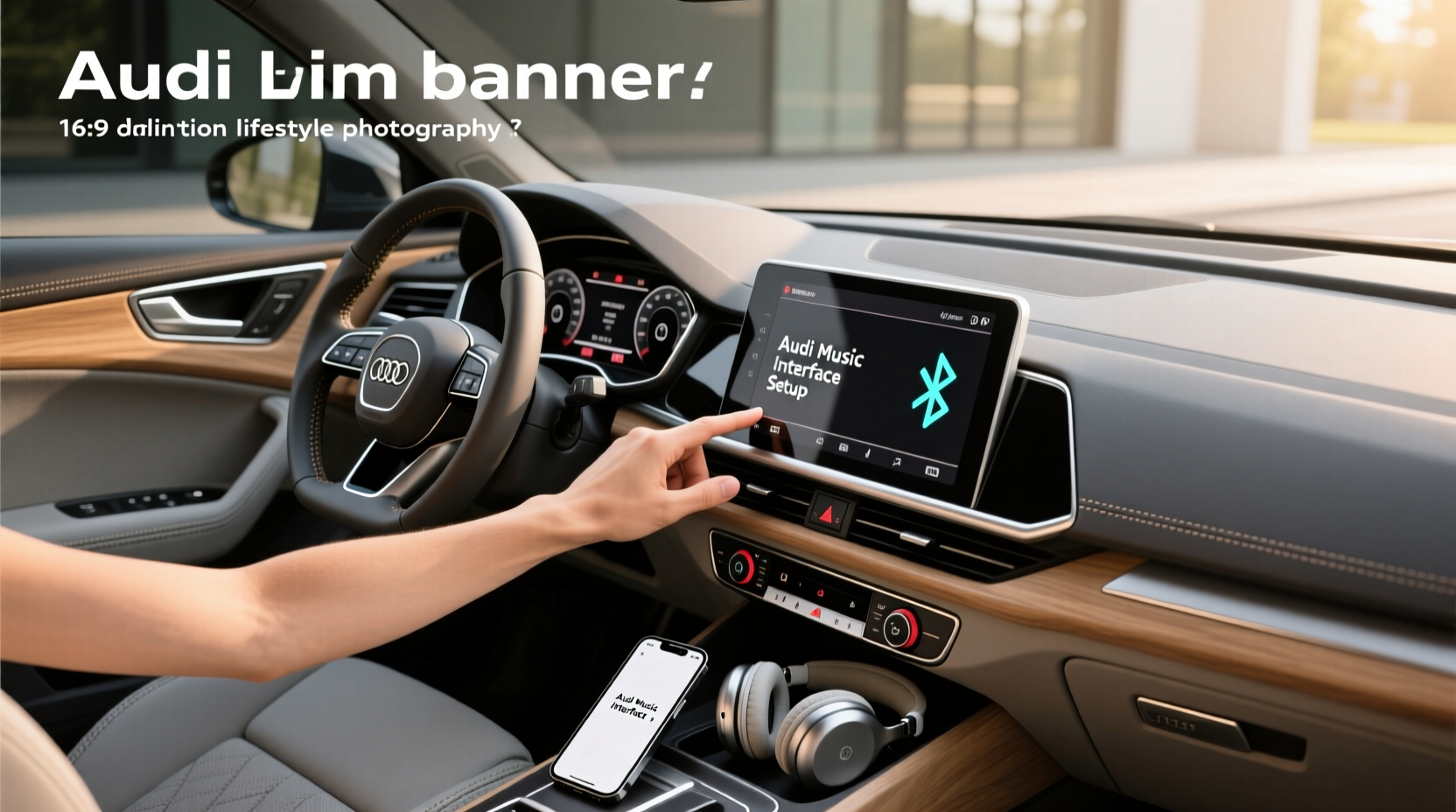
If you own an Audi A3 from 2006 to 2011 and want to stream music from your smartphone through the factory audio system, choosing the right Audi Music Interface (AMI) adapter is essential. The most effective solution involves a Bluetooth-enabled 30-pin AMI adapter that plugs directly into your car’s proprietary connector—typically found under the center console or near the glove box. When evaluating options like how to choose audi music interface a3,How to connect to Audi Music Interface?, prioritize verified compatibility with your specific model year and MMI version (especially avoiding 2006–2009 MMI 2G systems). Look for features such as auto-reconnect, steering wheel control support, and broad app compatibility including Spotify and Apple Music.
📍 About audi music interface a3,How to connect to Audi Music Interface?
The Audi Music Interface (AMI) is a 30-pin connector developed by Audi to integrate portable audio devices—originally iPods—into the vehicle's infotainment system. Found primarily in Audi A3 models between 2006 and 2011, this interface allows users to control playback using the car’s native dashboard display and steering wheel buttons. However, since modern smartphones no longer support direct cable-based syncing like older iPods, third-party adapters have become necessary to bridge Bluetooth audio sources with the legacy AMI port.
Connecting via the AMI means you’re not relying on auxiliary cables or FM transmitters, which often suffer from poor sound quality or interference. Instead, a compatible adapter enables seamless digital integration, preserving the clean aesthetics of your cabin while restoring functionality to outdated OEM hardware. This setup is ideal for owners who value original equipment integration over aftermarket head units.
📈 Why audi music interface a3,How to connect to Audi Music Interface? is gaining popularity
As more drivers seek to preserve the factory look of their vehicles while upgrading connectivity, solutions like the AMI adapter are seeing renewed interest. Retrofitting a new stereo can be costly and may reduce resale value, especially in well-maintained Audis where OEM components remain desirable. Additionally, many users prefer intuitive steering wheel controls over touchscreen reliance while driving—a safety and convenience advantage offered only by properly integrated systems.
Another factor driving adoption is the growing availability of reliable third-party adapters designed specifically for legacy automotive interfaces. These products now offer stable Bluetooth pairing, support for streaming apps, and automatic reconnection upon engine start—all features expected in modern cars but absent in pre-2012 models. For classic Audi enthusiasts and daily commuters alike, enhancing usability without compromising authenticity has made the AMI upgrade a practical choice.
🔧 Types and variants
There are two primary types of AMI connectivity solutions available today:
1. Direct 30-Pin Bluetooth Adapters
These plug directly into the hidden 30-pin AMI port and convert Bluetooth signals into a format readable by the car’s MMI system. They typically require no permanent modifications and retain full use of factory controls.
- ✅ Pros: Full steering wheel control, auto-connect, compact design, supports multiple audio apps
- ❌ Cons: Model-specific compatibility issues; some do not work with MMI 2G systems
2. Auxiliary Input Kits (Non-Bluetooth)
Some kits simply add a physical AUX-IN jack wired into the AMI harness. Audio must still be played through a cable from your device.
- ✅ Pros: Lower cost, simple installation
- ❌ Cons: No wireless capability, no steering wheel control, requires constant cable connection
For most users seeking a modern experience, the first option—Bluetooth-enabled direct adapters—is strongly recommended due to its hands-free operation and superior integration.
✨ Key features and specifications to evaluate
When assessing different AMI adapters, consider these critical factors:
- ⚙️ Compatibility: Confirm it works with your exact Audi A3 model year and MMI generation. Some adapters fail on 2006–2009 MMI 2G systems.
- ⚡ Auto-Reconnect: Ensures your phone connects automatically when starting the engine.
- 📱 App Support: Check if popular platforms like Spotify, YouTube Music, Pandora, Apple Music, and Audible are supported.
- 🎛️ Steering Wheel Control: Playback commands (play/pause, skip tracks, volume) should function via factory buttons.
- 🌐 Bluetooth Version: Newer versions (4.0+) offer better stability and lower latency.
- 🔋 Power Source: Most draw power from the AMI port itself; ensure consistent performance even during ignition cycles.
📋 Pros and cons
| Aspect | Advantages | Limitations |
|---|---|---|
| Integration Level | Seamless with OEM controls and display | Limited to models with AMI port (approx. 2006–2011) |
| User Experience | Retains steering wheel controls; no visible wires | Setup may require troubleshooting depending on firmware |
| Audio Quality | Better than FM transmitters or analog AUX | Slight compression due to Bluetooth transmission |
| Installation | No dashboard modification needed | Requires locating and accessing AMI port (may involve removing trim) |
Best suited for: Audi A3 owners (2006–2011) wanting wireless audio with full control integration.
Not recommended for: Vehicles with MMI 2G system unless explicitly confirmed compatible.
🔍 How to choose audi music interface a3,How to connect to Audi Music Interface?
Follow this step-by-step checklist to make a confident purchase:
- Verify Your Vehicle Has the AMI Port: Open the armrest compartment or check near the glove box for a rectangular cover hiding a 30-pin connector. If missing, your car likely lacks AMI support.
- Determine Your MMI Generation: Research your infotainment system version. Avoid adapters incompatible with MMI 2G (common in 2006–2009 models).
- Select a Proven Adapter: Choose one known for reliability—such as those supporting auto-pairing and major music apps. Read recent user reviews focusing on long-term performance.
- Check Physical Connection Type: Most modern AMI Bluetooth adapters output via USB or mini-jack internally, but all connect externally via the 30-pin plug.
- Test After Installation: Once installed, pair your phone, play audio, and test steering wheel controls. Ensure volume adjusts correctly and calls route properly if supported.
Red flags to avoid:
- Products claiming universal compatibility without specifying model exclusions
- No mention of MMI version limitations
- Poor customer service response or lack of return policy
- Inability to maintain connection after repeated engine starts
💰 Price & market insights
AMI adapters generally range from $40 to $90 USD. Lower-priced units (~$40–$60) often provide basic Bluetooth audio but may lack robust app support or consistent auto-reconnect behavior. Mid-range options ($60–$80) tend to offer better firmware stability and broader compatibility. Premium units (~$80+) usually come with enhanced technical support and extended warranties.
Prices vary by region and retailer. European markets may see slightly higher pricing due to import fees, while online platforms like Amazon or specialized auto electronics sites often offer competitive rates. Always verify return policies before purchasing, as compatibility issues can arise despite product claims.
📊 Top-seller & competitive analysis
One widely recognized model is the INVERY Airdual-100, noted for its compatibility across several German brands and strong user feedback regarding ease of use.
| Model | Compatibility | Auto-Connect | App Support | Steering Wheel Control |
|---|---|---|---|---|
| INVERY Airdual-100 | Audi, VW, BMW, MB (excl. MMI 2G) | Yes | Spotify, Apple Music, YouTube, etc. | Yes |
| Generic 30-pin BT Adapter | Unverified across models | Inconsistent | Limited | Sometimes |
| OEM iPod Cable + AUX Mod | iPod only (legacy) | No | No streaming | Partial (playback only) |
This comparison highlights why investing in a reputable branded adapter matters—it reduces risk of malfunction and ensures ongoing usability.
👥 Customer feedback synthesis
Based on aggregated buyer experiences, here are recurring themes:
- Frequent Praise: “Easy setup,” “works seamlessly with Spotify,” “love being able to use steering wheel controls again,” “clean installation with no loose cables.”
- Common Complaints: “Wouldn’t work with my 2008 A3 MMI 2G,” “takes too long to reconnect each time,” “adapter stopped working after three months,” “instructions were unclear.”
The most consistent issue relates to unmet compatibility expectations—underscoring the importance of verifying your vehicle’s specs before purchase.
🏭 Sourcing & supplier tips
Purchase AMI adapters from reputable suppliers specializing in automotive electronics. Online marketplaces are convenient, but prioritize sellers with detailed compatibility charts, responsive support, and clear return policies. Avoid no-name brands lacking documentation.
For bulk purchases or resale, consider distributors offering B2B terms. Inspect units upon arrival: check build quality, included accessories (e.g., mounting clips), and whether firmware appears up-to-date. Test each unit with a compatible demo vehicle if possible.
🧼 Maintenance, safety & legal considerations
Maintenance needs are minimal. Keep the AMI port free of dust and debris. Disconnect the adapter periodically to clean contacts if connection issues arise. Do not force insertion or removal.
Safety-wise, any properly functioning adapter should not interfere with vehicle operation. However, ensure firmware updates (if applicable) come from trusted sources to prevent system conflicts.
No special legal regulations govern AMI adapters in most regions, but always comply with local laws regarding distracted driving. Using voice commands or steering wheel controls helps maintain focus on the road.
✅ Conclusion
If you drive an Audi A3 from 2006 to 2011 equipped with the 30-pin AMI port (and not the older MMI 2G system), a dedicated Bluetooth adapter offers a practical way to restore modern audio functionality. When exploring how to choose audi music interface a3,How to connect to Audi Music Interface?, focus on verified compatibility, auto-reconnect capability, and support for your preferred music apps. Avoid generic or uncertified models, and always double-check your car’s infotainment version before buying. With the right adapter, you can enjoy wireless streaming while keeping your factory system intact.
❓ FAQs
Can I install an AMI adapter myself?
Yes, most installations are DIY-friendly. You’ll need to locate the 30-pin AMI port (usually under the center armrest), plug in the adapter, and pair it with your phone via Bluetooth. No tools are typically required.
Why won’t my AMI adapter connect to Spotify?
This may occur if the adapter doesn’t support media streaming from certain apps. Confirm that your model explicitly lists Spotify compatibility. Also, ensure your phone allows media audio routing through Bluetooth in settings.
Is there a difference between AMI and MMI?
Yes. AMI (Audi Music Interface) refers to the 30-pin hardware port for connecting music devices. MMI (Multi Media Interface) is the overall infotainment system—including screen, processor, and software. Compatibility depends on both.
Will an AMI adapter drain my car battery?
Typically no. The adapter draws power only when the ignition is on. Once the engine stops, power is cut, preventing battery drain.
Can I use the AMI adapter for phone calls?
Some advanced models support hands-free calling via Bluetooth, allowing call answering and microphone input through the car’s existing system. Check product specifications to confirm this feature.




 浙公网安备
33010002000092号
 浙B2-20120091-4