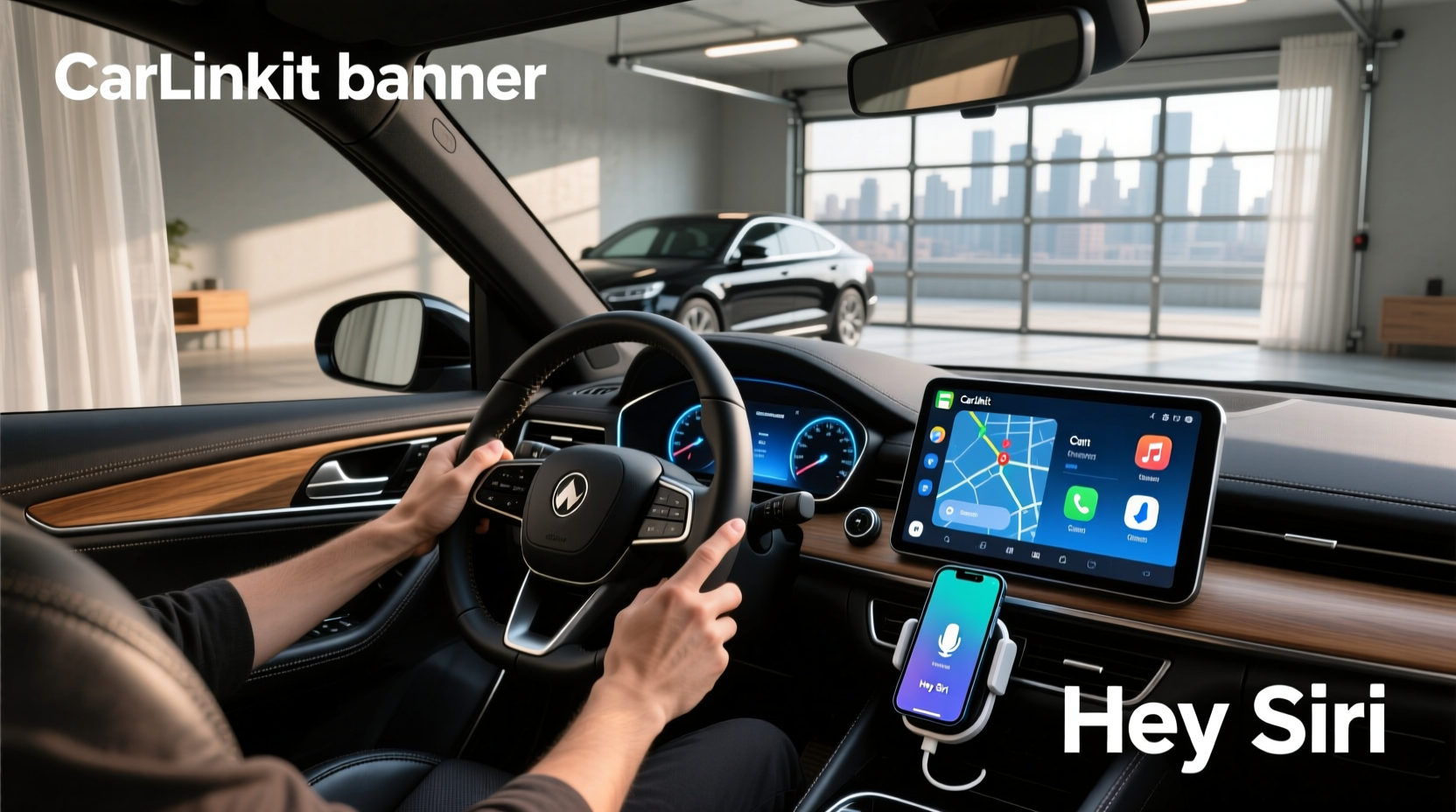
If you're wondering how to choose carlinkit carplay,What is the purpose of the Carlinkit?, start here: Carlinkit devices are primarily used to convert your car's wired Apple CarPlay or Android Auto system into a wireless one. For most users, the best choice is a mini wireless adapter like the CarlinKit Mini Ultra if your vehicle already supports wired connectivity. Key factors include boot speed ⏱️, audio latency ⚡, compatibility with your car model 🌐, and support for both iOS and Android ✅. Avoid models without firmware update support or unclear configuration options.
About carlinkit carplay,What is the purpose of the Carlinkit?
The primary purpose of the Carlinkit brand is to enhance in-car smartphone integration by enabling wireless connectivity between your phone and your vehicle’s infotainment system. Most modern cars come with Apple CarPlay or Android Auto, but they often require a physical USB connection. A Carlinkit device eliminates that need by plugging into your car’s existing USB port and establishing a wireless bridge via Wi-Fi and Bluetooth 🔗.
These adapters are especially useful for drivers who frequently connect their phones and want a seamless, plug-and-play experience. Instead of fumbling with cables every time you enter the car, the system automatically connects once paired. This functionality defines what is the purpose of the Carlinkit?—to simplify and modernize the driver-to-infotainment interface.
Use cases include daily commuters who value convenience, families sharing vehicles (multi-user pairing), and tech-savvy users seeking low-latency performance for navigation and voice commands.
Why carlinkit carplay,What is the purpose of the Carlinkit? is gaining popularity
Wireless convenience is driving adoption. More consumers expect their cars to behave like smart devices, where connections happen instantly without cables. The rise of true wireless earbuds and smartphone-based digital keys has raised expectations for frictionless experiences inside the vehicle.
Carlinkit meets this demand by offering an affordable upgrade path. Rather than replacing an entire head unit—which can cost hundreds or require professional installation—a $40–$60 adapter delivers similar functionality. It’s also future-proofing: as automakers phase out physical ports, wireless solutions become essential.
Additionally, Carlinkit supports both Apple and Android ecosystems, making it versatile across households and shared vehicles 👥. Its compact design ensures it doesn’t obstruct console space, appealing to users with limited dashboard real estate.
Types and variants
Carlinkit offers several product lines tailored to different needs:
🛒 Mini Wireless Adapters
Small dongles that plug directly into your car’s USB port. Ideal for vehicles already equipped with wired CarPlay/Android Auto.
- Pros: Ultra-compact, easy setup, fast boot times, low cost (~$42–45)
- Cons: Limited customization, no standalone features, relies on car’s existing system
🏭 Tbox Series (AI Boxes)
Full Android-based multimedia systems that function independently. They offer wireless CarPlay/Android Auto plus HDMI input, 4G connectivity, and app support.
- Pros: Can add smart features to older cars, supports video streaming, ambient lighting ✨, better processing power
- <strong>Cons: Larger size, more complex installation, higher price ($150+), may require external power
🔧 Aftermarket Solutions
Designed for vehicles with aftermarket Android radios. Enables CarPlay and Android Auto on third-party head units.
- Pros: Adds missing OEM-like functionality, wide compatibility
- Cons: Compatibility varies by radio model, may need firmware tweaks
📍 Headunit Solutions
Tailored integrations for specific brands like Tesla. Less common but growing for niche markets.
- Pros: Seamless fit, optimized UI
- Cons: Very limited availability, high cost
Key features and specifications to evaluate
When assessing how to choose carlinkit carplay,What is the purpose of the Carlinkit?, focus on these measurable criteria:
- ⏱️ Boot Time: How quickly CarPlay or Android Auto launches after ignition. Under 15 seconds for CarPlay is excellent.
- ⚡ Latency: Audio and call response delay. Look for under 1 second for media playback and sub-300ms for calls.
- 🌐 Compatibility: Confirm support for your car make, model, and year. Check if your infotainment system already supports wired CarPlay/Android Auto.
- ⚙️ Configuration Options: Advanced models allow adjustment of media delay (400–1000ms) via IP menu, improving sync accuracy.
- ✅ Dual Platform Support: Ensure the device works with both iPhone and Android phones if multiple users share the vehicle.
- 🧰 Firmware Updates: Regular OTA updates improve stability and add features. Verify update process ease.
- 🔌 Physical Design: Compact size prevents obstruction; heat dissipation holes help longevity in hot climates.
Pros and cons
| Aspect | Advantages | Limitations |
|---|---|---|
| Convenience | Auto-connect saves time; no cable wear | Occasional re-pairing needed after software updates |
| Performance | Fast boot and low latency on premium models | Budget units may lag or disconnect under load |
| Compatibility | Covers 98% of vehicles with wired CarPlay/AA | Some older or regional models unsupported |
| Customization | IP config allows fine-tuning media sync | Not all models offer advanced settings |
| Cost | Far cheaper than full head unit replacement | Premium boxes approach cost of entry-level aftermarket units |
Suitable for: Drivers with factory-installed infotainment systems wanting wireless freedom, multi-device households, urban commuters prioritizing quick access.
Not ideal for: Cars without any form of CarPlay/Android Auto, extreme climate zones without ventilation, users needing offline maps or heavy multitasking.
How to choose carlinkit carplay,What is the purpose of the Carlinkit?
Follow this step-by-step guide when evaluating options:
- Confirm Your Car’s Current System: Does it have wired Apple CarPlay or Android Auto? If not, a mini adapter won’t work—you’ll need a Tbox or aftermarket solution.
- Determine Usage Needs: Just wireless mirroring? Or do you want video streaming, 4G hotspot, or ambient lighting? Match features to lifestyle.
- Check Boot Speed & Latency Specs: Prioritize models with documented performance data (e.g., CarlinKit Mini Ultra: 9s CarPlay boot).
- Evaluate Customization: Look for IP configuration access. This helps fix audio-video sync issues common in some vehicles.
- Review Update Mechanism: Frequent firmware updates signal active development. Prefer devices with direct server downloads over manual file transfers.
- Avoid These Red Flags:
- No clear documentation on supported car models ❗
- Unverified sellers on marketplaces with fake reviews 📊
- Devices requiring constant app running on phone 🚫
- Lack of customer service contact or warranty info 📎
If you need simple wireless CarPlay, go for a proven mini adapter. For full infotainment upgrades, consider a Tbox model with HDMI and GPS.
Price & market insights
Pricing varies significantly based on functionality:
- Mini Adapters: $40–$60 USD. The CarlinKit Mini Ultra (~$45) offers top-tier performance at mid-range price.
- Tbox Models: $120–$200 USD. Higher-end versions include Qualcomm processors, 4G LTE, and larger storage.
- Aftermarket Kits: $50–$100 USD depending on complexity.
Prices may vary by region and retailer. Always compare specs rather than price alone. A slightly more expensive model with better boot times and update support often provides greater long-term value. Be cautious of ultra-cheap clones lacking proper certification or security protocols.
Top-seller & competitive analysis
The CarlinKit Mini Ultra stands out among compact adapters due to its balance of speed, size, and configurability.
| Feature | CarlinKit Mini Ultra | Ottocast Mini |
|---|---|---|
| Boot Time (CarPlay) | ⭐ 9 seconds | 21.2 seconds |
| Audio Delay (CarPlay) | ⭐ 1.04 seconds | Slightly higher |
| Boot Time (Android Auto) | ⭐ 19 seconds | 21.3 seconds |
| Call Delay (Android Auto) | ⭐ 0.24 seconds | ~0.30 seconds |
| IP Config / Customization | ⭐ Advanced | Basic |
| Firmware Update Process | ⭐ Fast & Easy | Slower |
| Physical Switch for Multi-User | ❌ None | ✅ But limited |
| Size | ⭐ Ultra-compact | Compact |
| Price | ⭐ ~$42–45 USD | ~$50–60 USD |
This comparison shows Carlinkit leads in performance and user control, though Ottocast offers a hardware switch for switching profiles—a minor advantage for shared vehicles.
Customer feedback synthesis
Based on aggregated reviews and user reports:
- 👍 Frequent Praise:
- “Connects instantly every time I start the car.”
- “Much faster than my previous adapter—navigation loads almost immediately.”
- “The IP config saved me from echo during calls.”
- 👎 Common Complaints:
- “Gets warm during summer drives, though it still works.”
- “Initial setup took longer than expected due to unclear instructions.”
- “One firmware update caused temporary disconnection until re-paired.”
Heat buildup is noted but rarely impacts operation. Configuration depth is appreciated by advanced users but can confuse beginners. Overall satisfaction correlates strongly with accurate compatibility checks prior to purchase.
Sourcing & supplier tips
To ensure authenticity and reliability:
- Buy from authorized distributors or official storefronts on major platforms (e.g., Amazon, AliExpress official store).
- Verify seller ratings and review patterns—avoid those with sudden spikes in positive feedback.
- For bulk purchases or resale, contact Carlinkit directly through their business inquiry channels.
- Upon receipt, inspect packaging for tamper signs and confirm model number matches listing.
- Test within return window: pair with both iOS and Android devices, check boot time and audio clarity.
Note that firmware and packaging may differ slightly by region. Always download setup guides from the official website.
Maintenance, safety & legal considerations
While Carlinkit devices are generally safe, follow these guidelines:
- Maintenance: Keep the USB port clean; dust or debris can cause poor connection. Use compressed air cautiously.
- Safety: Ensure the device does not block airbags or interfere with gear shift movement. Remove during car servicing to prevent electrical issues.
- Legal: Using smartphone mirroring while driving is subject to local distracted driving laws. Always comply with regulations prohibiting handheld use—even with voice commands.
- Data Privacy: Bluetooth/Wi-Fi pairing may store personal data. Reset the device before selling your car.
There are no known regulatory bans on Carlinkit products, but verify compliance with FCC (US), CE (EU), or other regional standards based on your location.
Conclusion
Understanding what is the purpose of the Carlinkit? helps clarify its role: to wirelessly extend your smartphone’s interface to your car’s screen. If you already have wired CarPlay or Android Auto and want hassle-free connectivity, a mini adapter like the CarlinKit Mini Ultra is a strong choice due to its speed, compactness, and customization. For cars lacking native smartphone integration, consider a Tbox-series multimedia box. Always verify compatibility, prioritize models with documented performance metrics, and avoid uncertified clones. Your ideal pick depends on current system capabilities, usage habits, and budget.
FAQs
❓ What is the main purpose of a Carlinkit device?
The primary purpose of the Carlinkit is to enable wireless Apple CarPlay and Android Auto in vehicles that only support wired connections, enhancing convenience and reducing cable clutter.
❓ Can I use Carlinkit if my car doesn’t have CarPlay?
No—if your car lacks built-in CarPlay or Android Auto, a mini adapter won’t work. You’d need a Tbox or aftermarket head unit that natively supports these platforms.
❓ Do Carlinkit adapters work with both iPhone and Android?
Yes, most Carlinkit models support both Apple CarPlay and Android Auto, allowing seamless switching between devices from different ecosystems.
❓ How do I update the firmware on my Carlinkit adapter?
Firmware updates are typically downloaded automatically from Carlinkit’s servers when connected to Wi-Fi. Some models allow manual updates via web interface or companion app.
❓ Are there any risks of overheating with Carlinkit devices?
Some heat buildup is normal during extended use, especially in hot climates. However, models like the Mini Ultra are designed with heat dissipation in mind and generally operate safely within standard temperature ranges.




 浙公网安备
33010002000092号
 浙B2-20120091-4