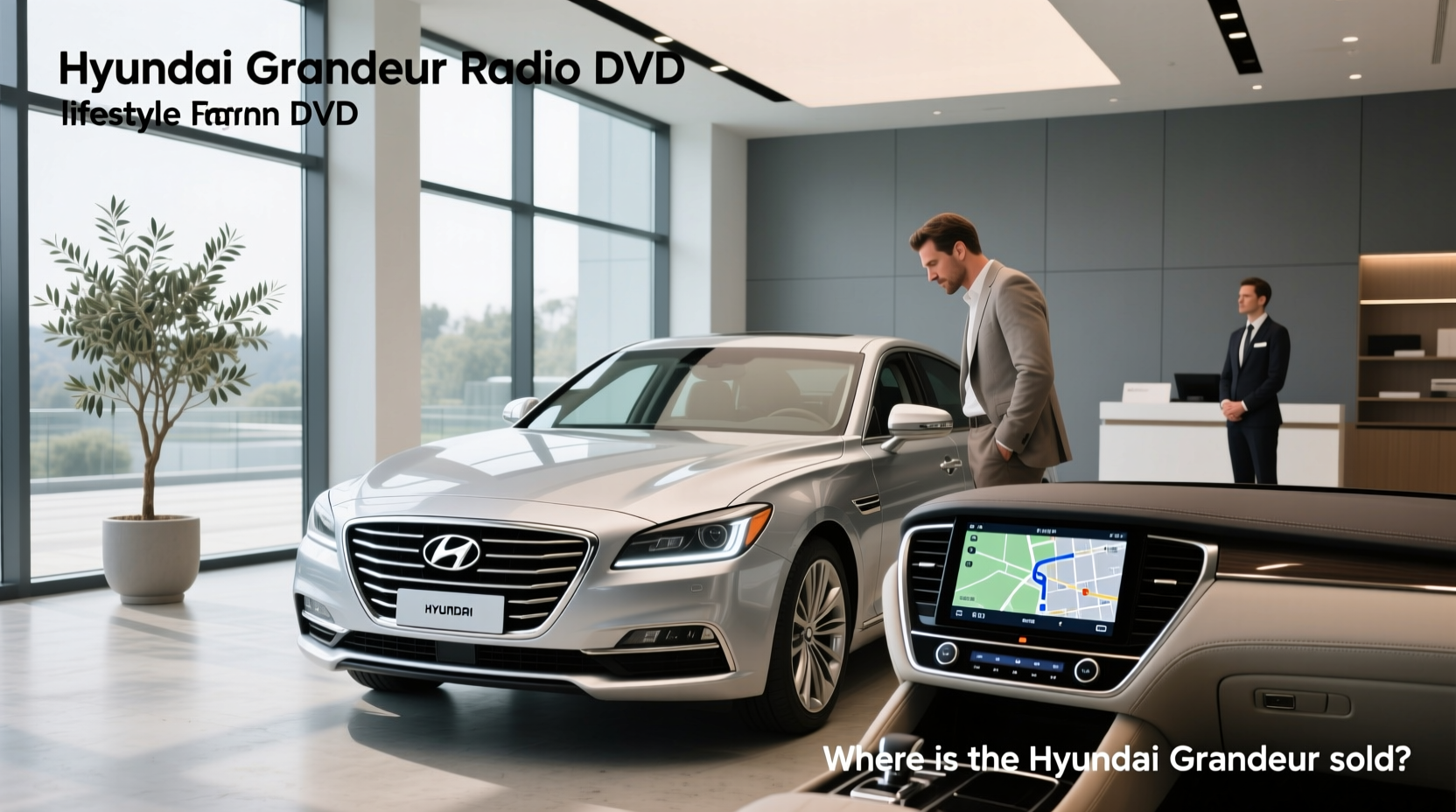
🔍If you're asking how to choose a Hyundai Grandeur radio DVD system or wondering where the Hyundai Grandeur is sold, start here: compatibility and regional availability are critical. The factory-installed AV systems in newer Grandeur models (especially in South Korea and UAE) typically support DVD playback, Bluetooth, navigation, and Android Auto/Apple CarPlay—but aftermarket replacements must match the dashboard dimensions, wiring harness, and CAN bus protocol. More importantly, the Hyundai Grandeur itself is not globally available. It’s primarily sold in South Korea, where it’s the top-selling sedan, and selectively exported to Middle Eastern markets like the UAE, Saudi Arabia, and Oman 1. In the U.S., sales are minimal, and the model isn’t actively marketed, meaning parts like OEM radios may be harder to source. For buyers outside Korea or the Gulf region, verify local dealership support or consider universal double-DIN units with retrofit kits.
About Hyundai Grandeur Radio DVD and Where the Vehicle Is Sold
📌The term "Hyundai Grandeur radio DVD" refers to the factory or aftermarket infotainment system designed for the Hyundai Grandeur (known as Azera in some export markets). These units combine AM/FM radio, DVD-based navigation or media playback, hands-free calling, and audio controls. However, modern variants increasingly replace physical DVDs with digital maps and smartphone integration.
📍Understanding where the Hyundai Grandeur is sold is essential when purchasing related components. The car is a domestic success in South Korea, outselling even luxury brands, with over 8,000 units sold in March 2023 alone 2. It’s also officially available in the United Arab Emirates and a few other Middle Eastern and Asian countries including Kuwait, Philippines, and Myanmar 3. If you’re located outside these regions, sourcing OEM parts may require international suppliers or used imports.
Why Hyundai Grandeur Radio DVD Systems Are Still Relevant
📈Despite the decline of DVD usage in cars, demand for Hyundai Grandeur radio DVD units persists due to several factors. In markets like South Korea and the UAE, many owners prefer built-in navigation with offline map storage—often delivered via DVD or SD card. Additionally, older Grandeur models (2011–2020) rely heavily on DVD-based systems, so replacement units are needed as original hardware ages.
✨Buyers also seek backward compatibility with legacy media. Families may still use rear-seat DVD players for long drives, and commercial fleets value durability over cutting-edge features. Meanwhile, the Grandeur’s strong performance in its core markets ensures continued interest in maintenance and upgrades, including audio systems.
Types and Variants of Hyundai Grandeur Infotainment Systems
🔧There are two main categories of radio/DVD units for the Hyundai Grandeur:
1. Factory OEM Units
- Pros: Full integration with vehicle systems (climate, trip computer), native support for steering wheel controls, seamless design, firmware updates from dealer.
- Cons: Expensive, limited availability outside South Korea/Middle East, may lack modern features like wireless CarPlay.
2. Aftermarket Double-DIN Units
- Pros: Wider availability, lower cost, often include touchscreen, GPS, reverse camera input, and smartphone mirroring.
- Cons: May require adapter harnesses or dash kits, potential CAN bus errors, void warranty if improperly installed.
Note: Some fifth-generation Grandeur models (2023+) have phased out DVD drives entirely, relying on internal storage and app-based navigation.
Key Features and Specifications to Evaluate
When choosing a Hyundai Grandeur radio DVD system, assess these technical aspects:
- ⚙️Compatibility: Confirm fitment for your Grandeur’s generation (fourth-gen: 2016–2023; fifth-gen: 2023+).
- 📱Connectivity: Look for Bluetooth 5.0+, USB ports, Apple CarPlay, Android Auto (wired or wireless).
- 📺Display: Minimum 7-inch touchscreen with HD resolution; IPS panels offer better viewing angles.
- 🔊Audio Output: At least 4x50W RMS; support for external amplifiers if upgrading speakers.
- 🧭Navigation: Built-in GPS with offline maps (if no DVD drive, ensure sufficient internal storage).
- 🔄Firmware Updates: Check whether the unit receives regular software patches.
❗Avoid units that don’t support the Grandeur’s 12V electrical system or lack mute functionality during phone calls.
Pros and Cons of Upgrading Your Grandeur’s Radio DVD
• You own a pre-2023 Grandeur with an aging factory head unit.
• You frequently travel in areas with poor cellular coverage and need offline maps.
• You want better sound quality or modern smartphone integration.
• Your current system works well and supports your needs.
• You’re not comfortable with complex wiring or using a CAN bus decoder.
• You plan to resell soon—OEM units maintain resale value better than aftermarket ones.
How to Choose a Hyundai Grandeur Radio DVD: Step-by-Step Buying Guide
Follow this checklist to make an informed decision:
- 🛒Confirm Your Model Year: Identify whether your Grandeur uses a single-DIN or double-DIN setup. Most post-2016 models use double-DIN.
- 🌐Check Regional Availability: If you're outside South Korea or the UAE, confirm import feasibility or local supplier stock.
- 🔍Verify Compatibility: Use part numbers (e.g., 99231-HL000) or consult forums like Hyundai Forums or iFixit.
- 🔌Plan Installation: Decide between DIY (with wiring diagram) or professional installation. Consider adding a backup camera interface.
- 📎Evaluate Warranty: OEM units often come with longer warranties than generic brands.
🚩 Red Flags to Avoid:
- Sellers who can’t provide proof of origin or firmware version.
- Units priced significantly below market average (risk of refurbished or cloned devices).
- No return policy or compatibility guarantee.
Price & Market Insights
Pricing varies significantly by type and region:
- OEM Factory Unit: $400–$800 (Korean dealers); up to $1,200 with shipping outside Asia.
- Aftermarket Double-DIN: $150–$400 depending on brand (Pioneer, Kenwood, Sony).
- Installation Cost: $100–$250 if done professionally.
💡 Tip: For best value, consider a mid-tier aftermarket unit with CarPlay support rather than chasing OEM replacements unless preserving factory aesthetics is a priority.
Top-Seller & Competitive Analysis
Below is a comparison of popular options for Hyundai Grandeur owners:
| Model | Type | DVD Support | CarPlay | Price Range | Best For |
|---|---|---|---|---|---|
| Hyundai OEM 99231-HL000 | Factory | Yes | Wired | $400–$800 | Purists wanting full integration |
| Pioneer DMH-WT8600NEX | Aftermarket | No | Wireless | $600 | Modern connectivity seekers |
| Sony XAV-AX1000 | Aftermarket | No | Wired | $300 | Budget-friendly upgrade |
| Kenwood DDX9705S | Aftermarket | Yes | Wired | $450 | Users needing DVD playback |
Note: DVD support is becoming rare in new units; most focus on digital streaming.
Customer Feedback Synthesis
Based on aggregated owner reviews and forum discussions:
- ⭐Common Praise:
- OEM units praised for seamless integration and reliability.
- Aftermarket units lauded for responsive touchscreens and fast boot times.
- Hybrid Grandeur owners appreciate quiet cabin enhancing audio experience. - ❗Common Complaints:
- Difficulty finding OEM parts outside Korea.
- Some aftermarket units cause error messages without proper CAN bus adapters.
- Older DVD drives prone to disc read errors after years of use.
Sourcing & Supplier Tips
✈️For buyers outside primary markets:
- Use Korean auto parts exporters (e.g., Coupang Auto, Parts Town Korea) with English support.
- Check eBay or specialized sites like Carid.com for imported OEM units.
- Consider working with a local car audio shop experienced in Asian vehicles.
- Always request high-resolution photos and test videos before purchase.
🧰When receiving a unit, inspect for:
- Physical damage
- Burn-in on screen
- Correct connector type
- Firmware version matching your region
Maintenance, Safety & Legal Considerations
🧼Regularly clean the screen with a microfiber cloth and non-abrasive cleaner. Avoid installing apps or modifying firmware unless you understand the risks.
⚠️Safety note: Never operate DVD functions while driving. Ensure any added cameras comply with local regulations regarding display visibility.
📜Legally, modifications should not interfere with airbag deployment or dashboard integrity. Verify that any changes meet your country’s vehicle modification standards—some regions require certification for electronic alterations.
Conclusion: Making the Right Choice
If you need reliable, plug-and-play performance and own a Grandeur in South Korea or the UAE, an OEM radio DVD unit is likely your best bet. If you’re elsewhere and want modern features, a compatible aftermarket double-DIN system offers greater flexibility. Always prioritize compatibility and installation quality over feature count. Remember, where the Hyundai Grandeur is sold directly impacts part availability—so plan accordingly if importing.
FAQs
Can I install a non-OEM radio DVD in my Hyundai Grandeur?
Yes, but you’ll likely need a dash kit and CAN bus interface to retain steering wheel controls and avoid error messages. Professional installation is recommended.
Is the Hyundai Grandeur available in the United States?
No, the Hyundai Grandeur is not officially sold in the U.S. market. While earlier versions were marketed as the Azera, the current model is focused on South Korea and select Middle Eastern countries.
Do newer Grandeur models still have DVD players?
Most fifth-generation models (2023+) have moved away from physical DVD drives, using internal storage and online navigation instead. Earlier models (2016–2022) typically include DVD-compatible head units.
How do I know which radio fits my Grandeur year?
Check your VIN or consult repair manuals. Online retailers often provide fitment tools. Forum communities like Hyundai Motor Club can also help identify correct models.
Are there any common issues with Grandeur infotainment systems?
Owners report occasional glitches with touchscreen responsiveness and GPS signal loss in tunnels. Regular firmware updates and avoiding extreme temperatures can help maintain performance.




 浙公网安备
33010002000092号
 浙B2-20120091-4