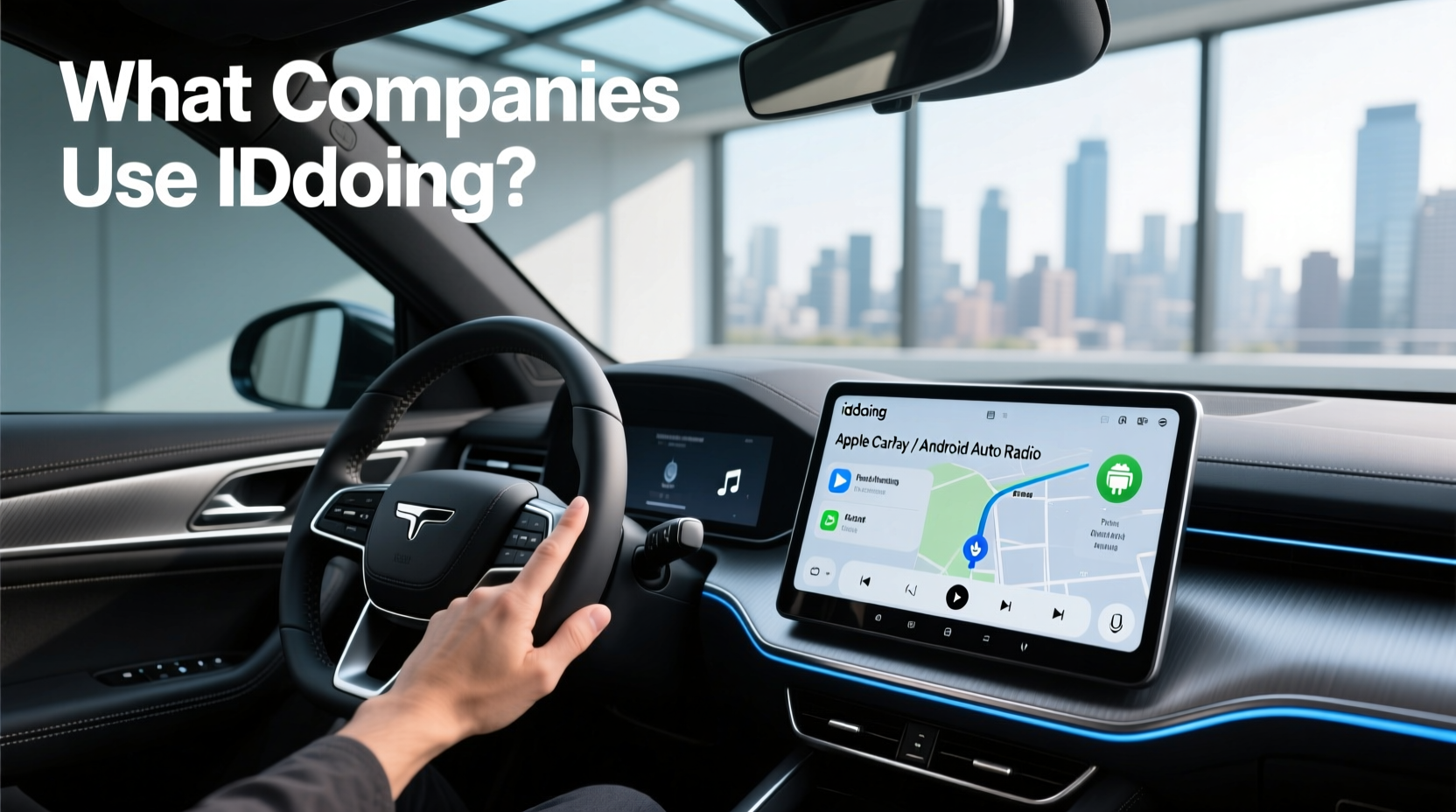
If you’re upgrading an older car’s factory radio, an IDoing head unit can deliver modern smartphone integration with minimal hassle. For most users, the decision comes down to fitment and Android version—specifically whether your car is on the brand-specific compatibility list (Subaru, Toyota, GM, etc.) and if the unit runs Android 11 or higher. Avoid models without wireless CarPlay support unless you prefer wired connections. If you’re a typical user, you don’t need to overthink this.
Short introduction
Lately, more drivers are replacing aging OEM infotainment systems with aftermarket units that offer seamless Apple CarPlay and Android Auto. IDoing has emerged as a go-to option for those seeking plug-and-play compatibility across a wide range of vehicles—from Subaru WRX to Chevrolet Silverado. How to choose the right one? Focus first on dash fitment, then confirm wireless functionality and Android OS version. Units may vary by region/model/seller, so always check manufacturer specs before purchase.
About IDoing
IDoing is not a car manufacturer—it’s a third-party brand specializing in aftermarket head units designed to replace factory-installed radios. These units run full Android operating systems (some on Android 12) and come preloaded with Apple CarPlay and Android Auto support, either wirelessly or via USB. They are engineered to fit specific vehicle makes and models, often requiring no additional harness modification.
Their primary value lies in transforming older cars into smart cabins. Instead of relying on clunky phone mounts and poor Bluetooth audio, users get a built-in tablet-like experience with GPS navigation, app streaming, and customizable audio settings. This piece isn’t for keyword collectors. It’s for people who will actually use the product.
Why IDoing is gaining popularity
Over the past year, demand for retrofit infotainment upgrades has grown as automakers slow down hardware updates. Many 2015–2018 vehicles still lack native wireless CarPlay, forcing owners to seek alternatives. IDoing fills that gap with cost-effective, drop-in replacements.
The shift toward digital dashboards isn't limited to luxury brands anymore. Budget-conscious drivers now expect responsive touchscreens, voice-controlled navigation, and app access—all features IDoing delivers at sub-$800 price points. The real appeal? No coding or dealership visits required.
Types and variants
1. Vehicle-Specific Units
Tailored for exact models like the 2008–2014 Subaru WRX or 2014–2018 Chevrolet Silverado. These match factory dimensions and wiring.
- Pros: Plug-and-play installation, retains steering wheel controls, clean finish
- Cons: Limited upgrade path; firmware depends on supplier
2. Universal Fit (2-DIN)
Designed to fit standard-sized dash bays, adaptable across brands with trim kits.
- Pros: Wider availability, easier to service or replace
- Cons: May require extra adapters; aesthetics depend on install quality
3. AI Box Add-On Modules
Not full head units—these connect to existing OEM screens to add CarPlay/Android Auto.
- Pros: Preserves original look, lower cost (~$150–$250)
- Cons: Dependent on factory screen resolution; fewer customization options
If you’re a typical user, you don’t need to overthink this: choose a dedicated head unit unless you're committed to keeping your stock display.
Key features and specifications to evaluate
Operating System & Performance
Newer IDoing units run Android 11 or 12, enabling standalone app usage even when your phone isn’t connected. Older versions (Android 9–10) lag during multitasking.
When it’s worth caring about: If you plan to use YouTube, Spotify, or navigation apps independently of your phone.
When you don’t need to overthink it: If you only want mirrored smartphone functions via CarPlay or Android Auto.
Wireless vs. Wired Connectivity
Most current models support wireless CarPlay and Android Auto. However, some budget versions default to wired-only.
When it’s worth caring about: Daily convenience—wireless eliminates plugging in every time.
When you don’t need to overthink it: If you park indoors and charge your phone simultaneously, wired works fine.
Screen Size & Resolution
Available in 7", 9", and 10.2" displays. Larger screens improve visibility but may obstruct instrument cluster views in compact cabins.
When it’s worth caring about: For frequent GPS navigation or split-screen use.
When you don’t need to overthink it: In city driving where glance-time matters less than responsiveness.
Audio Processing & Expandability
Units typically support EQ tuning, subwoofer output, and amplifier integration. Some include DSP (digital signal processing).
When it’s worth caring about: If you already have upgraded speakers or plan to.
When you don’t need to overthink it: With factory audio systems where clarity gains are marginal.
Pros and cons
✅ Pros
- Direct replacement for outdated factory radios
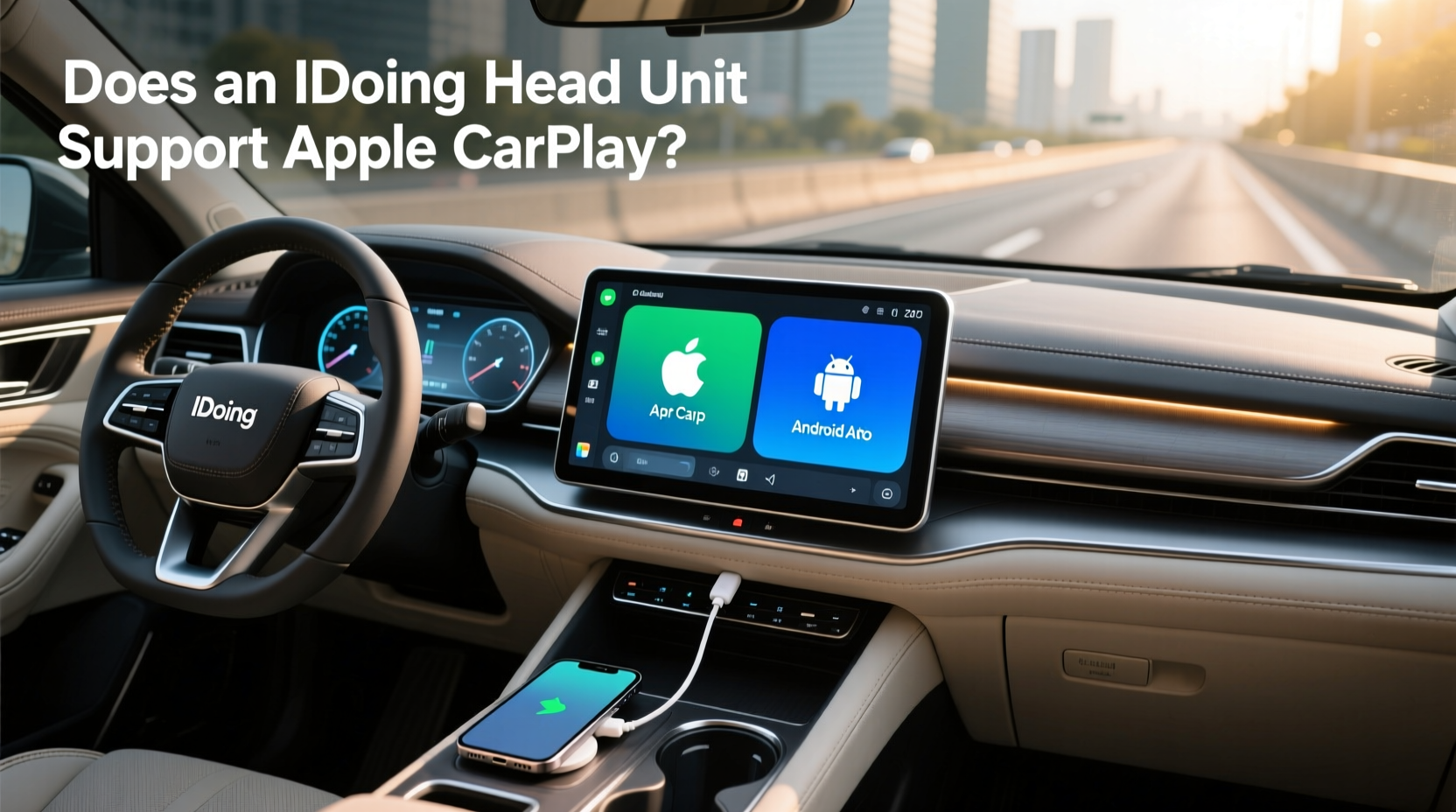
- Supports both Apple CarPlay and Android Auto out of the box
- Runs full Android OS—can install apps like YouTube, Waze, or Netflix
- Voice assistant compatible (Siri/Google Assistant)
- GPS navigation with offline map capability
❌ Cons
- Firmware updates can be inconsistent depending on seller
- No official warranty from automakers
- Touchscreen responsiveness varies between batches
- May lose backup camera or HVAC controls if improperly configured
- Bluetooth pairing glitches reported in early Android 10 models
How to choose an IDoing head unit
Step-by-step checklist
- Confirm your vehicle model is supported: Check product listings for exact year/make/model compatibility.
- Determine dash size: Most IDoing units are 2-DIN; verify fitment using your car’s manual or online guides.
- Select wireless or wired: Prioritize wireless unless budget-constrained.
- Check Android version: Aim for Android 11+ for better performance and security.
- Review I/O ports: Ensure USB-A, microSD, and auxiliary inputs meet your needs.
- Verify audio outputs: Look for preamp outputs if connecting amplifiers.
- Test return policy: Buy from retailers offering 30-day returns in case of software bugs.
Decision flow
- You drive a 2010–2016 Japanese or American sedan/SUV → IDoing vehicle-specific unit
- You want to keep your factory screen → Consider AI Box instead
- You frequently use apps beyond CarPlay → Pick Android 11+ model
- You prioritize clean installation → Avoid universal kits unless experienced
Recommendations by scenario
- For daily commuters: 9-inch screen, wireless CarPlay, Android 12
- For audio enthusiasts: Unit with 4-channel preamp output and DSP support
- For cold climates: Faster boot time (<15 sec) prevents frustration during short trips
Red flags / what to avoid
- Units labeled "universal" without confirmed fitment for your car
- No mention of OTA (over-the-air) updates
- Sellers refusing to specify Android version
- Pricing significantly below market average (risk of refurbished parts)
- Missing safety disclaimers for video playback while driving
If you’re a typical user, you don’t need to overthink this: stick to known-fit models from reputable suppliers.
Price & market insights
IDoing head units range from $400 to $1,100 depending on screen size, processor, RAM, and included accessories. Prices may vary by region/model/seller—especially between U.S.-based stores like JDMuscle USA versus Alibaba-linked resellers.
Higher prices usually reflect newer chipsets (Octa-core vs Quad-core), increased RAM (6GB vs 4GB), and extended warranty coverage. There’s no standardized pricing, so comparison shopping is essential. Verify retailer return policy and shipping terms before ordering.
Top-seller & competitive analysis
Based on available listings and customer volume, top-selling configurations include:
| Model Type | Target Vehicle | OS Version | Connectivity | Price Range | Notes |
|---|---|---|---|---|---|
| IDoing 9-inch | Subaru WRX (2008–2014) | Android 12 | Wireless CarPlay/AA | $650–$750 | Highest review density on enthusiast forums 1 |
| IDoing 10.2-inch | Chevrolet Silverado (2014–2018) | Android 11 | Wireless + Wired | $700–$800 | Includes GPS antenna kit |
| IDoing AI Box | Toyota Camry, Honda Civic | N/A (addon) | Wireless only | $180–$250 | Ideal for preserving OEM screen |
Competitors like Pioneer, Kenwood, and Sony dominate mainstream retail channels but often lack plug-and-play support for niche models. IDoing’s edge is specificity—not broad compatibility, but deep fitment precision.
Customer feedback synthesis
Analysis of recent reviews reveals consistent patterns:
Highly praised
- Seamless CarPlay connection once paired
- Crystal-clear screen even under direct sunlight
- Extensive equalizer settings for fine-tuning sound
- Smooth multitasking on Android 12 models
Frequently criticized
- Inconsistent firmware update delivery
- Occasional Bluetooth call echo
- Default navigation app feels outdated
- Learning curve for non-tech-savvy users
One Reddit user noted: "For me, my iDoing has small quirks here and there, but they're no problem if you know what you're doing in Android." 1
Sourcing & supplier tips
Buy from specialized automotive retailers rather than general electronics platforms. Trusted sources include:
- JDMuscle USA: Focuses on Subaru and Mitsubishi applications
- WRXDaily: Enthusiast-oriented, includes install guides
- CarmaSpeed: Offers multi-brand inventory with detailed fitment charts
Always confirm whether the unit includes mounting hardware, CAN bus decoder, and microphone extension. Ask sellers directly about firmware version and OTA update eligibility. This piece isn’t for keyword collectors. It’s for people who will actually use the product.
Maintenance, safety & legal considerations
Maintain your IDoing unit by avoiding prolonged exposure to extreme heat and dust. Reboot monthly to clear memory leaks common in embedded Android systems. Use only certified USB cables to prevent charging failures.
Safety-wise, disable video playback while in motion—most units do this automatically via parking brake detection. Never install apps that encourage interaction while driving.
Legality varies by jurisdiction. While replacing a factory radio is generally permitted, modifications affecting emissions or airbag systems are not. To stay compliant:
- Check manufacturer specs for interference warnings
- Verify local regulations regarding display brightness and placement
- Retain original radio in case of resale or inspection
Conclusion
If you need reliable smartphone mirroring in an older car with minimal setup, an IDoing head unit is a strong contender—provided your model is on their compatibility list. Choose vehicle-specific over universal fits, prioritize wireless connectivity, and opt for Android 11 or later. If you’re a typical user, you don’t need to overthink this: focus on fitment, function, and post-purchase support.




 浙公网安备
33010002000092号
 浙B2-20120091-4