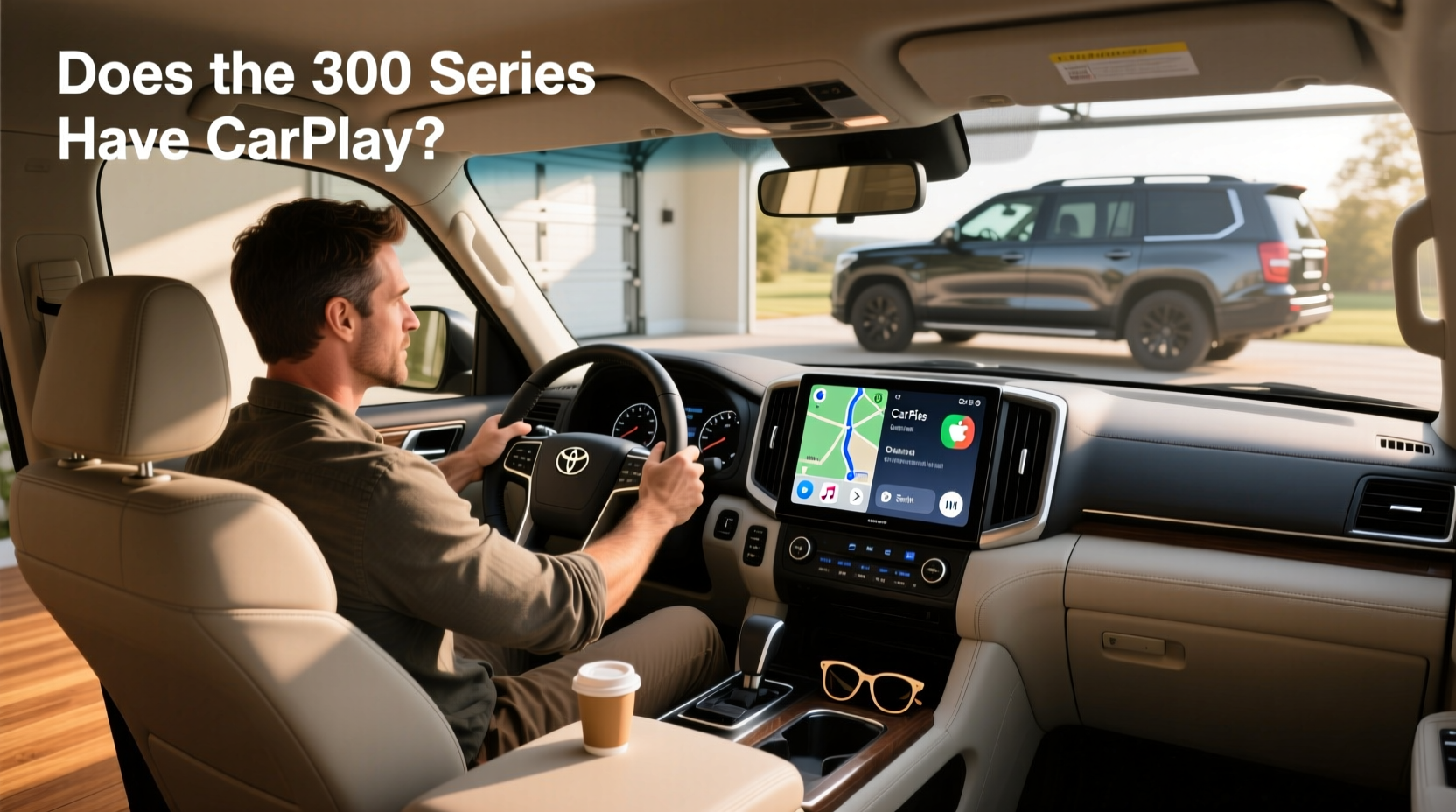
✅ Short Introduction: What You Need to Know First
If you're asking how to choose a Land Cruiser 300 screen or whether the 300 series has CarPlay, here's the direct answer: Yes, all 2025 Toyota Land Cruiser 300 models support Apple CarPlay, both wirelessly and via cable. However, key features like the 12.3-inch touchscreen and Head-Up Display (HUD) integration for CarPlay navigation depend on your trim level. The base GX trim comes with an 8-inch screen and no HUD, while Sahara, GR Sport, and Sahara ZX trims offer a larger 12.3-inch display and full HUD projection of Apple Maps turn-by-turn directions [4][8]. When considering what to look for in a Land Cruiser 300 screen and CarPlay setup, prioritize trim selection—your tech experience is tightly linked to it. Avoid assuming all trims have equal infotainment; verify specs before purchase.
🛒 About Land Cruiser 300 Screen & CarPlay: Definition and Use Cases
The Land Cruiser 300 series' infotainment system centers around its central touchscreen and smartphone integration capabilities. The two primary components users evaluate are the physical screen size (8-inch or 12.3-inch) and Apple CarPlay compatibility. CarPlay allows iPhone users to access apps like Apple Maps, Messages, and music through the vehicle’s interface, reducing distraction and improving usability.
Common use cases include daily commuting, long-distance overlanding trips, towing setups requiring real-time navigation, and family transport where rear passengers may also interact with connected devices. For off-road enthusiasts, seamless GPS routing via CarPlay—especially when projected onto the HUD—is valuable during complex trail navigation. Families appreciate wireless connectivity that supports quick pairing without fumbling with cables.
📈 Why Land Cruiser 300 Screen & CarPlay Is Gaining Popularity
Modern SUV buyers expect advanced tech as standard, not luxury. The growing demand for CarPlay in vehicles like the Land Cruiser 300 reflects broader consumer expectations for seamless digital experiences. Drivers increasingly rely on smartphones for navigation, communication, and entertainment, making native integration essential.
Toyota responded by upgrading the 2025 Land Cruiser 300 with cloud-based navigation, Android Auto support, and wireless CarPlay across all trims [4]. This shift aligns with industry trends where even traditionally rugged SUVs now emphasize cabin technology. Additionally, HUD integration of CarPlay data enhances safety by keeping eyes on the road—a feature praised by owners in forums and reviews [6].
🔧 Types and Variants: Trim-Based Infotainment Differences
Unlike aftermarket screens, the Land Cruiser 300’s system varies by factory trim. There are no user-installable upgrades; choices must be made at purchase. Below are the main variants:
- 8-inch Screen (GX, GXL): Found on entry-level trims. Supports wired and wireless CarPlay and Android Auto but lacks HUD. Suitable for budget-focused buyers who don’t need large displays or advanced projections.
- 12.3-inch Screen (VX, Sahara, GR Sport, Sahara ZX): Larger, higher-resolution display offering better visibility and touch responsiveness. Paired with more premium audio and convenience features.
- HU-Display Equipped Models (Sahara, GR Sport, Sahara ZX): These trims add a color Head-Up Display that projects CarPlay navigation cues from Apple Maps directly onto the windshield—an important safety and usability upgrade.
There are no third-party screen replacements officially supported, so choosing the right trim upfront is critical.
⚙️ Key Features and Specifications to Evaluate
When assessing the Land Cruiser 300’s screen and CarPlay functionality, consider these technical and practical factors:
- Screen Size: 8-inch vs. 12.3-inch impacts readability, especially under bright sunlight or while driving off-road.
- CarPlay Connectivity: Both wireless and wired options are available across all trims, ensuring flexibility.
- HU-Display Integration: Only available on top trims. Confirmed to work with Apple Maps, but third-party apps like Waze do not project to the HUD [6].
- Audio System: Base models have standard speakers; Sahara and above include a 14-speaker premium setup enhancing media playback quality.
- Cloud-Based Navigation: Newer models feature updated maps and real-time traffic via Toyota Connected Services, which can complement CarPlay usage.
- Digital Instrument Cluster: Replaces analog gauges on newer models, allowing customization and improved information layout.
Always verify local model specifications, as availability may vary by region.
✨ Pros and Cons: Who Should Buy Which Trim?
✅ Pros
- Standard Apple CarPlay and Android Auto on all trims
- Wireless CarPlay eliminates cable clutter
- HU-display integration improves driving focus
- Larger 12.3-inch screen enhances multimedia control
- Cloud navigation updates provide accurate routing
❌ Cons
- No HUD on lower trims (GX, GXL, VX)
- Third-party navigation apps (e.g., Waze) don't project to HUD
- Screen size cannot be upgraded post-purchase
- Premium features require higher trim costs
- Limited voice assistant functionality outside CarPlay
This setup suits tech-savvy drivers and frequent travelers. It’s less ideal for those seeking maximum app flexibility or wanting to save on initial cost while expecting full tech parity.
📋 How to Choose Land Cruiser 300 Screen & CarPlay: Step-by-Step Guide
Follow this checklist when deciding which Land Cruiser 300 trim best meets your screen and connectivity needs:
- Determine Your Primary Use Case: Daily driver? Overlanding? Towing? If you rely heavily on navigation, prioritize HUD-equipped models.
- Select Minimum Screen Size: Prefer larger visuals and easier touch input? Opt for 12.3-inch (available on VX and above).
- Decide on HUD Necessity: Want turn-by-turn directions in your line of sight? Choose Sahara, GR Sport, or Sahara ZX.
- Confirm Wireless CarPlay Support: All 2025 trims include it, but double-check regional brochures.
- Evaluate Audio Needs: Higher trims offer superior sound systems—important if music or podcast listening is a priority.
- Budget Accordingly: Tech upgrades come at a price. The jump from GXL to Sahara includes significant infotainment enhancements.
Red Flags to Avoid:
- Assuming all trims have the same screen or HUD capability
- Expecting full app mirroring in HUD beyond Apple Maps
- Neglecting to test the system in person before buying
- Overlooking software update history or bug reports from owner communities
Always check official manufacturer specs or consult a dealer for confirmation based on your market.
💰 Price & Market Insights: Value by Trim Level
Pricing for the Land Cruiser 300 varies significantly by region and trim. In Australia, for example, the GX starts around AUD $85,000, while the Sahara ZX exceeds AUD $110,000 [8]. The infotainment upgrades contribute meaningfully to this spread:
- GX/GXL: Best value if basic CarPlay and an 8-inch screen suffice.
- VX: Adds larger screen but no HUD—moderate upgrade path.
- Sahara/GR Sport/Sahara ZX: Justified if you want full tech suite including HUD, premium audio, and enhanced materials.
Consider whether the ~$15,000–$25,000 premium for top trims delivers proportional utility. For many, the Sahara offers the best balance of price and technology.
| Trim Level | Screen Size | CarPlay & Android Auto | Head-Up Display | Key Tech Features |
|---|---|---|---|---|
| GX | 8-inch | Standard | Not Available | Wireless connectivity, DAB+ radio, 7-inch digital instrument display |
| GXL | 8-inch | Standard | Not Available | 4-zone climate control, powered seats, console cool box |
| VX | 12.3-inch | Standard | Not Available | Large touchscreen, powered tailgate, front HDMI input |
| Sahara | 12.3-inch | Standard | Standard | Dual rear entertainment, heated/ventilated seats |
| GR Sport | 12.3-inch | Standard | Standard | E-KDSS suspension, diff locks, sport styling |
| Sahara ZX | 12.3-inch | Standard | Standard | Torsen rear LSD, carbon-look interior trim |
Table data sourced from [4][8].
📊 Customer Feedback Synthesis: Real-World Experiences
Owner feedback from forums and review sites highlights consistent themes:
- Positive: Users praise the seamless wireless CarPlay connection and clarity of the 12.3-inch screen. Many confirm that Apple Maps navigation successfully projects to the HUD, improving highway and urban driving safety [6].
- Criticisms: Some note frustration that only Apple Maps works with the HUD—Waze and Google Maps routes do not appear. Others mention occasional lag in voice recognition outside the CarPlay environment.
- Neutral Observations: Several owners state they wished the 8-inch screen were optional on higher trims to reduce cost, indicating strong preference for configurability absent in current offerings.
Overall satisfaction with the infotainment system increases with trim level, particularly due to HUD and screen size.
🌐 Sourcing & Supplier Tips
Since the screen and CarPlay system are factory-integrated, there are no aftermarket equivalents that match OEM functionality. Purchase decisions should focus on authorized dealerships or certified pre-owned channels. When sourcing:
- Verify trim-specific features using official configurators (e.g., Toyota Australia or US site).
- For used models, inspect software version and ensure it supports wireless CarPlay (introduced in 2024+ updates).
- Ask for a live demo of CarPlay pairing and HUD projection before finalizing purchase.
- Check warranty coverage for telematics modules and screen hardware.
Avoid gray-market imports unless full spec alignment with your region’s standards is confirmed.
🛡️ Maintenance, Safety & Legal Considerations
The infotainment system requires minimal maintenance. However:
- Keep software updated via dealership or over-the-air (OTA) where available to maintain CarPlay compatibility and security.
- Avoid exposing screens to prolonged direct sunlight when parked; use sunshades to prevent overheating or discoloration.
- Use only OEM-recommended cleaning products to avoid damaging anti-glare coatings.
- While HUD improves safety by reducing glance-down time, ensure it is properly calibrated to avoid visual obstruction.
- Local regulations may restrict certain display brightness levels or content during operation—verify compliance with national transport authorities.
Never attempt DIY repairs on integrated electronics due to risk of airbag or sensor interference.
📌 Conclusion: Final Recommendations
If you need basic smartphone integration and are budget-conscious, the GX or GXL trim provides reliable wired and wireless CarPlay with an 8-inch screen. For a premium experience with enhanced safety and usability, the Sahara, GR Sport, or Sahara ZX—with their 12.3-inch displays and HUD integration—are worth the investment. Always confirm trim-specific features before purchasing, as infotainment capabilities are not standardized across the Land Cruiser 300 lineup. Your ideal choice depends on how much you value screen real estate, navigation projection, and overall cabin tech sophistication.
❓ FAQs
- Does every Land Cruiser 300 have Apple CarPlay? Yes, all 2025 Land Cruiser 300 trims include both wired and wireless Apple CarPlay as standard.
- Can I get CarPlay on an 8-inch screen? Yes, both the 8-inch (GX, GXL) and 12.3-inch screens support CarPlay fully.
- Does CarPlay work with the Head-Up Display? Yes, but only on Sahara, GR Sport, and Sahara ZX trims. Turn-by-turn directions from Apple Maps appear in the HUD.
- Why doesn’t Waze show up on the HUD? Toyota’s system currently only supports Apple Maps for HUD projection; third-party apps like Waze do not integrate with the heads-up display.
- Can I upgrade the screen after purchase? No, the infotainment system is factory-installed and not designed for user upgrades. Choose your trim based on desired screen size and features.




 浙公网安备
33010002000092号
 浙B2-20120091-4