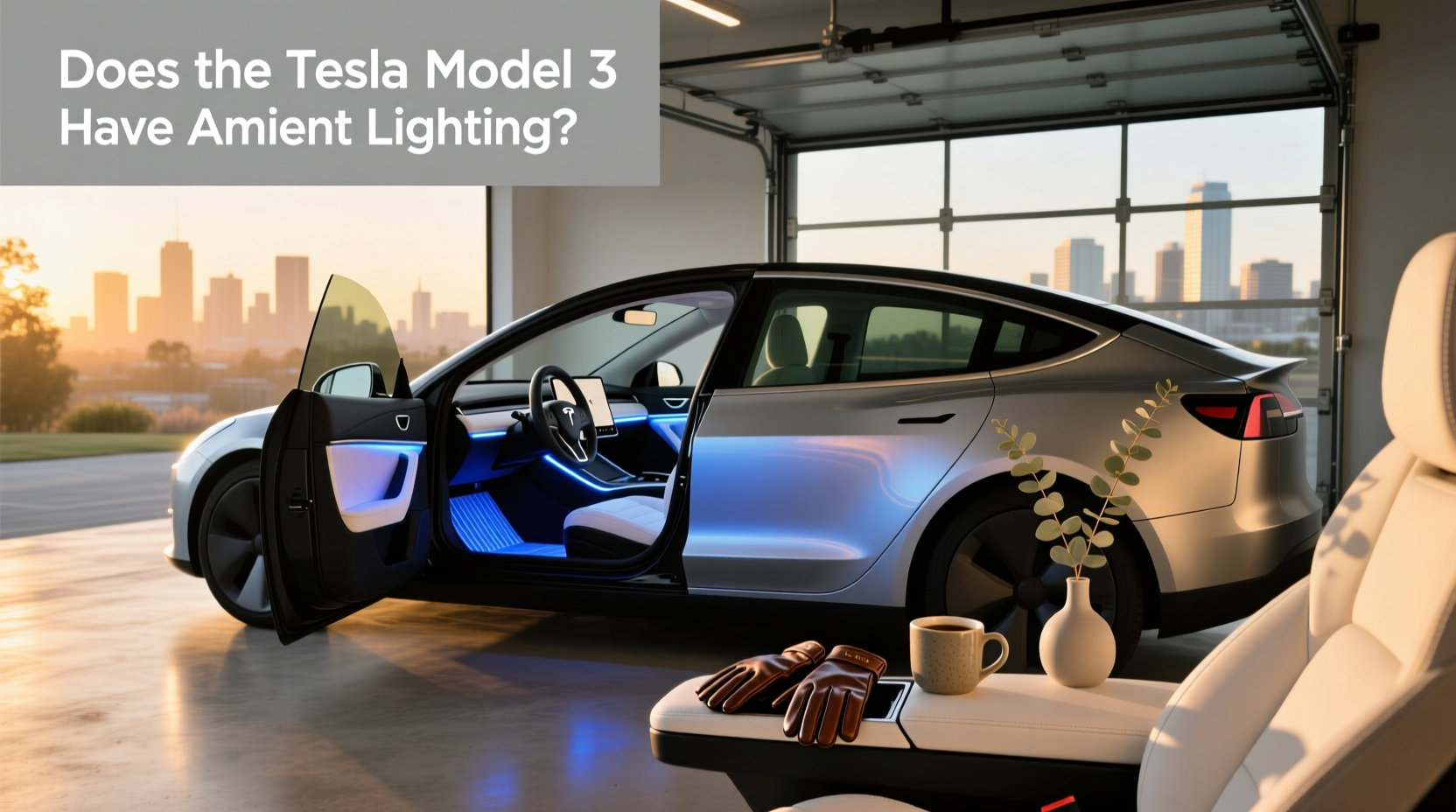
If you’re a typical user, you don’t need to overthink this. The Tesla Model 3 does have ambient lighting—but what kind depends heavily on your model year and trim. For 2024+ Highland refresh models, full RGB ambient lighting comes standard with dashboard and door strips, controllable via touchscreen under Display > Ambient Lighting ✨. Older models (2017–2023) may only have basic white footwell lights, or hardware without software activation. If you want color customization or rear-seat lighting, aftermarket modules are common—but verify compatibility before buying. When it’s worth caring about: if you drive at night or value cabin atmosphere. When you don’t need to overthink it: if you mostly use the car during daylight or prefer Tesla’s minimalist aesthetic.
About Tesla Model 3 Ambient Lighting
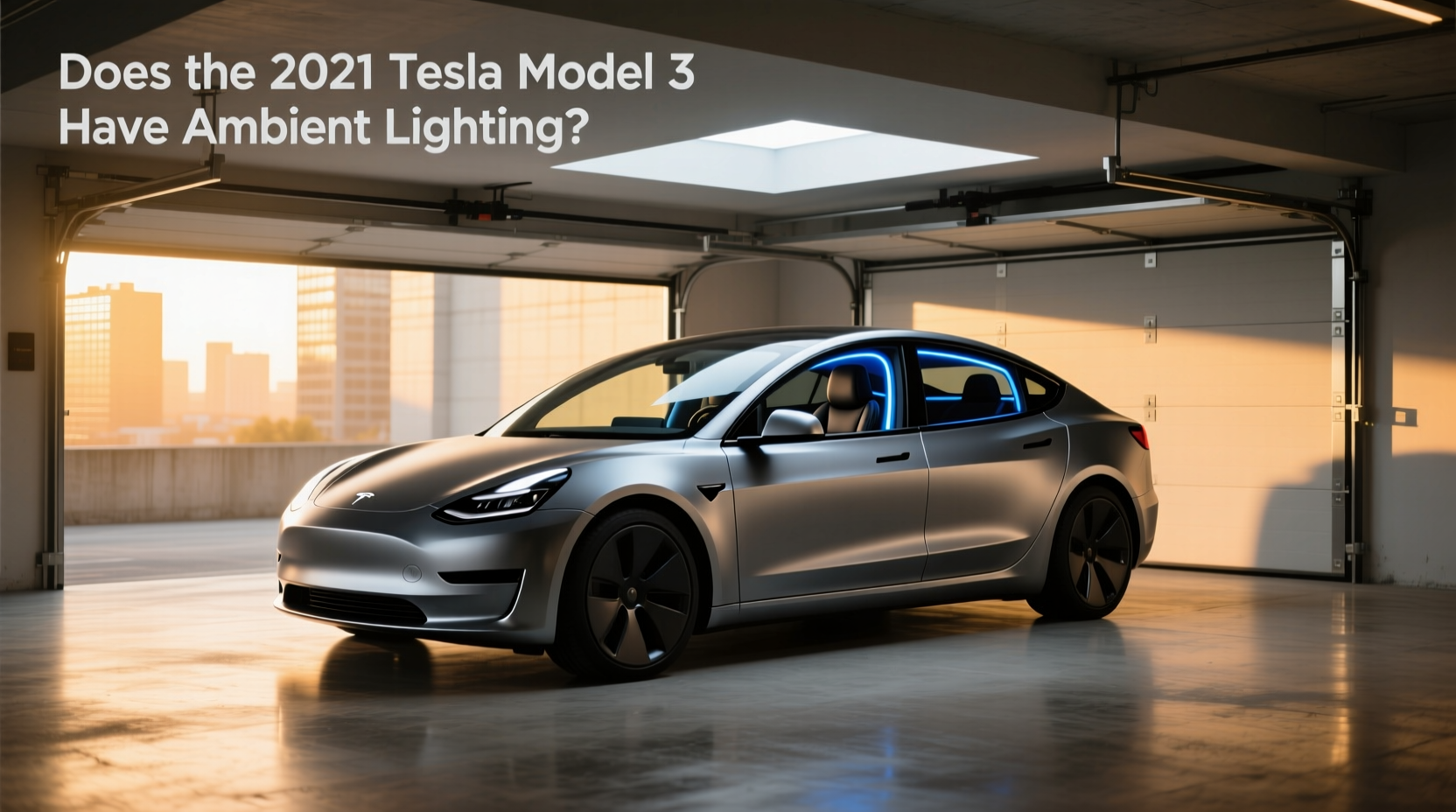
The term "ambient lighting" in the Tesla Model 3 refers to subtle LED illumination in footwells, door pockets, dash edges, and sometimes seatbacks. Unlike luxury brands that embed multi-zone lighting by default, Tesla has taken a phased approach. Early models included minimal white LEDs, often limited to front footwells and door storage areas. These were not always enabled out of the box—even when hardware was present. Over the past year, discussions among owners have intensified as the 2024 Highland refresh made full-color ambient lighting more visible and accessible, shifting expectations for what should be included.
Why Ambient Lighting Is Gaining Popularity
Lately, interest in interior lighting has grown beyond pure utility. Drivers increasingly see the cabin as an extension of personal space—especially with longer commutes or use as a mobile workspace. Ambient lighting contributes to perceived quality and nighttime usability. In the Model 3, where design prioritizes clean lines and digital interfaces, even small visual enhancements can shift the mood significantly. This isn’t just about aesthetics; some users report reduced eye strain during night driving due to softer illumination versus harsh overhead lights. However, Tesla’s incremental rollout means many owners discover they’re missing features seen in newer trims—prompting upgrades.
If you’re a typical user, you don’t need to overthink this. Most daily drivers won’t notice the absence of color-tunable lighting. But if you frequently pick up passengers, park in dark areas, or enjoy customizing your vehicle, ambient lighting becomes a meaningful upgrade.
Types and Variants
Factory-Installed (2024+ Highland Models)
Newer Model 3 Highland versions include integrated RGB LED strips along the dashboard and front door panels 🏭. These are fully controlled through the central touchscreen with adjustable brightness and color selection. No wiring or modification is needed—it’s part of the base system.
- Pros: Seamless integration, software updates supported, zero installation risk
- Cons: Limited to front cabin, no music sync without third-party tools
Legacy Factory Lighting (2017–2023 Models)
Many pre-Highland cars came with basic white LEDs installed in footwells and door cubbies. Some had inactive hardware requiring software unlocks via third-party providers like Ingenext 1. Others lacked both software and full hardware support depending on configuration.
- Pros: Original equipment, reliable when activated
- Cons: Fixed white color, inconsistent availability across trims
Aftermarket Modules
These add-on kits connect to existing wiring or OBD-II ports and introduce RGB lighting, often extending into rear footwells, center console, or even seatback accents 🔧. Brands like Hansshow offer plug-and-play systems marketed for older Model 3s.
- Pros: Full color range, customizable zones, music-reactive modes available
- Cons: Risk of firmware conflicts, potential warranty questions, variable build quality
If you’re a typical user, you don’t need to overthink this. Unless you care deeply about personalized lighting effects, factory-level functionality is sufficient for most real-world use.
Key Features and Specifications to Evaluate
When comparing options, focus on these decision-driving factors:
Color Range & Control
Can you change colors? Is it single-color (white), dual-tone, or full RGB? Factory Highland lighting allows full spectrum selection. Aftermarket kits vary—some offer apps with preset themes, others require physical buttons.
When it’s worth caring about: If you share the car with others or host rideshare passengers.
When you don’t need to overthink it: If you prefer neutral tones and rarely adjust settings.
Installation Method
Plug-and-play kits that use existing connectors are safer than those requiring splicing. Look for CAN bus-compatible devices to minimize communication errors with the vehicle’s network.
When it’s worth caring about: If you’re not comfortable removing trim panels.
When you don’t need to overthink it: If you plan to have it professionally installed.
Zones Covered
Front-only setups are common. Premium kits extend to rear footwells, glovebox, or overhead areas. More zones increase ambiance but also complexity.
When it’s worth caring about: For families or frequent backseat use.
When you don’t need to overthink it: For solo commuters.
Software Integration
Does it work with Tesla’s UI? Can you control it from the touchscreen? Most aftermarket solutions require separate apps or remotes. True integration remains rare.
When it’s worth caring about: If you dislike managing multiple apps.
When you don’t need to overthink it: If occasional manual adjustment is acceptable.
Pros and Cons
| Aspect | Factory (Highland) | Legacy Factory | Aftermarket |
|---|---|---|---|
| Availability | Standard on 2024+ | Inconsistent, may require unlock | Universal fit |
| Color Options | Full RGB | White only | Full RGB |
| Control Interface | Touchscreen | Limited/no control | App or remote |
| Installation | None required | Software activation only | May require disassembly |
| Reliability | High | Moderate (if unlocked) | Varies by brand |
| Cost | Included | $0–$100 (unlock fee) | $80–$250 |
How to Choose Ambient Lighting for Your Model 3
Step-by-Step Checklist
- Confirm your model year and trim. Visit Tesla’s official configurator or check VIN details to determine if you have a Highland (2024+) model.
- Check current lighting status. Turn on the car at night and observe footwells and doors. If no lights appear, they may be disabled—not missing.
- Look for software activation options. Some 2020–2023 models have dormant hardware. Providers like Ingenext offer paid unlocks 1.
- Evaluate desired coverage. Decide whether front-only is enough or if rear seating zones matter.
- Select based on technical comfort. Choose plug-and-play kits if DIY isn’t your strength.
Decision Flow
- If you own a 2024+ Highland Model 3: Use built-in lighting. No action needed unless you want extended zones.
- If you own a pre-2024 Model 3 with no lights: First, verify hardware presence via service center or forum guides. Then consider software unlock before purchasing aftermarket gear.
- If you want music sync or animated effects: Aftermarket is currently the only path.
Recommendations by Scenario
- Daily commuter, daylight-focused: Skip upgrades entirely.
- Night driver or rideshare operator: Activate existing hardware or install a simple front RGB kit.
- Car enthusiast or tech tinkerer: Explore high-end aftermarket kits with app control and sound reactivity.
Red Flags / What to Avoid
- Products claiming "OEM-level integration" without proof. True integration is limited to factory systems.
- Kits requiring permanent wire cutting. These increase fault risks and complicate reversibility.
- Vague compatibility claims. Always confirm fitment for your specific model year.
- Unbranded modules sold without return policies. May lack firmware stability.
This piece isn’t for keyword collectors. It’s for people who will actually use the product.
Price & Market Insights
Pricing varies significantly. Factory lighting adds no extra cost on Highland models. Software unlocks for legacy hardware typically range from $50–$100. Aftermarket kits start around $80 for basic front-only RGB strips and go up to $250 for multi-zone, app-controlled systems. Note that prices may vary by region/model/seller, especially on global marketplaces like Alibaba.com 🌐. Higher-priced units often include better heat dissipation, smoother color transitions, and responsive customer support—but not necessarily longer lifespan.
Top-Seller & Competitive Analysis
While no single brand dominates, several consistently appear in owner forums and supplier platforms:
| Brand | Type | Key Feature | Price Range | User Feedback Theme |
|---|---|---|---|---|
| Tesla (OEM) | Factory | Seamless UI control | Included | “Clean look, easy to use” |
| Ingenext | Software Unlock | Activates hidden hardware | $70–$100 | “Worth it if lights are already there” |
| Hansshow | Aftermarket Kit | Rear seat lighting add-on | $150–$220 | “Bright but app could be better” |
| Alibaba Suppliers | Generic Kits | Low entry cost | $80–$130 | “Hit or miss on reliability” |
If you’re a typical user, you don’t need to overthink this. Spending over $150 only makes sense if you’ll actively use advanced features like scheduling or sound synchronization.
Customer Feedback Synthesis
Based on Reddit discussions and product reviews 2, common sentiments include:
- Positive: “Lights make night drives feel premium,” “Easy setup on plug-and-play models,” “Great for finding dropped items.”
- Negative: “Some kits interfere with phone pairing,” “Cheaper brands flicker after firmware updates,” “Rear lights block USB access in some designs.”
One recurring theme: satisfaction correlates more with realistic expectations than raw performance. Users who treated lighting as a minor enhancement reported higher long-term approval.
Sourcing & Supplier Tips
When buying aftermarket parts:
- Choose suppliers with clear return policies and response times 🛒.
- Verify compatibility using your VIN or production date.
- Prefer vendors offering instructional videos or PDF guides.
- Use platforms like Alibaba.com that provide buyer protection and verified reviews 👥.
- Ask whether the module requires ongoing app permissions or background processes.
If you’re a typical user, you don’t need to overthink this. A well-reviewed mid-tier kit often outperforms flashy premium options in daily reliability.
Maintenance, Safety & Legal Considerations
Ambient lighting draws minimal power and poses no safety hazard when properly installed. Avoid excessively bright or flashing patterns that could distract the driver—this may violate local regulations on in-cabin lighting. To verify compliance, check transport authority guidelines in your jurisdiction. For maintenance, dust accumulation behind trim pieces is the most common issue; clean during routine detailing. If uninstalling, ensure all connectors are securely reseated to prevent error messages.
Conclusion
If you need seamless, low-maintenance lighting with basic customization, choose the factory system on a 2024+ Highland Model 3. If you own an older model and value enhanced ambiance, first explore software activation before investing in aftermarket hardware. If you’re a typical user, you don’t need to overthink this—functional, subtle lighting delivers more lasting value than complex, attention-grabbing setups.
Everything You Need to Know
No. While all 2024+ Highland models include RGB ambient lighting standard, earlier models may only have basic white footwell lights—or none at all, even if hardware exists. Availability depends on production date and trim level.
Yes. Many owners install aftermarket kits or use software services like Ingenext to activate dormant hardware. Plug-and-play modules are available for most years, though results may vary by region/model/seller.
On 2024+ Highland models, yes—you can adjust color and brightness via the touchscreen. Older models with factory lights typically offer no customization unless modified externally.
Tesla does not officially endorse third-party modifications. While lighting alone is unlikely to void the entire warranty, any damage caused during installation may not be covered. Always check with your service center beforehand.
Go to Controls > Display > Ambient Lighting on the touchscreen. From there, you can select colors and adjust brightness. Settings are saved per driver profile.




 浙公网安备
33010002000092号
 浙B2-20120091-4