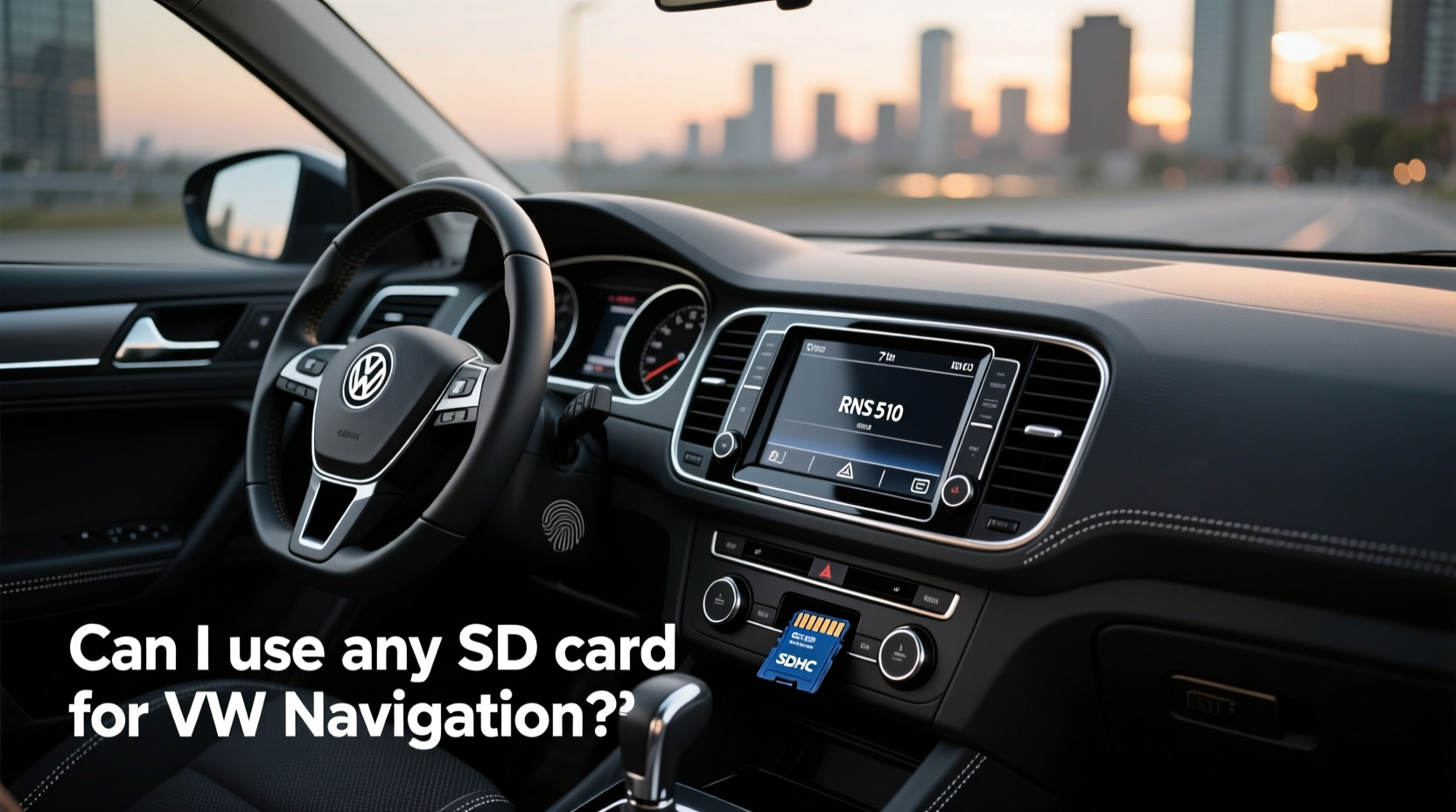
About the VW RNS 510 and SD Card Compatibility
The Volkswagen RNS 510 is an OEM infotainment and navigation unit used in various VW models from approximately 2006 to 2010, including the Golf Mk5, Passat B6, and Scirocco. It relies on removable SD cards to load map data for its navigation system. While it may seem straightforward to insert any modern SD card, the RNS 510 uses older hardware and software standards that impose strict limitations.
When users ask, 'Can I use any SD card for VW navigation?', especially in the context of the RNS 510, the answer is clearly no. This model does not support high-capacity SDXC cards or newer file systems like exFAT. Instead, it requires adherence to specific technical specifications to function correctly. Understanding these constraints is essential before purchasing or formatting an SD card for map updates or media playback.
Why SD Card Compatibility for RNS 510 Is Gaining Attention
Despite being discontinued, the RNS 510 remains in use by many owners of older Volkswagen vehicles who prefer the factory-installed system over aftermarket alternatives. As digital maps become outdated, demand grows for reliable methods to update navigation data using SD cards. Online forums and DIY communities have seen increased discussion around troubleshooting failed updates, often traced back to incompatible SD cards.
Additionally, as newer SD cards default to 64GB+ capacities and exFAT formatting, users face more frequent confusion when attempting upgrades. This has led to renewed interest in understanding what makes an SD card compatible with legacy systems like the RNS 510. The need for clear, accurate guidance—especially for non-technical users—is driving search volume around queries such as 'what to look for in rns 510 vw,Can I use any SD card for VW navigation?'.
Types and Variants of SD Cards: Which Ones Work?
Not all SD cards are created equal. Below is a breakdown of common types and their compatibility with the RNS 510:
- ✅SDHC (Secure Digital High Capacity): Supports 4GB–32GB. Fully compatible with RNS 510 if formatted as FAT32. Recommended for map updates.
- ❌SDXC (Secure Digital eXtended Capacity): Starts at 64GB. Not supported due to lack of exFAT and SDIO protocol compatibility.
- ✅Standard SD (up to 2GB): Compatible but limited. Suitable only for audio/video files, not full map data.
- ✅Multimedia Cards (MMC): Up to 2GB supported for media playback, but rarely used today.
In practice, only SDHC cards within the 16GB–32GB range are ideal for storing updated map databases. Smaller cards may lack space, while larger ones will be rejected outright by the system.
Key Features and Specifications to Evaluate
When selecting an SD card for the RNS 510, focus on the following technical criteria:
| Feature | Requirement | Notes |
|---|---|---|
| Maximum Capacity | 32GB (SDHC) | Cards >32GB (SDXC) will not work1 |
| File System | FAT32 | Must be fully reformatted; avoid exFAT or NTFS5 |
| Physical Size | Standard (32×24 mm) | MicroSD with adapter may work but not recommended |
| Speed Class | Class 4 or higher | No official requirement, but faster writes reduce risk of corruption |
| Firmware Dependency | Version 1300+ | Older firmware (e.g., 1100 B) lacks SDHC support5 |
Always verify both hardware and software readiness before purchase. A card meeting physical and storage specs may still fail if the system firmware hasn't been updated.
Pros and Cons of Using SD Cards with RNS 510
| Aspect | Pros | Cons |
|---|---|---|
| Cost | Low-cost solution compared to dealer updates | Requires time and technical effort |
| Flexibility | Users can install third-party or updated maps | Limited to 32GB; no cloud sync |
| Reliability | Stable performance with correct setup | Prone to errors with bad formatting or low-quality cards |
| Future-Proofing | Extends usability of older hardware | Eventually limited by aging electronics and obsolescence |
This system suits budget-conscious owners maintaining older VWs but is less suitable for those seeking plug-and-play simplicity.
How to Choose an SD Card for RNS 510: Step-by-Step Buying Guide
Selecting the right SD card involves more than just buying the cheapest 32GB option. Follow this checklist to avoid common pitfalls:
- Confirm System Compatibility: Check your RNS 510’s firmware version. If it's below 1300, plan a firmware update first.
- Select SDHC, Not SDXC: Purchase a card labeled SDHC with ≤32GB capacity. Ignore 64GB+ options even if advertised as backward compatible.
- Choose Reputable Brands: Opt for well-known manufacturers like SanDisk, Samsung, or Kingston to reduce failure risk.
- Format Properly: Use a tool like GUIFormat or SD Memory Card Formatter to erase all partitions and create a single FAT32 partition spanning the entire card.
- Avoid Pre-Formatted Cards: Many come with exFAT or multiple partitions. Always reformat regardless of initial state.
- Verify Data Integrity: After copying map files, check checksums (if provided) to confirm successful transfer.
- Test Before Final Install: Insert into RNS 510 and verify recognition before relying on it for navigation.
- Using microSD cards with adapters (risk of poor contact)
- Skipping firmware checks
- Assuming '32GB' means compatible (some 32GB cards ship with exFAT)
- Ignoring CAN gateway requirements in pre-2008 vehicles 2
Price & Market Insights
32GB SDHC cards are widely available and generally inexpensive. Prices typically range from $8 to $20 USD depending on brand, speed rating, and retailer. Higher-priced cards often offer better durability and write speeds, which can improve reliability during large file transfers.
While most budget cards meet minimum needs, investing slightly more in a reputable brand reduces the chance of read/write failures. Note that prices may vary significantly by region and availability. There is no premium tier specifically designed for automotive navigation, so standard consumer-grade cards suffice if they meet the technical requirements.
Top-Seller & Competitive Analysis
Popular models frequently mentioned in user discussions include:
| Brand & Model | Capacity | File System | User Feedback Notes |
|---|---|---|---|
| SanDisk Ultra 32GB SDHC | 32GB | exFAT (must reformat) | Widely reported success after FAT32 reformat |
| Samsung EVO Plus 32GB | 32GB | exFAT (must reformat) | Reliable performance; good longevity |
| Kingston Canvas Select 32GB | 32GB | exFAT (must reformat) | Budget-friendly; consistent results |
All listed cards require manual reformatting to FAT32. No model comes pre-formatted correctly out of the box. Success depends more on proper preparation than brand alone.
Customer Feedback Synthesis
Analysis of forum discussions and user reports reveals recurring themes:
- Positive Feedback: Users praise the ability to update maps independently, cost savings over dealership services, and stable operation once set up correctly.
- Common Complaints: Frequent issues include 'SD Card Error' messages, unrecognized cards, and corrupted data—most often due to incorrect formatting or firmware incompatibility.
- Unmet Expectations: Some buyers assume any 32GB card works automatically, leading to frustration when the system rejects it despite correct size.
- Success Factors: Those who follow detailed guides, verify firmware, and use trusted formatting tools report near-perfect success rates.
The consensus emphasizes preparation over product choice.
Sourcing & Supplier Tips
Purchase SD cards from authorized retailers or directly from manufacturer websites to avoid counterfeit products. Third-party sellers on marketplaces may offer lower prices but carry risks of fake or reused cards.
For bulk purchases (e.g., for repair shops), consider dealing with certified distributors. Always keep packaging and receipts in case returns are needed. Test each card individually before deployment, as quality can vary even within the same batch.
There is no official certification program for RNS 510-compatible SD cards, so rely on community validation and personal testing rather than marketing claims.
Maintenance, Safety & Legal Considerations
To maintain optimal performance:
- Eject the SD card only when the system is powered off to prevent data corruption.
- Store spare cards in protective cases away from moisture and magnetic fields.
- Periodically back up map data if modifications have been made.
Safety-wise, ensure the vehicle is parked before interacting with the navigation system. Avoid using the interface while driving.
Legally, ensure map data complies with local licensing terms. While updating maps is technically permitted, redistributing copyrighted material may violate terms of service. Always obtain data from legitimate sources.
Conclusion: Making the Right Choice for Your Needs
If you own a VW RNS 510 and need to update your navigation system, choosing the correct SD card is critical. You cannot use just any card—only SDHC models of 32GB or less, properly formatted to FAT32, will work reliably. Additionally, your system must run firmware version 1300 or later to support SDHC functionality. Pre-2008 vehicles may also require a CAN gateway upgrade to prevent electrical issues.
For users asking 'how to choose rns 510 vw,Can I use any SD card for VW navigation?', the decision hinges on verifying three elements: card specs, firmware version, and formatting method. Prioritize reliability over price, and always test the setup before relying on it for navigation. With careful selection and preparation, a compatible SD card can extend the life and usefulness of your RNS 510 system.
FAQs
Can I use a 64GB SD card in my RNS 510?
No. The RNS 510 does not support SDXC cards, which start at 64GB. Only SDHC cards up to 32GB are compatible.
Why does my RNS 510 show 'SD Card Error'?
This error usually occurs due to incorrect formatting (non-FAT32), unsupported capacity (>32GB), or outdated firmware that doesn’t support SDHC cards.
Do I need to format the SD card even if it’s 32GB?
Yes. Most 32GB cards come pre-formatted with exFAT. You must reformat them to FAT32 using a dedicated tool to ensure full compatibility.
Does firmware version affect SD card support?
Yes. Firmware version 1100 B and earlier do not support SDHC cards. Update to version 1300 or later to enable 32GB card functionality.
Can I use a microSD card with an adapter?
Technically possible, but not recommended. Adapters can cause connection issues. Use a full-size SDHC card for best reliability.




 浙公网安备
33010002000092号
 浙B2-20120091-4