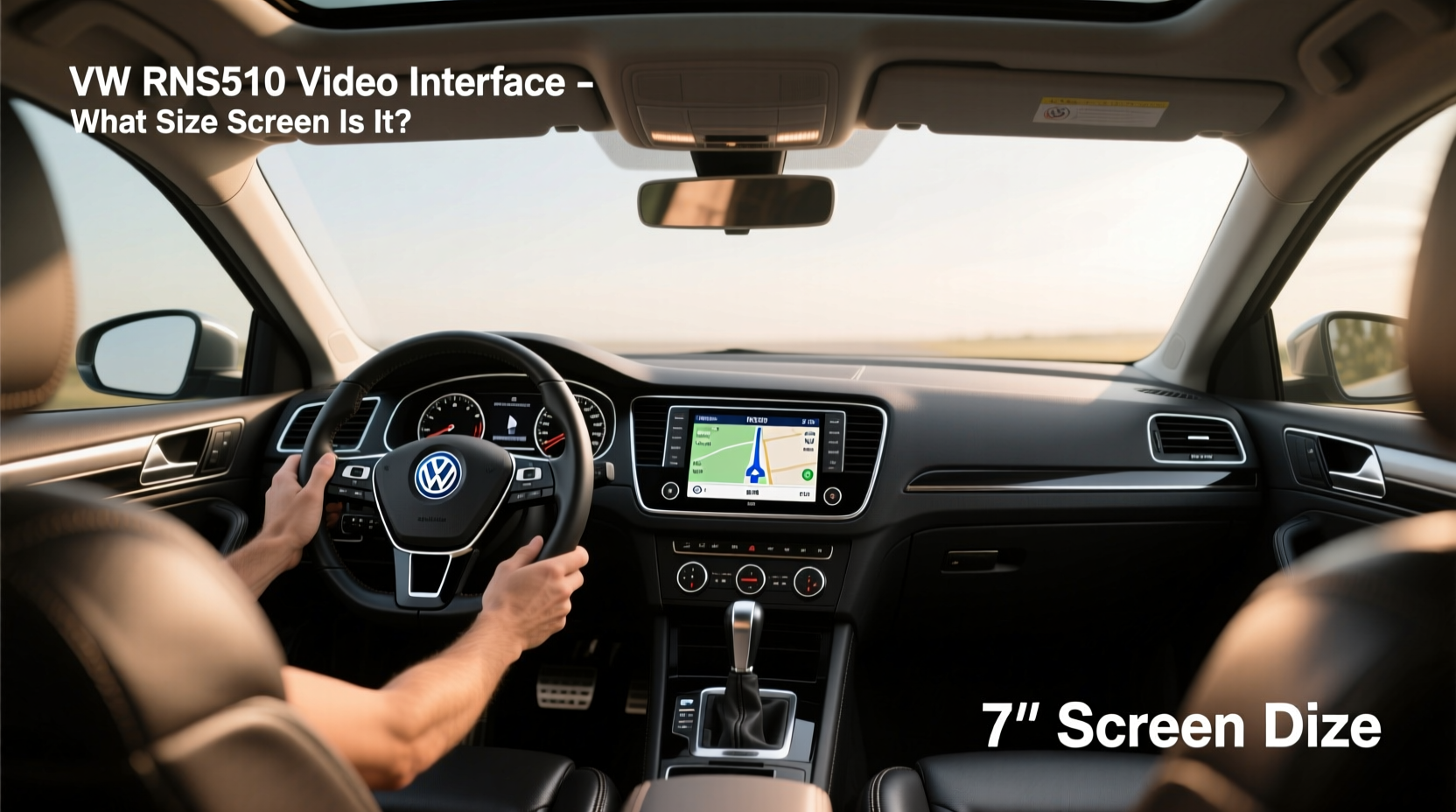
If you're asking how to choose vw rns510 video interface,What size screen is the RNS510?, start here: the RNS 510 has a 6.5-inch touchscreen with a 16:9 aspect ratio and 800x480 resolution 12. Its video interface supports DVD playback, rear camera input, and optional TV reception or video-in-motion (VIM), but activation often requires coding or firmware updates. When choosing one, prioritize verified compatibility with your vehicle model year and confirm whether VIM or DVB-T TV is pre-enabled. Avoid units with cracked screens or corrupted firmware—always test before installation.
📍 About VW RNS510 Video Interface, What Size Screen Is the RNS510?
The Volkswagen RNS 510 is an OEM navigation and multimedia head unit used in various VW models from 2009 to 2015, including Passat, Golf, Jetta, and Tiguan. One of its defining features is the 6.5-inch capacitive touchscreen with a widescreen 16:9 format, offering clear visuals for maps, audio menus, and video content 3. The system integrates GPS navigation, AM/FM/HD radio, DVD playback, and hard drive storage (typically 30GB or upgraded to 40GB SSD).
The term "vw rns510 video interface" refers to the system's ability to process and display multiple video sources beyond standard navigation. This includes rear-view cameras, external video inputs, and internal DVD playback. Understanding this functionality is essential when retrofitting or replacing the unit, especially if you plan to use advanced features like watching videos while driving (VIM) or receiving digital TV signals.
Common use cases include upgrading from a basic factory radio, restoring functionality in a used car, or adding multimedia capabilities to older VWs. Because it’s a double-DIN unit (measuring approximately 218mm wide x 128mm tall at the faceplate), it fits many European dashboards without major modifications 4.
📈 Why VW RNS510 Video Interface, What Size Screen Is the RNS510? Is Gaining Popularity
Despite being discontinued, the RNS 510 remains popular among DIY car audio enthusiasts and owners of older Volkswagen vehicles. Its appeal lies in being a genuine OEM solution that maintains factory aesthetics and integrates seamlessly with steering wheel controls, climate displays, and parking sensors.
Users are increasingly searching for what to look for in vw rns510 video interface,What size screen is the RNS510? because modern infotainment systems often lack backward compatibility. Many prefer retaining the original dashboard look while gaining functional upgrades—something aftermarket Android Auto units can’t always provide without bezel changes.
Additionally, the availability of firmware hacks and community-supported tools allows users to unlock features like VIM and free TV reception, increasing perceived value. Forums and YouTube tutorials have made these modifications more accessible, fueling demand for working units on secondary markets.
🔧 Types and Variants
Several variants of the RNS 510 exist, differing by region, hardware revision, and included features:
- Standard RNS 510 (No TV Tuner): Most common version. Supports DVD playback and camera input but lacks built-in DVB-T tuner. ✅ Cost-effective; ❌ Cannot receive live TV without hardware add-on.
- RNS 510 with DVB-T (TV) Tuner: Includes digital terrestrial TV receiver. Can display live broadcasts after enabling “TV FREE” via software update. ✅ Adds entertainment option; ❌ May require specific regional firmware.
- SSD-Upgraded Models (40GB): Later versions or refurbed units with solid-state drives instead of mechanical HDDs. ✅ Faster boot times, quieter operation; ❌ Slightly higher cost.
- VIM-Enabled Units: Pre-coded or modified to allow video playback while moving. ✅ Convenient for passengers; ❌ Legality varies by jurisdiction; may violate local distracted driving laws.
Be cautious when purchasing: some sellers claim “fully unlocked” units, but actual functionality depends on firmware version and vehicle coding.
⚙️ Key Features and Specifications to Evaluate
When evaluating a used or replacement RNS 510, consider these critical specifications:
- Screen Size & Resolution: Always 6.5 inches, 800x480 pixels. Check for dead pixels or backlight bleeding.
- Video Playback Support: Confirmed DVD, MP3, WMA, USB, and SD card media playback 5.
- Video-in-Motion (VIM): Not enabled by default. Requires VCDS coding or third-party enablers.
- TV Reception Capability: Only possible with DVB-T equipped models and correct software patch.
- Hard Drive Type: Mechanical drives (30GB) are prone to failure; SSD upgrades improve reliability.
- Firmware Version: Newer firmware improves stability and map accuracy. Verify current version before buying.
- Compatibility: Matches specific VW chassis codes (e.g., 1K, 5C). Confirm fitment using VIN or model year.
✅ Pros and Cons
| Pros | Cons |
|---|---|
| ✔ Factory integration with VW dash and controls | ✘ Outdated interface compared to modern touchscreens |
| ✔ High-quality OEM build and materials | ✘ Limited app support (no Apple CarPlay/Android Auto) |
| ✔ Supports rear camera and parking sensors | ✘ Mechanical HDDs may fail over time |
| ✔ Unlockable features (VIM, TV) via firmware | ✘ Legal restrictions apply to VIM in many regions |
| ✔ Retains resale value of stock appearance | ✘ Finding genuine parts may be difficult |
📋 How to Choose VW RNS510 Video Interface, What Size Screen Is the RNS510?
Follow this step-by-step guide when selecting a unit:
- Confirm Vehicle Compatibility: Match your car’s model year and trim to known compatible RNS 510 versions. Use online databases or consult forums.
- Determine Desired Features: Decide if you need VIM, TV, or just basic navigation. This affects which model variant to pursue.
- Inspect Physical Condition: Look for scratches, cracks, or non-responsive touch areas. Ask for operational videos.
- Verify Firmware Status: Ensure firmware is upgradable and not locked. Some clones cannot be updated.
- Check Storage Type: Prefer units with 40GB SSD over aging 30GB HDDs for better performance.
- Test Connectivity: Confirm Bluetooth, USB, and AUX inputs work during inspection.
Red Flags to Avoid:
- Units sold “for parts only” without testing.
- Sellers who won’t provide boot-up footage.
- Pricing significantly below market average—could indicate theft or damage.
- Claims of “plug-and-play VIM” without mentioning required coding.
💰 Price & Market Insights
As of 2025, typical prices vary:
- Basic Unit (30GB HDD): $150–$250 USD
- Upgraded SSD Model: $280–$380 USD
- DVB-T + VIM Pre-Enabled: $350–$450 USD (may involve gray-market modifications)
Prices depend on condition, location, and included accessories (e.g., wiring harness, microphone). Refurbished units from reputable vendors often include warranty and tested functionality, justifying higher cost. Be wary of listings from regions with high counterfeit electronics rates.
📊 Top-Seller & Competitive Analysis
Popular configurations available online include refurbished OEM units with SSD upgrades and pre-applied TV/VIM patches. While no direct competitors exist within VW’s lineup, alternatives like the RCD550 or aftermarket solutions offer different trade-offs.
| Model | Screen Size | Storage | VIM Capable | TV Tuner | Avg. Price |
|---|---|---|---|---|---|
| RNS 510 (Stock) | 6.5" | 30GB HDD | Yes (coded) | No | $200 |
| RNS 510 (SSD Upgraded) | 6.5" | 40GB SSD | Yes (coded) | No | $320 |
| RNS 510 (DVB-T + TV Free) | 6.5" | 30GB HDD | Yes | Yes | $400 |
| RCD550 (Aftermarket Style) | 6.33" | Internal Flash | No | No | $220 |
👥 Customer Feedback Synthesis
Based on user reviews and forum discussions:
- Positive Feedback: Praise for seamless OEM integration, clarity of the 6.5-inch screen, and satisfaction with successful VIM/TV unlocks. Users appreciate the physical durability and clean dashboard fit.
- Common Complaints: Frustration over failed HDDs, unresponsive touchscreens on older units, misleading seller descriptions about feature enablement, and difficulty finding correct coding procedures.
- Recurring Themes: Buyers value transparency in listings. Units with proof of function and clear firmware details receive higher ratings. Issues usually stem from poor pre-purchase verification.
🛒 Sourcing & Supplier Tips
Buy from specialized automotive electronics suppliers or trusted eBay sellers with detailed listings. Preferred channels include:
- OEM parts recyclers (salvage yards specializing in electronics)
- Refurbishment shops offering warranties
- Community marketplace groups (e.g., VW enthusiast forums)
For bulk purchases or resale, verify return policies and test each unit before redistribution. Always request IMEI/SN verification to ensure authenticity. Avoid suppliers who don't allow inspection periods.
🧼 Maintenance, Safety & Legal Considerations
Maintain the RNS 510 by keeping firmware updated and avoiding extreme temperatures. Clean the screen with microfiber cloth and non-abrasive cleaner.
Safety note: Video-in-motion should only be used by passengers. The driver must not view video content while operating the vehicle.
Legal reminder: Enabling VIM may violate traffic laws in countries like the US, UK, Canada, and Australia. Regulations vary by state/province. Always check local rules before activating such features. Responsibility lies with the vehicle owner.
📌 Conclusion
The RNS 510 remains a solid choice for maintaining factory integrity in older VWs. Its 6.5-inch screen offers adequate visibility and responsiveness for navigation and media. If you want DVD playback, camera support, and potential access to TV or VIM, it’s worth considering—but only if you’re prepared to handle coding and compatibility checks.
If you need a plug-and-play modern experience, look toward aftermarket units with CarPlay. If you prioritize OEM finish and moderate multimedia features, a well-sourced RNS 510 with SSD upgrade is a reliable option. Always verify functionality, match your vehicle model, and proceed cautiously with modified firmware.




 浙公网安备
33010002000092号
 浙B2-20120091-4