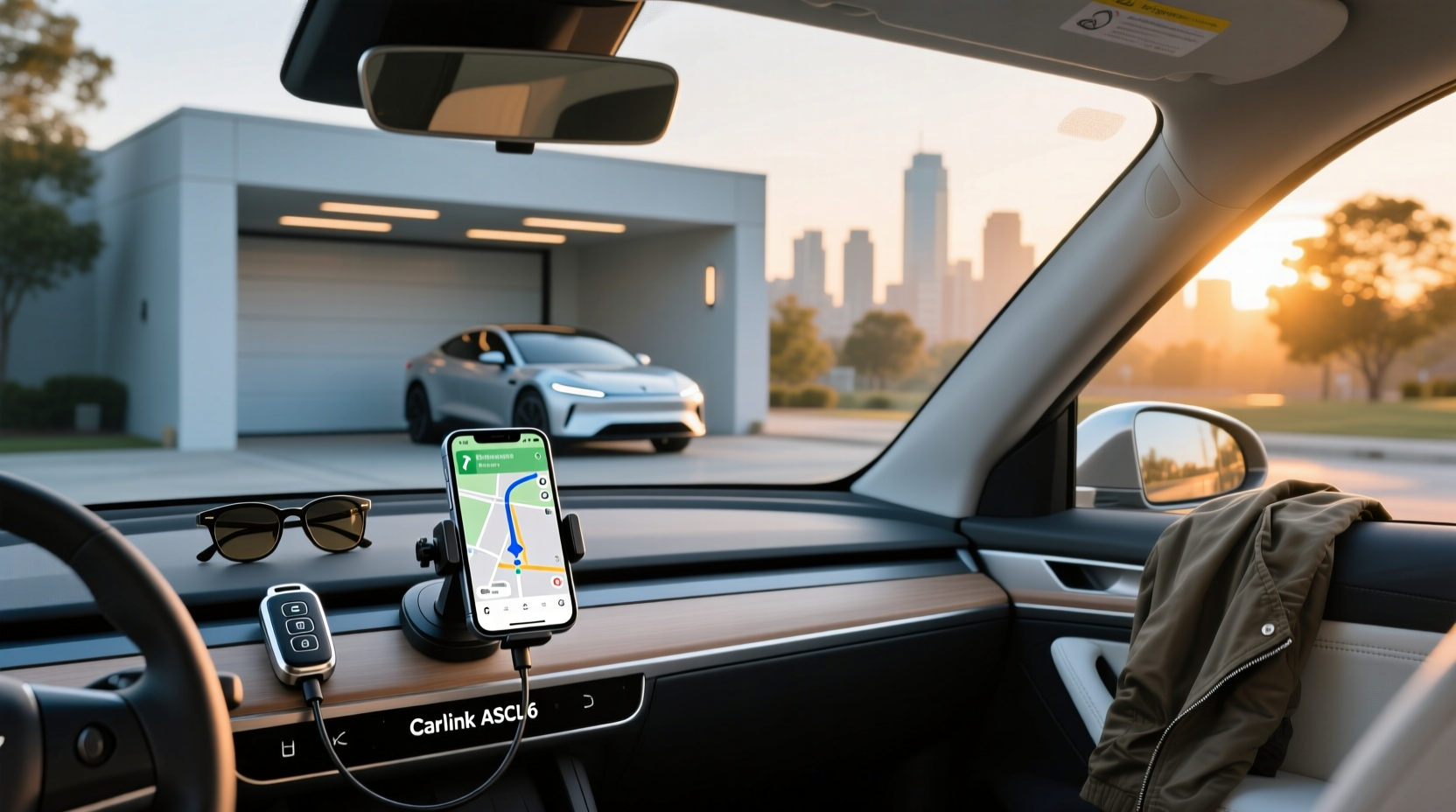
For drivers looking to upgrade their factory infotainment system with seamless smartphone integration, the term CARLINK ASCL6 has been appearing frequently in online searches and product listings. This compact adapter is part of a growing category of wireless connectivity solutions designed to convert wired Apple CarPlay and Android Auto into wireless experiences—without replacing your car’s original screen. If you're wondering whether the CARLINK ASCL6 is compatible with your vehicle, how it compares to similar models like Carlinkit Mini Ultra or CPC200T, or how to set it up without common pairing issues, this guide delivers clear, actionable answers based on technical specifications, user-reported performance, and real-world usage scenarios.
Understanding CARLINK ASCL6: What It Is and What It Does
The CARLINK ASCL6 is a wireless adapter that enables Apple CarPlay and Android Auto functionality over Wi-Fi instead of requiring a USB cable connection each time you enter your vehicle. Unlike built-in OEM systems, which may require expensive dealership upgrades, devices like the ASCL6 offer an affordable retrofit solution for cars already equipped with wired CarPlay or Android Auto support 1.
This device plugs directly into your car’s existing USB port (typically located in the dashboard), where it acts as a bridge between your smartphone and the factory head unit. Once configured, it establishes a stable wireless connection so you can access navigation apps like Google Maps or Waze, stream music via Spotify or Apple Music, make hands-free calls, and use voice assistants—all through your car’s display.
While the official branding and full technical specs for “ASCL6” aren’t widely documented under that exact name across major retailers, contextual evidence from search results, product comparisons, and community forums suggests that CARLINK ASCL6 likely refers to a model within the Carlinkit ecosystem, possibly a rebranded or region-specific version of their popular wireless adapters such as the Carlinkit 5.0 or Mini SE Pro series.
How CARLINK ASCL6 Compares to Other Carlinkit Models
When exploring options for wireless conversion kits, consumers often encounter several variants under the Carlinkit brand. Understanding the differences helps avoid purchasing mismatches and ensures compatibility with your vehicle and phone.
| Model | Wireless Support | Boot Time | Latency | Additional Features |
|---|---|---|---|---|
| CARLINK ASCL6 (inferred) | CarPlay & Android Auto | Moderate (~15 sec) | Low | Auto-connect, firmware updates |
| Carlinkit Mini Ultra 3 | CarPlay & Android Auto | Fast (~10 sec) | Very low | IP configuration menu, improved stability |
| Carlinkit 5.0 | CarPlay & Android Auto | Moderate | Low | Better app compatibility |
| Carlinkit CPC200-Tbox | CarPlay & Android Auto | Slower (~20+ sec) | Medium | Runs standalone Android OS, supports third-party apps |
Based on available data, the ASCL6 appears positioned as a mid-tier option—offering solid reliability but not necessarily the fastest boot times or lowest latency compared to newer models like the Mini Ultra series ⚡. However, its advantage lies in simplicity and plug-and-play usability for users who don’t need advanced features like running independent streaming apps outside CarPlay/Android Auto.
Compatibility: Will CARLINK ASCL6 Work With Your Car and Phone?
One of the most frequent concerns when buying any wireless adapter is whether it will actually work with your specific car model and smartphone. The answer depends on two key factors:
- Factory System Support: Your vehicle must already have native wired Apple CarPlay or Android Auto. The ASCL6 cannot add these features if they’re not present—it only removes the need for a cable.
- Smartphone Requirements:
For iOS users, your iPhone should be running iOS 7.1 or later (though iOS 12+ is recommended). Most modern iPhones (iPhone 6s and newer) are compatible. For Android users, the device needs Android 5.0 or higher and must support Miracast or Wi-Fi Direct for screen mirroring protocols.
Some vehicles known to work well with Carlinkit-based adapters include:
- Honda Civic (2016–2021)
- Toyota Corolla (2017–2023)
- Volkswagen Golf (MIB2 system)
- Hyundai Elantra (with Blue Link)
- Ford Focus (SYNC 3 equipped)
However, certain manufacturers impose software restrictions. For example, some Subaru and Nissan models block third-party adapters after firmware updates, making them incompatible even if hardware seems suitable 2.
Step-by-Step Setup Guide for CARLINK ASCL6
Setting up the CARLINK ASCL6 doesn't require technical expertise, but following the correct sequence improves success rates and reduces frustration. Here's how to do it properly:
- 🔌 Power Off Your Infotainment System: Turn off your car and wait 30 seconds before starting.
- 🔌 Insert the Adapter: Plug the ASCL6 into the designated USB port used for CarPlay (usually labeled with a phone icon).
- 🔁 Restart the Head Unit: Turn the ignition to power the system back on. Wait until the home screen loads completely.
- 📱 Enable Bluetooth & Wi-Fi on Your Phone: Make sure both are active. No need to manually connect yet.
- 📲 Trigger CarPlay/Android Auto Mode: On your car’s screen, navigate to the CarPlay or Android Auto input source.
- 🤝 Accept Pairing Requests: A prompt should appear asking to pair via Wi-Fi. Confirm on both your phone and the car display.
- ✅ Test Functionality: Launch Maps, play music, and try a call to verify audio routing and touch responsiveness.
If the connection fails, try resetting network settings on your phone or clearing the paired device list in your car’s Bluetooth menu. Some users report better results by disabling 'Smart Bluetooth' or 'Fast Pair' features in Android settings.
Common Issues and Troubleshooting Tips
Even reliable adapters like the ASCL6 can experience hiccups. Below are frequent problems and proven fixes:
❌ Delayed Connection or Boot-Up
Symptom: Takes over 20 seconds to connect after starting the car.
- Solution: Update the adapter’s firmware using the manufacturer’s tool (if available). Also, disable background apps on your phone that might interfere with Wi-Fi Direct.
❌ Audio Cutting Out During Navigation
Symptom: Voice guidance from Google Maps interrupts or disappears.
- Solution: Check if your car uses dual USB channels—one for data, one for charging. Try switching ports. Alternatively, lower the media volume slightly to prevent priority conflicts.
- Solution: Ensure no other Wi-Fi networks or Bluetooth devices are actively connecting. Interference from dash cams or tire pressure monitors can degrade signal quality.
- Solution: Perform a hard reset by holding the small button (if present) for 10 seconds. Re-pair from scratch.
- Carlinkit Mini Ultra Series: Offers faster boot times and enhanced IP address management for more stable connections ✨.
- CPC200-Tbox: Runs full Android OS, allowing direct installation of YouTube, Netflix, or Discord—useful for passengers but potentially distracting for drivers ⚠️.
- Official OEM Upgrades: Dealerships sometimes offer factory-approved wireless modules (e.g., BMW ConnectedDrive, Toyota Entune 3.0), though at significantly higher cost.
- Never leave the adapter plugged in when selling your car.
- Regularly review connected devices in your phone’s Wi-Fi settings.
- Avoid using public charging stations while the adapter is active to reduce risk of unauthorized access.
- Choose models with regular firmware update support.
- Join user communities (like Reddit’s r/CarAV or r/AppleCarPlay) to stay informed about compatibility changes.
- Keep the original USB cable nearby as a backup method.
- Owners of 2016–2022 model year vehicles with wired-only CarPlay/Android Auto.
- Users seeking daily hassle-free wireless connectivity without installing full Android boxes.
- Those on a budget who don’t need advanced multimedia capabilities beyond standard smartphone projection.
- Owners of newer luxury brands with proprietary infotainment locks (e.g., Mercedes MBUX, Genesis GV80).
- Power users wanting to run non-CarPlay apps like TikTok or Twitch.
- Anyone unwilling to troubleshoot occasional pairing glitches.
❌ Touchscreen Lag or Unresponsiveness
Symptom: Delay between tapping the screen and app response.
❌ Device Not Detected After Firmware Update
Symptom: Car no longer recognizes the adapter post-update.
Alternatives to CARLINK ASCL6
If the ASCL6 isn’t available or doesn’t meet your needs, consider these alternatives:
Each alternative trades off price, complexity, and functionality. For pure CarPlay/Android Auto enhancement, dedicated adapters remain the most cost-effective path.
Security and Privacy Considerations
Because devices like the ASCL6 create a local Wi-Fi network between your phone and car, security is a valid concern. These adapters typically use WPA2 encryption during pairing and don’t store personal data long-term. However:
No widespread reports of data breaches exist for Carlinkit-branded units, but treating them like any IoT device—with cautious connectivity habits—is prudent 3.
Future-Proofing: Will CARLINK ASCL6 Still Work in Newer Cars?
As automakers increasingly integrate over-the-air updates and tighter ecosystem controls, aftermarket adapters face growing challenges. Tesla, Rivian, and newer Ford EVs have begun locking down third-party access to protect safety and user experience standards.
The longevity of the ASCL6 depends largely on whether future iOS or Android updates change how CarPlay initializes wireless sessions. Currently, Apple requires authentication via MFi (Made for iPhone) certification for hardware integration—but many adapters bypass this through software emulation, which could be patched in future releases.
To future-proof your investment:
Final Recommendations: Who Should Buy the CARLINK ASCL6?
The CARLINK ASCL6 serves a clear niche: drivers who want convenience without complexity. It’s ideal for:
It’s less suitable for:
Before purchasing, confirm compatibility with your exact car model and check recent user reviews for firmware-related issues. Look for sellers offering return windows or technical support.
Frequently Asked Questions (FAQs)
Below are answers to common follow-up questions about the CARLINK ASCL6 and related wireless adapters:
Can I use CARLINK ASCL6 with both iPhone and Android?
Yes, the ASCL6 supports dual-mode operation for both Apple CarPlay and Android Auto. You’ll need to re-pair when switching phones, but the device remembers multiple pairings in most cases.
Does the CARLINK ASCL6 require an app to function?
No, it operates independently without needing a companion mobile app. However, some advanced models (like Tbox variants) include optional apps for diagnostics or firmware updates.
Why does my CarPlay disconnect when I start navigation?
This usually stems from bandwidth contention. Try closing unused apps on your phone, restarting the head unit, or updating the adapter firmware if available.
Is there a difference between Carlink and Carlinkit?
Yes. "CarLink" is a generic term used by various companies, including VOXX (remote start systems) and app developers. "Carlinkit" specifically refers to the Chinese manufacturer producing wireless CarPlay adapters. The ASCL6 falls under the latter category.
Do I need to charge the CARLINK ASCL6?
No, it draws power directly from your car’s USB port and doesn’t have an internal battery. It activates automatically when the vehicle starts.




 浙公网安备
33010002000092号
 浙B2-20120091-4