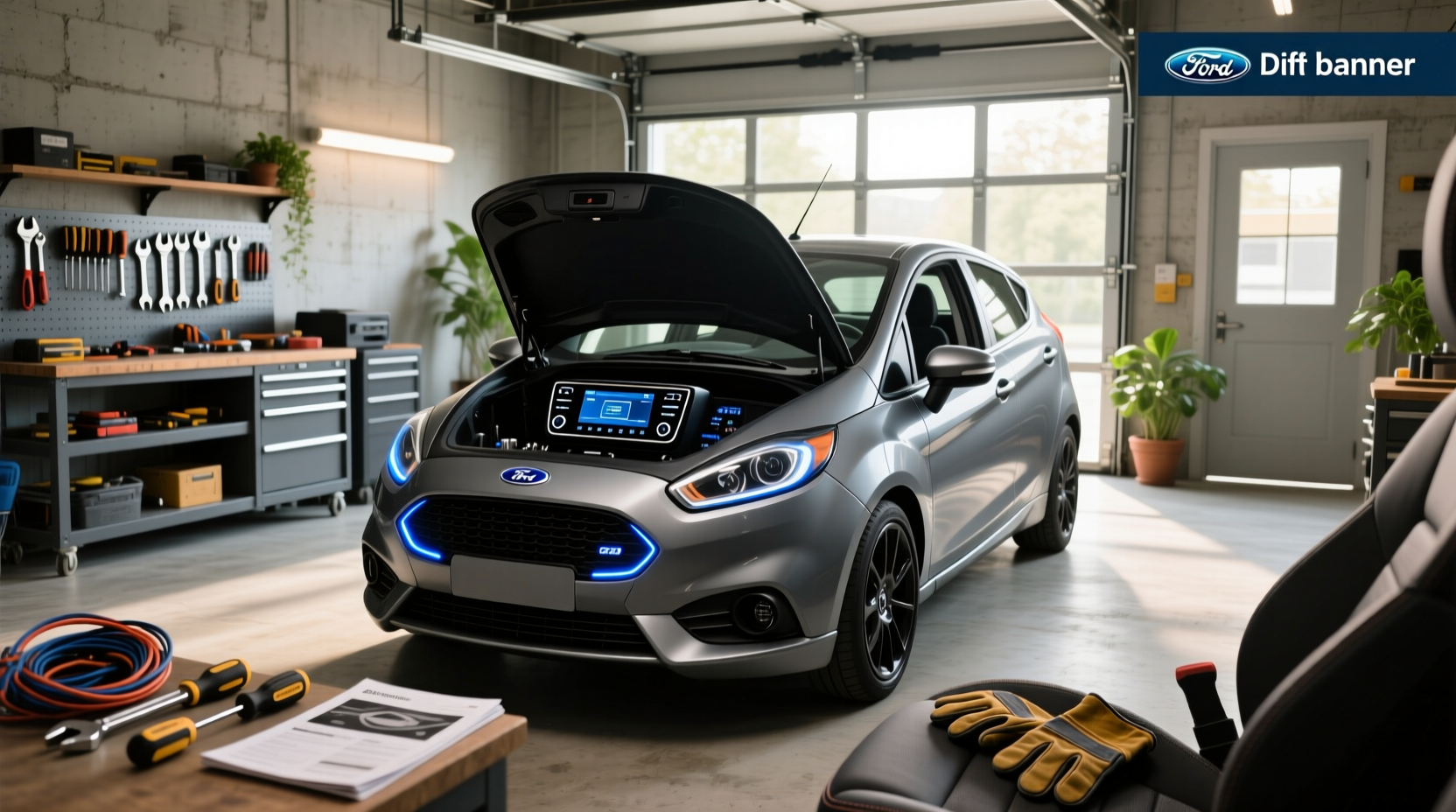
If you're wondering how to upgrade your Ford Fiesta radio to support modern connectivity like Apple CarPlay, Android Auto, or even built-in navigation and streaming apps, you're not alone. Thousands of Fiesta owners from 2008–2017 models are replacing their factory head units for better audio quality, smartphone integration, and in-dash touchscreens. The good news? A plug-and-play Ford Fiesta radio upgrade is entirely feasible without cutting wires or losing steering wheel controls—provided you choose the right double DIN Android head unit and installation harness.
Why Upgrade Your Ford Fiesta Stereo System?
The original factory radio in most Ford Fiesta models (especially MK7 from 2009–2017) lacks essential features that drivers now expect: seamless phone pairing, voice assistant access, real-time GPS navigation, and app-based media streaming. While some later trims included basic USB input or auxiliary jacks, they fall short compared to today’s standards.
Upgrading your Ford Fiesta car stereo addresses these limitations by adding:
- ✅ Apple CarPlay and Android Auto integration
- ✅ Touchscreen interface with responsive UI
- ✅ Bluetooth 5.0+ for hands-free calling and audio streaming
- ✅ Built-in Wi-Fi and 4G LTE for online navigation and video apps (e.g., YouTube, Netflix)
- ✅ Support for steering wheel audio controls
- ✅ Reverse camera input and DSP audio tuning
This isn’t just about convenience—it enhances safety through reduced distraction and improves overall driving experience.
Ford Fiesta Model Years & Compatibility Overview
Before purchasing any aftermarket radio, it's critical to confirm compatibility with your specific Fiesta generation. There are two main platforms:
| Fiesta Generation | Model Years | Dash Size | Common Upgrades | Special Notes |
|---|---|---|---|---|
| MK6 (Sixth Gen) | 2008–2010 | Single DIN or Compact Double DIN | Basic Bluetooth kits, single-DIN receivers | Limited space; may require custom mounting kit |
| MK7 (Seventh Gen) | 2011–2017 | Standard Double DIN | Android head units with CarPlay, 9-inch screens | Plug-and-play possible with correct harness adapter |
Most upgrades target the MK7 (2011–2017), which has a standard double DIN opening, making installation significantly easier than older models. However, even within this range, there are variations based on trim level and regional market.
⚠️ Critical Compatibility Issue: Factory Sony Audio Systems
Some higher-trim Fiesta ST or Titanium models came equipped with a premium Sony sound system. These vehicles use amplified audio signals and proprietary wiring, which can cause issues when installing standard aftermarket radios. Symptoms include no sound output, distorted audio, or non-functional amplifiers.
Solution: You’ll need either:
- A digital signal processor (DSP) to convert amplified signals
- An OEM-specific harness that includes amplifier bypass circuitry
- Or replacement of the entire speaker system with passive components
Choosing the Right Aftermarket Head Unit
When selecting a replacement radio for your Ford Fiesta, focus on functionality, fitment, and future-proofing—not just screen size or price.
Key Features to Look For
- Operating System: Android 10 or higher ensures app compatibility and over-the-air updates. Avoid units running outdated OS versions unless budget-constrained.
- RAM & Storage: Aim for at least 4GB RAM and 64GB internal storage. Lower specs (like 2+32GB) may struggle with multitasking or loading maps smoothly.
- Wireless Connectivity: Built-in Wi-Fi and Bluetooth 5.0 are standard. Some units offer wireless CarPlay/Android Auto—convenient but not essential if you don’t mind plugging in.
- Screen Type: IPS or QLED panels provide better viewing angles and daylight visibility vs. basic TFT LCDs. Touch responsiveness matters—look for capacitive touchscreens over resistive ones.
- Navigation: Preloaded offline maps (e.g., IGO, Here WeGo) reduce data usage. Real-time Google Maps via SIM card is ideal for frequent travelers.
- Audio Output: At least 4x50W RMS power output ensures clean volume. If planning an amp later, check for preamp outputs (RCA jacks).
Top Recommended Configurations by Use Case
| User Need | Recommended Specs | Example Setup |
|---|---|---|
| Budget Daily Driver | Android 10, 2GB RAM + 32GB ROM, 6.8” screen, wired CarPlay | Jansite or ESSGOO units (~₱7,500) |
| Modern Tech Experience | Android 12+, 4+64GB, 9” touchscreen, wireless CarPlay, GPS | Seicane or Podofo models (~₱11,000–₱15,000) |
| Enthusiast / Future Expansion | 8+128GB, DSP support, RCA outputs, dual-band Wi-Fi | High-end JIUYIN or Smarty Trend units (~₱20,000+) |
Installation Process: Can You Do It Yourself?
Yes—many Ford Fiesta owners successfully install upgraded radios themselves using common tools and detailed guides available online. But success depends on preparation.
🔧 Tools & Parts Needed
- Double DIN dash removal tool (or flat pry bar)
- Phillips screwdriver
- Aftermarket head unit
- Vehicle-specific wiring harness adapter (e.g., ISO-to-Ford harness)
- Antenna adapter (if needed for FM reception)
- Optional: Microphone extension for voice commands
⏱️ Estimated Time: 45–90 minutes
Step-by-Step Installation Guide
- Disconnect Battery: Always start by disconnecting the negative terminal to prevent electrical shorts.
- Remove Dashboard Trim: Gently pry out the plastic surround around the factory radio using a trim tool. Be careful—Fiesta clips break easily.
- Unbolt Old Unit: Unscrew the mounting brackets securing the OEM radio. Slide it forward carefully.
- Disconnect Wiring Harnesses: Unplug the main power/data connector and antenna cable. Label them if uncertain.
- Connect Adapter Harness: Match pinouts between the factory harness and adapter. No splicing required if using correct model.
- Mount New Unit: Connect all cables to the new head unit, then slide it into place. Secure with mounting kit screws.
- Reattach Trim Panel: Snap the dashboard cover back securely.
- Reconnect Battery & Test: Power up and verify display, touch response, Bluetooth pairing, and steering wheel controls.
Videos from channels like Car Focused and John Kleis Car Audio demonstrate this process clearly for MK7 Fiستas1.
Common Pitfalls & How to Avoid Them
- ❌ Buying the Wrong Harness: Not all ISO adapters work with Ford’s CAN bus system. Ensure yours supports steering wheel control retention.
- ❌ Ignoring Microphone Placement: For CarPlay/Siri/Google Assistant to work, mount the included noise-canceling mic near the driver’s side pillar—never leave it dangling behind the dash.
- ❌ Overlooking Reverse Camera Wires: If your Fiesta has a factory backup camera, you’ll need to splice its signal into the new unit or use an adapter module.
- ❌ Poor Screen Visibility: Large vertical “Tesla-style” screens look flashy but can block climate controls or create glare. Measure depth before choosing oversized units.
- ❌ Fake GPS Modules: Some low-cost units claim GPS navigation but lack actual antennas or map software. Verify inclusion of external GPS antenna in package.
Shopping Tips: Where to Buy & Price Expectations
Based on regional availability and user feedback from forums like Reddit and Facebook groups, here’s what to expect:
| Platform | Avg. Price Range (PHP) | Pros | Cons |
|---|---|---|---|
| Shopee Philippines | ₱7,400 – ₱12,000 | Fast shipping, buyer protection, reviews | Mixed seller quality; verify return policy |
| Lazada Philippines | ₱8,000 – ₱15,000 | Official stores, warranty options | Pricing often inflated vs. direct sites |
| Direct from Brand Sites (e.g., essgoo.com) | ₱10,000 – ₱14,000 | Better customer service, firmware updates | Longer delivery times, import fees possible |
🛒 Tip: Search terms like “Ford Fiesta 2009–2017 Android car stereo with CarPlay” yield more accurate results than generic “radio upgrade.” Filter by local sellers to avoid customs delays.
Performance After Upgrade: Real User Experiences
According to discussions in the Ford Fiesta Group Philippines Facebook group and r/CarTalkUK threads, users report high satisfaction when proper research is done beforehand. Key benefits cited include:
- Improved commute productivity via Google Assistant
- Easier route finding with live traffic overlays
- Streaming music without AUX cables or Bluetooth lag
However, some note drawbacks:
- Lower-end units may freeze during cold starts
- Auto-brightness sensors sometimes misread ambient light
- YouTube playback while parked requires disabling safety locks (not recommended while driving)
Maintenance & Long-Term Considerations
Once installed, maintain performance by:
- Regularly clearing cache in Android settings
- Updating firmware when offered by manufacturer
- Using a dedicated 12V fuse tap instead of cigarette port for stable power
- Backing up settings before resetting
Over time, consider expanding the audio system—aftermarket speakers or a compact subwoofer can dramatically improve soundstage, especially since many factory Fiستa speakers are paper-coned and degrade quickly.
Alternatives to Full Head Unit Replacement
If you’re not ready to replace the entire radio, consider intermediate solutions:
- FM Transmitter with USB: Cheap (~₱500), but poor sound quality and interference-prone.
- AUX Input Mod: Soldering an auxiliary jack into the factory unit—permanent but invisible.
- Bluetooth Receiver: Plug into CD changer port or cassette adapter; retains OEM look.
These are temporary fixes. For true modernization, a full Android head unit remains the best long-term solution.
Final Thoughts: Is a Ford Fiesta Radio Upgrade Worth It?
For most owners, yes—especially those driving 2011–2017 MK7 models. With prices starting under ₱8,000 and DIY installation taking less than two hours, the return on investment comes in daily usability, safety, and enjoyment. Just ensure you verify compatibility, buy from reputable sources, and retain steering wheel controls.
A well-executed Ford Fiesta radio upgrade transforms an aging infotainment system into a smart cockpit capable of handling today’s connected lifestyle—without needing to trade in your car.
Frequently Asked Questions
- Can I install Apple CarPlay in my Ford Fiesta?
- Yes, most 2009–2017 Ford Fiesta models support Apple CarPlay via aftermarket double DIN Android head units. Choose one labeled "CarPlay compatible" and ensure it includes the necessary software license.
- Do I need to reprogram my car after installing a new radio?
- No, Ford Fiستas do not require ECU reprogramming after radio replacement. As long as you use a proper harness adapter, all systems will function normally upon reconnecting the battery.
- Will my steering wheel controls still work after the upgrade?
- Yes, if you use a CAN bus-compatible wiring harness. Most modern adapters preserve volume, track skip, and phone answer functions.
- Can I watch Netflix or YouTube while driving?
- No—these features are disabled while the vehicle is in motion for safety reasons. They only activate when the parking brake is engaged.
- What size screen fits in a Ford Fiesta?
- The standard opening supports up to 9-inch diagonal displays in a double DIN configuration. Larger screens may interfere with HVAC controls or windshield view.




 浙公网安备
33010002000092号
 浙B2-20120091-4