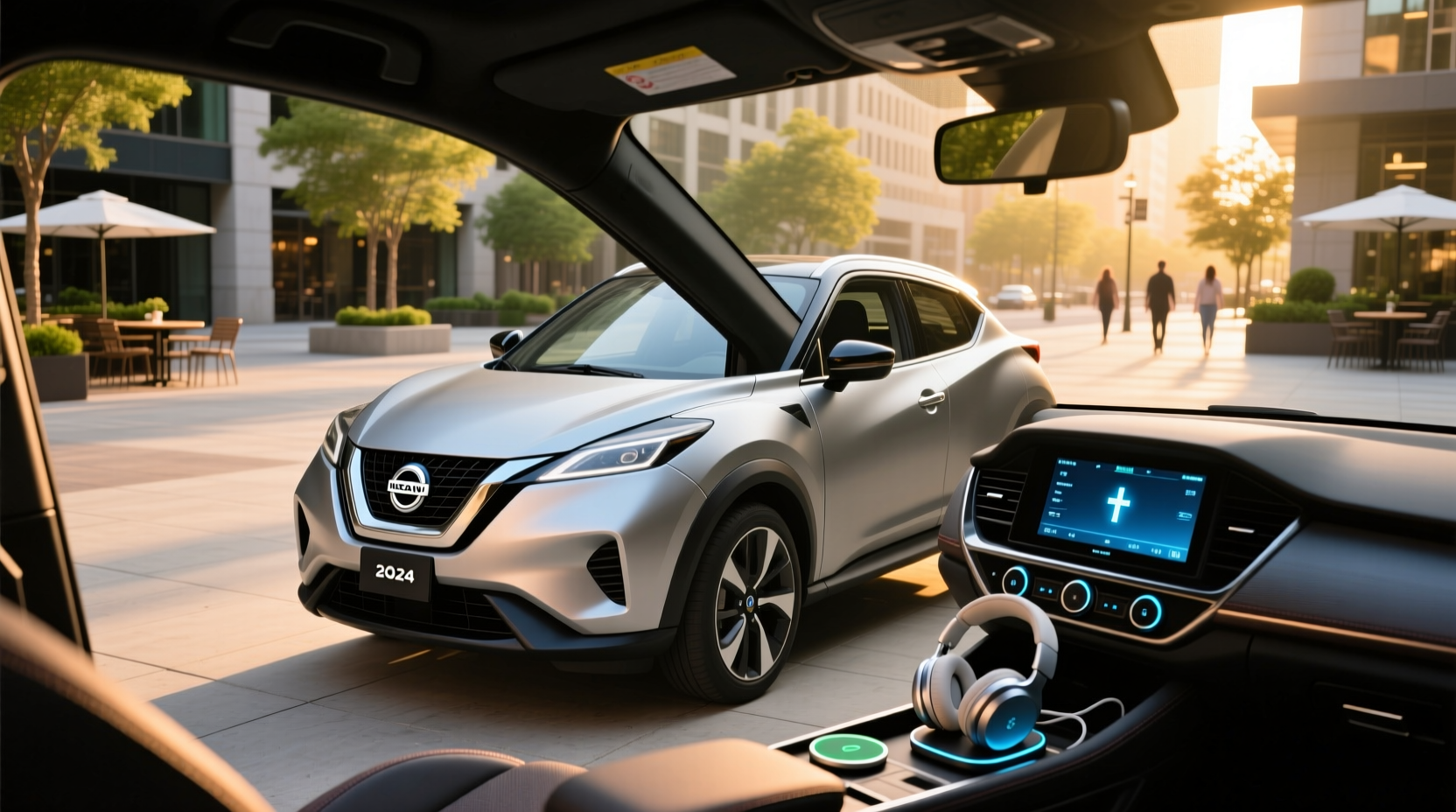
If you're wondering how to get Android Auto or Apple CarPlay on your Nissan Juke, you're not alone. Most Nissan Juke models from 2010 to 2019 did not come with factory-installed smartphone integration, leaving owners searching for reliable aftermarket solutions. The good news is that upgrading your Nissan Juke stereo is both feasible and cost-effective, especially with the wide availability of double DIN head units supporting wireless connectivity, GPS navigation, and modern infotainment features. This guide walks you through everything you need to know—compatibility by model year, installation complexity, wiring harness requirements, steering wheel control retention, and key considerations before buying a new head unit.
Understanding Nissan Juke Stereo Compatibility by Model Year
The Nissan Juke underwent several minor updates between its first generation (2010–2019) and the second generation (2020–present). Knowing your exact model year is crucial when selecting a replacement stereo because dash dimensions, wiring harnesses, and CAN bus signal types vary across production years.
First Generation: 2010–2019
This generation uses a single DIN radio slot in most trims, which means installing a larger double DIN unit requires a mounting kit. Early models (2010–2014) often lack built-in Bluetooth and USB ports, making an upgrade highly beneficial. From 2015 onward, some higher trims included basic Bluetooth calling, but still no Apple CarPlay or Android Auto support.
Second Generation: 2020–Present
Starting in 2020, newer Nissan Juke models sold in Europe and select markets include standard Apple CarPlay and Android Auto via Nissan’s updated infotainment system1. However, U.S. availability and trim-specific features may differ. Always verify with your local dealer whether your specific VIN includes smartphone mirroring.
Can You Add Android Auto to a Nissan Juke?
✅ Yes — but only through an aftermarket head unit. Factory radios in pre-2020 Juke models do not support Android Auto or Apple CarPlay. There is no software update or module that can enable these features without replacing the entire head unit.
To add Android Auto, you’ll need to install a third-party Android-based car stereo. These units typically run full versions of Android (e.g., Android 10–14), allowing direct access to Google Play Store apps like Google Maps, YouTube Music, and WhatsApp. Many also support wireless Android Auto, eliminating the need for constant USB tethering.
Key Features to Look for in a Nissan Juke Stereo Upgrade
- Wireless Apple CarPlay & Android Auto: Eliminates cable clutter and improves usability.
- Steering Wheel Control Retention: Ensures factory buttons continue working post-installation.
- Bluetooth 5.0+: For stable hands-free calling and audio streaming.
- GPS Navigation with Offline Maps: Built-in GPS modules allow real-time routing even without phone connection.
- Screen Size & Resolution: Most upgrades offer 7” to 9” touchscreens; QLED or IPS panels improve visibility in sunlight.
- Wi-Fi & OTA Updates: Enables firmware upgrades and app downloads directly over wireless networks.
Choosing Between Single DIN vs Double DIN Upgrades
Your Nissan Juke originally came with a single DIN (2-inch tall) radio. While you can replace it with another single DIN unit, most modern systems with large screens are double DIN (4-inch tall), requiring a modification to fit properly.
| Feature | Single DIN | Double DIN |
|---|---|---|
| Stock Fitment | ✅ Yes | ❌ Requires Dash Kit |
| Screen Size | ≤ 6.8 inches | 7–9 inches typical |
| Touch Interface | Limited | Full touchscreen |
| Installation Difficulty | ⭐ Easy | ⭐⭐⭐ Moderate |
| Aftermarket Availability | Moderate | High |
🛠️ Pro Tip: If opting for double DIN, purchase a Nissan Juke-specific facia panel to avoid unsightly gaps. These kits are widely available online and ensure a seamless OEM-like finish.
Wiring Harness & Installation Requirements
Replacing the stereo involves more than just swapping out the faceplate. Here's what you'll need:
- DIN Removal Tools (🔧 $10–$15): Used to safely pry out the factory radio.
- ISO to ISO Wiring Harness Adapter: Prevents cutting factory wires; plug-and-play compatibility.
- CarLinkMyQ or Axxess ASWC Module (optional): Restores steering wheel controls if not natively supported.
- Double DIN Mounting Kit: Required only for larger displays.
- Head Unit with Correct Firmware: Some brands offer Juke-specific firmware to auto-detect CAN signals.
⏱️ Installation time varies between 1–3 hours depending on experience. First-time installers should expect closer to 2.5 hours. Pre-watching tutorial videos (such as those from CARL IS ONIT or acgstereoman on YouTube) helps identify potential pitfalls.
Will My Steering Wheel Controls Work After Replacement?
This depends on two factors: the new head unit’s compatibility and whether your vehicle uses a CAN bus system.
The Nissan Juke sends button signals through its internal network (CAN bus). Aftermarket stereos must either interpret these signals directly or use an interface module. Units labeled “steering wheel control compatible” usually support this, but verification with the seller is recommended.
📌 Example: A Jensen or Pioneer DMH series unit paired with an iDatalink Maestro module will retain volume, track skip, and phone answer functions.
Top Considerations Before Buying a New Head Unit
Before purchasing any stereo, consider the following to avoid buyer’s remorse:
1. Verify Physical Dimensions
Measure your dashboard opening. Even within the same model range, slight variations exist between facelifted versions (e.g., 2015+ models). Use calipers or a template to confirm fitment.
2. Check Power Output & Speaker Impedance
Factory amplifiers are low-powered (~20W RMS per channel). High-end aftermarket units may drive speakers harder, risking distortion or damage. Pairing with upgraded speakers or an external amp ensures optimal sound quality.
3. Decide Between Wired vs Wireless Connectivity
While wireless CarPlay/Android Auto offers convenience, initial pairing can be finicky. Some users report intermittent disconnects. If reliability is critical, choose a unit with wired-only mode or prioritize brands known for stable Bluetooth stacks (e.g., Kenwood, Alpine).
4. Evaluate Screen Glare & Touch Responsiveness
Test reviews showing daytime visibility. Capacitive touchscreens (like smartphones) perform better than resistive ones under gloves or rain. IPS or QLED panels reduce glare significantly.
5. Assess Software Longevity
Units running older Android versions (e.g., Android 8) may not receive future security patches or app updates. Prioritize models with at least Android 10 and promised OTA support.
Common Misconceptions About Nissan Juke Stereo Upgrades
Despite growing popularity, several myths persist:
- ❌ 'All Android head units work the same.'
Reality: Performance varies widely based on processor speed, RAM, and software optimization. Cheaper units may lag during navigation or multitasking. - ❌ 'I can keep my backup camera without modifications.'
Unless the new head unit supports NTSC/PAL input and has a reverse trigger wire, your factory rear camera may not activate automatically. An adapter or splicing may be required. - ❌ 'Dealers can install CarPlay officially.'
Nissan does not offer retrofits for older Juke models. Any dealer offering this is likely installing third-party hardware, often at inflated prices. - ❌ 'Upgrading voids my warranty.'
Under Magnuson-Moss Warranty Act (U.S.), manufacturers cannot void warranties solely due to aftermarket parts unless they cause the failure.
Regional Differences in Infotainment Support
Availability of factory tech features differs by market:
- Europe: Later-model Jukes (2020+) include standard Android Auto and CarPlay in most trims.
- North America: Limited Juke availability after 2020; earlier models lacked native smartphone integration.
- Australia & Asia: Mid-tier trims sometimes included basic Bluetooth, but no screen mirroring.
🌐 Always check regional specifications using your VIN or consult a local Nissan distributor before assuming compatibility.
DIY vs Professional Installation: What’s Best?
🔧 DIY Pros:
- Cost savings ($100–$300)
- Learning opportunity
- Full control over component selection
- Risk of damaging trim or wiring
- Time investment
- Troubleshooting complex CAN bus issues
- Guaranteed correct fitment
- Proper grounding and fuse protection
- Support for advanced tuning (equalizer, time alignment)
Most reputable car audio shops charge $150–$250 for labor, including harness adapters and testing. If you’re uncomfortable reading wiring diagrams or handling delicate plastic clips, professional help is worth the investment.
Where to Buy Compatible Stereos
Aftermarket head units are available globally through various channels:
- Specialty Retailers: Focus on car electronics with technical support (e.g., Crutchfield in the U.S.).
- Online Marketplaces: Platforms like eBay UK list numerous Nissan Juke-specific units with user feedback2.
- OEM Replicas: Some companies produce head units designed to mimic Nissan’s original interface while adding modern functionality.
🚚 When ordering internationally, ensure voltage compatibility (12V DC) and confirm if EU/UK plug adapters are included.
Final Checklist Before Purchasing
Use this checklist to ensure a smooth upgrade process:
- Confirm your Juke’s model year and trim level.
- Determine preferred screen size and interface type (capacitive/resistive).
- Decide whether to go single or double DIN.
- Verify steering wheel control compatibility.
- Check return policy and warranty terms (minimum 1-year).
- Ensure firmware supports your region’s GPS and language settings.
- Review customer installation photos for real-world fitment examples.
Frequently Asked Questions
- Can I install Apple CarPlay in a 2017 Nissan Juke?
- Yes, but only by replacing the factory radio with an aftermarket head unit that supports Apple CarPlay. No software update enables this feature on stock systems.
- Does the 2020 Nissan Juke have Android Auto?
- Yes, in European and select international markets, the 2020+ Nissan Juke includes Android Auto and Apple CarPlay as standard or optional features depending on trim 3.
- What size screen fits in a Nissan Juke?
- The factory opening accommodates a single DIN unit. To install a 7–9 inch display, a double DIN fascia kit is required for proper fitment.
- How much does it cost to upgrade a Nissan Juke stereo?
- Expect to pay $200–$500 for a quality Android head unit, plus $150–$250 for professional installation. DIY costs are lower but require tools and time.
- Will my factory speakers work with a new stereo?
- Yes, all aftermarket head units are compatible with standard impedance (4 ohm) speakers. However, upgrading speakers enhances clarity and bass response.




 浙公网安备
33010002000092号
 浙B2-20120091-4