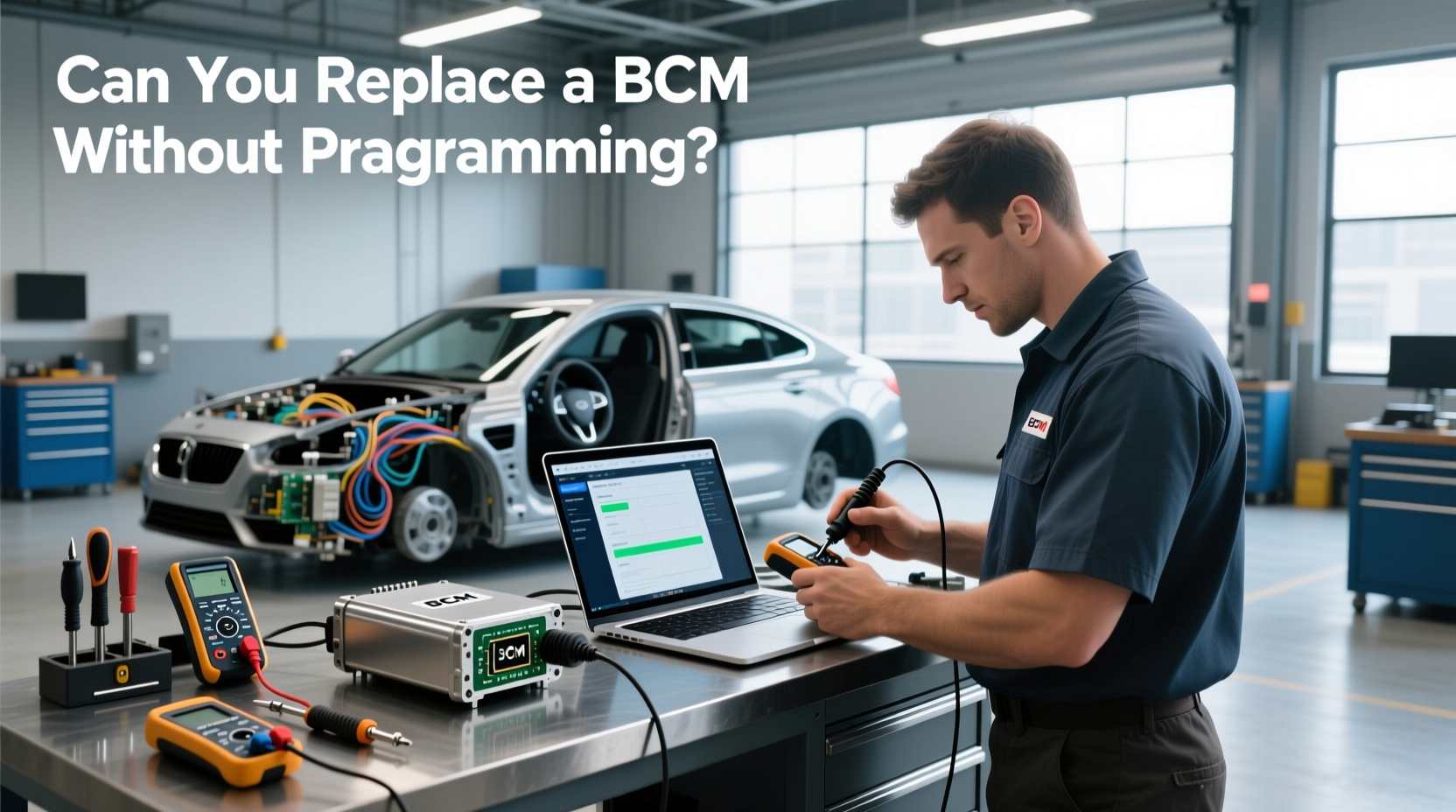
Short introduction
If you're asking how to choose a bcm programming tool or wondering can you replace a BCM without programming?, the direct answer is: no, reliable replacement requires programming. Modern vehicles integrate the Body Control Module (BCM) deeply with security, engine, and electrical systems, so skipping programming often leads to failed starts, disabled features, or communication errors 1. When evaluating bcm programming tool,Can you replace a BCM without programming? solutions, prioritize tools that support VIN synchronization, immobilizer pairing, and module reinitialization. Avoid assuming used or identical-model BCMs work out of the box—firmware mismatches are common 2. For most DIYers, investing in an aftermarket scanner with BCM programming capability—or consulting a professional—is essential to avoid wasted time and money.
About bcm programming tool,Can you replace a BCM without programming?
A BCM programming tool is a diagnostic device used to configure, code, or reprogram a vehicle’s Body Control Module after installation or replacement. The BCM manages critical functions like lighting, door locks, power windows, climate controls, and communicates with other modules such as the ECM and PCM 2. Because modern BCMs are tied to the vehicle's VIN and anti-theft system, simply swapping a new or used unit without programming will not enable full functionality.
The question "Can you replace a BCM without programming?" arises frequently among DIY mechanics and auto repair shops. While rare exceptions exist—such as swapping an identical BCM from the same model year and trim—these cases are unreliable due to variations in firmware, calibration data, and key pairing requirements 3. Therefore, for consistent results, programming is considered mandatory.
Why bcm programming tool,Can you replace a BCM without programming? is gaining popularity
As vehicles become more electronically complex, the need for specialized tools like bcm programming tools has increased. Independent repair shops and advanced DIYers seek cost-effective alternatives to dealership-level equipment. Factory scan tools (e.g., GM Tech II) are expensive and often restricted, pushing demand toward capable aftermarket options.
Additionally, rising vehicle longevity means more owners face BCM failures beyond warranty periods. Rather than pay dealer prices for replacement and coding, many explore self-repair using programmable BCMs and compatible tools. Online forums and tutorial videos have further fueled interest in understanding whether you can replace a BCM without programming, though most conclude it's impractical 4.
Types and variants
There are three main categories of tools used for BCM programming:
- 🔧Factory Diagnostic Tools: Manufacturer-specific systems (e.g., Ford IDS, Toyota Techstream). These offer full access to module coding, software updates, and security matching.
- 🧰Aftermarket Diagnostic Scanners: Multi-brand devices like Innova 5610, Autel MaxiCOM, or Launch X431. They support basic to mid-level BCM programming but may lack deep coding features.
- 🏭Professional Grade Equipment: High-end platforms like Bosch ESI[tronic], Snap-on VERUS, or G-Scan. Used by independent shops, they balance broad coverage with stable performance.
Each type varies in compatibility, ease of use, and cost. Factory tools provide the highest reliability but require subscriptions and licensing. Aftermarket scanners are affordable but may not support all models or advanced functions like key relearning.
Key features and specifications to evaluate
When assessing a bcm programming tool, consider these technical and practical criteria:
- ✅VIN Writing Capability: Essential for syncing the BCM with the vehicle’s identity.
- 🔒Immobilizer & Key Matching Support: Required to pair transponder keys and disable theft lockouts.
- 🌐OBD-II Communication Stability: Ensures reliable data transfer during programming.
- 📚Software Updates & Vehicle Coverage: Check frequency of updates and supported makes/models.
- 💾Firmware Flashing Ability: Needed when installing a blank or updated BCM.
- 📱User Interface & Navigation: A clear interface reduces errors during complex procedures.
- 🔌Hardware Build Quality: Durable connectors and screen reduce field failures.
Also verify if the tool supports bidirectional controls, live data streaming, and DTC clearing—functions crucial for post-programming validation.
Pros and cons
Pros
- Enables complete BCM replacement without dealer visit
- Saves long-term costs for shops doing frequent repairs
- Supports multiple vehicle brands (aftermarket tools)
- Allows reuse of salvaged parts with proper coding
Cons
- High upfront cost for professional-grade tools
- Risk of bricking module if interrupted during flash
- Limited functionality on cheaper scanners
- Requires technical knowledge and stable power supply
These tools are best suited for repair professionals or experienced DIYers with access to service manuals. They are not recommended for one-time users unless the tool serves broader diagnostic needs.
How to choose bcm programming tool,Can you replace a BCM without programming?
Follow this step-by-step guide when selecting a bcm programming tool:
- 🔍Confirm Your Needs: Are you replacing BCMs regularly? If yes, invest in a robust tool. For occasional use, consider renting or outsourcing.
- 🚗Check Vehicle Compatibility: Ensure the tool supports your specific make, model, and year—especially for luxury or European brands.
- ⚙️Verify Programming Depth: Does it handle full module initialization, VIN write, and key relearn? Basic reset functions aren’t enough.
- 📢Review Community Feedback: Look for user reports on successful BCM swaps and software stability.
- 📦Evaluate Software Licensing: Some tools charge annual fees for updates—factor this into total cost.
- 🔋Ensure Power Supply Reliability: Use a secondary power source during programming to prevent voltage drops that could corrupt firmware.
Red flags to avoid:
- Tools claiming “plug-and-play” BCM replacement without coding
- No mention of immobilizer or key programming support
- Poor customer support or infrequent software updates
- Unrealistically low prices for full programming capability
Remember: even with the right tool, success depends on following OEM procedures and having accurate vehicle data.
Price & market insights
Pricing varies significantly based on capability:
- 🛒Entry-Level Scanners ($100–$300): Can read codes and perform resets but rarely support full BCM programming.
- 🛠️Mid-Tier Tools ($300–$800): Devices like Innova 5610 or Autel DS808 offer limited BCM coding on select models.
- 🏭Professional Systems ($1,000–$3,000+): Snap-on, Bosch, or Launch tools with comprehensive coverage and regular updates.
- 🏢Factory Tools (Leased/Rental): Accessible via subscription; often $150+/month.
Value depends on usage frequency. A shop doing weekly BCM replacements justifies a $2,000 investment. For individual users, sharing costs or hiring a technician may be more economical. Prices may vary by region and retailer.
Top-seller & competitive analysis
Below is a comparison of widely used tools capable of BCM programming:
| Tool | BCM Programming | Key Relearn | VIN Write | Approx. Price |
|---|---|---|---|---|
| Innova 5610 | Yes (select models) | Limited | No | $450 |
| Autel MaxiCOM MK808 | Yes | Yes | Yes | $650 |
| Snap-on VERUS Edge | Yes | Yes | Yes | $2,200 |
| Launch X431 PROS 3 | Yes | Yes | Yes | $1,800 |
While Innova offers affordability, its lack of VIN writing limits true BCM replacement utility. Autel provides better value for independent technicians. Snap-on and Launch deliver enterprise-grade reliability but at a premium. Always confirm current specs with the manufacturer before purchase.
Customer feedback synthesis
Based on user reviews and forum discussions, common observations include:
- Positive Feedback:
- Reliable communication with modules once connected
- Clear menus and guided workflows (especially Autel and Snap-on)
- Time savings compared to dealer visits
- Good technical support from certain brands
- Common Complaints:
- Unexpected subscription fees for software updates
- Inconsistent BCM programming across different car models
- Crashes or freezes during critical coding phases
- Lack of detailed documentation for security procedures
Users emphasize the importance of stable internet connection (for cloud-based tools) and double-checking vehicle eligibility before starting.
Sourcing & supplier tips
When purchasing a bcm programming tool:
- 📍Buy from Authorized Distributors: Reduces risk of counterfeit or locked devices.
- 📋Check Return Policy: Ensure you can return if software doesn’t support your vehicle.
- 🤝Consider Reseller Programs: Some brands offer reseller rights for small shops.
- 🔎Verify Firmware Version: Ask for latest build date or update history.
- 📦Inspect Upon Delivery: Test connectivity and menu navigation immediately.
For bulk buyers or distributors, request demo units and assess update delivery timelines. Avoid third-party sellers on marketplaces unless they are certified partners.
Maintenance, safety & legal considerations
To ensure safe and compliant use:
- ⚡Maintain Stable Power: Use a battery maintainer during programming to prevent interruptions.
- 🧼Keep Software Updated: Regularly install patches to maintain compatibility.
- ⚠️Follow Safety Protocols: Work in dry conditions, disconnect ignition when required, and avoid static discharge.
- 📜Respect Licensing Agreements: Do not share or modify proprietary software.
- 🌍Verify Local Regulations: Some regions regulate access to vehicle security systems—check local laws before offering BCM services.
Always back up original module data if possible, and document each programming session for traceability.
Conclusion
To answer "Can you replace a BCM without programming?": generally, no. Successful replacement requires proper coding to synchronize the module with the vehicle’s VIN, security system, and electronic network. Choosing the right bcm programming tool depends on your technical skill, vehicle fleet, and repair frequency. For occasional users, a mid-tier tool like Autel MaxiCOM may suffice. Shops handling diverse makes should consider professional systems. Always verify tool capabilities against your specific needs, avoid tools lacking VIN or key programming, and never assume compatibility without confirmation. If you need reliable, repeatable BCM replacements, invest in a tool with proven coding depth and strong support.
FAQs
- Can I use a used BCM without programming? No. Even if physically identical, it must be programmed to match your vehicle’s VIN and immobilizer system.
- Do all cars require BCM programming after replacement? Most modern vehicles (post-2000) do. Exceptions are rare and typically limited to older models with minimal electronics.
- What happens if programming fails? The BCM may not communicate properly, causing warning lights, non-functional accessories, or failure to start.
- Can I program a BCM myself? Yes, with the right tool and knowledge. However, incorrect steps can lead to permanent module damage.
- Is BCM programming covered under warranty? It depends on the seller or service provider. Always confirm coverage for both part and labor.





 浙公网安备
33010002000092号
浙公网安备
33010002000092号 浙B2-20120091-4