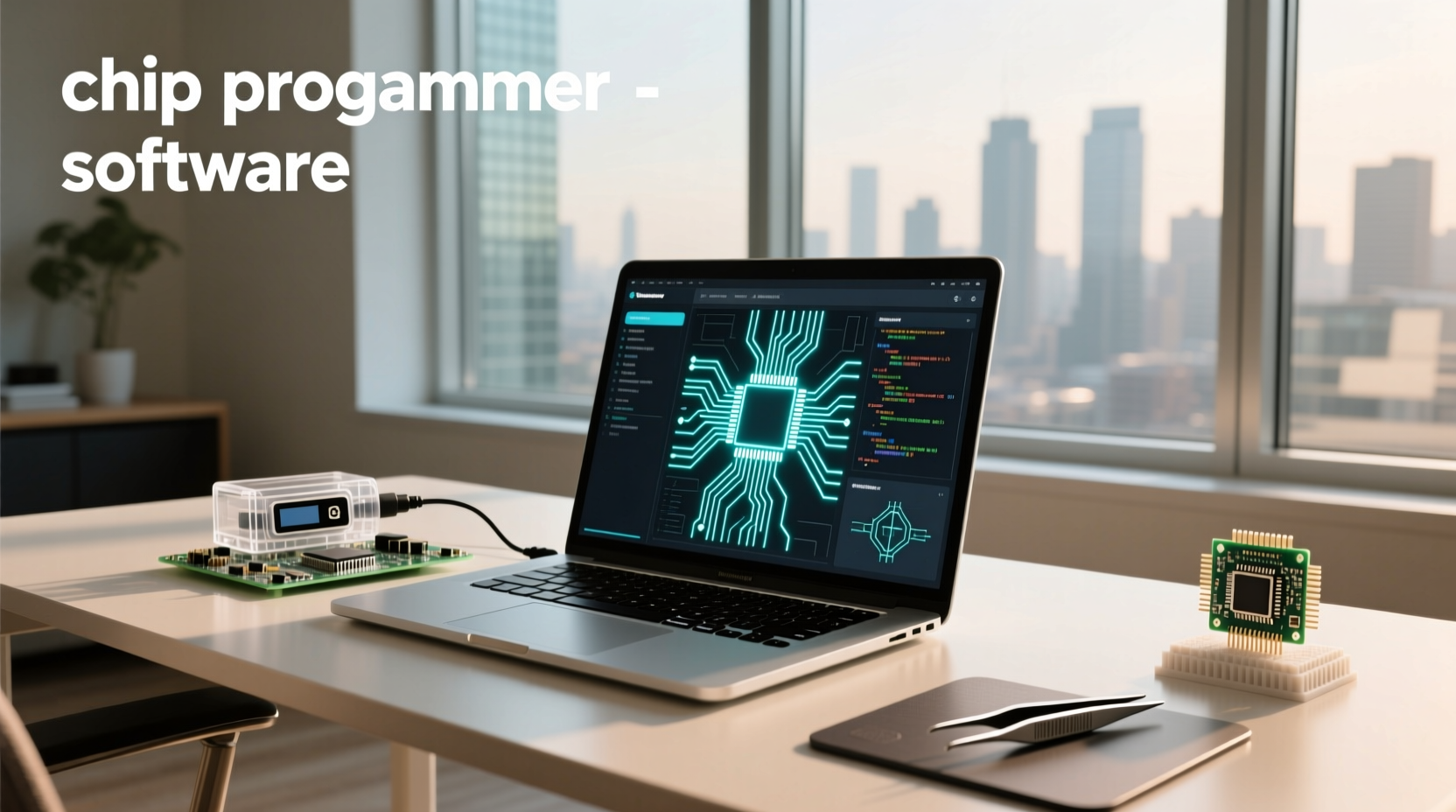
When searching for chip programmer software, users often want to understand how these tools work with universal programmers like the TL866II Plus or XGecu T48, what features matter most, and whether free options are reliable. The reality is that software determines device support, ease of use, update frequency, and long-term value—making it just as important as the hardware itself. This guide breaks down everything you need to know about chip programming software: from core functions and interface design to driver compatibility, firmware updates, and avoiding common pitfalls when selecting a solution.
Understanding Chip Programmer Software: Purpose and Function
🔧 Chip programmer software serves as the bridge between a physical universal programmer (a hardware device) and the integrated circuits (ICs) being programmed. It allows users to read, write, verify, encrypt, and sometimes debug microcontrollers, EEPROMs, EPROMs, Flash memory, PLDs, and other programmable logic devices. Without compatible software, even the most advanced programmer is useless.
The software typically runs on a PC via USB connection and provides a graphical user interface (GUI) where users can select the target chip model, load binary files (like .bin or .hex), choose operations (erase, program, verify), and monitor progress. Some advanced suites also offer scripting, batch processing, security bit settings, and direct ISP (In-System Programming) control.
For example, someone repairing vintage arcade boards might use chip programmer software to dump ROM contents from old EPROMs, modify game code, then reprogram new chips. Automotive tuners may use similar tools to adjust ECU parameters in modern vehicles. In both cases, the success of the task depends heavily on whether the software supports the exact chip type and offers stable communication protocols.
How Chip Programmer Software Works With Hardware Devices
⚙️ Universal chip programmers such as the RT809H, TL866 series, or XGecu T48 require dedicated software to function. While some units come with proprietary applications, others rely on open-source or community-developed alternatives. The software communicates with the programmer via USB drivers and sends commands based on the selected IC’s specifications.
Data flow follows this general path:
- User selects a chip (e.g., AT28C256 EEPROM)
- Software retrieves pinout, voltage requirements, timing diagrams, and algorithm details from its internal database
- Commands are sent through the USB interface to the programmer hardware
- Hardware applies correct voltages and signals to the chip socket or test clips
- Results (success/failure, verification errors) are reported back to the software interface
📌 One critical factor is firmware-software synchronization. If the programmer's firmware version doesn't match the software version, certain chips may not be recognized or could fail during programming. Always check for bundled software updates when purchasing new equipment.
Key Features to Look for in Chip Programming Software
✅ Not all chip programmer software is created equal. Here are essential features that impact usability and reliability:
1. Device Support Database
The size and accuracy of the supported IC list directly affect versatility. High-quality software should include thousands of entries across categories like:
- Microcontrollers (PIC, AVR, 8051, ARM Cortex-M)
- Serial & Parallel EEPROM/EPROM
- NOR/NAND Flash (including SPI, eMMC, UFS)
- PLDs/CPLDs/FPGAs
- BIOS chips (common in motherboard repair)
🔍 Regular database updates are crucial—especially for newer automotive or industrial MCUs. Check if the manufacturer releases monthly or quarterly updates.
2. User Interface Design
A clean, intuitive layout reduces errors. Key indicators include:
- Clear operation buttons (Read, Write, Verify, Erase)
- Progress bar with estimated time remaining ⏱️
- Error logging with specific failure codes
- Support for drag-and-drop file loading
Poorly designed interfaces increase the risk of accidental overwrites or incorrect chip selection—critical in high-stakes environments like medical device servicing.
3. File Format Compatibility
Ensure the software supports standard formats:
- .BIN (raw binary)
- .HEX (Intel HEX format)
- .S19 (Motorola S-record)
- .ELF (for debugging embedded systems)
Some tools allow conversion between formats, which adds flexibility when working with third-party firmware dumps.
4. Security and Protection Settings
Advanced software enables setting lock bits, encryption keys, or boot protection on microcontrollers. This is vital in production environments where IP protection matters.
5. Standalone vs PC-Dependent Operation
Some programmers support standalone mode using SD cards or built-in storage. The associated software must allow saving configurations and image files externally. This feature benefits field technicians who lack access to laptops onsite.
Free vs Paid Chip Programmer Software: Pros and Cons
🛒 Many low-cost programmers advertise “free software,” but there are trade-offs. Let’s compare typical characteristics:
| Feature | Free Software | Paid/Proprietary Software |
|---|---|---|
| Initial Cost | ✅ Free | ❌ Often requires license fee |
| Update Frequency | ⚠️ Irregular or discontinued | ✅ Monthly or quarterly updates |
| Technical Support | ❌ Community forums only | ✅ Email/phone support available |
| Device Coverage | ⚠️ Limited to older or common chips | ✅ Includes rare and recent ICs |
| Firmware Integration | ⚠️ May lag behind hardware changes | ✅ Tightly synchronized |
| Multilingual Support | ❌ Usually English-only | ✅ Often includes Chinese, German, Spanish |
While free tools like those for the TL866II Plus have strong followings on Reddit and DIY communities1, they may stop supporting new chips after initial development ends. Paid solutions like Dataman or Xeltek software receive ongoing investment and cater to professional repair shops and OEMs.
Common Compatibility Issues and How to Avoid Them
❗ Even with good software, compatibility problems arise due to mismatched expectations. Here are frequent pain points:
Incomplete Chip Databases
Many budget programmers claim “supports 10,000+ devices,” but actual usable coverage may be far less. Always verify if your specific chip (e.g., NXP LPC1769 or Winbond W25Q128) is listed in the official database before purchase.
Voltage Mismatch Risks
Older chips may require 12V Vpp programming voltage, while modern ones operate at 3.3V or lower. Software must correctly signal the hardware to apply safe levels. Misconfigured voltage settings can permanently damage rare components.
Driver Conflicts on Windows
Some legacy software doesn’t support Windows 10/11 properly or lacks signed drivers. This leads to installation failures or unstable connections. Look for tools that explicitly state OS compatibility (Windows 7–11, Linux, macOS).
Fake or Clone Programmers
On marketplaces, cloned versions of popular programmers (like fake TL866 units) often ship with outdated or modified software. These may lack updates or contain malware. Buy from authorized distributors whenever possible.
Top Use Cases for Chip Programmer Software
👥 Different industries use chip programming software in distinct ways. Understanding your use case helps determine required capabilities.
1. Electronics Repair and Retro Computing
🛠️ Technicians restoring vintage computers, gaming consoles, or audio gear often need to replace failed ROMs or BIOS chips. Open-source-friendly software like that used with the XGecu T48 is ideal here because it supports obscure parts and allows community contributions.
2. Automotive Tuning and Diagnostics
🚗 Modifying engine performance or replacing ECUs involves reading and rewriting flash memory in microcontrollers. Specialized software (often bundled with tools like SuperChips or Accel SuperTuner) includes vehicle-specific calibration tables and checksum correction features.
3. Industrial Equipment Maintenance
🏭 Factories maintain PLCs, motor controllers, and HMI panels that store configuration data on programmable ICs. Reliable software with audit logging and version control ensures consistent replacements without downtime.
4. Small-Scale Manufacturing
🏭 Startups producing IoT devices or custom PCBs may pre-program microcontrollers before assembly. Batch programming features and error reporting become essential at scale.
How to Evaluate and Test Chip Programmer Software Before Committing
📋 Before investing time or money, follow these verification steps:
- Download the software independently: Most manufacturers provide free downloads. Install it and see if it launches without errors.
- Check device list search function: Enter your target chip number. Does it appear? Is it marked as fully tested?
- Review changelog: When was the last update? Frequent updates suggest active maintenance.
- Test with dummy chip: If possible, connect the programmer to an empty socket or sacrificial IC to observe handshake behavior.
- Verify file handling: Try loading a known-good .bin file and simulate a write cycle (without applying power).
🌐 Also search online forums (like EEVblog or r/embedded) for user experiences with the same software-hardware combo. Real-world feedback often reveals hidden bugs or limitations not found in manuals.
Future Trends: Cloud-Based and AI-Assisted Programming Tools
✨ Emerging developments include cloud-synced databases, where device definitions update automatically without manual downloads. A few high-end systems already integrate AI to detect unknown chip types by analyzing electrical responses—a feature useful in forensic electronics analysis.
However, widespread adoption faces challenges:
- Security concerns around uploading firmware to remote servers
- Reliance on internet connectivity in remote workshops
- Licensing complexity for offline use
For now, locally installed software remains the standard, especially in regulated industries where data sovereignty matters.
Conclusion: Matching Software Capability to Your Needs
Selecting the right chip programmer software isn’t just about finding something that works—it’s about ensuring long-term support, accurate device coverage, and operational safety. Whether you're a hobbyist restoring classic hardware or a technician maintaining modern vehicles, take the time to evaluate software quality before relying on it.
Remember: the cheapest option today might cost more tomorrow in lost time, damaged components, or missed repairs. Prioritize regular updates, clear documentation, and verified compatibility over price alone.
Frequently Asked Questions
❓ Can I use any chip programmer software with my hardware?
No. Most programmers require specific software provided by the manufacturer. While some open-source tools exist, they are limited to certain models like the TL866 series.
❓ Is there free chip programmer software that actually works well?
Yes, some free tools like the official XGecu software for the T48 perform reliably and receive periodic updates. However, niche or newer chips may not be supported.
❓ How do I update my chip programmer software and firmware?
Visit the manufacturer’s website, download the latest version, install it, then connect your programmer to apply firmware upgrades through the app interface.
❓ Why won’t my software recognize the chip even though it’s on the list?
This can happen due to outdated firmware, poor contact in the ZIF socket, incorrect adapter usage, or static discharge damaging the chip. Clean contacts and ensure firmware-software alignment.
❓ Can chip programmer software damage my ICs?
Yes, if the software incorrectly configures voltage or timing settings, it can send harmful signals. Always double-check chip parameters and start with verification-only mode.





 浙公网安备
33010002000092号
浙公网安备
33010002000092号 浙B2-20120091-4