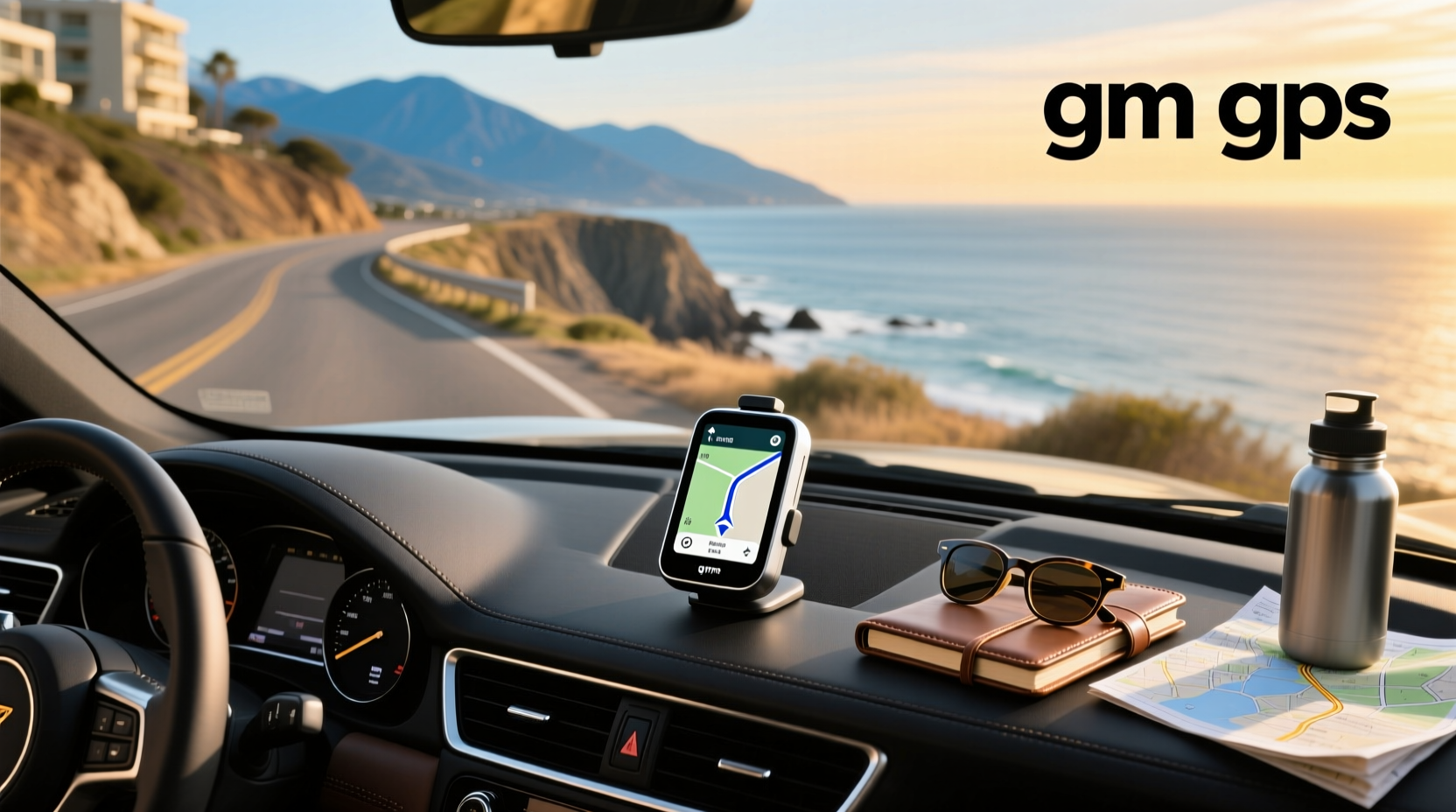
If you're searching for how to update GM GPS navigation, you're not alone. Many Chevrolet Orlando owners face outdated maps, inaccurate routing, or unresponsive interfaces in their factory-installed systems. The good news: GM provides official map updates through the GM Navigation Store, ensuring accuracy and compatibility for models like the Chevrolet Orlando equipped with embedded GPS. However, limitations such as infrequent updates, cost, and lack of real-time traffic can leave drivers seeking alternatives like aftermarket Android head units or smartphone integration. This guide breaks down everything you need to know about GM GPS systems—how they work, when to update, what options exist, and how to decide between sticking with OEM or upgrading.
What Is a GM GPS Navigation System?
The General Motors (GM) GPS navigation system refers to the built-in infotainment units found in various Chevrolet, Buick, GMC, and Cadillac vehicles produced from the mid-2000s onward. These factory-installed systems were designed to provide turn-by-turn directions, points of interest (POI), route planning, and sometimes voice recognition—all without relying on a smartphone connection.
For vehicles like the Chevrolet Orlando, which was sold internationally between 2010 and 2019 (though never officially in the U.S.), the GPS unit typically came preloaded with regional map data stored on an SD card or internal memory. Over time, roads change, new developments emerge, and outdated maps lead to missed exits or incorrect addresses—making periodic updates essential.
Unlike modern connected navigation that pulls live data via cloud services, most older GM GPS systems rely on static map databases updated every 1–3 years. That means even if your system works perfectly, it may be guiding you to a shopping mall that’s now a parking lot.
How Does GM GPS Work in Chevrolet Vehicles?
⚙️ GM's embedded navigation uses a combination of satellite signals (GPS), dead reckoning sensors (like wheel speed and steering angle), and preloaded digital maps to determine location and suggest routes. It doesn’t require cellular data, making it functional in remote areas where phone signals drop.
📍 Key components include:
- GPS receiver module: Captures satellite signals
- Map database: Stored on SD card or internal storage
- Processing unit: Renders maps and calculates routes
- Display screen: Integrated into the dashboard infotainment system
This setup ensures reliability but lacks dynamic features like live traffic rerouting, gas price tracking, or crowd-sourced accident alerts unless paired with OnStar services (where available). For example, some GM models offer OnStar Real-Time Traffic, which overlays current congestion onto the static map display—but this requires an active subscription.
Where to Get Official GM GPS Map Updates
🛒 The only authorized source for genuine GM map updates is the GM Navigation Store1. Here, users can enter their vehicle’s make, model, and year to find compatible map discs or download codes.
📌 Important notes:
- Updates are usually released annually or biennially
- Pricing ranges from $79 to $149 USD depending on region and coverage
- You must have the original equipment manufacturer (OEM) navigation system—not an aftermarket replacement
- Some newer GM vehicles allow over-the-air (OTA) updates, but older ones like the Chevrolet Orlando require physical media
📦 Process overview:
- Visit gmnavdisc.navigation.com
- Select your vehicle brand (e.g., Chevrolet)
- Choose model and year
- Purchase the correct map version (e.g., North America, Europe, Asia-Pacific)
- Receive a disc or download link
- Install via USB or SD slot per instructions
⚠️ Be cautious of third-party sellers offering cheaper “GM-compatible” map cards. While they may claim full functionality, there’s risk of corrupted files, incomplete POI data, or compatibility errors.
Common Issues with Factory GM GPS Units
🔧 Despite being reliable out of the box, many owners report frustrations with aging GM GPS systems. Understanding these helps inform whether an update or replacement is needed.
1. Outdated Maps
Even after updating, the base dataset might lag behind reality by months or years. Residential developments, highway reconfigurations, and business closures aren't reflected until the next official release.
2. Slow Processing Speed
Older hardware struggles with complex routing calculations. Zooming, panning, or recalculating a route can take several seconds—dangerous while driving.
3. Limited Voice Recognition Accuracy
Pre-2018 systems often misinterpret commands, especially with accents or background noise. Searching for “Safeway” might return “State Way” or unrelated locations.
4. No Real-Time Data Without Subscription
Traffic, weather, and fuel prices require OnStar connectivity. Once the trial period ends (typically 3–6 months), those features stop working unless renewed.
5. Inflexible User Interface
No app downloads, no custom widgets, and no support for Google Maps or Apple Maps integration unless the car supports CarPlay/Android Auto—and even then, only via mirror linking, not native embedding.
Aftermarket Alternatives to GM GPS Systems
🌐 As factory systems age, many drivers opt for aftermarket upgrades. These offer more flexibility, better performance, and access to modern apps.
Android-Based Head Units
🔧 Replacing the stock radio with an Android-powered touchscreen (such as those marketed for the Chevrolet Orlando 2010–2016) gives full access to:
- Google Maps, Waze, Sygic
- Wi-Fi and Bluetooth connectivity
- Over-the-air app updates
- Backup cameras and steering controls
- Voice assistants (Google Assistant, Siri via CarPlay)
🛠️ Installation typically requires a wiring harness adapter and dash kit. Some units plug directly into the OEM connector, preserving steering wheel controls and climate display integration.
| Feature | OEM GM GPS | Aftermarket Android Unit |
|---|---|---|
| Map Updates | Paid, infrequent (every 1–2 yrs) | Free, frequent (daily via internet) |
| Real-Time Traffic | Requires OnStar subscription | Free via Waze/Google Maps |
| App Ecosystem | Limited or none | Full Google Play access |
| Installation | Plug-and-play update | Professional recommended |
| Cost Over Time | $80–$150 per map update | $200–$400 upfront, free updates |
Smartphone Mirroring: CarPlay & Android Auto
📱 If your GM vehicle supports Apple CarPlay or Android Auto (usually 2016+ models), you can use your phone's GPS apps seamlessly on the center screen.
✅ Advantages:
- Always up-to-date maps
- Voice command integration
- Live traffic, lane guidance, speed limit info
- No extra hardware cost
❌ Limitations:
- Drains phone battery
- Requires stable Bluetooth or USB connection
- Depends on cellular signal strength
⏱️ For short trips or urban driving, mirroring is often the most practical solution. For long-haul or international travel, offline map downloads in apps like HERE WeGo or MAPS.ME can bridge gaps in connectivity.
Can You Update GM GPS for Free?
❗ Officially, GM does not offer free map updates. Every revision must be purchased through the GM Navigation Store. However, some forums and unofficial sites claim to host free ISO images or SD card dumps.
⚠️ Risks of using unofficial sources:
- Malware infection via infected USB drives
- Bricking the infotainment system
- Violation of software licensing agreements
- Incomplete map regions or missing highways
🔍 Always verify file authenticity and checksums if proceeding. But for most users, paying for the official update remains the safest choice.
How Long Do GM GPS Systems Last?
🏭 Embedded navigation units are built to last the life of the vehicle—typically 10–15 years. However, wear and tear, heat cycles, and software bloat can degrade performance.
📉 Signs of failure include:
- Freezing during startup
- Crashing when entering destinations
- Touchscreen unresponsiveness
- Error messages during map loading
🔄 In some cases, a factory reset or SD card replacement resolves the issue. Otherwise, replacing the entire head unit may be necessary.
Regional Differences in GM GPS Support
🌍 Availability of map updates varies by market. For instance:
- North America: Regular updates, strong OnStar coverage
- Europe: Available for Opel/Vauxhall models; less frequent than U.S.
- Asia-Pacific: Supported in Australia, South Korea, but limited in Southeast Asia
- Latin America: Minimal official support; users often turn to third-party solutions
If you imported a Chevrolet Orlando from another country, ensure the navigation firmware matches your region. A European-spec unit may not accept North American map cards.
Future of GM GPS: Connected Navigation & OTA Updates
✨ Newer GM vehicles (2020+) feature Ultifi and Super Cruise technologies, enabling over-the-air operating system updates and cloud-based navigation. These systems learn driver habits, predict destinations, and integrate with smart home devices.
⚡ Features include:
- Automatic software patches
- Personalized route suggestions
- Integration with EV charging networks
- Enhanced voice AI (“Hey GM”)
While legacy vehicles won’t receive these upgrades, understanding the direction GM is moving helps contextualize why older GPS systems feel outdated.
Should You Upgrade Your GM GPS System?
📋 Consider upgrading if:
- You frequently drive in unfamiliar areas
- Your current maps are >3 years old
- You want real-time traffic without a phone
- The interface feels sluggish or buggy
- You value seamless voice assistant integration
🛑 Stick with OEM if:
- You rarely travel far from home
- You prefer plug-and-play simplicity
- You’re under warranty and fear voiding it
- You don’t mind occasional inaccuracies
🧰 For DIYers comfortable with basic electronics, installing an Android head unit offers long-term value. For others, using CarPlay with Google Maps may suffice.
Conclusion: Balancing Cost, Convenience, and Reliability
When dealing with GM GPS navigation, the key is matching the solution to your needs. Official updates ensure safety and compatibility but come at a recurring cost. Aftermarket systems deliver modern functionality but require installation effort. Smartphone mirroring bridges the gap for many, though it depends on network availability.
Whether you own a Chevrolet Orlando or another GM vehicle, staying informed about your options prevents frustration on the road. Evaluate how often you rely on navigation, your budget, and technical comfort level before deciding to update or replace.
Frequently Asked Questions
- Can I update my GM navigation system without buying a disc?
- Some newer GM vehicles support over-the-air (OTA) updates through the vehicle’s built-in Wi-Fi. Older models, including most Chevrolet Orlandos, require a physical map disc or downloadable image installed via USB/SD card.
- Is there a way to get free map updates for GM GPS?
- No official free updates are offered by GM. Third-party sources exist but carry risks of corruption, malware, or system damage. The safest method is purchasing from the GM Navigation Store.
- Will an aftermarket GPS unit affect my car’s warranty?
- Installing an aftermarket head unit could void parts of your warranty if improper installation causes electrical issues. However, simply using external GPS devices (like phones or portable units) has no impact.
- Does the Chevrolet Orlando have built-in GPS navigation?
- Yes, certain trims of the Chevrolet Orlando (especially outside North America) came with factory-installed GPS navigation systems, typically using SD card-based map storage.
- How often should I update my GM GPS maps?
- Every 1–2 years is recommended, especially if you notice routing errors, missing roads, or outdated points of interest. Major urban changes may necessitate more frequent updates.





 浙公网安备
33010002000092号
浙公网安备
33010002000092号 浙B2-20120091-4