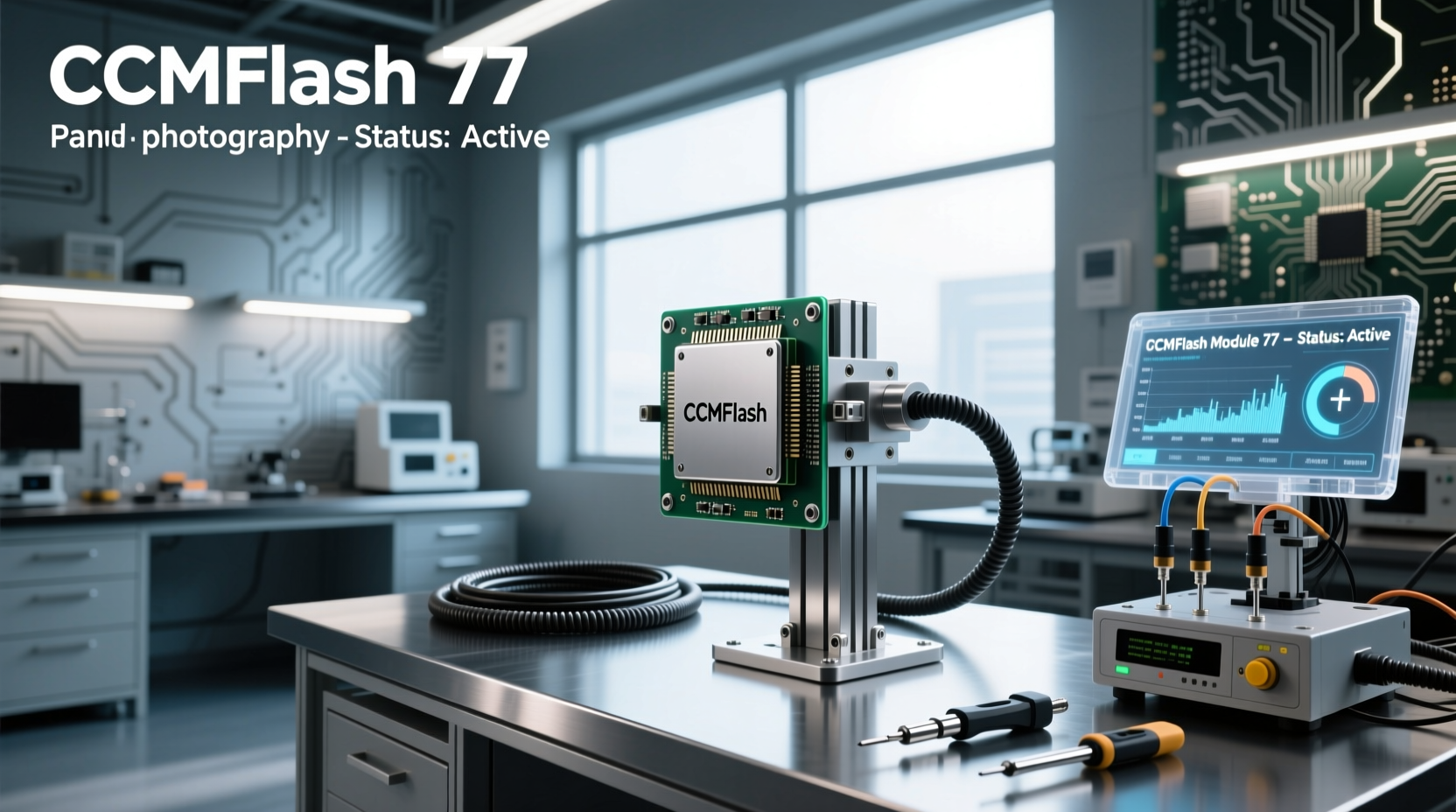
🔧 If you're searching for a reliable way to reprogram engine control units (ECUs) or transmission control units (TCUs) across Volkswagen, Ford, Mazda, Nissan, and Subaru models, PCMFlash Module 77 is one of the most widely used tools in bench flashing and OBD2-based tuning workflows. This guide breaks down everything you need to know about PCMFlash module 77 — from installation and dongle activation to supported vehicle platforms and common troubleshooting steps. Whether you’re upgrading performance software or recovering a corrupted ECU, understanding how PCMFlash works with module 77 can save time, prevent hardware damage, and ensure stable reflashes.
What Is PCMFlash Module 77?
PCMFlash is an integrated diagnostic and firmware programming suite primarily designed for engineers, tuners, and advanced DIY mechanics working on modern automotive ECUs. The software operates through a USB-connected hardware key (often called a dongle), which authenticates access to various modules that support different ECU types and manufacturers.
The term "Module 77" refers to a specific functional extension within the PCMFlash ecosystem, typically associated with support for certain Bosch MED17.x and Delphi/MT series ECUs. It enables direct flash memory read/write operations via the OBD2 port or bench connections using adapter cables. Unlike generic scan tools, PCMFlash offers low-level access to firmware blocks, making it essential for tasks like DPF deletes, EGR offloading, torque limiting removal, and custom map injection — provided these modifications comply with local regulations.
Supported Vehicles and ECU Types
One of the main reasons PCMFlash has gained popularity among European and Asian vehicle specialists is its broad compatibility. Module 77 specifically enhances support for:
- Volkswagen Group (VW, Audi, Skoda, Seat) — especially ME7, MED17, and EDC17 variants
- Ford — Duratorq TDCi engines with Delphi MT80 and Siemens SID80x ECUs
- Mazda — SkyActiv-D diesel engines using Denso or Hitachi units
- Nissan/Infiniti — dCi/RX8 platforms with Siemens or Bosch systems
- Subaru — diesel variants equipped with Hitachi H311 or similar
- Mitsubishi — Lancer, Pajero, and Outlander diesel models
⚙️ Importantly, module 77 does not universally cover all ECUs — it’s often paired with additional bootloaders or module packs depending on the target ECU architecture. For example, reading a Bosch EDC17CP54 may require both module 77 and a separate bootloader file, such as those found in the pcmflash.ru downloads section under "Bench Connection" configurations.
Key Features of PCMFlash with Module 77
When properly licensed and activated, PCMFlash + module 77 provides several critical capabilities:
| Feature | Description |
|---|---|
| OBD2 Flashing | Reads and writes firmware directly through the vehicle’s diagnostic port without removing the ECU. |
| Bench Mode Support | Allows full chip access when the ECU is removed, useful for corrupted or locked units. |
| Bootloader Integration | Supports loading external bootloaders for newer or secured ECUs (e.g., MEDC17). |
| Modular Licensing | Users can purchase only the modules they need (e.g., module 77 for Ford/VW diesels). |
| Firmware Backup & Restore | Enables safe backup before modification and recovery if issues arise. |
Installation Process for PCMFlash Software
🛒 Before using module 77, you must correctly install the PCMFlash application and drivers. Here's a step-by-step breakdown:
- Download the Latest Build: Visit pcmflash.ru/downloads/english to get the most recent version. Older builds may lack support for newer ECUs or security protocols.1
- Install Dongle Drivers: Ensure your system recognizes the USB protection key. Download Guardant or Aladdin drivers from the same page if Windows fails to detect the device.
- Install Scanmatik 2 Drivers (if applicable): Some setups use Scanmatik-compatible interfaces; install these separately to avoid communication errors.
- Run PCMFlash Installer: Execute the setup file and follow prompts. Avoid installing in paths with spaces or special characters (e.g.,
C:\\Tools\\PCMFlash\\is safer thanProgram Files). - Verify Installation: Launch the program. If it opens without error but shows limited modules, proceed to activation.
How to Activate PCMFlash Module 77
⚡ Activation remains one of the most frequently asked questions regarding PCMFlash. Unlike open-source tools, PCMFlash uses a hardware-locked licensing model. Here’s what you need to know:
- You must own a physical USB dongle (often sold by resellers like ECUTools, IOBD, or Scanmatik Europe).
- Activation is not instant — requests are processed manually during business hours.2
- To request activation, connect your dongle and launch PCMFlash. Navigate to Help → License Manager, then submit your hardware ID to the vendor.
- After payment verification, the seller will enable module 77 (and others) remotely.
❗ Note: There is no free version of PCMFlash that includes module 77 functionality. Beware of pirated versions circulating online — they may contain malware or fail to work with updated ECUs.
Using PCMFlash Module 77: Step-by-Step Workflow
Once installed and activated, here’s how to perform a typical ECU read/write operation:
1. Select Vehicle Platform
In PCMFlash, choose the manufacturer (e.g., Ford), model, engine type, and ECU brand. Accurate selection ensures correct protocol detection.
2. Establish Communication
Connect via OBD2 cable. Click “Connect” and wait for handshake confirmation. If connection fails:
- Check fuse and power supply to the OBD2 port
- Ensure ignition is ON (but engine OFF)
- Try alternate baud rates or KWP2000 protocols
3. Read Original Firmware
Click “Read ECU” and allow the process to complete. Save the binary dump with a descriptive name (e.g., Ford_Focus_2.0_TDCi_EDC17_original.bin).
4. Modify or Replace Firmware
If tuning externally, import the file into tuning software (e.g., WinOLS, ECM Titanium). Make changes, then export the modified binary.
5. Write Back to ECU
Select “Write ECU”, load the modified file, and confirm. Wait until completion — do NOT interrupt power or disconnect cables.
6. Verify Operation
Restart the vehicle and check for fault codes. Test drive to confirm expected behavior (e.g., improved throttle response, disabled DPF regeneration).
Common Issues and Troubleshooting
Even with proper setup, users encounter problems. Below are frequent scenarios and solutions:
Issue: “No Communication with ECU”
Possible causes:
- Damaged OBD2 cable or incompatible interface
- Incorrect module selected (e.g., trying to read a Denso ECU with Bosch-only settings)
- ECU in sleep mode or vehicle battery below 12.4V
- Security lockouts (especially after failed flash attempts)
Solution: Use multimeter to verify power at OBD2 pin 16; try bench flashing if possible.
Issue: Flash Fails Mid-Process
This often results in a bricked ECU. Causes include:
- Unstable power source (use bench power supply set to 13.2V)
- Corrupted firmware file
- Incompatible bootloader
🛠️ Recovery requires bench connection using VDD, GND, K-line, and sometimes synchronization pins. Refer to pinout diagrams specific to your ECU model.
Issue: Module 77 Not Showing After Activation
Double-check:
- Dongle is plugged in and recognized by the OS
- You’re running the software as Administrator
- No antivirus blocking execution or driver loading
- Correct build version supports module 77 (older versions may not list it)
Legal and Safety Considerations
📌 While PCMFlash itself is a legitimate engineering tool, how it’s used determines legality. In many regions:
- Disabling emissions controls (DPF, EGR, SCR) violates environmental laws
- Altering odometer values is illegal in most countries
- Flashing unauthorized firmware may void warranty or trigger theft deterrent locks
✅ Always obtain owner consent before modifying firmware. Keep original backups indefinitely. Understand regional compliance requirements before performing any non-stock adjustments.
Alternatives to PCMFlash Module 77
If PCMFlash proves too complex or costly, consider these alternatives:
- Kess V2 / K-Tech: Offers similar OBD2 flashing with user-friendly interface but less low-level control.
- CGDI Prog MB: Better suited for Mercedes-Benz EDC17 units but lacks broad VW/Ford support.
- XDF Editor + OpenPort 2.0: Open-source option for GM Ecotec engines, though not compatible with module 77 targets.
- Autocom CDP+ / Delphi DS150E: Factory-level diagnostics but limited reprogramming ability.
Each alternative has trade-offs in cost, ease of use, and depth of access. PCMFlash remains preferred for professional tuners due to its precision and modular flexibility.
Where to Buy PCMFlash Module 77 Legally
🌐 You cannot download module 77 independently — it’s tied to hardware authorization. Reputable vendors include:
- ECUTools.eu – Official distributor with global shipping3
- IOBD.io – Sells complete kits with license options4
- Scanmatik Europe SL – Direct support and activation services
📍 Pricing varies based on included modules. Expect €150–€300 for a dongle with module 77 enabled. Avoid third-party marketplaces where counterfeit keys are common.
Future of PCMFlash and Module Updates
As vehicle manufacturers adopt more secure ECUs (e.g., UDS protocols, encrypted flashes, rolling checksums), tools like PCMFlash must evolve. Recent trends show:
- Increased reliance on known vulnerabilities in bootloader stages
- Need for bench flashing over OBD2 due to gateway protections
- Integration with JTAG/SWD debuggers for deep recovery
Developers behind pcmflash.ru continue releasing updates, but new modules may require additional fees. Stay informed through official forums and vendor newsletters rather than unofficial Telegram groups or file-sharing sites.
Conclusion: Is PCMFlash Module 77 Right for You?
PCMFlash module 77 is a powerful solution for professionals and experienced enthusiasts who regularly work on European and Asian diesel ECUs. Its strength lies in direct firmware manipulation, broad protocol support, and integration with tuning ecosystems. However, it demands technical knowledge, careful setup, and ethical responsibility.
If you're new to ECU tuning, start with simpler tools or seek mentorship before investing in PCMFlash. For seasoned tuners, having module 77 unlocks efficient workflows across multiple brands — just remember to prioritize safety, legality, and data integrity throughout every job.
Frequently Asked Questions (FAQ)
- Can I use PCMFlash Module 77 without a dongle?
- No. The USB dongle acts as a hardware license key. Without it, the software won’t function beyond demo mode.
- Is PCMFlash free to download and use?
- You can download the software for free, but full functionality—including module 77—requires purchasing and activating a licensed dongle.
- Does PCMFlash work with Toyota or Honda ECUs?
- Limited support exists for some models, but module 77 focuses on Volkswagen, Ford, Mazda, and Nissan platforms. Toyota-specific tuning usually requires other tools like Techstream or XHorse.
- Why isn't my module 77 showing up after activation?
- Ensure you’re using the latest build, running as admin, and have installed proper drivers. Also confirm with your vendor that the dongle was successfully updated.
- Can I update PCMFlash to newer modules later?
- Yes. PCMFlash uses a modular licensing system—you can purchase additional modules (e.g., for BMW or Mercedes) at any time through your vendor.





 浙公网安备
33010002000092号
浙公网安备
33010002000092号 浙B2-20120091-4