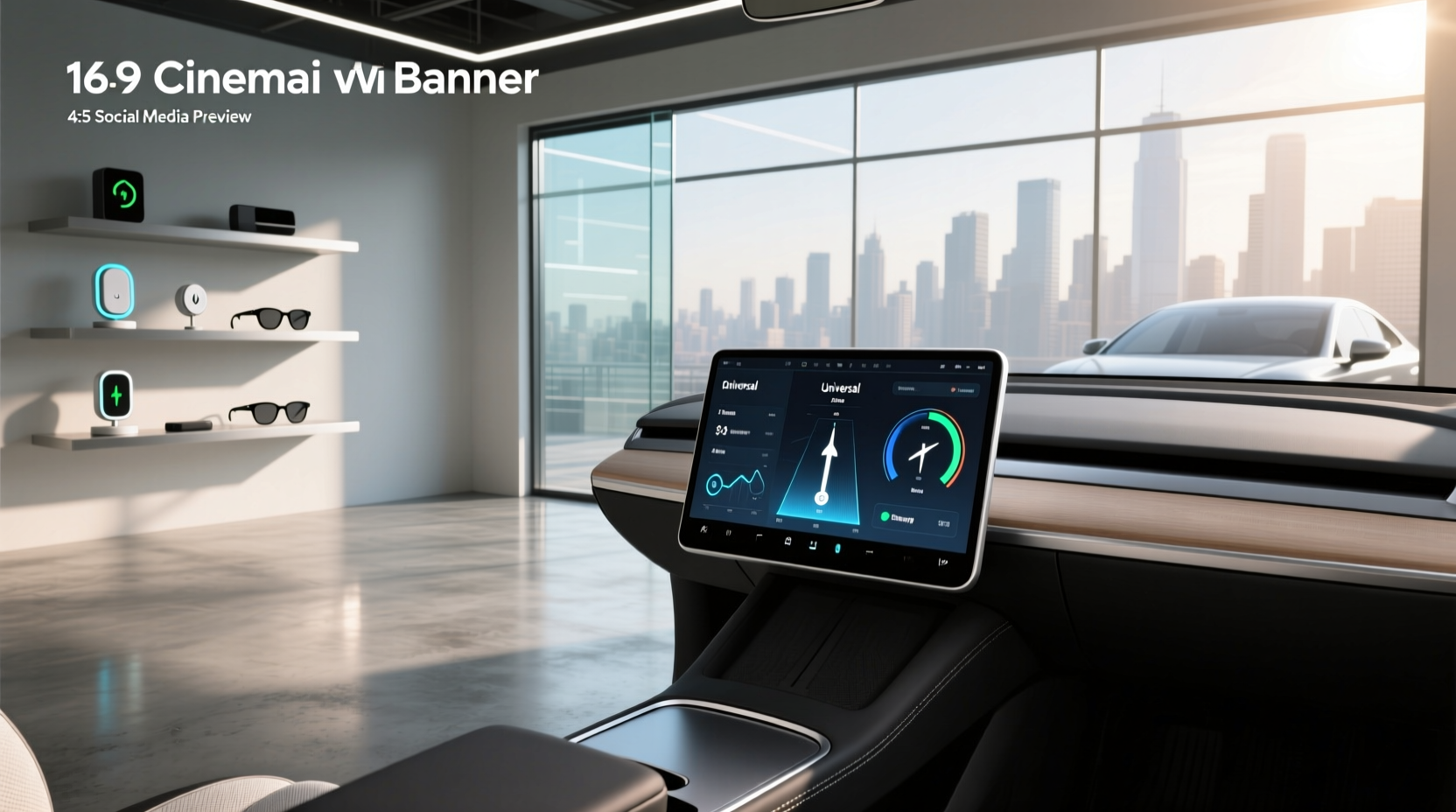
A universal digital dash display can transform your car’s cockpit with real-time engine data, customizable layouts, and modern aesthetics—regardless of make or model. Unlike OEM-specific systems, these aftermarket solutions are designed to integrate with most vehicles through CAN bus, analog inputs, or ECU communication protocols like OBD2, MegaSquirt, or Link1. Whether you're restoring a classic car, upgrading a daily driver, or building a track-focused machine, a universal digital dashboard offers flexibility, enhanced monitoring, and a clean, high-tech look without requiring factory electronics.
Why Drivers Are Switching to Universal Digital Dash Displays
Drivers today seek more than just speed and fuel level—they want full visibility into engine performance, sensor status, and driving conditions. Traditional analog gauges limit insight and customization. A universal digital dash display solves this by consolidating critical metrics into one high-resolution screen. This shift is especially popular among:
- Classic car owners adding modern telemetry without altering original dashboards
- Performance enthusiasts tuning engines with standalone ECUs
- Fleet operators monitoring vehicle health across diverse models
- Diyers using platforms like Raspberry Pi to build custom interfaces2
The core appeal lies in adaptability: one device works across multiple vehicles, reducing long-term costs and simplifying upgrades.
How Universal Digital Dash Displays Work
Unlike factory-installed digital clusters tied to proprietary networks, universal units communicate via standardized protocols:
CAN Bus Integration ⚙️
Most modern universal dashes connect via CAN (Controller Area Network), allowing them to read data from the vehicle’s existing network. This includes RPM, speed, coolant temperature, and even turn signals. Some advanced models act as CAN masters, polling sensors directly or integrating with aftermarket ECUs like Haltech, Motec, or AEM.
OBD2 Compatibility 🔍
For simpler installations, many entry-level digital dashes plug into the OBD2 port, pulling basic diagnostics and driving data. While convenient, this method may lack access to deeper engine parameters unless paired with additional sensors.
Standalone Sensor Inputs 🧰
Universal dashes often feature configurable analog and digital input channels. You can wire in aftermarket oil pressure, fuel level, or wideband O2 sensors directly. This makes them ideal for vehicles without pre-existing data streams.
Wireless & GPS Connectivity 🌐
Premium models support Bluetooth, Wi-Fi, or GPS modules for lap timing, geotagging, or smartphone alerts. For example, some displays overlay GPS-derived speed and G-forces on-screen, useful for track days.
Key Features to Evaluate Before Buying
Not all universal digital dash displays offer the same capabilities. Here’s what matters most when comparing options:
Display Quality and Visibility ✨
Look for TFT or LCD panels with high contrast ratios and anti-glare coatings. Brightness should be adjustable (minimum 500 cd/m²) for daytime readability. Screen sizes typically range from 4.3” to 7”, with larger units offering more data density but requiring more dashboard space.
Customization Options 📊
The best systems allow full layout control—repositioning gauges, changing fonts, colors, and background themes. Some support user-created skins via software like Tuner Studio3, enabling retro, minimalistic, or race-oriented designs.
Data Logging and Alarms ⚠️
Real-time monitoring is only part of the value. Built-in data logging lets you record trips for later analysis. Programmable alarms warn of overheating, low oil pressure, or overspeed—critical for preventing mechanical damage.
ECU and Software Compatibility 🔗
Ensure the dash supports your ECU brand. Popular choices include:
- MegaSquirt
- Link ECU
- Holley Dominator
- Haltech Elite
- Ecumaster
If you’re using a Raspberry Pi-based solution, verify software compatibility with TS Dash or similar open-source tools.
Installation Complexity ⏱️
Plug-and-play models that use OBD2 are easiest, often taking under an hour. Fully wired setups require routing power, ground, ignition, and sensor wires—potentially several hours. Consider whether you’ll need a professional installer or can DIY with basic electrical skills.
| Feature | Entry-Level Model | Mid-Range Model | Premium Model |
|---|---|---|---|
| Screen Size | 4.3" | 5.5" | 7" |
| Resolution | 480x272 | 800x480 | 1024x600 |
| CAN Bus Support | Limited | Yes | Multi-network |
| Analog Inputs | 2 | 6 | 12+ |
| Data Logging | No | Internal memory | SD card + cloud |
| GPS Overlay | No | External module | Built-in |
| Price Range | $100–$200 | $250–$500 | $600+ |
Common Use Cases and Real-World Applications
Restoring Classic Cars 🏎️
Adding a digital dash display for old cars preserves vintage aesthetics while delivering modern functionality. Many universal units fit stock gauge openings (e.g., 3.5", 5") or mount flush under the dash. They eliminate the need for bulky auxiliary gauges.
Track and Racing Builds ⚡
Racers rely on precise feedback. A universal digital dash can show lap times, gear indicator, shift lights, and G-force meters. When linked to a data logger, it helps analyze cornering efficiency and engine behavior.
Fleet and Commercial Vehicles 🚚
For mixed-fleet operations, a single dash model across different trucks reduces training and spare parts inventory. Alerts for maintenance intervals or harsh driving improve safety and reduce downtime.
Diy Projects with Raspberry Pi 🧪
Tech-savvy users combine a Raspberry Pi with free software to create fully personalized dashboards. These can pull data from OBD2, GPS modules, or wireless sensors. While cost-effective, they require coding knowledge and careful waterproofing.
Installation Tips and Best Practices 🔧
Proper setup ensures reliability and accuracy. Follow these guidelines:
Power Wiring Essentials
Always use fused power taps connected to switched ignition circuits. Avoid drawing power from low-amperage sources like cigarette lighter ports. Ground connections must be bolted to bare metal, not painted surfaces.
Sensor Calibration
After installing new sensors (e.g., fuel level, oil pressure), calibrate the dash using known values. For instance, if your tank reads half full, set that point in the calibration menu to match actual volume.
CAN Bus Termination
In some vehicles, adding a new CAN device requires proper termination resistors (typically 120Ω). Check manufacturer specs—if missing, communication errors may occur.
Mounting Location
Position the display within clear line-of-sight but out of airbag zones. Avoid direct sunlight exposure to prevent glare. Flush mounts look cleaner but require precise cutting; suction or bracket mounts are temporary alternatives.
Limitations and Common Misconceptions ❗
Despite their advantages, universal digital dash displays aren’t perfect:
- They don’t auto-detect every vehicle: Configuration is usually manual, requiring time to map signals and labels.
- Not all support factory warning lights: You may lose check engine, ABS, or airbag indicators unless explicitly programmed.
- Touchscreens can be distracting: Physical buttons are safer for adjusting settings while driving.
- Software updates vary: Cheaper brands may abandon firmware support after launch.
Also, “universal” doesn’t mean plug-and-play with zero effort. Expect configuration work regardless of marketing claims.
Cost vs. Value: What Price Range Makes Sense?
Pricing varies widely based on features and build quality:
- $100–$200: Basic OBD2 readers with limited customization. Suitable for casual users.
- $250–$500: Full CAN integration, multiple inputs, good screens. Ideal for most upgrades.
- $600+: Professional-grade with HD displays, GPS, logging, and rugged enclosures. Used in race cars and high-end restomods.
Consider total ownership cost: factor in sensors, wiring kits, and potential labor. A $300 dash with $150 in sensors still beats replacing individual gauges.
Future Trends in Digital Instrumentation
The evolution continues toward smarter, connected dashboards:
- AI-driven alerts: Predictive warnings based on driving patterns and historical data.
- Over-the-air updates: Remote firmware improvements without physical access.
- Integration with ADAS: Lane departure, blind spot detection overlays on the display.
- Modular design: Snap-on expansion modules for extra inputs or connectivity.
As vehicles become more software-defined, universal dashes will play a bigger role in retrofitting older models with new capabilities.
Frequently Asked Questions (FAQ)
- Can I install a universal digital dash in a car without CAN bus?
- Yes. You can wire sensors directly to the dash using analog inputs. This approach is common in older vehicles and custom builds where no data network exists.
- Do universal digital dash displays work with manual transmissions?
- Yes. Transmission type doesn’t affect compatibility. However, you may need to add a vehicle speed sensor if the ECU doesn’t output speed data.
- Are there wireless universal digital dash options?
- Some models transmit data wirelessly from sensors, but the main display still needs power and ground wiring. True wireless operation isn’t practical due to latency and reliability concerns.
- How do I customize the gauge layout on my digital dash?
- Use the manufacturer’s PC or mobile app to drag-and-drop gauges, change colors, and adjust scaling. Save the layout and upload it via USB or SD card.
- Will a universal digital dash drain my battery?
- If wired correctly to an ignition-switched circuit, it draws no power when the car is off. Poor installation (e.g., constant power tap) can cause parasitic drain.





 浙公网安备
33010002000092号
浙公网安备
33010002000092号 浙B2-20120091-4