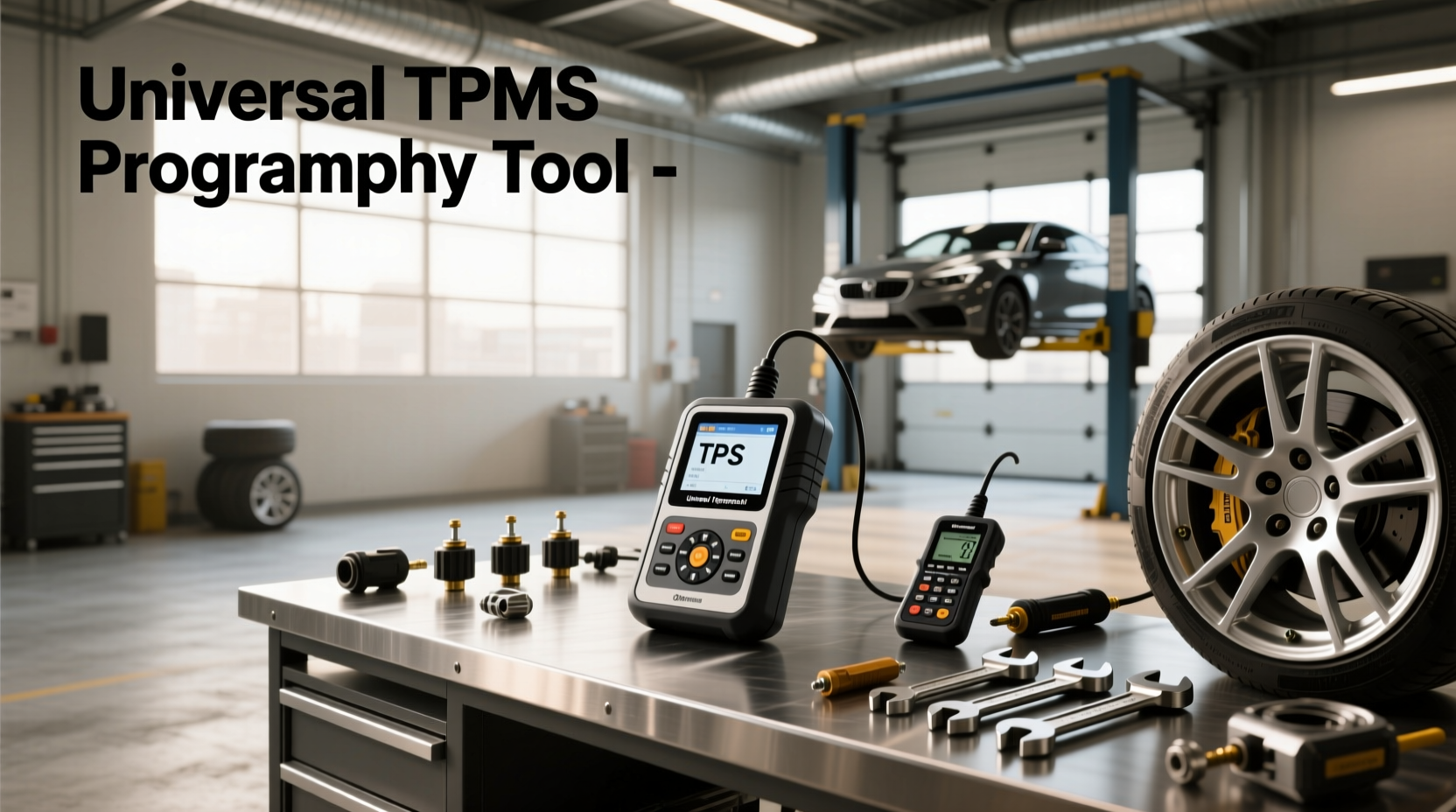
🔧 If you're replacing TPMS sensors or switching wheels and need to program new tire pressure monitoring system (TPMS) sensors, a universal TPMS programming tool can save time and money compared to dealership visits. These devices allow you to write vehicle-specific data—like sensor IDs and VINs—directly into aftermarket or reused sensors, ensuring compatibility across makes and models. Unlike basic relearn procedures, which only sync existing sensor IDs with the ECU, true programming changes the internal data of programmable smart sensors. This guide explains how universal TPMS tools work, when they’re needed, what features matter, and how to avoid common mistakes during setup.
What Is a Universal TPMS Programming Tool?
A universal TPMS programming tool is a handheld device designed to configure programmable TPMS sensors so they match a specific vehicle’s requirements. Unlike fixed-sensor models that come pre-programmed for one make, universal programmable sensors require configuration before installation. The tool writes critical information such as:
- Vehicle Identification Number (VIN)
- TPMS sensor ID
- Make, model, and year data
- Protocol type (e.g., 315 MHz vs. 433 MHz)
- Relearn method (OBD2-triggered, auto-relearn, etc.)
This process ensures the vehicle’s ECU recognizes the new sensors and displays accurate tire pressure readings. Without proper programming, even correctly installed sensors may not function or trigger persistent warning lights ⚠️.
Programming vs. Relearning: Key Differences
One of the most common points of confusion among DIYers and technicians alike is the difference between TPMS programming and TPMS relearning. Understanding this distinction is essential for choosing the right tool and procedure ✅.
| Aspect | TPMS Programming | TPMS Relearning |
|---|---|---|
| Definition | Writing vehicle-specific data into a programmable sensor | Teaching the vehicle ECU the IDs of newly installed sensors |
| Tool Required | Universal TPMS programming tool (e.g., Autel, ATEQ, Brain Bee) | OBD2 scan tool, TPMS trigger tool, or manual button reset |
| Sensor Type | Programmable universal sensors (Smart Sensors) | Any sensor (original or programmed) |
| When Needed | Replacing sensors with universal programmable ones | After rotating tires, battery replacement, or sensor replacement |
| Data Changed | Sensor firmware and ID | ECU memory of sensor positions |
📌 In short: Programming changes the sensor; relearning updates the car. You often need both steps when installing new universal sensors.
Do All TPMS Sensors Need Programming?
No—not all sensors require programming. There are two main types of aftermarket TPMS sensors:
1. Fixed-Value Sensors (Pre-Programmed)
These sensors come already programmed for a specific OEM application (e.g., a Toyota RAV4 2020). They cannot be reprogrammed and must be replaced with an identical part number. While convenient, they lack flexibility if you service multiple vehicles 🏭.
2. Programmable Smart Sensors
Also known as “universal” or “multi-application” sensors, these can be configured using a universal TPMS programming tool. Once programmed, they act identically to OEM sensors. This makes them ideal for shops or enthusiasts working on various makes and models 👥.
🛒 Tip: Always check whether your replacement sensor is programmable before purchasing. Look for terms like “smart sensor,” “universal,” or “reprogrammable” in the product description.
How Does a Universal TPMS Programming Tool Work?
The operation of a universal TPMS tool involves communication between three components: the tool itself, the programmable sensor, and the vehicle’s specifications. Here's a step-by-step breakdown ⚙️:
- Select Vehicle Info: Enter the vehicle’s make, model, year, and sometimes VIN via the tool’s interface.
- Choose Sensor Type: Select the brand/model of the programmable sensor being used (e.g., Schrader, Standard, VDO).
- Wireless Communication: Place the tool near the sensor (usually within 2–4 inches) to send programming data via RF signal (315/433 MHz).
- Write Data: The tool overwrites the sensor’s internal memory with the correct protocol, ID format, and vehicle parameters.
- Verify Success: Most tools provide confirmation once programming completes successfully.
Some advanced tools also support OBD2 integration, allowing automatic VIN retrieval and protocol detection, reducing input errors ⚡.
Top Features to Look for in a Universal TPMS Tool
Not all programming tools offer the same capabilities. When evaluating options, consider these key features:
✅ Comprehensive Sensor Database
The best tools include regularly updated databases covering major brands like Schrader, Pacific, VDO, and BorgWarner. Check if firmware updates are free or require subscription.
✅ Dual-Frequency Support (315 & 433 MHz)
North American vehicles typically use 315 MHz (Asian imports) or 433 MHz (European/Domestic). A dual-frequency tool ensures compatibility across regions 🌐.
✅ OBD2 Integration
Tools with OBD2 connectivity can pull VIN and calibration data directly from the vehicle, minimizing manual entry and reducing setup time ⏱️.
✅ Touchscreen Interface & Ergonomic Design
Larger color screens improve usability in low-light environments. Battery life and durability matter for field use.
✅ Clone Functionality
Some tools (like Autel MaxiTPMS TS608) allow cloning—copying the ID from an old sensor to a new one. Useful when matching original IDs is required by certain vehicles.
✅ Trigger Mode for Relearning
Beyond programming, many tools also support activating sensors via low-frequency signal to initiate relearn sequences—eliminating the need for separate trigger devices 🔍.
Can You Program TPMS Without a Tool?
In most cases, no—you cannot program a universal sensor without a dedicated tool. However, there are exceptions:
- Fixed-value sensors: No programming needed—just install and perform a relearn.
- Vehicle relearn only: After replacing pre-programmed sensors, some cars only require a relearn procedure (via dashboard button, scan tool, or drive cycle).
- Dealer systems: Some manufacturers allow full programming through factory-level diagnostic tools (e.g., GM MDI, Toyota Techstream), but these are expensive and not consumer-accessible.
❗ Important: Attempting to install unprogrammed universal sensors will result in failed recognition and persistent TPMS warnings.
Common Misconceptions About Universal TPMS Tools
Despite growing popularity, several myths persist about these tools:
Misconception 1: "All TPMS Sensors Are the Same"
False. Sensors vary by frequency, protocol, valve type (rubber vs. metal), and stem length. Using the wrong sensor—even if programmed—can lead to leaks or fitment issues.
Misconception 2: "Programming Replaces Relearning"
No. Even after programming the sensor, most vehicles still require a relearn procedure to register the sensor’s position (RFID handshake). Skipping this step leaves the system incomplete.
Misconception 3: "Cheap Tools Work Just as Well"
While budget tools exist, they often lack database updates, OBD2 support, or cloning features. For long-term reliability, investing in a reputable brand pays off.
Misconception 4: "You Can Program Sensors After Installation"
❌ Not reliably. Programming should be done before mounting the sensor inside the wheel. Once installed, metal rims block RF signals, making wireless programming difficult or impossible.
Step-by-Step: How to Use a Universal TPMS Programming Tool
Follow this standardized process to ensure success every time:
- Gather Information: Note your vehicle’s make, model, year, and VIN. Confirm you have programmable sensors.
- Charge the Tool: Ensure your TPMS tool has sufficient battery power.
- Update Firmware: Connect to PC or Wi-Fi (if supported) to download the latest sensor database.
- Power On & Select Vehicle: Navigate the menu to enter your vehicle details.
- Select Sensor Brand: Choose the manufacturer of your universal sensor (e.g., Standard TPS-MA).
- Place Sensor Near Tool: Hold the sensor within 3 inches of the tool’s antenna area.
- Initiate Programming: Start the write process. Wait for confirmation tone or screen message.
- Repeat for All Sensors: Program each sensor individually, ideally labeling them (LF, RF, LR, RR) to avoid mix-ups.
- Install Sensors: Mount programmed sensors onto wheels and torque valve caps properly.
- Perform Relearn Procedure: Use the tool (or vehicle method) to initiate the relearn sequence per manufacturer specs.
- Test System: Drive the vehicle above 20 mph to verify all sensors transmit data and no warning light appears.
✨ Pro Tip: Keep a log of programmed sensor IDs and their assigned wheel positions for future diagnostics.
When Do You Need a Universal TPMS Programming Tool?
You’ll likely need one in these scenarios:
- 🛠️ Running an independent repair shop servicing diverse vehicles
- 🔄 Upgrading to programmable sensors instead of OEM-specific parts
- 🚗 Owning multiple vehicles requiring different sensor types
- 🔧 Performing seasonal tire swaps (e.g., winter wheels with TPMS)
- 📉 Seeking long-term cost savings over buying pre-programmed sensors
For occasional users, renting or borrowing a tool might be more economical than purchasing.
Regional Considerations and Compatibility
TPMS regulations and standards differ globally, affecting tool functionality:
- USA: FMVSS 138 mandates TPMS on all passenger vehicles since 2008. Supports both direct and indirect systems.
- Europe: UNECE Regulation 64 requires TPMS on new models. Frequency bands and protocols may differ slightly.
- Asia: Japan and South Korea have similar mandates, but sensor designs often favor smaller stems and rubber construction.
Ensure your tool supports regional variants, especially if importing sensors or servicing imported vehicles 🌍.
Troubleshooting Common Issues
Even with the right tool, problems can arise. Here’s how to fix them:
Problem: Programming Fails or Times Out
Solution: Check distance between tool and sensor. Replace sensor battery if low. Verify correct sensor selection in the tool’s database.
Problem: TPMS Light Stays On After Installation
Solution: Confirm relearn was completed. Check for mismatched frequencies or incorrect positioning. Use tool to read live data and verify signal transmission.
Problem: Sensor ID Not Recognized
Solution: Reprogram the sensor. Some vehicles reject non-OEM ID formats—use clone mode if available.
Problem: Intermittent Signal Loss
Solution: Inspect valve core tightness, wheel corrosion, or damage from improper mounting.
Alternatives to Universal Programming Tools
If you don’t want to invest in a full programming tool, alternatives include:
- Prefixed Sensors: Buy OEM-matched fixed sensors—no programming needed, but higher per-unit cost.
- Service Centers: Pay a shop to program sensors ($10–$25 each).
- OBD2 Relearn Tools: Devices like JDI TPS2 can trigger relearns but cannot program sensors.
Each option has trade-offs in cost, convenience, and scalability.
Final Thoughts: Is a Universal TPMS Programming Tool Worth It?
For DIYers maintaining multiple vehicles or professionals handling frequent tire service, a universal TPMS programming tool offers significant value. It reduces dependency on dealerships, lowers long-term costs, and increases service flexibility. However, it requires learning proper procedures and understanding sensor compatibility.
Before buying, ask yourself:
- Do I frequently replace TPMS sensors?
- Am I using programmable universal sensors?
- Will I service different makes/models regularly?
If yes to two or more, a quality tool is a smart investment. Otherwise, consider prefabricated sensors or professional services.
Frequently Asked Questions (FAQ)
- Can I program TPMS sensors without a special tool?
- No, programmable sensors require a dedicated universal TPMS programming tool to write vehicle-specific data. Pre-programmed sensors do not need this step but still require a relearn procedure.
- Do all cars require TPMS programming after sensor replacement?
- No. Only vehicles using programmable universal sensors require programming. Cars with fixed-value OEM sensors only need a relearn process to sync the ECU with new sensor IDs.
- How much does a universal TPMS programming tool cost?
- Entry-level tools start around $150, while professional-grade models with OBD2 and cloning features range from $300 to $600. Consider total cost of ownership versus buying pre-programmed sensors.
- Can I reuse old TPMS sensors on a different car?
- Only if the sensor is programmable and compatible with the new vehicle’s frequency and protocol. You must reprogram it using a universal TPMS tool before installation.
- Is TPMS programming legal and safe?
- Yes, as long as sensors meet FMVSS 138 (U.S.) or equivalent regional standards. Properly programmed sensors perform identically to OEM units and maintain safety compliance.




 浙公网安备
33010002000092号
浙公网安备
33010002000092号 浙B2-20120091-4