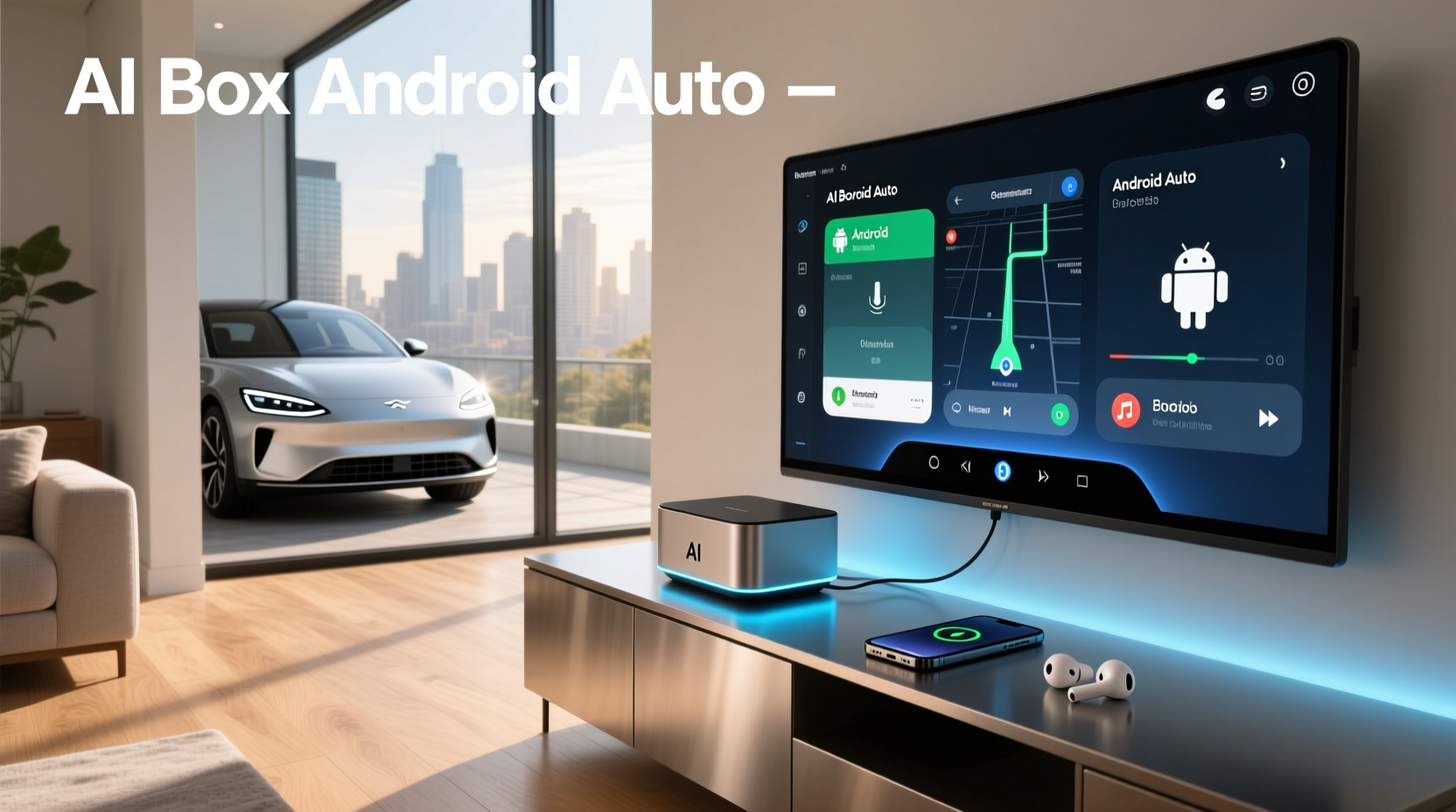
🚗 If you're wondering what an AI box for Android Auto is and whether it can transform your car's infotainment system into a smart, app-rich interface, the answer is yes — with important caveats. These compact devices, often called Android AI boxes or CarPlay/Android Auto adapters, plug into your vehicle’s USB port and run a full Android operating system, enabling wireless CarPlay, Android Auto, and access to apps like YouTube, Netflix, TikTok, and Google Play that are normally restricted in cars for safety reasons⚙️. Unlike standard Android Auto, which mirrors only select phone functions, an AI box acts as a standalone Android device, giving drivers more control over media, navigation, and connectivity✨.
Understanding the Basics: What Is an AI Box?
An AI box in the automotive context isn’t powered by artificial intelligence in the traditional sense🔍. The term “AI” here is more of a marketing label used to describe advanced Android-based streaming devices designed to enhance factory-installed head units. These devices typically run Android 12, 13, or even Android 14, come with built-in 4G LTE, Wi-Fi, GPS, and internal storage (often 64GB to 128GB), and feature multi-core processors for smooth performance⚡.
The primary function of an Android AI box is to emulate both Apple CarPlay and Android Auto protocols while simultaneously allowing users to run third-party Android applications directly on the car screen. This dual functionality makes them especially appealing for vehicles with OEM infotainment systems that lack built-in app support or wireless connectivity.
How Does an AI Box Work With Android Auto?
Standard Android Auto operates by projecting a simplified version of your smartphone’s interface onto the car display via a wired or wireless connection. However, many automakers restrict features such as video playback, social media apps, or background browsing during driving📍. An AI box bypasses these limitations by replacing the phone-dependent model with a self-contained Android system.
Here’s how it works:
- Emulation Mode: The AI box connects to the car via USB and mimics an Android device compatible with the vehicle’s Android Auto protocol✅.
- Standalone Operation: Once connected, the box boots up its own Android OS, independent of your phone. You can still use Bluetooth for calls and messages, but apps run locally on the device.
- App Access: Since the system runs full Android, you can install any app from the Google Play Store — including video streaming platforms, music services, games, and navigation tools beyond Google Maps.
- Wireless Convenience: Most models support wireless CarPlay and Android Auto pairing after initial setup, eliminating the need for daily cable connections🌐.
This setup allows drivers to enjoy a richer multimedia experience without relying solely on their phones, though safety regulations still apply — some systems disable video when the vehicle is in motion unless linked to rear-seat displays.
Key Features to Look For in an Android AI Box
Not all AI boxes are created equal. When evaluating options, focus on technical specifications and compatibility rather than brand names or flashy claims📊. Here are the most critical factors:
1. Operating System Version (Android 12–15)
Newer versions offer better security, improved UI responsiveness, and broader app compatibility. As of 2025, high-end models run Android 13 or 14, with some early adopters showcasing Android 15-based firmware📈. Older versions may struggle with updates or lack support for newer apps.
2. Processor and RAM
A minimum of an octa-core processor (e.g., Qualcomm SM6350 or equivalent) and 8GB of RAM ensures smooth multitasking and split-screen functionality. Lower-end models with 4GB RAM may lag when running multiple apps or high-resolution video🔧.
3. Storage Capacity
Internal storage should be at least 64GB, preferably 128GB, to accommodate app installations, cached data, and offline maps. Some units allow microSD expansion, but not all support it reliably.
4. Connectivity Options
- 4G LTE & SIM Support: Enables internet access without tethering to a phone.
- Wi-Fi 6 and Dual-Band: Ensures stable connections for OTA updates and streaming.
- Bluetooth 5.0+: For hands-free calling and audio streaming.
- HDMI Output: Found in premium models, useful for connecting external monitors or dashcams📎.
5. Firmware Updates and Software Support
Check if the manufacturer provides regular firmware updates. Devices with poor update records may become obsolete quickly or develop bugs over time. Open-source communities sometimes step in to maintain custom ROMs, but this requires technical expertise.
Benefits of Using an AI Box in Your Vehicle
Integrating an AI box offers several practical advantages for modern drivers:
| Benefit | Description |
|---|---|
| Extended App Ecosystem | Run apps not allowed in stock Android Auto, such as YouTube, Netflix, Spotify, and TikTok📱. |
| Improved Navigation | Use alternative navigation apps like Waze, Sygic, or HERE WeGo alongside Google Maps. |
| Split-Screen Functionality | Display two apps simultaneously (e.g., navigation + music). |
| Offline Capabilities | Download maps, videos, and music for use without signal. |
| Customization | Personalize home screens, launchers, and widgets like a tablet or smartphone. |
Common Limitations and Safety Considerations
While powerful, AI boxes come with notable drawbacks and risks:
Safety Restrictions
Many factory systems disable video playback when the vehicle is moving. While some AI boxes include workarounds (like simulating parking mode), using video while driving violates traffic laws in most jurisdictions and increases accident risk❗. Always prioritize safety and comply with local regulations.
Battery Drain and Overheating
Running a full Android system continuously can generate heat and drain the car battery if left on after ignition off. Ensure your model has thermal management and auto-shutdown features.
Compatibility Issues
Not all vehicles support aftermarket AI boxes. Compatibility depends on the car’s infotainment architecture. Common supported brands include Toyota, Honda, Hyundai, Kia, Ford, and GM, but specific model years matter. Always verify compatibility with your exact make, model, and year before purchase.
Firmware Lock-ins and Bricking Risk
Poorly updated firmware or incorrect flashing procedures can render the device unusable (“bricked”). Stick to reputable suppliers who provide clear update instructions and rollback options.
Installation and Setup Guide
Setting up an AI box involves several steps:
- Check Compatibility: Confirm your car supports aftermarket Android Auto emulation. Consult community forums or vendor compatibility lists.
- Physical Connection: Plug the AI box into the designated USB port (usually labeled for media or Android Auto).
- Initial Boot: Power on the car and wait for the AI box to initialize. This may take 1–2 minutes.
- Pairing: Follow on-screen prompts to connect via Wi-Fi or Bluetooth. Enter pairing codes if required.
- Configuration: Set up Wi-Fi, insert SIM card (if applicable), and log into Google account for Play Store access.
- Update Firmware: Immediately check for and install the latest firmware to ensure stability and security.
Some advanced models require entering developer mode or enabling OEM unlocking, similar to rooting Android phones. Proceed with caution and back up settings if possible.
Alternatives to AI Boxes
If an AI box seems too complex or risky, consider these alternatives:
- Factory-Installed Smart Systems: Newer vehicles increasingly come with built-in app support (e.g., Google Built-In, Mercedes MBUX, BMW iDrive 8+).
- Aftermarket Head Units: Replace the entire unit with an Android-powered stereo (e.g., Pioneer, Sony) that natively supports apps and wireless connectivity.
- Dedicated Tablets or Mounts: Use a ruggedized tablet mounted near the dashboard for navigation and entertainment.
- Phone Mirroring Solutions: Use Miracast, Samsung DeX, or Apple CarPlay with screen recording blockers disabled (where legal).
Future Trends and Industry Shifts
The demand for AI boxes reflects a gap between consumer expectations and automaker restrictions. However, the landscape is evolving rapidly:
- Google Built-In: A growing number of automakers are adopting Google’s native integration, offering seamless access to Assistant, Maps, and Play apps without third-party hardware🌍.
- Over-the-Air Updates: As cars become more software-defined, OEMs may unlock additional features through updates instead of requiring add-ons.
- Regulatory Scrutiny: Governments may impose stricter rules on devices that circumvent driver distraction safeguards.
- Open Source Projects: Initiatives like 1 aim to create open standards for car streaming, potentially reducing reliance on proprietary AI boxes.
How to Choose the Right AI Box for Your Needs
To avoid buyer’s remorse, ask yourself the following questions:
- Do I want to run apps like YouTube or Netflix in my car? → Yes → AI box suitable.
- Is my car’s system locked down or outdated? → Yes → Check compatibility first.
- Am I comfortable troubleshooting tech issues? → No → Consider simpler solutions.
- Do I frequently drive in areas with poor cellular coverage? → Then prioritize offline capabilities.
- Will I use split-screen or multitasking features? → Then ensure sufficient RAM and processor power.
Also, read user reviews from real-world testers, particularly those with the same car model. Forums like Reddit’s r/CarAV or dedicated Facebook groups often share detailed experiences, including known bugs and fixes.
Conclusion: Are AI Boxes Worth It?
An AI box for Android Auto can significantly enhance your in-car experience by unlocking app flexibility and wireless convenience. However, it’s not a universal solution. Success depends heavily on your vehicle’s compatibility, technical comfort level, and willingness to navigate potential software quirks🧰. While they’re not officially endorsed by automakers or Google, they fill a real need for users seeking greater functionality from legacy or restrictive infotainment systems.
Before purchasing, verify device specs, check firmware update history, and understand the risks involved. For newer vehicles with modern infotainment platforms, an AI box may be unnecessary. But for older or limited systems, it remains one of the most effective ways to bring true smart functionality to your dashboard.
Frequently Asked Questions (FAQs)
- Can I use Netflix and YouTube with an AI box while driving?
- No, most systems automatically disable video playback when the vehicle is in motion to comply with safety regulations. Video can usually only be viewed when parked or through rear-seat displays.
- Do AI boxes work with all car models?
- No, compatibility varies widely. They typically work with vehicles that support wired or wireless Android Auto, but some manufacturers block unauthorized devices. Always confirm compatibility with your specific make, model, and year.
- Is installing an AI box safe for my car’s electronics?
- Generally yes, as long as the device is certified and properly designed. However, poorly made units could cause electrical issues or interfere with CAN bus communication. Stick to well-reviewed products with safety certifications.
- Will using an AI box void my car’s warranty?
- Possibly. While the device itself doesn’t modify factory components, dealerships may deny warranty claims if they suspect aftermarket devices caused system malfunctions.
- Can I update the software on an AI box?
- Yes, most models receive periodic firmware updates via SD card or OTA download. However, update frequency and long-term support depend on the manufacturer.





 浙公网安备
33010002000092号
浙公网安备
33010002000092号 浙B2-20120091-4