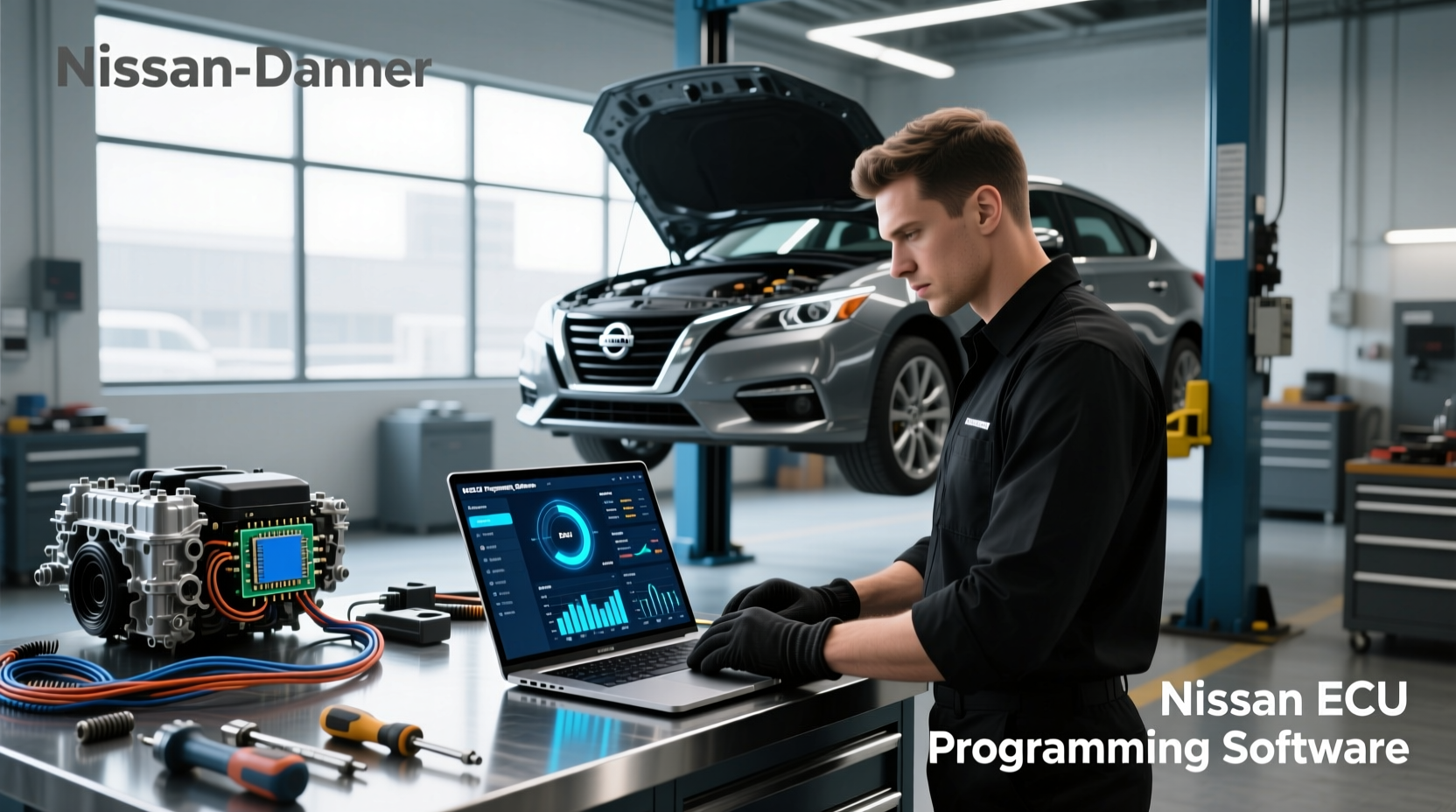
If you're searching for nissan ecu programming software, the most critical thing to know is this: successful ECU reprogramming requires not just the right software, but also compatible hardware, accurate vehicle data, and a clear understanding of Nissan’s technical protocols. Using incorrect or unverified tools can lead to permanent engine control module (ECM) damage, failed emissions tests, or immobilizer lockouts. This guide walks through everything from OEM-level solutions like Nissan Consult to third-party J2534 pass-thru devices, explaining exactly what works, when professional help is needed, and how to verify compatibility before starting any procedure.
What Is Nissan ECU Programming and Why Does It Matter?
The Engine Control Unit (ECU), also known as the Engine Control Module (ECM) or Powertrain Control Module (PCM), manages essential functions in your Nissan—fuel injection timing, ignition control, transmission shifting, emissions regulation, and throttle response. Over time, updates may be issued by Nissan to correct performance bugs, improve fuel economy, or support replacement parts after repairs. Nissan ECU programming software allows technicians—or experienced DIYers—to rewrite the firmware within this computer using approved methods.
This process becomes necessary in several scenarios:
- Replacing a faulty or used ECU with a new or refurbished unit ✅
- Updating calibration files following an engine swap 🔧
- Integrating aftermarket components that require tuning adjustments ⚙️
- Restoring factory settings after diagnostic errors ❗
Without proper programming, even a physically functional ECU will not communicate correctly with other vehicle systems. For example, mismatched VIN data or immobilizer codes can prevent the engine from starting altogether.
OEM vs. Aftermarket Nissan ECU Programming Tools
There are two primary paths for accessing nissan ecu programming software: official Nissan dealer tools and independent aftermarket solutions. Each has distinct advantages and limitations depending on your skill level, budget, and intended use.
Nissan Consult Software (OEM Standard)
Nissan's proprietary diagnostic and programming platform is called Consult. The latest version, Consult-III or Consult-IV (depending on model year), runs on specialized laptops provided at authorized dealerships. These systems connect via a Vehicle Communication Module (VCM) and access real-time service bulletins, technical service manuals, and secure ECU update servers.
Key features include:
- Direct integration with Nissan Tech Info website 🔗
- Automatic VIN decoding and part number validation 🔍
- Secure download of calibrated data files valid for 24 hours ⏱️
- Support for immobilizer pairing and key registration 🚗
However, Consult systems are not sold directly to consumers. Access typically requires affiliation with a dealership or licensed repair facility. Some independent shops purchase gray-market versions, but these often lack ongoing updates or cloud authentication required for modern vehicles (2018+).
Aftermarket & Universal Programming Solutions
For non-dealers, universal OBD-II programming platforms compliant with SAE J2534 standards offer an alternative. These allow reflashing of ECUs using manufacturer-approved procedures without relying on Nissan-specific hardware.
Popular options include:
- Carded VCM2 or VCM3 clones – Emulate genuine Nissan VCMs; require subscription-based software access
- J2534 Pass-Thru Devices (e.g., Autel MaxiFlash, Drew Technologies CarDAQ) – Work with third-party software suites
- Free/open-source tools – Limited functionality; often outdated or incompatible with newer encryption protocols
While more accessible, these tools demand greater technical knowledge. You must manually locate correct calibration files, ensure checksum integrity, and follow precise step-by-step sequences to avoid bricking the ECU.
| Tool Type | Access Level | Cost Range | Best For |
|---|---|---|---|
| Nissan Consult-III/IV | Dealership-only | $2,000–$5,000+ | Official recalls, warranty work, full diagnostics |
| J2534 Pass-Thru Device | Public purchase | $300–$800 | Independent shops, advanced DIY |
| Clone VCM2/VCM3 | Gray market | $400–$700 | Budget-friendly dealer emulation |
| Open-source software | Free download | $0 | Learning, older models (pre-2010) |
Step-by-Step Process for Reprogramming a Nissan ECU
Whether using OEM or aftermarket tools, the core steps remain similar. Deviating from the correct sequence increases the risk of irreversible failure.
- Verify Compatibility: Confirm the replacement ECU matches your vehicle’s make, model, year, engine type, and transmission. Use the 10-digit part number (e.g., 23710-XXXXX) printed on the unit, not just the year/make/model 1.
- Prepare the Vehicle: Ensure the battery voltage is stable (use a charger if needed). Disconnect unnecessary accessories. Turn off all electrical loads.
- Connect Programming Tool: Plug the J2534 device or VCM into the OBD-II port (usually under the dashboard near the steering column).
- Launch Software & Decode VIN: Open the programming interface and let it read your vehicle identification number automatically.
- Request ECU Data File: On Nissan Tech Info or supported platform, input the ECU part number and request the appropriate calibration file. Note: Purchased files expire after 24 hours ⏱️.
- Initiate Flash Procedure: Follow prompts to enter programming mode. Do not interrupt power during this phase—it can corrupt firmware.
- Validate Completion: Once complete, verify success message and perform basic drive cycle tests to confirm idle stability and throttle response.
Common Challenges and How to Avoid Them
Even experienced users encounter issues when working with nissan ecu programming software. Understanding these pitfalls helps prevent costly errors.
Immobilizer System Conflicts
Modern Nissans use transponder keys linked to the ECU. Installing a used ECU without resetting the immobilizer will result in no-start conditions. Solution: Either program new keys through Consult or have both ECU and key fobs paired simultaneously at a dealership.
Data File Expiration
Files purchased from nissan-techinfo.com are only available for download within 24 hours of payment. Plan accordingly—don’t buy the file days in advance unless you’re ready to flash immediately.
Firmware Mismatch
Using a calibration meant for a different region (e.g., U.S. vs. European spec) can cause drivability issues. Always match regional codes (like ARA, JDM, EMEA) and check emission standards alignment.
Power Failure During Flashing
A momentary voltage drop can brick the ECU. Always maintain battery voltage above 12.6V using a dedicated power supply during the entire process ⚡.
When Should You Hire a Professional?
While DIY ECU programming is possible, certain situations strongly favor professional intervention:
- Your Nissan is model year 2018 or newer (increased security layers) 🔐
- You’re installing a used ECU from salvage or online marketplace 🛒
- The vehicle has active anti-theft systems or push-button start 👤
- You lack access to a reliable J2534-compliant tool or stable internet connection 🌐
Dealerships and certified specialists have direct access to Nissan’s secure server network, ensuring they receive the most up-to-date calibrations and bypass regional restrictions. They also carry liability insurance in case something goes wrong.
Where to Find Reliable Nissan ECU Data and Support
The official source for nissan ecu programming software and related data is the Nissan Tech Info portal. Here, authorized users can:
- Check for available ECU updates based on VIN 🔍
- Purchase calibration files for specific modules 💾
- Download wiring diagrams and repair manuals 📎
- Verify ECU part numbers against vehicle specifications 📊
Third-party resources exist but vary in reliability. Forums like BimmerTech, Reddit’s r/MechanicAdvice, or Nissan-specific communities sometimes share user experiences with particular tools or file sources. However, never rely solely on crowd-sourced advice for safety-critical operations.
Legal and Warranty Considerations
Reprogramming an ECU may affect your vehicle’s warranty status, especially if modifications alter emissions output. Under U.S. EPA regulations, tampering with factory emissions controls—even unintentionally—is illegal and can result in fines or failed inspections.
Additionally, modifying calibration files to increase horsepower or disable sensors voids warranties and may trigger diagnostic trouble codes (DTCs) that are difficult to resolve without reverting to stock settings.
Conclusion: Making Informed Decisions About Nissan ECU Programming
Successfully using nissan ecu programming software hinges on preparation, correct tools, and adherence to protocol. While the process enables cost-effective repairs and upgrades, it carries risks that escalate with vehicle age, complexity, and security requirements. For most owners, having the ECU programmed by a qualified technician remains the safest path. If attempting it yourself, invest in a genuine J2534 device, double-check part compatibility, and ensure uninterrupted power throughout the flash cycle.
Frequently Asked Questions (FAQ)
- Can I program a Nissan ECU at home?
- Yes, but only if you have the correct J2534-compliant tool, stable power supply, and access to legitimate calibration files. Success depends heavily on model year and system complexity.
- Is there free Nissan ECU programming software available?
- Some open-source tools exist, but they rarely support modern Nissans due to encrypted communication protocols. Most reliable options require paid subscriptions or hardware purchases.
- How do I find the right ECU part number for my Nissan?
- Locate the 10-digit number on the ECU itself (e.g., 23710-XXXXX). Cross-reference it with Nissan Tech Info or consult a dealership using your VIN for accuracy.
- What happens if ECU programming fails?
- A failed flash can render the ECU unusable (“bricked”). Recovery may require bench flashing with specialized equipment or replacement with a known-good unit.
- Do I need to reset the ECU after programming?
- Not manually. Once programmed, the ECU initializes during the first startup. However, performing a drive cycle helps recalibrate adaptive learning parameters for optimal performance.





 浙公网安备
33010002000092号
浙公网安备
33010002000092号 浙B2-20120091-4