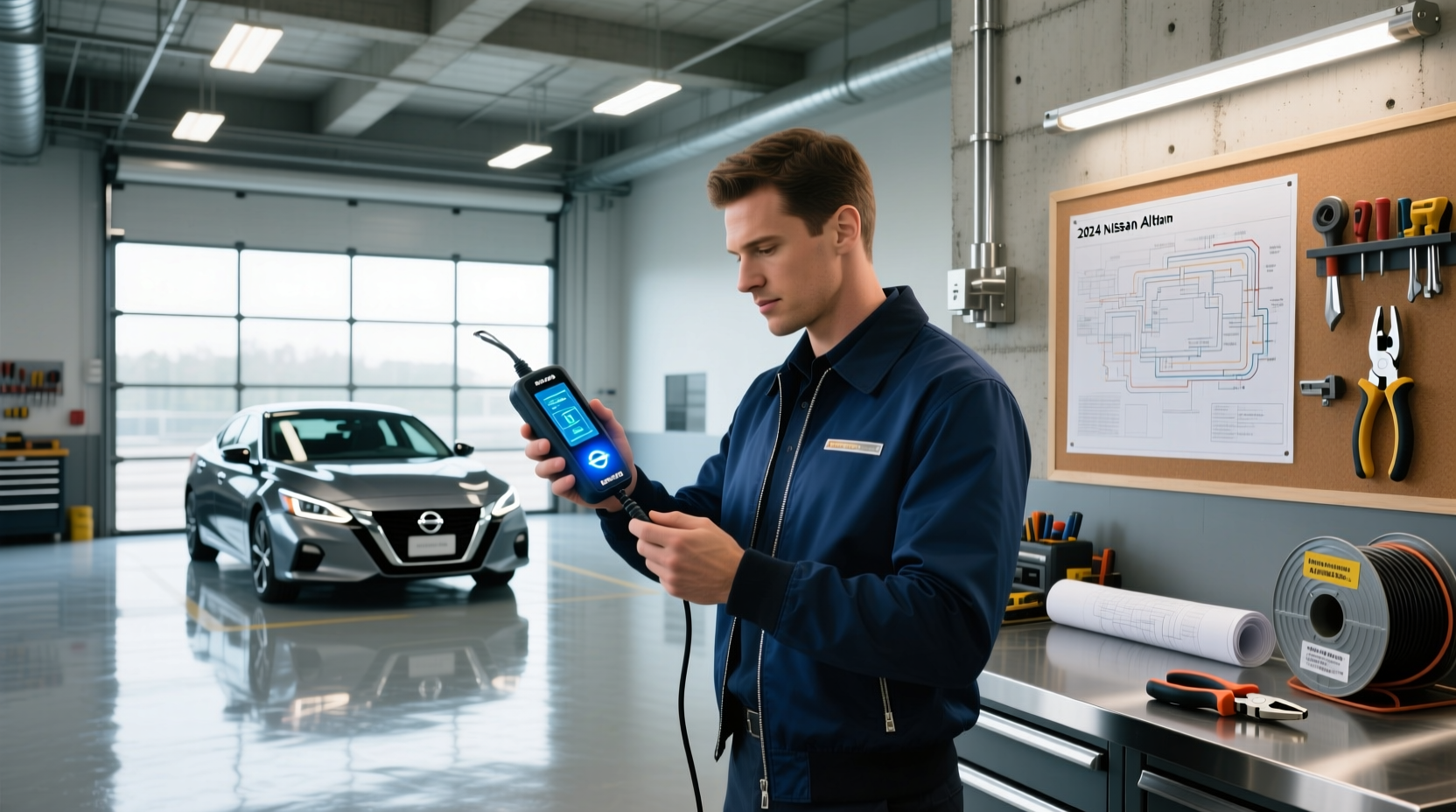
If you're searching for nissan key programming, you likely need to replace, duplicate, or reprogram a lost, damaged, or malfunctioning key for your Nissan vehicle. The good news is that many Nissan models from the early 2000s onward support user-friendly programming methods—especially for key fobs—but some steps require specialized equipment due to the built-in transponder and immobilizer system. This guide breaks down everything you need to know about Nissan key programming, including which models allow self-programming, what tools are required, when to involve a locksmith or dealer, and how to avoid common pitfalls.
Understanding Nissan Key Types and Immobilizer Systems
Nissan vehicles use electronic security systems to prevent unauthorized engine starts. These systems rely on two main components embedded in the key: the remote keyless entry (RKE) fob and the transponder chip. Understanding the difference is crucial for successful programming.
The RKE fob controls locking, unlocking, panic alarms, and sometimes window operation via radio frequency signals ✨. This part can often be programmed by the owner using simple sequences involving the ignition switch and door locks ⚙️. However, the transponder chip—which communicates with the vehicle’s immobilizer system to allow the engine to start—is much more complex. It uses a rolling code or encrypted signal that must match the car’s ECU (Engine Control Unit). This cannot typically be programmed without specialized diagnostic tools 🔧.
There are three primary types of Nissan keys:
- Traditional metal key with remote fob: Common on older models (pre-2010), this type has a detachable remote. Programming the remote buttons may be possible at home, but transponder pairing usually requires a scan tool.
- Intelligent Key (Smart Key): Found on newer Nissans like the Rogue, Murano, and Altima, these keys enable push-button start and keyless entry. They contain both a proximity sensor and a mechanical emergency key. Programming smart keys almost always requires professional equipment such as an OBD2 programmer or Nissan Consult tool 🏭.
- Flip-style remote head key: A hybrid design where the blade is stored inside the fob. Many of these still have programmable remotes, but the transponder must sync with the vehicle’s immobilizer.
Because modern Nissan keys integrate both convenience and anti-theft technology, attempting DIY programming without understanding these layers can lead to frustration or even render the vehicle inoperable ❗.
Which Nissan Models Allow Owner Programming?
Not all Nissan vehicles let owners program their own keys. Generally, models from 1998 to around 2010–2014 offer some level of user-accessible programming for the remote functions, while later models increasingly lock down the process to protect against theft and ensure proper integration with advanced driver-assistance systems.
Here’s a breakdown of common Nissan models and their programming capabilities:
| Model | Years | Remote Programming Possible? | Transponder Programming Required? | Notes |
|---|---|---|---|---|
| Nissan Altima | 2002–2012 | ✅ Yes | 🔧 Professional needed | Remote sync via ignition cycling |
| Nissan Maxima | 2004–2015 | ✅ Yes (early) | 🔧 Yes | Limited self-program after 2010 |
| Nissan Pathfinder | 2005–2019 | ✅ Partial | 🔧 Yes | Fob functions only; no immobilizer access |
| Nissan Rogue | 2008–2020 | ❌ No (post-2013) | 🔧 Yes | Requires Consult III or Autel tool |
| Nissan Sentra | 2000–2012 | ✅ Yes | 🔧 Yes | Simple button sequence method |
| Nissan Titan | 2004–2015 | ✅ Yes (early) | 🔧 Yes | Ignition-based sync works up to 2012 |
| Nissan Leaf | 2011–present | ❌ No | 🔧 Yes | EV-specific security protocols apply |
As shown, while remote functions may be programmable by the user in certain years, the actual engine-start authorization (via transponder) is nearly always restricted. For example, a 2010 Nissan Altima allows remote pairing through a series of ignition cycles and door lock actions, but adding a new transponder chip requires reading the existing one and writing it to the new key—a task beyond most consumer tools 📊.
Step-by-Step: How to Program a Nissan Remote Fob at Home
If your Nissan model supports owner programming of the key fob, follow this general procedure. Note: Exact steps vary slightly between models, so verify compatibility before proceeding ⏱️.
What You’ll Need:
- One working master key
- New unprogrammed remote fob
- Vehicle interior access
Steps for Most Pre-2013 Nissan Vehicles:
- Get into the driver’s seat and close all doors.
- Insert the working key into the ignition and turn it to “ON” (do not start the engine), then back to “OFF” within five seconds.
- Remove the key.
- Press and hold the “Lock” button on the working remote.
- While holding the lock button, press the “Unlock” button three times within five seconds.
- Release the “Lock” button. You should hear a chime or see the hazard lights flash—this indicates programming mode is active.
- Within 10 seconds, press and release “Lock” and “Unlock” simultaneously on the new remote.
- Wait for another chime or flash to confirm registration.
- Repeat step 7 for additional remotes (most systems allow up to four).
- Turn the ignition to “ON” to exit programming mode.
This process synchronizes the remote’s RF signal with the body control module but does nothing for the immobilizer system ❓. If you’re replacing the physical key blade or using a blank transponder key, you’ll still need to get the chip programmed separately.
Programming the Transponder Chip: Why You Might Need a Professional
The immobilizer system prevents the engine from starting unless it detects a valid transponder code. Each transponder has a unique ID that must be registered in the vehicle’s ECU. Unlike remote functions, there is no standardized owner-accessible method to add new transponder codes on post-2010 Nissans.
To program a transponder, technicians use one of several tools:
- Nissan Consult III / Consult IV: Factory-level diagnostic system used by dealerships. Can read and write transponder data directly.
- Autel MaxiIM IM608 / KM100: Aftermarket programmers widely used by locksmiths. Supports Nissan immobilizer protocols and can clone or add new keys 1.
- YanHua Mini Alientech: High-end tool capable of full ECU extraction and key array rewriting.
These tools connect via the OBD2 port under the dashboard and communicate with the immobilizer control unit. Some also require access to the instrument cluster or BCM (Body Control Module) depending on the year and model.
Attempting to bypass this system with generic code writers or online tutorials can result in:
- Immobilizer lockout
- Permanent disabling of key slots
- Need for ECU reprogramming or replacement
Therefore, if your Nissan lacks a known DIY transponder programming method—or if you’re adding a second or third key—it’s strongly recommended to work with a certified automotive locksmith or dealership 👥.
Cost Comparison: DIY vs. Dealer vs. Locksmith
Replacing or programming a Nissan key involves both parts and labor costs. Here's a realistic cost comparison based on vehicle age and service provider:
| Option | Average Cost | Time Required | Pros | Cons |
|---|---|---|---|---|
| DIY Remote Sync Only | $10–$30 | 15–30 min | Low cost, fast | Doesn’t solve immobilizer issue |
| Purchase Blank + Locksmith | $80–$180 | 30–60 min | Fully functional, mobile service | Price varies by region |
| Dealership Replacement | $250–$400 | 1–2 hours | OEM part, warranty | Most expensive option |
| Online Key + Self-Program Attempt | $20–$60 | Unpredictable | Cheap upfront | High risk of failure |
While buying a blank key online (e.g., Ilco PRX-NIS-3B2 or aftermarket flip key) seems economical, remember that programming the transponder will likely cost extra. A skilled locksmith can often program a new key on-site using portable tools, saving time compared to a dealership visit 🚚.
Common Mistakes and How to Avoid Them
Many Nissan owners run into problems during key replacement due to misinformation or incomplete understanding of the system. Here are frequent errors and how to avoid them:
- Mistake: Assuming all key functions can be programmed at home.
Reality: Only remote buttons are typically user-programmable. The immobilizer requires special tools. - Mistake: Buying a non-OEM key without verifying compatibility.
Check FCC ID (e.g., CWTWB1G767) and part number (e.g., 28268-4CB1B) to ensure match with your model year. - Mistake: Using a single key and losing it.
Always keep a backup programmed key stored securely. Losing the only key forces a full immobilizer reset, which is costly. - Mistake: Not testing the emergency mechanical key.
All intelligent keys include a hidden metal blade. Test it periodically in the driver’s door lock to ensure it works during battery failure. - Mistake: Ignoring battery health in smart keys.
A weak fob battery can mimic programming failure. Replace every 2–3 years or when range decreases.
Regional and Model-Specific Variations
Programming procedures and tool support can vary by market. For instance:
- Japanese Domestic Market (JDM) Nissans may use different immobilizer algorithms than North American versions.
- European models often comply with stricter anti-theft standards (e.g., Thatcham ratings), affecting key coding.
- Canadian vehicles may have VIN-specific encryption tied to regional databases.
If you’ve imported a Nissan or bought a used key from overseas, ensure the transponder format matches your region’s specifications. Mismatches can prevent programming even with correct tools.
When to Contact a Dealer vs. a Locksmith
Choosing the right service provider depends on urgency, availability, and vehicle complexity.
Contact a Dealership When:
- You want an OEM key with warranty
- Your vehicle is under factory service contract
- The key system includes ProPILOT Assist or other integrated tech
- You need key programming after a major ECU replacement
Contact a Mobile Locksmith When:
- You’re locked out and need immediate assistance
- You want same-day service at home or work
- You’re replacing a lost key and have no spare
- You prefer lower cost than dealership pricing
Many locksmiths now offer Nissan-specific training and equipment, making them a viable alternative to dealerships for most key programming tasks.
Future Trends: Digital Keys and Smartphone Integration
Newer Nissan models are beginning to support digital key technology through apps like NissanConnect Services. With compatible smartphones, drivers can lock, unlock, and even start their vehicle using Bluetooth or NFC. While not yet widespread, this shift reduces reliance on physical keys and introduces over-the-air (OTA) programming possibilities 🌐.
However, digital keys still depend on secure authentication and paired devices. If your phone dies or gets stolen, you’ll still need a backup physical key or cloud-based recovery method.
Frequently Asked Questions (FAQ)
Below are answers to common questions about Nissan key programming.
- Can I program a Nissan key myself?
- You can often program the remote functions yourself on models before 2013. However, programming the transponder chip that starts the engine requires professional tools in most cases.
- How much does it cost to program a Nissan key?
- Costs range from $10–$30 for DIY remote syncing to $250–$400 at a dealership for a full smart key replacement. Locksmiths typically charge $80–$180 including parts and labor.
- What tools are needed to program a Nissan key?
- For remote syncing: just the vehicle and a working key. For transponder programming: professional tools like Autel MaxiIM, Nissan Consult, or YanHua devices connected via OBD2 port.
- Do I need to reprogram my Nissan key after battery replacement?
- No, replacing the fob battery does not erase programming. However, some users report needing to resync the remote after prolonged power loss—simply press a button to reconnect.
- What should I do if my Nissan key stops working?
- First, replace the fob battery. If that doesn’t help, try the spare key. If neither works, the issue could be with the receiver module, antenna, or programming. Have the system diagnosed by a technician.





 浙公网安备
33010002000092号
浙公网安备
33010002000092号 浙B2-20120091-4