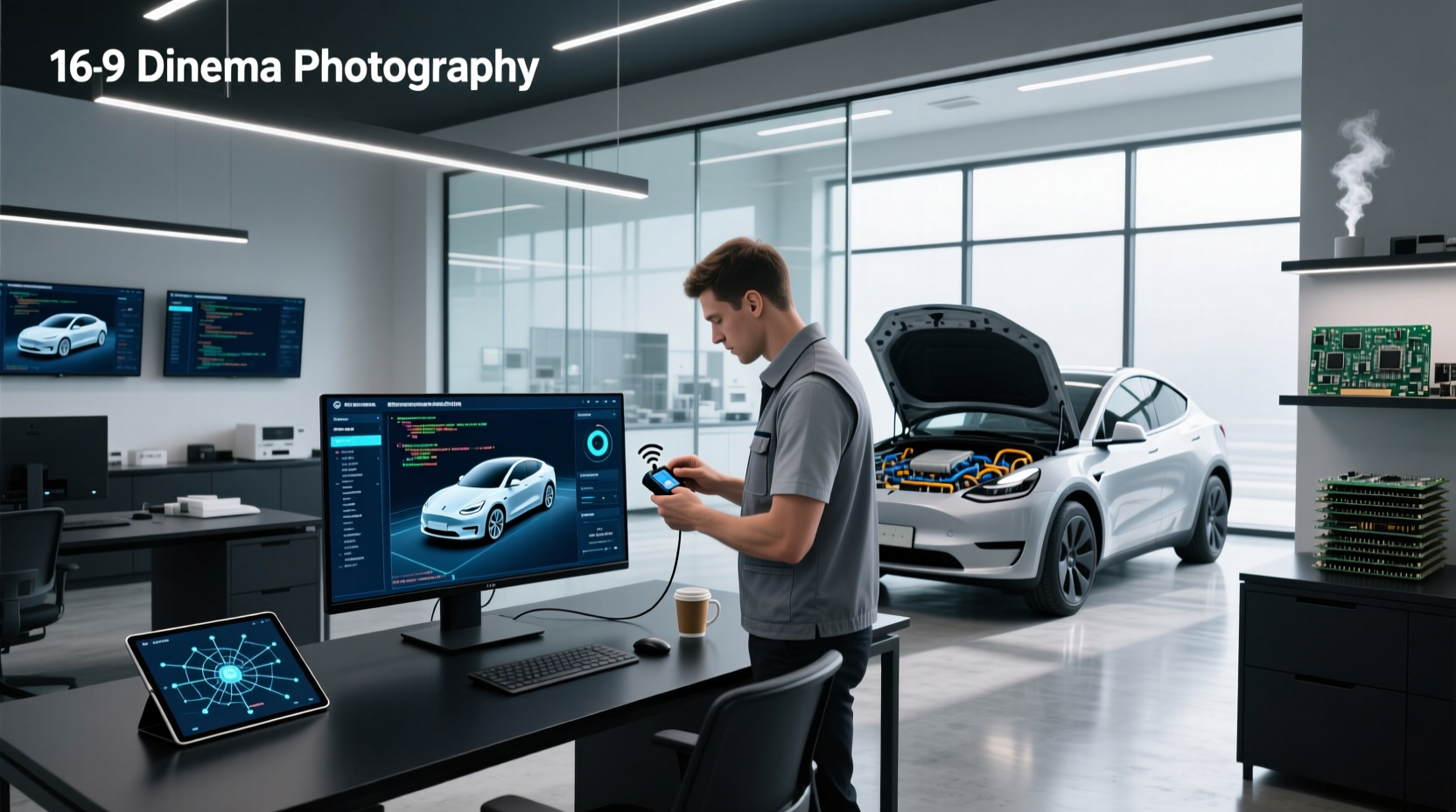
🔧 Vehicle programming software enables technicians and advanced users to update, reprogram, or calibrate electronic control units (ECUs) in modern vehicles. Whether you're replacing an engine control module, syncing a new key fob, or updating firmware after repairs, understanding how this software works—and which tools support your vehicle—is essential. This guide breaks down exactly what vehicle programming software is, common use cases like ECU flashing or immobilizer coding, compatible hardware requirements, safety precautions, and how to choose the right solution based on your needs.
Why Vehicle Programming Software Matters Today
Modern vehicles contain dozens of electronic modules—from the powertrain control module (PCM) to body control modules (BCM), airbag systems, and ADAS sensors. Whenever these components are replaced or updated, they often require software-level configuration to function correctly within the vehicle’s network. This process, known as flashing, coding, or reprogramming, involves using specialized software to write firmware or calibration data directly into the module.
Without proper programming, a new ECU may not communicate with other systems, leading to failed startups, warning lights, or even complete immobilization. As cars become more reliant on software-defined functions, access to reliable vehicle programming software has shifted from a luxury for dealerships to a necessity for independent shops and skilled DIYers.
Common Use Cases for Automotive Programming Software
Understanding when programming is required helps prevent misdiagnoses and unnecessary part replacements. Below are the most frequent scenarios where vehicle programming software becomes necessary:
1. Replacing Electronic Control Modules (ECMs/PCMs)
When swapping out a faulty engine control unit or transmission control module, the new unit typically arrives unprogrammed or with generic firmware. Using OEM-level or aftermarket programming software allows technicians to flash the correct calibration file specific to the vehicle’s make, model, VIN, and engine type. This ensures compatibility with fuel mapping, emissions settings, and drivetrain behavior.
2. Key Fob and Immobilizer System Syncing
Lost keys or damaged transponders often require not just physical replacement but also immobilizer reprogramming. Software tools connect via OBD-II to register new key IDs, disable old ones, and synchronize them with the vehicle’s security system. Failure here results in a car that won’t start despite having the correct mechanical key.
3. Post-Repair Module Calibration
After collision repairs involving ADAS components—like forward-facing cameras or radar units—many manufacturers require module recalibration and software reprogramming. For example, replacing a windshield might necessitate重新 aligning and programming the lane departure warning system. Skipping this step can leave safety features disabled or inaccurate.
4. Firmware Updates and Recalls
Manufacturers increasingly issue over-the-air (OTA) or service campaign updates to fix bugs, improve performance, or meet regulatory standards. Independent repair facilities use J2534-compliant programming tools and associated software to apply these updates without sending customers to dealerships.
5. Performance Tuning and Chip Programming
Enthusiasts use tuning-specific vehicle programming software to modify engine parameters such as boost pressure, ignition timing, or throttle response. These changes are written directly to the ECU and can unlock additional horsepower or optimize fuel efficiency—though they may void warranties or affect emissions compliance.
Types of Vehicle Programming Software and Tools
Not all programming solutions work the same way. The effectiveness depends on the software capabilities, supported protocols, and integration with hardware interfaces. Here's a breakdown of major categories:
OEM Factory-Level Software
Original Equipment Manufacturer (OEM) software, such as GM’s GDS2, Ford’s FDRS, or BMW’s ISTA, provides the highest level of access and accuracy. These suites allow full diagnostics, module programming, and system initialization. However, they’re usually restricted to franchised dealers or licensed workshops due to licensing fees and authentication requirements.
- Pros: Full functionality, official calibration files, recall support
- Cons: Expensive, limited availability, often requires subscription
Aftermarket Standalone Programmers
Devices like Launch X431 series or Autel MaxiCOM MC689 come with built-in screens and proprietary software for programming various modules across multiple brands. They operate independently of PCs and are designed for field use.
- Pros: Portable, multi-brand support, no PC needed
- Cons: Higher upfront cost, periodic software updates may incur fees
PC-Based Programming Solutions
These rely on a laptop connected to a J2534 pass-thru device (e.g., CarDAQ-Pro, Tactrix OpenPort). The actual programming software runs on Windows and communicates through standardized APIs. Examples include:
- PCMTuner: Supports reading/writing ECU maps for tuning purposes
- Texa WinKFP: Used for flash programming on European vehicles
- OpenECU Flasher: Open-source tool for certain ECUs
This approach offers flexibility and lower long-term costs but demands technical know-how and stable internet for downloading calibration files.
Mobile and Cloud-Enabled Remote Programming
Newer platforms offer cloud-based vehicle programming services where specialists remotely access a technician’s tool via secure connection to perform complex coding tasks. Companies like AirPro Diagnostics or Elitek Auto provide this as a subscription or per-job service1.
- Pros: Reduces downtime, expert-level support available offsite
- Cons: Requires strong internet, potential data privacy concerns
Hardware Requirements for Effective Programming
No software works without compatible hardware. At minimum, successful vehicle programming requires:
- A stable power supply (direct battery connection recommended to avoid voltage drops)
- An OBD-II interface compliant with SAE J2534 or ISO 14230 standards
- Sufficient storage space for large calibration files (often several hundred MBs per vehicle)
- A capable computing device (laptop or embedded system) with USB connectivity
⚠️ Warning: Interrupting a programming session due to power loss or communication error can permanently brick a module, requiring expensive replacement.
Supported Protocols and Communication Standards
Different vehicles use different communication buses. Common protocols include:
| Protocol | Used In | Programming Support |
|---|---|---|
| CAN (Controller Area Network) | Most vehicles post-2004 | Yes – primary method |
| UDS (Unified Diagnostic Services) | Modern ECUs, especially Euro models | Yes – required for many flashes |
| K-Line | Pre-2004 vehicles, some accessories | Limited – mostly legacy support |
| PWM/VPW | Older GM/Ford models | Specialized tools only |
| CAN FD | New EVs and high-speed networks | Emerging support in newer tools |
Ensure your chosen software supports the protocol used by the target module. Mismatched communication stacks lead to failed sessions or incomplete writes.
How to Choose the Right Vehicle Programming Software
Selecting appropriate software depends on several factors beyond price. Consider the following decision criteria:
✅ Coverage by Make and Model
Some tools specialize in Asian imports, others focus on American trucks or German luxury brands. Verify that the software explicitly lists support for your target vehicles before investing.
✅ Update Frequency and File Availability
Firmware evolves rapidly. Look for solutions that receive regular updates and maintain a comprehensive database of calibration files. Stale software may lack support for recent model years or fail during checksum validation.
✅ User Interface and Learning Curve
Complex menus and cryptic error messages increase the risk of mistakes. Opt for software with clear workflows, contextual help, and guided procedures—especially if used by less experienced staff.
✅ Integration with Other Diagnostics
The best tools combine programming with live data streaming, actuator tests, and fault code reading. Integrated systems reduce tool-switching and streamline repair processes.
✅ Licensing and Legal Compliance
Unauthorized copying or distribution of OEM calibration files violates copyright laws. Always ensure your software provider obtains files legally and complies with DMCA and regional regulations.
Risks and Best Practices During Reprogramming
Even with the right tools, improper execution can cause serious issues. Follow these best practices:
- Stabilize Power Supply: Use a battery maintainer set to programming mode to keep voltage above 13.2V throughout the session.
- Back Up Original Data: Save the stock calibration before writing new firmware—this allows rollback if something goes wrong.
- Verify Checksums: After writing, confirm the checksum matches expected values to ensure integrity.
- Avoid Interruptions: Disable sleep modes, close unrelated apps, and inform others not to touch the vehicle during flashing.
- Confirm VIN Matching: Ensure the loaded calibration matches the vehicle’s VIN; mismatches can trigger limp mode or theft alerts.
DIY vs. Professional Programming: When to Seek Help
While some basic tasks—like resetting a throttle body or registering a spare key—are feasible for home mechanics, deeper interventions carry higher risks. Consider professional assistance when:
- You're working on a luxury or electric vehicle with proprietary systems
- The procedure involves airbags, steering angle sensors, or brake modules
- You lack experience interpreting DTCs or handling boot-mode activations
- The software requires dealer-level tokens or online authentication
Many auto parts stores and specialty shops now offer programming services for modules purchased elsewhere, providing a middle ground between full dealership visits and risky self-attempts.
Cost Considerations and Budget Planning
Vehicle programming software ranges widely in cost:
- Basic OBD-II scanners with limited coding: $100–$250
- Mid-tier standalone programmers: $500–$1,000
- Full J2534 kits with PC software subscriptions: $800+
- Dealer-level access (via license): $2,000+ annually
Additionally, factor in recurring costs such as software updates, cloud service fees, or token purchases for certain brands (e.g., Mercedes or Land Rover). For small shops, shared access or remote programming services may offer better ROI than outright ownership.
Future Trends in Automotive Software Programming
As vehicles adopt more software-defined features, programming will evolve in key ways:
- Over-the-Air (OTA) Dominance: More brands like Tesla, Ford, and GM are pushing updates wirelessly, reducing reliance on physical tools.
- Increased Security: Enhanced encryption and rolling authentication tokens will limit unauthorized access.
- AI-Assisted Diagnostics: Predictive analytics may guide technicians to needed reprogramming before failures occur.
- Subscription Models: Expect more software vendors to shift from one-time purchases to recurring access plans.
Technicians must stay current with evolving standards to remain competitive.
Common Misconceptions About Vehicle Programming Software
Several myths persist in the automotive community:
- Misconception: Any OBD-II scanner can reprogram modules.
Reality: Only devices with J2534 compliance and proper software can perform full ECU flashing. - Misconception: Programming always improves performance.
Reality: Incorrect tuning can harm reliability, increase emissions, or damage components. - Misconception: Once programmed, modules never need updates.
Reality: Manufacturers release updates for bug fixes, recalls, and compatibility improvements.
Where to Find Reliable Tools and Services
Reputable sources for vehicle programming software include authorized distributors, established diagnostic equipment suppliers, and certified training centers. Avoid gray-market downloads or cracked versions, which pose malware risks and legal liabilities. Instead, consider:
- Manufacturer-authorized resellers
- Industry-trusted platforms offering remote programming support
- Training programs that bundle software with hands-on instruction
Always verify authenticity and check user reviews from verified professionals before purchasing.
Conclusion: Mastering Vehicle Programming for Modern Repairs
As vehicles become rolling computers, proficiency with vehicle programming software is no longer optional—it's foundational. From routine key coding to complex ECU replacements, the right tools and knowledge ensure repairs are completed correctly the first time. By understanding use cases, selecting appropriate hardware-software combinations, and following best practices, both professionals and advanced users can navigate the complexities of modern automotive electronics safely and efficiently.
Frequently Asked Questions (FAQs)
Can I reprogram my car's computer at home?
Yes, if you have the correct J2534-compliant hardware, compatible software, and sufficient technical knowledge. Basic tasks like key registration are manageable, but critical systems like engine or transmission control should be handled carefully or left to professionals.
How much does it cost to program a car computer?
Costs vary: DIY software/hardware setups range from $200–$1,500. Professional shop services typically charge $75–$250 per module, depending on complexity and brand.
What does a car programmer do?
A car programmer uses specialized software and tools to update or configure electronic modules in a vehicle, ensuring they operate correctly after replacement, repair, or modification.
Is vehicle programming software legal?
Yes, when used with legitimate licenses and for authorized purposes. Distributing or using pirated calibration files violates copyright laws and can result in penalties.
Do I need internet to program a car module?
Often yes—many systems require online authentication, calibration file downloads, or token retrieval. Some tools offer offline flashing for pre-downloaded files, but initial setup usually needs connectivity.





 浙公网安备
33010002000092号
浙公网安备
33010002000092号 浙B2-20120091-4