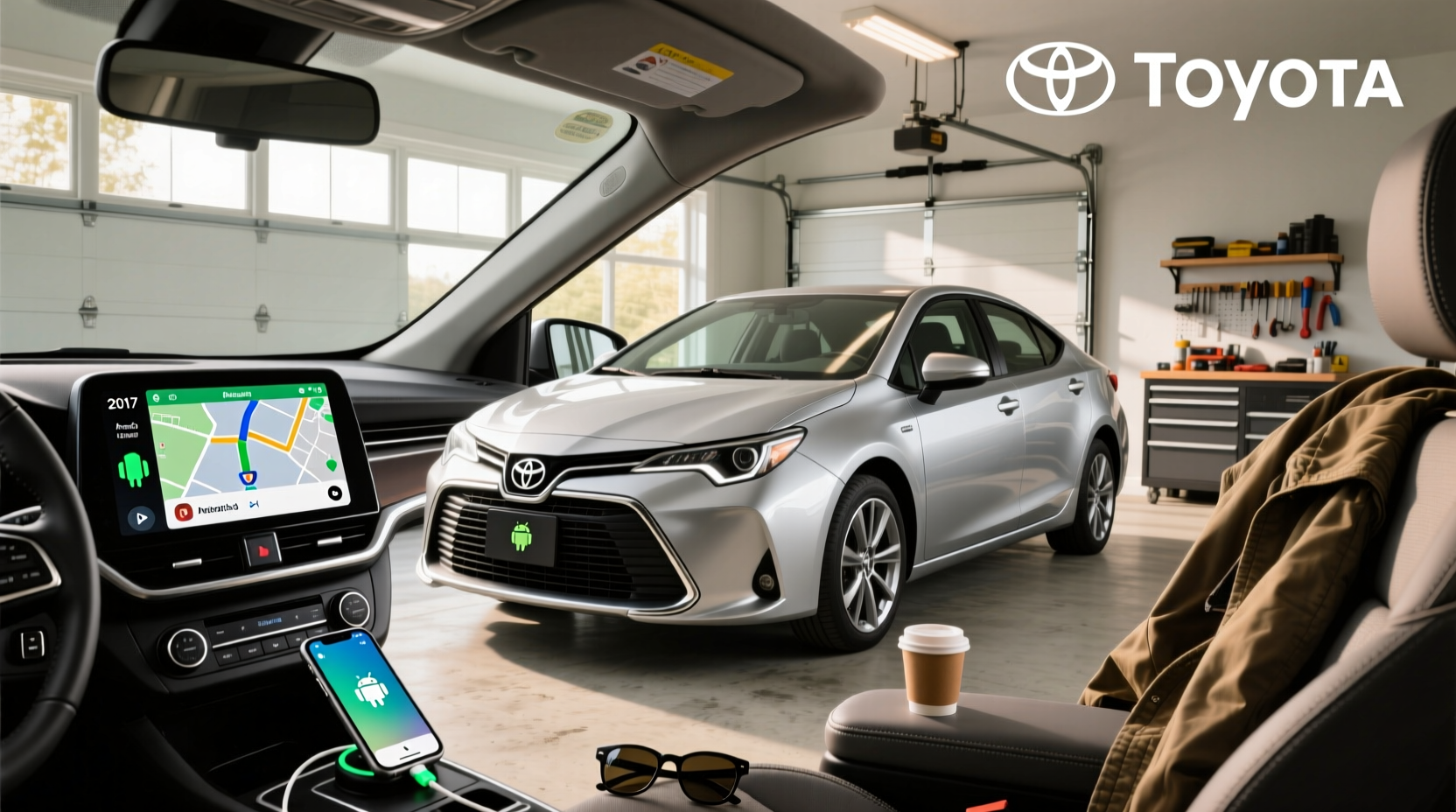
If you own a 2017 Toyota Corolla and are wondering whether it supports Android Auto, the short answer is: no, not natively through the factory infotainment system. While many newer vehicles come with built-in Android Auto compatibility, the 2017 Corolla was released before Toyota widely integrated this feature across its lineup. However, that doesn’t mean you’re stuck without access—aftermarket head units and retrofit kits make it possible to add wireless or wired Android Auto functionality seamlessly. This comprehensive guide will walk you through everything you need to know about adding Android Auto to your 2017 Toyota Corolla, including compatibility details, installation options, key considerations when choosing a replacement stereo, and common pitfalls to avoid.
Why the 2017 Toyota Corolla Doesn’t Have Factory Android Auto
The 2017 Toyota Corolla came equipped with Toyota’s Entune™ Audio system as standard on most trims, with optional upgrades to Entune™ Premium Audio or Entune™ Premium JBL® Audio on higher-end models like the SE and XSE 1. These systems were designed before widespread adoption of Apple CarPlay and Android Auto became industry norms.
🔍 Key Fact: Toyota only began rolling out Android Auto and Apple CarPlay support across its U.S. vehicle lineup starting in 2018, and even then, only on select models and trims. The Corolla received official Android Auto support beginning with the 2019 model year 2019 Model Year Updates Include New Tech & Safety Features - Toyota Newsroom.
This means that unless your 2017 Corolla has been modified with an aftermarket unit, it does not have native Android Auto capability. There is no software update available from Toyota to enable Android Auto on the original head unit.
What Are Your Options for Adding Android Auto?
Even though the factory system lacks Android Auto, there are reliable ways to gain full smartphone integration. Here are the primary pathways:
- ✅ Replace the factory radio with an aftermarket Android Auto-compatible head unit
- ✅ Use a plug-and-play display overlay (less common)
- ❌ Software updates or dealership activation (not possible)
The most effective and widely used solution is installing a new double-DIN touchscreen receiver that supports both wired and wireless Android Auto.
Choosing the Right Aftermarket Head Unit
When selecting a replacement stereo for your 2017 Corolla, several technical and practical factors must be considered to ensure proper fit, function, and safety.
📏 Physical Fit: Double DIN vs Single DIN
The 2017 Corolla uses a double DIN dash opening, which measures approximately 4 inches tall by 7 inches wide. Most modern Android Auto head units are double DIN, so they should fit physically—but always confirm dimensions before purchase.
You’ll also need a dashboard installation kit (also called a mounting sleeve or fascia panel) specific to the 2017 Corolla. These adapters allow the new unit to sit flush with the dashboard and maintain a clean appearance.
🔌 Wiring Harness Compatibility
The factory wiring harness in the 2017 Corolla uses a proprietary connector. To avoid cutting factory wires, use a Toyota-to-aftermarket wiring harness adapter. This plug-and-play cable connects directly between the car’s harness and the new stereo, preserving your electrical system integrity.
🔧 Pro Tip: Look for harnesses labeled “Metra 70-1761” or “Scosche TOY4” — these are commonly used for 2014–2018 Corollas.
📱 Screen Size and Display Quality
Factory screens on the 2017 Corolla range from 6.1” to 7” depending on trim. Aftermarket units typically offer larger displays—9”, 10.1”, or even 12.3”—providing better visibility and touch responsiveness.
Consider screen resolution (ideally 1024x600 or higher), brightness levels, and anti-glare coatings, especially if you drive frequently in sunny conditions.
📶 Connectivity Features Beyond Android Auto
Modern head units often include additional features beyond just Android Auto:
- 🌐 Wi-Fi hotspot support – Allows over-the-air updates
- ⚡ Bluetooth 5.0+ – For hands-free calling and audio streaming
- 📡 Dual Bluetooth – Some models support simultaneous phone connections
- 📹 Backup camera input – Retains or enhances safety features
- 🎮 Steering wheel control retention – Use factory buttons with the new system
- 🔋 USB ports (front/rear) – Charge devices and connect via USB for wired Android Auto
Many high-end units now support wireless Android Auto, eliminating the need to plug in your phone every time—a major convenience improvement.
Top Recommended Brands for 2017 Corolla Upgrades
Several reputable brands manufacture Android Auto-ready stereos compatible with the 2017 Corolla. Below is a comparison based on reliability, user feedback, and ease of integration.
| Brand | Model Example | Android Auto? | Wireless AA? | Screen Size | Price Range |
|---|---|---|---|---|---|
| Pioneer | DMH-WT7600NEX | Yes | Yes | 9" | $700–$900 |
| Sony | XAV-AX6000 | Yes | No (wired only) | 6.95" | $400–$500 |
| Alpine | iLX-F511 | Yes | Yes | 9" | $600–$750 |
| Kenwood | DMX907S | Yes | Yes | 6.8" | $500–$650 |
| Workshop12 | Ultra-Wide Screen | Yes | Yes | 10" | $500–$550 |
💡 Note: Workshop12 offers a popular plug-and-play 10-inch widescreen unit specifically designed for 2017–2018 Corollas, minimizing installation complexity Workshop Twelve - Toyota Corolla Upgrade.
Installation: DIY vs Professional
While replacing the head unit is technically feasible for experienced DIYers, there are risks involved, especially around airbag systems and dashboard components.
🛠️ DIY Installation Steps
- Disconnect the negative terminal of the battery ⚠️ (safety first!)
- Remove the lower dashboard trim panel using a plastic pry tool
- Unscrew the factory radio mounting brackets
- Disconnect the antenna, power, and data cables
- Connect the aftermarket wiring harness to the factory harness
- Attach the new head unit to the mounting kit
- Plug in all connectors (power, audio, microphone, camera if applicable)
- Mount the unit into the dash and secure screws
- Reconnect battery and test all functions
⏱️ Time Required: 1.5 to 3 hours for someone with moderate experience.
❗ Warning: Improper handling can trigger the SRS warning light or damage climate control knobs. If unsure, seek professional help.
📍 Should You Hire a Professional Installer?
Professional installation at shops specializing in car electronics ensures:
- Proper grounding and circuit protection
- Retention of steering wheel controls and backup camera
- No damage to interior panels
- Warranty coverage on labor
Typical cost: $100–$250 depending on location and complexity.
Common Issues & Troubleshooting Tips
Even after successful installation, users sometimes encounter issues. Here are frequent problems and how to resolve them:
📱 Android Auto Not Connecting
- Ensure USB cable supports data transfer (not just charging)
- Enable Android Auto in phone settings
- Update Android Auto app and head unit firmware
- Try a different USB port on the stereo
🎤 Microphone Not Working
The factory microphone is usually located near the overhead console. If calls sound muffled or aren't detected:
- Check if the mic wire was connected during install
- Verify compatibility with the new head unit
- Some units require a separate external mic; install accordingly
🔄 System Freezing or Rebooting
Cause: Insufficient power supply or incompatible firmware.
- Inspect ground connection quality
- Use a direct battery power connection if needed
- Reset the unit and reinstall firmware
📶 Wireless Android Auto Keeps Disconnecting
- Ensure Bluetooth and Wi-Fi are enabled on the phone
- Keep phone within 3 feet of the head unit
- Limit background apps consuming bandwidth
- Restart both phone and stereo periodically
Misconceptions About Factory Upgrades
A common question in online forums like Reddit and Facebook groups is: “Can I upgrade my 2017 Corolla’s stock head unit to a newer Toyota OEM unit that supports Android Auto?”
The answer is generally no. Later Toyota models (e.g., 2020–2023) use different communication protocols (CAN bus architecture), pin configurations, and software ecosystems that are not backward compatible with the 2017 Corolla’s electrical system.
🔧 While some advanced technicians may attempt CAN gateway splicing or coding modifications, these are expensive, risky, and void warranties. For most owners, an aftermarket solution remains the safest and most cost-effective path.
Value Consideration: Is It Worth Upgrading?
Before investing $400–$900 in hardware and installation, consider your driving habits and long-term ownership plans.
🚗 Who Should Upgrade?
- Drivers who rely heavily on Google Maps, Waze, or Spotify
- Frequent commuters needing hands-free calling
- Owners planning to keep the car for 3+ years
- Families wanting rear-seat entertainment options
🛑 When to Skip the Upgrade
- Selling the car soon — return on investment may be low
- Limited budget — prioritize mechanical maintenance
- Rarely use smartphone navigation or music apps
- Concerned about voiding warranty (if still under coverage)
Future-Proofing Your Investment
If you decide to proceed, choose a head unit with:
- Regular OTA (over-the-air) update support
- Expandable storage (microSD or USB)
- Strong processor (quad-core minimum)
- Open platform (Android-based OS preferred)
This helps ensure compatibility with future versions of Android Auto and evolving app requirements.
Final Thoughts
The 2017 Toyota Corolla does not come with Android Auto from the factory, but upgrading is both possible and practical. With the right aftermarket head unit, proper installation tools, and attention to detail, you can enjoy seamless smartphone integration similar to what’s found in newer vehicles.
Always verify compatibility with your specific Corolla trim and model year before purchasing any equipment. Whether you install it yourself or hire a professional, the result can significantly improve your daily driving experience through safer, more intuitive access to navigation, communication, and entertainment.
Frequently Asked Questions
- Can I add wireless Android Auto to my 2017 Toyota Corolla?
- Yes, by installing an aftermarket head unit that supports wireless Android Auto, such as models from Pioneer, Alpine, or Workshop12. Wired Android Auto is also supported by many mid-range units.
- Does the 2017 Corolla support Apple CarPlay?
- No, the factory infotainment system does not support Apple CarPlay either. Like Android Auto, CarPlay requires an aftermarket upgrade for full functionality.
- Will upgrading the stereo void my warranty?
- If your 2017 Corolla is still under factory warranty, modifying the audio system could affect certain electronic components' coverage. However, general mechanical warranties remain intact. Consult your dealer for specifics.
- Can I retain the backup camera after installing a new head unit?
- Yes, provided the new unit has a video input and the installer properly connects the factory camera wiring. Most modern receivers support this feature.
- Is there a software update from Toyota to enable Android Auto?
- No. Toyota did not release any firmware update to add Android Auto support to the 2017 Corolla. The hardware and operating system are not capable of supporting the feature.





 浙公网安备
33010002000092号
浙公网安备
33010002000092号 浙B2-20120091-4