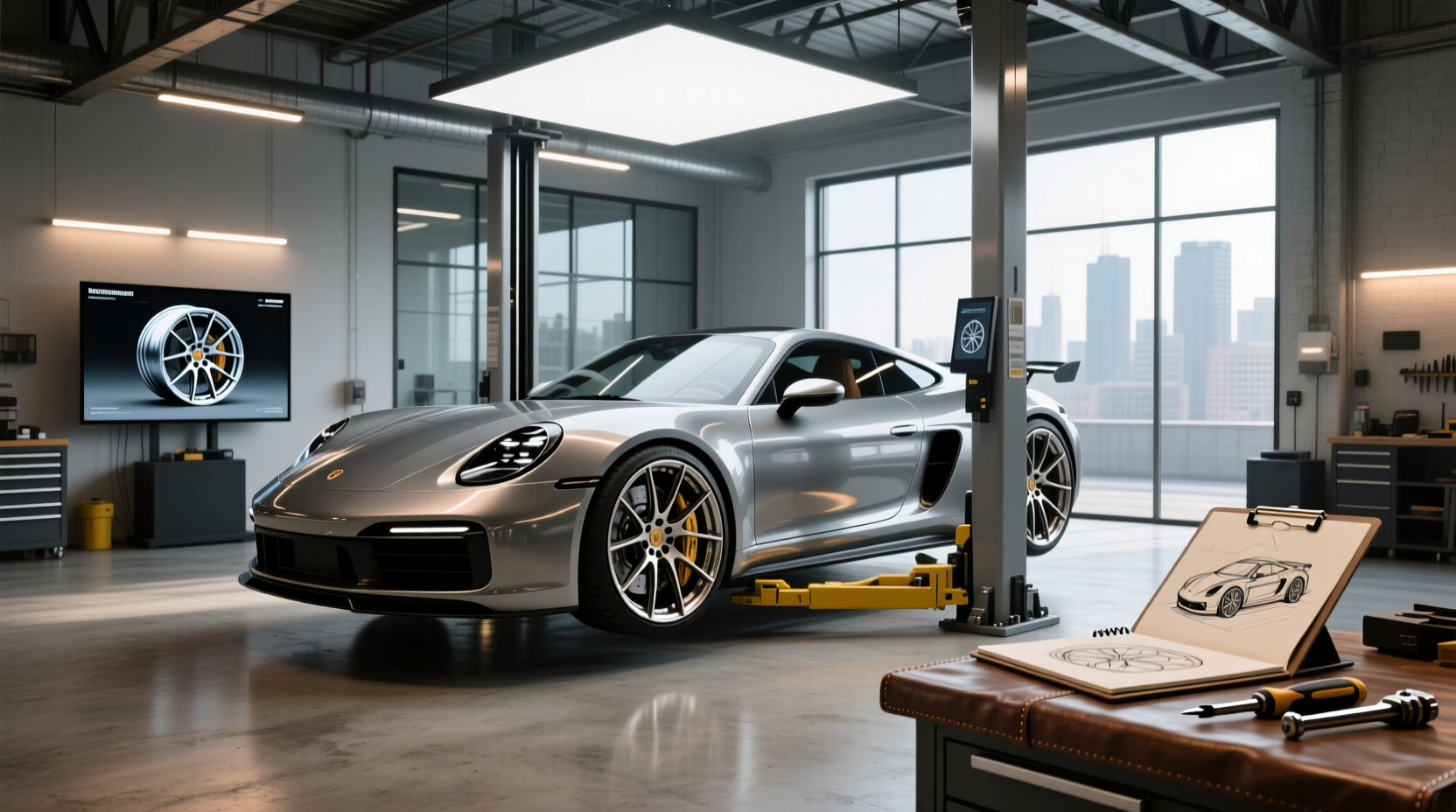
Choosing the right custom wheels for your vehicle isn’t just about aesthetics—it’s a decision that impacts performance, safety, and long-term value. A custom wheels visualizer is one of the most effective tools available to help car owners see exactly how a new set of rims will look on their specific make and model before making a purchase. These interactive online tools allow you to adjust diameter, width, finish, bolt pattern, and offset in real time, giving you a realistic preview of how 18–19 inch matte black wheels or 20-inch machined silver rims will appear on your sedan, SUV, or truck. This guide breaks down how these visualizers work, what specs matter most, and how to avoid costly fitment errors.
What Is a Custom Wheels Visualizer and Why It Matters
A custom wheels visualizer is an online tool provided by wheel manufacturers or aftermarket retailers that lets users simulate different wheel designs on a digital image of their own vehicle. Unlike static product photos, these tools offer dynamic customization—allowing changes to size, color, lug count, and even tire profile. The goal is to eliminate guesswork when upgrading from factory wheels to aftermarket options like forged aluminum alloy rims or flow-formed designs.
For many drivers, especially those shopping for import alloy wheels online, the challenge lies in not knowing whether a 5x120 bolt pattern fits their BMW or if a 45mm offset will cause rubbing with their suspension setup. A visualizer bridges this gap by combining accurate vehicle fitment databases with 3D rendering technology. Some advanced platforms even integrate AI mode to suggest compatible styles based on your VIN or selected model year.
Key Features to Look for in a Wheel Visualizer Tool
Not all visualizers are created equal. To get the most value, ensure the platform includes these essential functions:
- Vehicle-Specific Fitment Database: The tool should let you select your exact car, truck, or SUV by brand, model, year, and trim. Generic images won’t reflect actual stance or clearance issues.
- Adjustable Parameters: You should be able to modify diameter (e.g., under 17 inches up to over 20 inches), width, offset, bore size, and lug count (five, six, etc.).
- Finish Options: Realistic previews of finishes such as gloss machined, hyper black, bronze, or silver help assess curb appeal.
- Tire Integration: Ideally, the visualizer shows both wheel and tire combo, so you can evaluate overall diameter and sidewall height.
- Save & Share Functionality: Being able to export your design helps compare options or consult with installers.
Some platforms also include filters for price range (under $350, on sale, new vs used) and delivery speed (“get it fast”), which adds practicality to the visualization process.
Understanding Wheel Specifications: What Each Term Means
To use a visualizer effectively, you need to understand basic wheel terminology. Misinterpreting specs can lead to poor fitment, vibration, or damage.
| Term | Definition | Why It Matters |
|---|---|---|
| Diameter | Measured in inches (e.g., 17", 19") | Affects ride comfort, handling, and clearance |
| Width | Distance between inner and outer rim edges | Determines tire compatibility and stance |
| Bolt Pattern (Lug Pattern) | Number of lugs and spacing (e.g., 5x114.3) | Must match your hub; incorrect patterns won’t mount |
| Offset | Distance from mounting surface to centerline (positive/negative) | Influences track width and fender clearance |
| Center Bore | Hole size that fits over the hub | Improper bore causes vibration unless hub-centric rings are used |
| Finish | Surface treatment (matte black, gloss machined, etc.) | Impacts appearance and corrosion resistance |
For example, selecting a negative offset increases the wheel’s outward protrusion, which may improve aggressive styling but risks scraping during tight turns. Conversely, too much positive offset tucks the wheel inward, potentially interfering with suspension components.
Common Mistakes When Using a Custom Wheels Visualizer
Even with a powerful tool at your disposal, mistakes happen—especially when assumptions override data.
❌ Assuming All Visuals Reflect Real-World Fitment
Some visualizers use generic vehicle silhouettes rather than precise CAD models. This can misrepresent how far a wheel sticks out or clears the fender line. Always verify that the tool uses manufacturer-grade dimensions.
❌ Ignoring Tire Size Compatibility
You might love how 20x10 wheels look, but without the correct tire width (e.g., 275/40R20), you risk poor traction, inaccurate speedometer readings, or rubbing. Ensure the visualizer accounts for total rolling diameter.
❌ Overlooking Suspension Modifications
If your vehicle has been lowered or lifted, factory clearance no longer applies. A visualizer may show perfect fitment on stock suspension, but fail to warn about contact points after modification.
❌ Relying Only on Appearance
A stunning chrome-finished monoblock forged wheel may look impressive, but consider weight, load rating, and road conditions. Heavy wheels reduce fuel efficiency and strain brakes.
How to Verify Fitment Beyond the Visualizer
A visualizer is a starting point—not a final authority. Here’s how to double-check compatibility:
- Check Your OEM Specs: Locate the sticker inside your driver’s door jamb for factory wheel and tire size. Compare bolt pattern, offset, and diameter.
- Use Fitment Forums: Communities like those found under “Forums” in search results often have real-world photos and user reports on specific wheel-and-vehicle combos.
- Contact a Reputable Installer: Before ordering, share your visualizer output with a professional who can assess potential interference.
- Review Return Policies: Look for sellers offering 30-day returns and free shipping—this gives you flexibility if the fit isn’t right.
Also, keep in mind regional differences. Vehicles sold in Europe may have different standard offsets compared to North American versions of the same model, affecting how wide a stance appears.
Shopping Tips: Finding Reliable Sources for Custom Wheels
Once you’ve designed your ideal setup using a visualizer, where should you buy? Consider these factors:
- Manufacturer Reputation: Brands like TSW Alloy Wheels or WELD Racing Wheels engineer products specifically for precise fitment across car, truck, and SUV categories1.
- Aftermarket Distributors: Companies such as Wheel Pros operate as major distributors for multiple brands, offering broad inventories and fitment guides2.
- Import Options: Platforms like Alibaba.com list numerous suppliers of import alloy wheels, including replica, forged, and aftermarket variants from China and Japan3. However, quality varies significantly—verify certifications (like DOT) and read reviews carefully.
- Packaging & Shipping: If importing, check whether the vendor offers secure packaging. Services like MyGermany specialize in consolidating and shipping alloy wheels safely worldwide4.
Be cautious of extremely low prices. A $84 hyper black wheel deal may seem appealing, but could indicate substandard materials or missing safety testing.
Cost vs. Value: Evaluating Price Ranges and Long-Term Benefits
Prices vary widely—from under $200 per wheel for budget steel rims to over $1,000 for high-end forged sets. Here’s a breakdown:
- Budget Tier ($150–$300): Often flow-formed or cast aluminum. Suitable for daily drivers seeking modest upgrades.
- Mid-Range ($300–$600): Includes reputable brands with better finishes and structural integrity. Good balance of cost and durability.
- Premium ($600+): Typically forged monoblock or multi-piece wheels. Lighter, stronger, and more customizable—but require expert installation.
While savings (e.g., 50% off Konig Ampliform) can be tempting, prioritize fitment accuracy and material quality over discount percentages. A failed wheel due to poor manufacturing can compromise safety.
Can You Use a Custom Wheels Visualizer for Used or Replica Wheels?
Yes, but with limitations. Most visualizers are designed around new, branded models. However, if you know the exact specifications of a used or replica wheel (diameter, bolt pattern, offset), you can manually input them into compatible tools.
Replica wheels—designed to mimic OEM or luxury designs—are popular among import enthusiasts. But inconsistencies in tolerances mean even identical-looking wheels may fit differently. Always measure physical samples if possible.
Future Trends: AI and Augmented Reality in Wheel Visualization
The next generation of custom wheels visualizers is moving toward augmented reality (AR) and AI-driven recommendations. Some platforms already offer “AI Mode,” where the system suggests optimal sizes based on your vehicle type and driving habits.
AR apps allow you to point your smartphone camera at your car and overlay virtual wheels in real time. While still emerging, this tech promises greater realism than browser-based tools. Expect wider adoption as mobile processing power improves.
Final Checklist Before Buying Custom Wheels
Before finalizing your choice, go through this verification list:
- ✅ Confirmed vehicle-specific fitment via visualizer
- ✅ Matched bolt pattern, offset, and center bore to OEM specs
- ✅ Verified tire compatibility (size, load index, speed rating)
- ✅ Researched brand reputation and return policy
- ✅ Considered impact on fuel economy, braking, and warranty
- ✅ Consulted installer or community feedback
Remember: A beautiful visual render doesn’t guarantee drivability. Always cross-reference digital simulations with mechanical realities.
Frequently Asked Questions (FAQs)
- Can I use a custom wheels visualizer for trucks and SUVs?
- Yes, most modern visualizers support passenger cars, trucks, and SUVs. Be sure to select your exact model and trim, as wheel wells and suspension setups differ significantly.
- Do all wheel visualizers show tire options?
- No, not all do. Some only display rims. For accurate fitment analysis, use platforms that integrate tires or let you manually enter tire dimensions.
- Are imported alloy wheels safe to buy online?
- They can be, but only if sourced from verified suppliers with clear specifications and safety certifications like DOT. Avoid deals that lack transparency on materials or testing.
- Will changing wheel size affect my speedometer?
- Yes. Increasing overall tire diameter alters speed readings. Any change beyond 3% from stock can cause inaccuracies and should be recalibrated.
- Can I return custom wheels if they don’t fit?
- It depends on the seller. Many offer 30-day return windows, especially if wheels are unused and in original packaging. Always confirm return policies before purchasing.





 浙公网安备
33010002000092号
浙公网安备
33010002000092号 浙B2-20120091-4