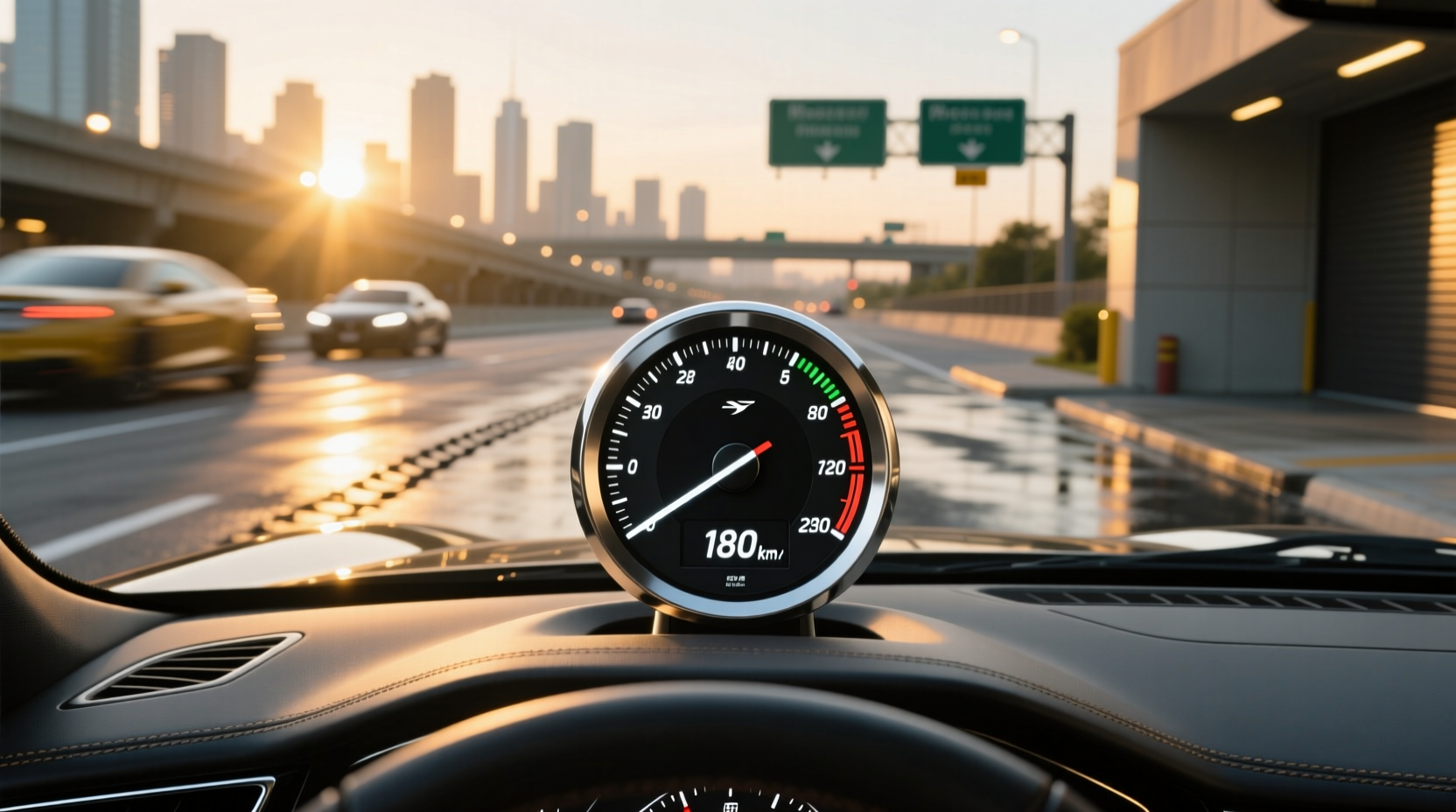
If you're searching for solutions related to a Swift speedometer, you're likely experiencing inaccurate readings, complete failure, or considering an upgrade to a digital display. Whether your Suzuki Swift is showing incorrect speeds, the odometer has stopped advancing, or you want to modernize your dashboard with a plug-and-play digital cluster, this guide delivers actionable insights tailored to real-world user concerns. From identifying wiring faults to evaluating aftermarket LCD instrument panels compatible with Swift models from 2010–2023, we cover every aspect of diagnosis, replacement options, and verified troubleshooting steps.
Understanding the Role of the Speedometer in Your Suzuki Swift
The speedometer is more than just a convenience—it’s a critical safety and compliance component. It provides real-time feedback on vehicle speed, supports cruise control functionality (if equipped), and integrates with other systems like traction control and transmission shift logic. In modern Swift models (especially post-2017), the instrument cluster relies on electronic signals from the vehicle speed sensor (VSS), typically located on the transmission housing ⚙️.
In older Swift generations (pre-2010), some variants used mechanical cable-driven speedometers, where rotation from the transmission turned a flexible cable connected directly to the back of the gauge. These are prone to wear, cable fraying, or disconnection at either end. Today, nearly all Swifts use electronic speed sensors that send pulse signals to the Engine Control Unit (ECU), which then relays data to the instrument cluster ✅.
Common Symptoms of a Failing Swift Speedometer
Before diving into repairs or replacements, it's essential to recognize the warning signs:
- Erratic needle movement: The speedometer needle jumps, sticks, or fluctuates without changes in actual speed.
- No reading at all: The speedometer remains at zero regardless of driving speed.
- Odometer not updating: Mileage stops increasing even though the car is being driven. \li> Check Engine Light illumination: A faulty VSS can trigger diagnostic trouble codes such as P0500 (Vehicle Speed Sensor Malfunction).
- Cruise control failure: If the system doesn’t engage or disengages unexpectedly, the issue may stem from invalid speed input.
These symptoms don't always mean the speedometer itself is defective. Often, the root cause lies elsewhere in the signal chain—such as the sensor, wiring harness, or ECU communication fault 🔍.
Diagnosing the Root Cause: Where to Start?
🔧 Step 1: Scan for Diagnostic Trouble Codes (DTCs)
Use an OBD-II scanner to check for stored codes. Code P0500 is commonly associated with speed sensor issues. Other relevant codes include P0501 (range/performance problem) and U0423 (invalid data from ABS module, which also uses speed data).
📍 Step 2: Locate and Inspect the Vehicle Speed Sensor (VSS)
The VSS is usually mounted on the transmission output shaft. On most Swift models, it’s accessible from underneath the car. Look for signs of oil leakage, corrosion, or physical damage. Clean the connector and ensure it’s securely plugged in.
🛒 Step 3: Test the Sensor Output
Using a multimeter or oscilloscope, measure the AC voltage while rotating the wheels (jack up the front safely). A working VSS should produce a sine wave signal that increases in frequency with wheel speed. No signal indicates a failed sensor or internal gear damage.
⚙️ Step 4: Check Wiring Continuity
Inspect the wiring between the VSS and the ECU/instrument cluster for breaks, shorts, or poor grounding. Rodents, moisture, and road debris can damage exposed sections under the chassis.
✅ Step 5: Evaluate Instrument Cluster Health
If the VSS checks out but the speedometer still fails, the issue may be within the cluster itself. Some users report intermittent failures due to cracked solder joints on the circuit board behind the gauge. This often requires professional reflowing or replacement.
Aftermarket vs OEM Replacement Options
When replacing a faulty speedometer or upgrading your Swift’s dashboard, two main paths exist: Original Equipment Manufacturer (OEM) parts and aftermarket alternatives.
| Factor | OEM Speedometer | Aftermarket Digital Cluster |
|---|---|---|
| Compatibility | Guaranteed fit; matches exact model/year | May require adapter harness or calibration |
| Accuracy | Factory-calibrated; reliable long-term | Varies by brand; lower-end units may drift |
| Installation | Plug-and-play; no programming needed | Sometimes requires coding via OBD-II tool |
| Cost | $150–$400 depending on model year | $80–$600+ based on features |
| Warranty | Often covered under dealer warranty if new | Limited (typically 6–12 months) |
| Durability | High; designed for 10+ years of use | Mixed reviews; plastic housings may yellow |
For drivers prioritizing reliability and resale value, OEM clusters sourced from authorized dealers or reputable salvage yards remain the safest choice. However, many owners opt for aftermarket digital upgrades to enhance aesthetics and functionality.
Digital Speedometer Upgrades for the Suzuki Swift
A growing number of Swift owners are retrofitting their analog dashboards with full-color LCD digital clusters. While not officially offered by Suzuki for most Swift trims, third-party manufacturers now provide plug-and-play solutions compatible with various model years.
✨ Key Features of Modern Digital Clusters:
- Customizable display themes (dark mode, color schemes)
- Real-time fuel economy, battery voltage, and gear indicator
- Bluetooth connectivity for smartphone integration
- Support for backup camera input when reversing
- Improved visibility in low-light conditions
However, not all digital clusters are created equal. Lower-cost units sold on global marketplaces like Alibaba.com may lack proper waterproofing, have unresponsive touch interfaces, or fail to synchronize with factory ABS or airbag systems ❗.
📌 Important Compatibility Notes:
- Ensure the unit specifies support for Suzuki Swift chassis code (e.g., ZC32S for 2011–2017 models)
- Verify whether tire size calibration is required after installation
- Confirm if the unit retains original warning lights (e.g., engine, brake, seatbelt)
Installation Process: What You Need to Know
⏱️ Estimated Time: 1–2 hours
🛠️ Tools Required: Phillips screwdriver, trim removal tool, OBD-II programmer (for some digital units)
- Disconnect the negative terminal of the battery to prevent electrical shorts.
- Remove the steering column shroud and dashboard trim around the instrument panel.
- Unplug the original cluster connectors (usually 2–3 multi-pin plugs).
- Extract the old cluster carefully to avoid damaging the speedometer needle or LCD window.
- Install the new unit, ensuring all pins align correctly.
- Reconnect power and test all functions before final reassembly.
- For digital units, perform initial setup: set language, date/time, units (mph/km/h), and calibrate speed based on GPS reference.
🚚 Some advanced digital clusters allow over-the-air updates via Wi-Fi or microSD card, enabling future feature additions. Always follow manufacturer instructions precisely during setup to avoid bricking the device.
Regional Differences and Legal Considerations
🌍 Variations by Market:
Speedometer calibration differs across regions due to legal standards. For example:
- In the EU, speedometers must never read below actual speed and typically show +10% overread.
- In the US, there’s no federal mandate, but manufacturers generally adhere to SAE J1226 standards.
- In Japan, kei car regulations influence display layout and font size.
If importing a digital cluster from another region, verify that it supports your local speed unit (mph vs km/h) and complies with national inspection requirements. In countries like Australia and Germany, modified instrument clusters may fail mandatory vehicle inspections unless certified.
Myths and Misconceptions About Swift Speedometers
❌ Myth 1: Replacing the speedometer fixes all speed-related issues.
Reality: More often than not, the problem originates upstream—from the VSS, wiring, or ECU communication error.
❌ Myth 2: Aftermarket digital clusters improve fuel efficiency.
Reality: While they display real-time mpg/l/100km data, they don’t affect engine performance or consumption.
❌ Myth 3: All 'plug-and-play' units work without configuration.
Reality: Many require VIN programming or tire circumference input to report accurate speed and distance.
Where to Buy Reliable Swift Speedometer Parts
🛒 OEM Replacement Clusters:
Best sourced through:
- Authorized Suzuki dealerships
- Certified auto recyclers (e.g., Car-Part.com network)
- Online platforms specializing in genuine Japanese domestic market (JDM) parts
🌐 Aftermarket Digital Units:
Available globally via:
- Alibaba.com (bulk orders, wholesale pricing)
- Specialized automotive electronics retailers
- Regional suppliers offering localized customer support
When purchasing online, prioritize sellers with detailed product specifications, clear return policies, and responsive technical support. Avoid listings with stock photos only and no real user videos or installation guides.
Maintenance Tips to Extend Speedometer Lifespan
🧼 Keep the Dashboard Cool and Dry:
Excessive heat and humidity accelerate component aging. Park in shade or use sunshades during hot weather.
🔋 Avoid Frequent Battery Disconnections:
Repeatedly disconnecting the battery without proper reset procedures can corrupt cluster memory or misalign digital gauges.
🧰 Regular Electrical System Checks:
Ensure alternator output stays within 13.8–14.4V. Voltage spikes can damage sensitive instrumentation electronics.
Conclusion: Making the Right Decision for Your Swift
Whether you’re troubleshooting a malfunctioning speedometer or exploring a digital upgrade, understanding the underlying systems and available options is crucial. Start with diagnostics to confirm the fault location. Choose OEM parts for guaranteed reliability, or select high-quality aftermarket digital clusters if you value customization and modern features. Always verify compatibility, consider regional regulations, and proceed with caution when modifying factory instrumentation.
Frequently Asked Questions
- Can I install a digital speedometer on my Suzuki Swift myself?
- Yes, if you have basic mechanical skills and follow step-by-step instructions. Most digital clusters are plug-and-play, but some require coding using an OBD-II tool.
- Why is my Swift speedometer reading inaccurately after tire change?
- Tire diameter affects speed calculations. Larger tires rotate slower at the same speed, causing the speedometer to read low. Recalibration may be necessary via ECU or cluster settings.
- Are aftermarket speedometers legal for road use?
- In most regions, yes—as long as they display accurate speed and do not obscure required warning indicators. Always check local vehicle inspection rules before installing.
- How much does a Swift speedometer replacement cost?
- OEM clusters range from $150–$400. Aftermarket digital units vary widely: $80–$600+, depending on features and build quality.
- What causes a Suzuki Swift speedometer to stop working suddenly?
- Common causes include a failed vehicle speed sensor (VSS), blown fuse, damaged wiring, or internal cluster failure due to moisture or circuit board defects.





 浙公网安备
33010002000092号
浙公网安备
33010002000092号 浙B2-20120091-4