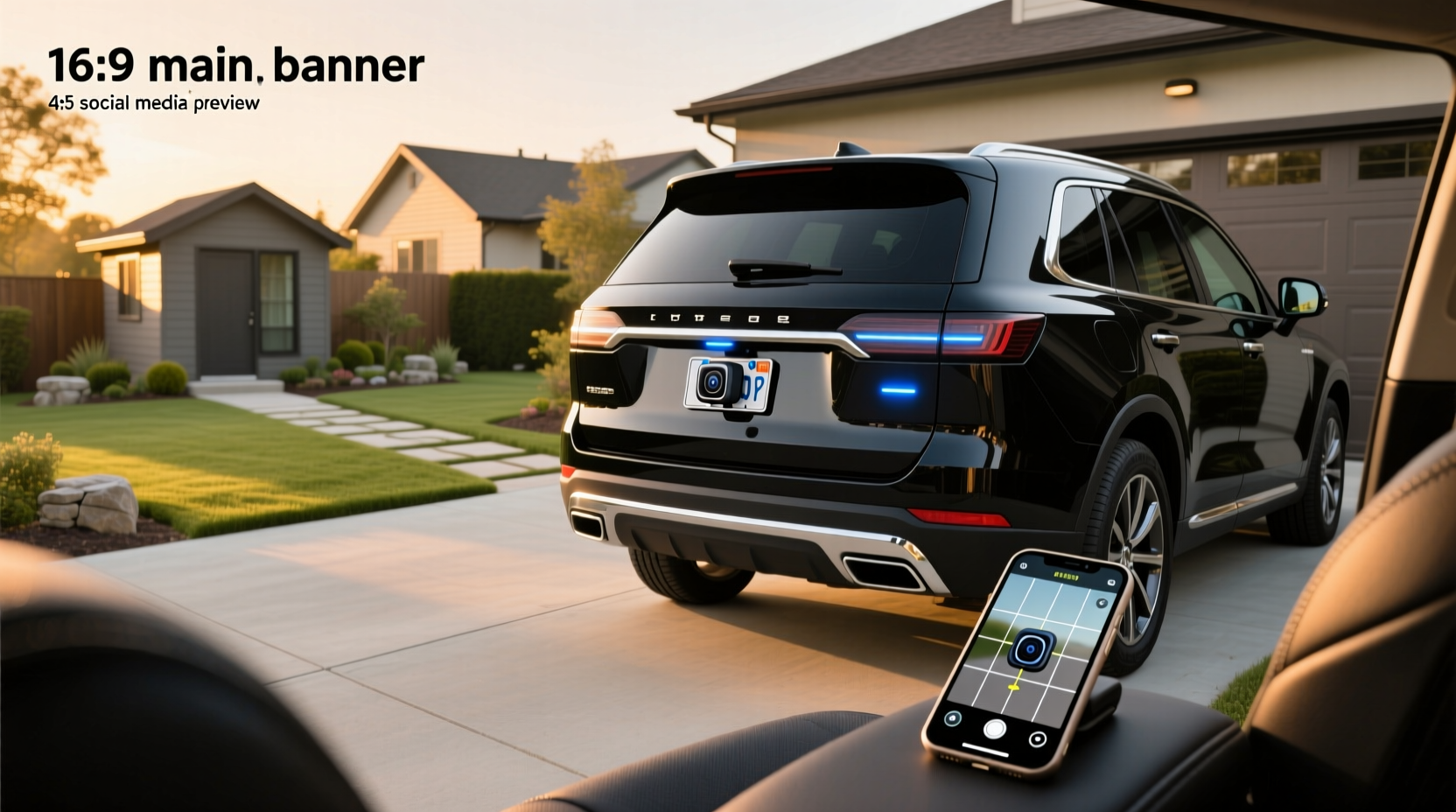
✅ If you're searching for a way to add rear visibility to your vehicle using your Android phone, a wireless reversing camera that works with Android devices via Wi-Fi or Bluetooth is a viable, low-installation solution. These systems transmit video directly to your smartphone, eliminating the need for complex wiring or built-in dashboards. Unlike traditional wired backup cameras tied to dedicated monitors, modern wireless models use 2.4G Wi-Fi or Bluetooth connectivity to stream live footage to apps on your Android device—making them ideal for renters, fleet drivers, or anyone avoiding permanent modifications.
This guide breaks down everything you need to know about wireless reversing cameras compatible with Android phones, including how they work, what to look for when buying, installation considerations, limitations, and common pitfalls users face. We’ll also clarify misconceptions around “Bluetooth” vs. “Wi-Fi” transmission, battery-powered versus hardwired options, and whether these systems are reliable in real-world conditions.
How Wireless Reversing Cameras Work With Android Phones
Unlike factory-installed backup cameras that display on OEM infotainment screens, aftermarket wireless reversing cameras for Android typically operate by creating a direct point-to-point connection between the camera and your smartphone. Most do not rely on your home or mobile data network. Instead, they either:
- Create their own Wi-Fi hotspot: The camera has an internal transmitter that broadcasts a local Wi-Fi signal (e.g., "BackupCam_123"). You connect your Android phone to this network manually or automatically when the car reverses.
- Use Bluetooth pairing: Less common due to bandwidth limits, but some entry-level models claim Bluetooth connectivity. However, true video streaming over Bluetooth is rare; many actually use Bluetooth only for triggering the app while relying on Wi-Fi for video.
Once connected, a companion app opens automatically (on supported models) showing real-time video from the rear of your vehicle. Some advanced units offer features like motion detection, parking guidelines, night vision, and loop recording if paired with cloud storage or microSD support.
Key Features to Look for in an Android-Compatible Wireless Reversing Camera
Not all wireless backup cameras labeled as "for Android" deliver the same experience. To avoid frustration after purchase, evaluate these technical and practical aspects:
📹 Video Transmission Type: Wi-Fi vs. Bluetooth
🔍 Despite frequent marketing claims, most functional wireless reversing cameras use Wi-Fi, not Bluetooth, for actual video transmission. Bluetooth lacks sufficient bandwidth for HD video streams. What’s often advertised as a “Bluetooth reversing camera” usually means the system uses Bluetooth to trigger the phone to switch networks or launch the app—but the video still travels over Wi-Fi.
✅ Always verify: Check product specifications for terms like "2.4G wireless transmission", "Wi-Fi direct", or "supports mobile app viewing" rather than just "Bluetooth".
🔋 Power Source: Battery vs. Hardwired vs. Magnetic
Three main power configurations exist:
- Battery-powered (rechargeable): Portable and removable, great for temporary use or multiple vehicles. Downsides include limited runtime (often 2–6 hours), need for recharging, and potential disconnection during long drives.
- Magnetic base with hardwired power: Attaches magnetically but draws power from the reverse light circuit. Offers continuous operation without charging. Installation requires tapping into the vehicle’s electrical system.
- Fully hardwired: Permanent setup where both camera and monitor (or phone interface) receive constant power. Most reliable but involves drilling and wiring.
📌 For Android users wanting flexibility, magnetic models with detachable design and reverse-light power are popular because they stay charged and activate automatically when reversing.
📱 App Compatibility & User Interface
The quality of the companion app can make or break the experience. Key factors include:
- Google Play Store availability: Is the app listed officially? Avoid apps requiring APK sideloading unless from a trusted developer.
- Automatic launch on reverse gear engagement: Requires integration with your vehicle's reverse light signal through a power adapter.
- Low latency: Look for sub-300ms delay. High lag makes reversing dangerous.
- Language support: Many budget cameras come with poorly translated Chinese apps.
- No forced subscriptions: Some brands lock features behind paywalls after trial periods.
🌧️ Weather Resistance & Build Quality
Since the camera mounts externally, it must withstand rain, dust, vibration, and temperature extremes. Look for:
- IP67 or IP68 rating: Ensures full waterproofing and dustproofing.
- UV-resistant housing: Prevents yellowing or cracking under sunlight.
- Wide operating temperature range: Ideally -20°C to +70°C (-4°F to 158°F).
🔭 Camera Specifications
| Feature | Recommended Minimum | Why It Matters |
|---|---|---|
| Resolution | 720p HD | Sharper image improves obstacle detection at night or in fog |
| Viewing Angle | 120°–170° | Wider angle reduces blind spots but may distort edges |
| Night Vision | Infrared (IR) LEDs, ≥6 units | Essential for low-light visibility; check IR range (≥15 ft ideal) |
| Low-Light Sensitivity | 0.1 Lux or lower | Better performance in dim environments without IR |
| Frame Rate | 25–30 fps | Smoother video prevents choppiness during movement |
Installation Scenarios: Where and How to Mount
Proper placement affects safety and legality. Consider these mounting options:
Rear License Plate Area
📍 Most common location. Centered above or below the plate. Pros: Symmetrical view, easy access to reverse light wiring. Cons: Vulnerable to splashing and car wash damage.
Bumper-Mounted (Integrated Look)
🔧 Requires drilling or adhesive. Provides cleaner appearance and better downward angle for detecting curbs. Best for permanent setups.
Magnetic Base (Temporary/Removable)
🚗 Ideal for shared vehicles or rental use. Can be placed on steel bumpers or frames. Ensure strong magnets (>5 kg pull force) and secure cable routing to prevent snagging.
Trailer Hitch Mount
🚚 Useful for towing. Often integrates with hitch-mounted bike racks or cargo carriers. Must be weatherproof and securely fastened.
⚠️ Important: Regardless of mount type, ensure the camera doesn’t obstruct license plates or lights. In the UK and EU,遮挡车牌可导致MOT failure or fines1.
Common Misconceptions About Wireless Reversing Cameras for Android
Several myths persist in online forums and retail listings. Let’s address them:
❌ Myth 1: All 'Bluetooth' Cameras Stream Video Over Bluetooth
Reality: True Bluetooth video streaming is technically impractical due to bandwidth constraints. Most so-called “Bluetooth backup cameras” use Bluetooth only as a trigger mechanism to wake the phone or open the app, then switch to Wi-Fi for video transfer. Always confirm transmission method in specs.
❌ Myth 2: These Cameras Work Without Any Wiring
Reality: While the *video signal* is wireless, most reliable systems still require a power wire connected to the reverse light circuit for automatic activation. Truly wireless (battery-only) models need manual turning on/off and regular charging—risky if forgotten.
❌ Myth 3: They’re Legal Everywhere
Reality: In most countries, installing a rearview camera is legal. However, displaying the feed on a phone screen while driving may violate distracted driving laws. For example, in the US, many states prohibit non-nav content on screens visible to the driver unless parked2. Using a dashboard mount that blocks part of the windshield may also breach regulations.
❌ Myth 4: Any Phone Will Work Perfectly
Reality: Older Android phones or those with weak Wi-Fi receivers may struggle with latency or disconnections. Devices without auto-brightness adjustment can make screens hard to see in sunlight. Also, background app restrictions might prevent automatic launching.
When NOT to Buy a Wireless Reversing Camera for Android
Despite convenience, there are scenarios where such systems aren’t suitable:
- You drive frequently in remote areas: If your phone loses Wi-Fi stability or overheats, the camera feed may drop.
- Your vehicle has metal-heavy construction: Thick steel frames can interfere with 2.4G Wi-Fi signals between camera and cabin.
- You want hands-free operation without distractions: Manually unlocking and opening an app defeats the purpose of convenience.
- You expect military-grade durability: Budget models degrade faster under extreme conditions.
- You plan to resell the car soon: Hardwired installations may reduce resale appeal if not professionally done.
Alternatives to Phone-Based Wireless Systems
If relying on your Android phone feels unreliable, consider these alternatives:
Dedicated Monitor Kits
🛒 These include a small LCD screen (usually 4.3" or 7") powered by the cigarette lighter or reverse light. No phone needed. More consistent performance but less portable.
Integrated Dash Cams with Rear Module
⚙️ Brands like Garmin, Nextbase, and BlackVue offer front-and-rear dash cam systems. The rear camera connects wirelessly or via cable to a main unit with its own screen. Footage recorded continuously; no reliance on your personal device.
Aftermarket Head Units with CarPlay/Android Auto
🌐 Install a new stereo that supports Android Auto and has a rear camera input. Once wired, it displays the camera feed automatically. Higher upfront cost but seamless integration.
Tips for Choosing the Right Model
Before purchasing, ask these questions:
- Does the camera create its own Wi-Fi network?
- Is the app available on Google Play?
- Can it connect to my car’s reverse light for auto-start?
- What is the average user-reported latency?
- Are firmware updates provided?
- Is customer support accessible in English?
Also, check return policies—many budget cameras perform poorly in real-world testing despite glowing reviews.
Final Thoughts: Are Wireless Reversing Cameras Worth It for Android Users?
For the right user, yes. A wireless reversing camera that pairs with an Android phone offers an affordable, flexible way to improve rear visibility without major installation. It’s especially useful for people who drive different vehicles, rent cars occasionally, or want to avoid drilling holes.
However, reliability depends heavily on build quality, Wi-Fi strength, and proper setup. Don’t assume plug-and-play simplicity. Test thoroughly before relying on it for daily driving.
If you prioritize dependability over convenience, a hardwired kit with a dedicated monitor or integrated dash cam system may be better long-term investments.
Frequently Asked Questions (FAQs)
Can I install a wireless reversing camera myself?
Yes, most models are designed for DIY installation. Magnetic or suction-mount versions require no tools. Hardwired setups need basic electrical knowledge to connect to the reverse light circuit safely.
Do wireless reversing cameras work with all Android phones?
No. Compatibility depends on Wi-Fi capability, OS version, and app support. Older phones or those with aggressive battery-saving settings may fail to maintain stable connections.
Is it safe to use a phone-based reversing camera while driving?
Potentially not. Displaying video on a handheld device while driving violates distracted driving laws in many regions. Even mounted phones should not distract the driver. Use only as a supplementary aid.
Why does my wireless camera disconnect or lag?
Common causes include weak Wi-Fi signal (due to distance or interference), low phone battery, background app restrictions, or outdated firmware. Try resetting the camera, updating the app, or moving the phone closer to the rear window.
Can I use a wireless reversing camera for trailers?
Yes, provided the camera is weatherproof and properly powered. Battery-powered magnetic models are popular for temporary trailer use. Ensure the transmitter range covers the length of the trailer (typically up to 10 meters line-of-sight).





 浙公网安备
33010002000092号
浙公网安备
33010002000092号 浙B2-20120091-4