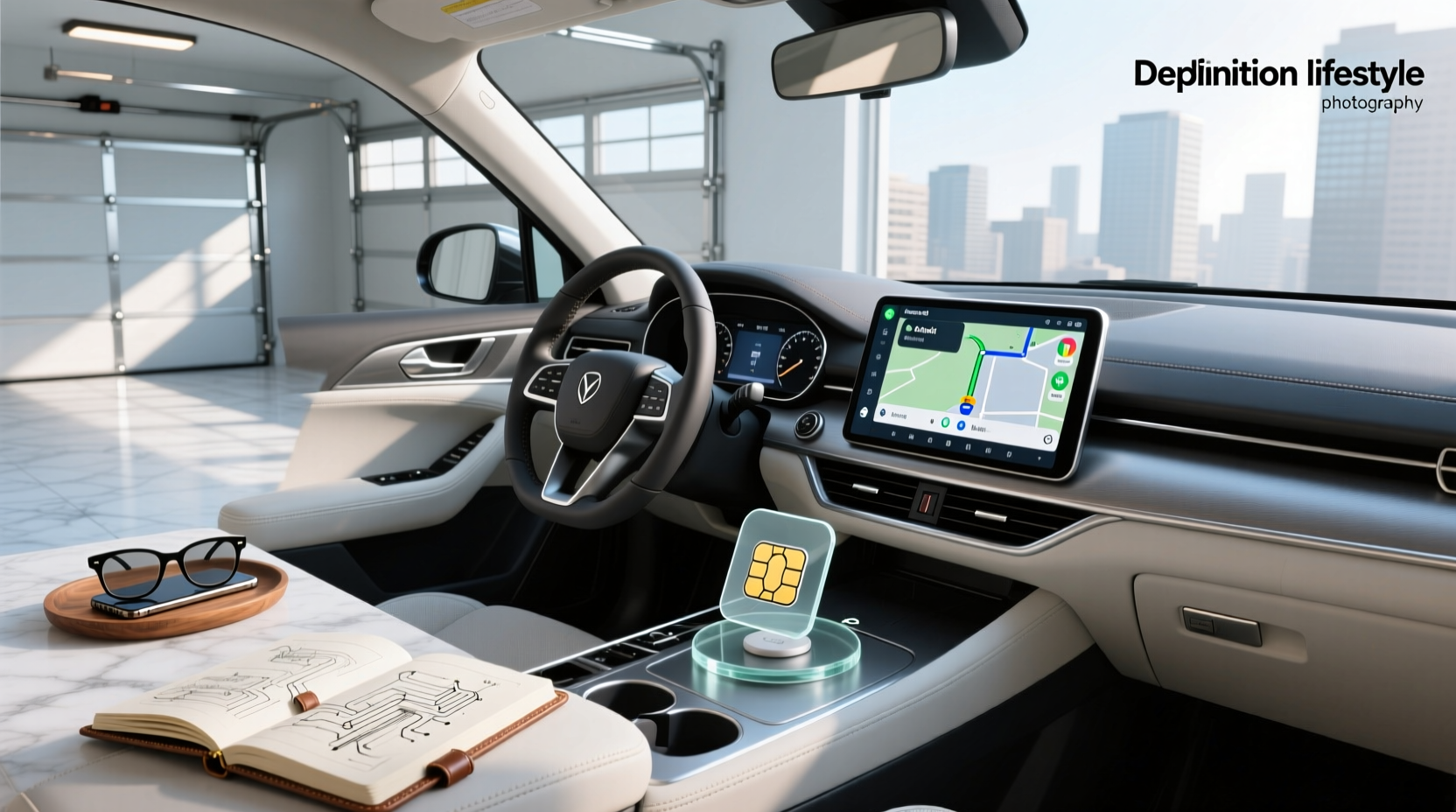
If you're wondering whether Android Auto can use a SIM card or how to get your car stereo online, the answer lies in modern Android-based head units that support built-in 4G LTE connectivity via a physical SIM card slot ⚙️. Unlike factory-installed Android Auto, which relies on your phone’s data, aftermarket Android radios with SIM card support operate independently—giving you constant internet access for navigation, streaming, and app usage without tethering to a smartphone 🌐. This guide breaks down everything users need to know about Android Auto-compatible systems with SIM card integration, including carrier compatibility, correct SIM sizes, configuration settings, and real-world performance considerations.
What Does a SIM Card Do in an Android Auto Head Unit?
A SIM card in an Android car stereo enables standalone cellular data connectivity. While traditional Android Auto mirrors your phone’s screen and uses its internet connection through USB or Bluetooth, an Android head unit with SIM card support runs a full version of the Android OS directly on the device ✅. This means it can connect to the internet independently, allowing features like:
- Real-time Google Maps navigation without phone dependency 🧭
- Streaming YouTube, Spotify, or other apps over 4G LTE 🎵
- Using voice assistants like Google Assistant even when your phone is off 🔊
- Remote vehicle tracking or GPS monitoring (if enabled) 📍
This functionality is especially useful for older vehicles retrofitted with smart infotainment systems or fleets requiring always-on connectivity.
Difference Between Factory Android Auto and Android Head Units with SIM Support
It's crucial to understand that standard Android Auto does not support SIM cards. The official Android Auto platform by Google is designed as a projection system—it displays select phone apps on your car screen but doesn’t run them natively ❗. Therefore, any mention of “Android Auto with SIM card” typically refers to third-party Android-based infotainment systems that offer both Android Auto mirroring and independent internet via SIM.
These units are often labeled as:
- “Android 13 Car Stereo with SIM Card Support”
- “Wireless CarPlay & Android Auto + 4G LTE”
- “Double DIN Radio with Built-in Modem”
The key distinction: they run full Android OS (like a tablet), not just Android Auto. So while they may support Android Auto mode for safety-compliant driving interfaces, their underlying system allows broader functionality—including SIM-based data.
How to Set Up a SIM Card in Your Android Car Stereo
Setting up a SIM card involves both hardware and software steps. Follow this checklist to ensure proper installation ⚙️:
Step 1: Confirm Hardware Compatibility
Not all Android head units have a SIM slot. Look for terms like:
- “Supports 4G LTE”
- “Built-in modem”
- “SIM card tray included”
- “Standalone internet access”
Physically inspect the unit—many have a small SIM tray near the back panel or under a cover. Some models combine the SD card and SIM slot into one dual-purpose holder, so verify layout before inserting.
Step 2: Choose the Right SIM Size
Most modern Android car stereos accept micro-SIM or nano-SIM cards. Check your unit’s manual or product specs to confirm which size is required 🔍. If your carrier provides a multi-cut SIM (standard/micro/nano), you can snap out the correct size. Never force a larger SIM into a smaller slot—this can damage internal contacts.
Step 3: Activate a Data-Only Plan
You don’t need a voice plan. A data-only SIM card is ideal for car stereos since most functions rely on internet, not calling. Major U.S. carriers offer such plans:
- T-Mobile: Offers prepaid data-only SIMs with flexible monthly plans starting at $10/month for 5GB 1
- AT&T: Prepaid Daypass or monthly IoT/M2M plans for embedded devices
- Verizon: Jetpack or MVNO options with hotspot-compatible SIMs
Some users opt for MVNOs (Mobile Virtual Network Operators) like Ting, Mint Mobile, or Consumer Cellular, which resell major networks at lower prices. However, not all MVNOs allow tethering or hotspot use—verify policy before purchase.
Step 4: Insert and Configure the SIM
Once inserted, power on the head unit and navigate to:
Settings → Network & Internet → Mobile Network → Preferred SIM
Select the installed SIM and choose “Data Only.” You may need to manually enter APN settings depending on your carrier. Common APNs include:
| Carrier | APN | Username | Password |
|---|---|---|---|
| T-Mobile | fast.tmobile.com | none | none |
| AT&T | phone | blank | blank |
| Verizon | internet | blank | blank |
After saving, restart the unit. If signal bars appear and web browsers load pages, the SIM is active.
Best SIM Cards for Android Head Units: Carrier Comparison
Choosing the right provider affects speed, coverage, and cost. Here’s a breakdown of top choices:
T-Mobile: Reliable Coverage & Easy Setup
T-Mobile is frequently recommended in forums like r/Androidheadunits due to consistent 4G/LTE availability and straightforward activation 2. Their prepaid plans allow hotspot usage, making them compatible with Android car stereos. Users report success using T-Mobile’s free SIM kit (available online) paired with pay-as-you-go data.
AT&T: Strong Rural Signal in Some Areas
In rural regions, AT&T sometimes offers better signal strength than competitors. However, their consumer plans often restrict hotspot sharing unless you subscribe to specific tiers. For embedded use, consider AT&T’s IoT solutions, though these require business accounts and longer contracts.
Verizon: Broadest Network, Higher Cost
Verizon boasts the largest 4G footprint in the U.S., ideal for long-haul drivers or fleet vehicles 🚚. But pricing tends to be higher, and some budget Android radios may not register Verizon SIMs due to carrier locking or ESN checks. Always test compatibility first.
MVNO Options: Budget-Friendly Alternatives
Providers like Google Fi, US Mobile, and Ultra Mobile offer competitive rates. Google Fi automatically switches between T-Mobile, US Cellular, and Wi-Fi, enhancing reliability. However, some users report issues activating Fi SIMs in non-phone Android devices due to device recognition limits.
| Provider | Best For | Data Plans | Hotspot Allowed? |
|---|---|---|---|
| T-Mobile | General use, easy setup | $10–$30/month | Yes |
| AT&T | Rural areas | $15–$25/month | Limited |
| Verizon | Nationwide coverage | $20–$40/month | Yes |
| Google Fi | Multi-network flexibility | $20+/month | Yes, but device-limited |
| US Mobile | Unlimited data | $12–$25/month | Yes |
Common Issues and Troubleshooting Tips
Even with correct setup, problems can arise. Below are frequent user-reported issues and fixes:
No Signal After SIM Insertion
- Ensure the SIM is fully seated and oriented correctly
- Check if airplane mode is disabled
- Verify carrier compatibility—some radios reject certain IMEI ranges
- Try another SIM to rule out card failure
SIM Not Detected
This may indicate:
- Wrong SIM size
- Damaged tray or reader
- Firmware bug—update system software
- Locked bootloader preventing modem initialization
Poor Data Speeds
If browsing is slow despite good signal:
- Confirm you’re not exceeding data cap
- Check if network throttling applies after certain GB usage
- Use a Wi-Fi analyzer app to compare cellular vs. Wi-Fi performance
- Consider external antenna kits for weak signal zones
Device Tracking Concerns
A Reddit thread on r/GoogleFi asked whether a data-only SIM in an Android head unit could be tracked if the car were stolen 3. The answer: yes, if location services are enabled and the device connects to Google’s ecosystem. Apps like “Find My Device” can locate the head unit if signed into a Google account—similar to a lost phone. However, many aftermarket units disable this feature by default for privacy.
Is a SIM Card Necessary for Wireless Android Auto?
No. Wireless Android Auto uses your phone’s Wi-Fi hotspot or Bluetooth to mirror content—it does not require a SIM in the car stereo ❌. The confusion arises because some head units advertise both wireless Android Auto and SIM-based internet. They serve different purposes:
- Wireless Android Auto: Phone-dependent mirroring
- SIM-equipped head unit: Independent internet access
You can have one without the other. For example, a unit might support wireless Android Auto but lack a SIM slot, relying solely on your phone’s data.
Pros and Cons of Using a SIM Card in Your Car Stereo
| Advantages | Disadvantages |
|---|---|
| Always-on internet without phone | Ongoing monthly data cost |
| Potential signal drops in tunnels or remote areas | |
| Enables video streaming (e.g., YouTube) | May void factory warranty if installed improperly |
| Supports OTA updates and cloud syncing | Security risk if device is compromised remotely |
Future Trends: Will Cars Eliminate Android Auto?
Rumors about automakers phasing out Android Auto stem from Google’s shift toward Android Automotive OS—a deeper integration where the car itself runs Android natively (e.g., Polestar, Volvo, GM Ultra Cruise). Unlike projected Android Auto, this version supports SIM cards, apps, and voice assistants without a phone 🏭. However, this transition will take years. Most current vehicles still rely on phone projection, meaning aftermarket head units with SIM support remain relevant for retrofitting older cars.
Final Recommendations: Who Should Use a SIM in Their Head Unit?
A SIM-enabled Android head unit makes sense if you:
- Drive frequently without carrying a phone 📵
- Need continuous GPS tracking for fleet management 🚛
- Want to stream media during stops (e.g., delivery drivers, RVs)
- Live in areas with poor phone signal but decent tower coverage
But if you always carry your smartphone and primarily use Android Auto for calls and navigation, a SIM may be unnecessary—and add extra cost.
FAQs About Android Auto and SIM Cards
- Can I use any SIM card in my Android car stereo?
- No. Ensure the SIM fits physically (nano/micro) and that your carrier allows data-only or hotspot use. Some providers block non-phone devices.
- Do I need a data plan for Android Auto?
- Only if using a standalone Android head unit. Standard Android Auto uses your phone’s data connection.
- Can I track my car using the SIM card in the head unit?
- Possibly. If the unit is linked to a Google account and location services are on, it can be located via Find My Device.
- Why won’t my T-Mobile SIM work in my car radio?
- Some head units have modems incompatible with T-Mobile’s LTE bands or require manual APN setup. Try resetting network settings or updating firmware.
- Are there unlimited data plans for car stereos?
- Yes. Providers like US Mobile, Tello, and Ting offer unlimited data plans suitable for embedded use, though speeds may throttle after high usage.





 浙公网安备
33010002000092号
浙公网安备
33010002000092号 浙B2-20120091-4