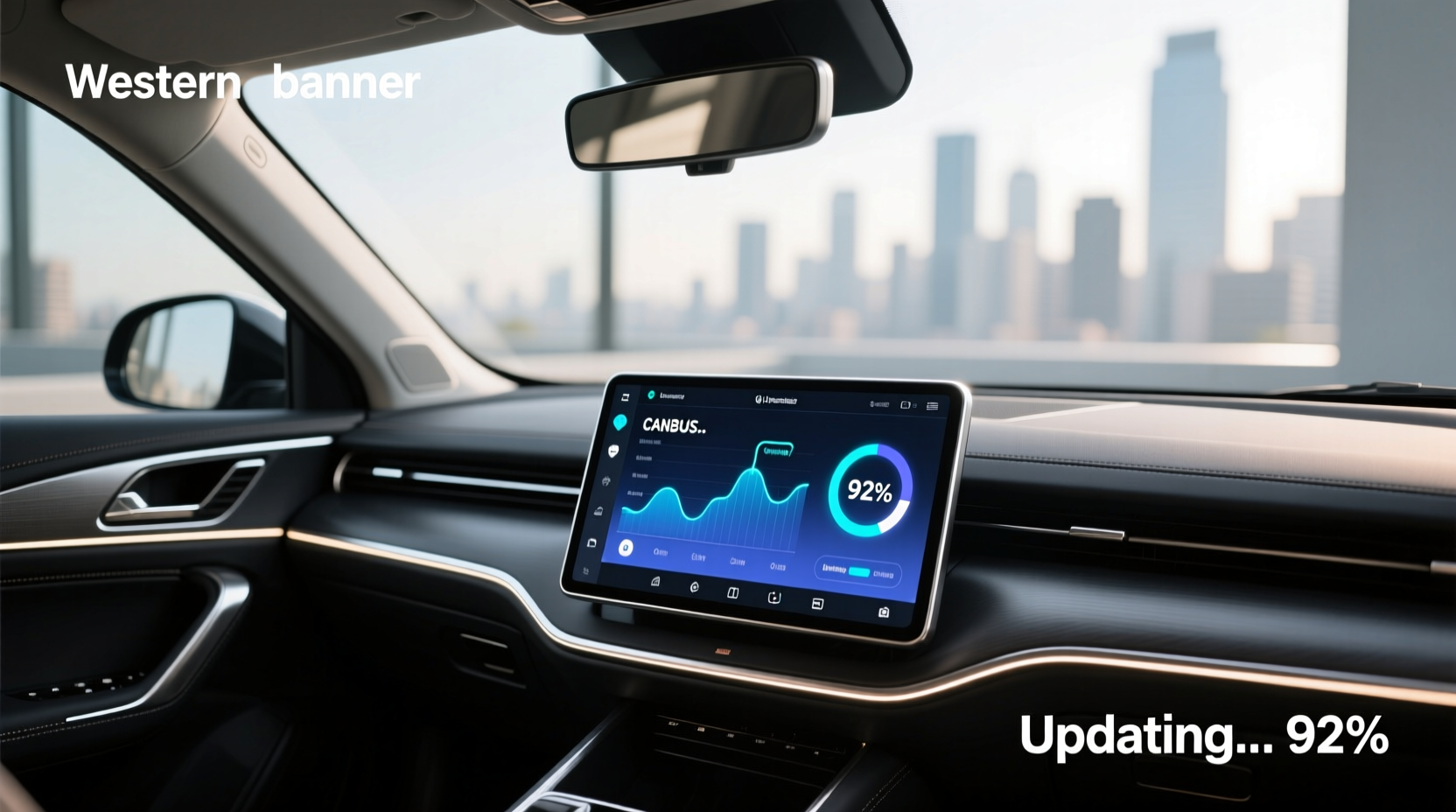
If you're installing or updating an Android head unit with CANBUS support, especially in vehicles like the Ford Focus (2011–2018), understanding how to correctly set up and update the CANBUS system is critical for full functionality. A proper Android head unit CANBUS update ensures that features like steering wheel audio controls, door lock feedback, reverse camera activation, and dashboard warnings work seamlessly post-installation. This guide walks through everything from wiring compatibility and firmware updates to troubleshooting common errors—so you avoid immobilizer triggers, communication faults, and non-responsive buttons.
What Is a CANBUS System in Car Audio?
The Controller Area Network (CANBUS) is a vehicle-wide communication protocol that allows different electronic control units (ECUs) to share data without complex wiring. In modern cars—including many Ford, Volkswagen, BMW, and Toyota models—factory-installed infotainment systems communicate over CANBUS with other modules such as door sensors, climate control, instrument clusters, and keyless entry systems.
When replacing a factory radio with an aftermarket Android head unit, the new device must interface with this network. Without correct integration, critical functions may fail: for example, pressing the volume button on the steering wheel does nothing, or the car displays a 'Communication Bus Fault' warning.
A CANBUS decoder box or harness adapter acts as a translator between the original vehicle signals and the Android unit. These adapters are often labeled as 'Plug-and-Play' solutions because they retain OEM-level compatibility without cutting factory wires.
Why You Need a CANBUS Update After Installing an Android Head Unit
After physically installing your Android head unit, simply connecting the power and display isn’t enough. The next step—often overlooked—is configuring or updating the CANBUS settings within the unit’s firmware. Here's why it matters:
- Steering Wheel Control Retention: Many users install upgraded head units only to find their steering wheel buttons don't respond. This happens when the CANBUS module isn't activated or mapped correctly.
- Reverse Camera Activation: Factory systems automatically switch to rearview when shifting into reverse. An unconfigured CANBUS setup can prevent this signal from being recognized by the Android unit.
- Door Ajar & Light Feedback: Some vehicles send alerts to the head unit when doors open or headlights turn on. Incorrect CANBUS configuration breaks these notifications.
- Error Messages & Immobilizer Risks: In certain Fords, improper handling of the CANBUS line during installation has been reported to trigger false immobilizer warnings or interfere with remote key fob operation 1.
Therefore, performing a proper Android head unit CANBUS update isn’t optional—it’s essential for restoring full vehicle integration.
Finding the Right CANBUS Harness for Your Vehicle
Not all CANBUS adapters are universal. Compatibility depends on make, model, year, and even trim level. For example:
| Vehicle Model | Common CANBUS Adapter Type | Notes |
|---|---|---|
| Ford Focus (2011–2018) | 16-pin to 24-pin ACM converter + CANBUS decoder | Requires specific firmware mapping for Sync 2/3 emulation |
| Ford EcoSport (2018–2022) | Plug-and-play harness with Titanium/Optima variants | Supports factory microphone and speed-sensitive volume |
| Volkswagen Golf MK7 | M-CAN to SW-CAN bridge module | May require VCDS coding if using high-line cluster |
| BMW E8x/E9x Series | iBus to Android interface | No direct CANBUS; uses iBus protocol instead |
To ensure compatibility:
- Check your factory head unit connector type: Use a removal tool to gently pull out the existing stereo and identify whether it uses a 16-pin, 20-pin, or proprietary connector.
- Verify vehicle-specific firmware requirements: Some Android units come with preloaded profiles (e.g., “Ford Focus MK3”), but others require manual selection under Settings > Factory Mode > CANBUS.
- Look for plug-and-play labeling: Reputable suppliers specify which models the harness supports. Avoid generic 'universal' claims unless you’re technically experienced.
Step-by-Step: How to Perform a CANBUS Update on Your Android Head Unit
Once installed, follow these steps to complete the CANBUS update process:
🔧 Step 1: Power On and Access Factory Settings
Turn on the Android head unit. Navigate to:
- Settings → About Device → Tap 'Build Number' 7 times (to enable Developer Options, if needed)
- Return to Settings → System → Advanced → Factory Mode
Note: Menu paths vary by manufacturer. Common access codes include dialing *#*#3646633#*#* or holding Volume Down + Power during boot.
⚙️ Step 2: Select Correct CANBUS Profile
In Factory Mode, locate the CANBUS Configuration section. Choose the preset matching your vehicle:
- Ford Focus MK3 (2012–2018)
- Fiesta ST (2014–2017)
- Generic ISO With Steering Control
If no exact match exists, select the closest variant and test functionality. Incorrect profiles may cause intermittent errors.
⚡ Step 3: Enable Key Functions
Within the same menu, activate these options based on your needs:
- SWC (Steering Wheel Control): Set to 'On' or 'Resistor Mode'
- Reverse Signal Detection: Enable if using a rear camera
- Speed Signal Output: Required for apps like Waze to mute at low speeds
- Door Open Alert: Triggers screen wake-up when door opens
✅ Step 4: Save and Reboot
After making changes, save the configuration and restart the head unit. Test each function:
- Press volume +/- on steering wheel
- Open driver’s door and check display response
- Shift into reverse (simulate with ignition on if necessary)
🔍 Step 5: Troubleshoot Communication Errors
If functions still don’t work:
- Double-check wiring connections—especially the small CANBUS harness pigtail
- Ensure ground wire is securely attached to chassis
- Update main firmware via SD card or USB (some vendors release periodic CANBUS fixes)
- Try alternative resistor values in SWC settings (e.g., 1kΩ vs 2.2kΩ)
Do You Need a Firmware Update Before CANBUS Setup?
Sometimes, the root issue isn’t configuration—it’s outdated software. Manufacturers regularly release firmware updates addressing known bugs in CANBUS logic, Bluetooth pairing, GPS accuracy, and touchscreen responsiveness.
To check for a firmware update:
- Go to Settings → System Update
- If online update fails, visit the supplier’s official website or Alibaba product page for downloadable firmware files
- Copy the file to a FAT32-formatted USB drive and insert it into the head unit
- Select Upgrade from USB in Recovery Mode
⚠️ Warning: Never interrupt a firmware update. Power loss during flashing can brick the unit.
Common Misconceptions About CANBUS and Android Head Units
Despite growing popularity, several myths persist about CANBUS functionality:
❌ Myth 1: "All Android Radios Work Plug-and-Play With My Car"
Reality: While some kits claim full compatibility, real-world results depend on harness quality, firmware version, and vehicle submodel. Always verify fitment before purchase.
❌ Myth 2: "I Don’t Need a CANBUS Box If I Only Want Bluetooth"
True only if you don’t care about retaining steering wheel controls or avoiding error messages. However, disconnecting CAN lines improperly can lead to electrical gremlins later.
❌ Myth 3: "CANBUS Updates Happen Automatically Over Wi-Fi"
Most Android head units do not auto-update CANBUS drivers. Manual intervention is usually required after initial setup or hardware change.
Regional Differences in CANBUS Implementation
CANBUS behavior varies across regions due to emissions standards, safety regulations, and OEM strategies:
- North America: Vehicles often use J1850 or OBD-II-based CAN protocols. Higher emphasis on diagnostic integration.
- Europe: Uses ISO 11898 standard. More frequent use of dual CAN networks (powertrain + comfort).
- India & Southeast Asia: Entry-level models may lack full CANBUS implementation, relying on analog signals for basic functions.
This means a head unit configured for a U.S.-spec Ford Focus might not behave identically in a UK or Indian-market model—even with identical part numbers.
When NOT to Attempt a DIY CANBUS Update
While many installations are user-friendly, there are scenarios where professional help is recommended:
- Your car uses encrypted CAN messages (common in luxury brands like Mercedes-Benz or Land Rover)
- You’re unsure about grounding or splicing wires
- The vehicle has start-stop or adaptive cruise control linked to the infotainment bus
- You’ve already triggered an immobilizer fault
In such cases, incorrect handling could disable safety systems or void warranties.
Tools and Accessories That Help With CANBUS Integration
Beyond the basic harness, consider these tools for smoother setup:
- OBD2 Scanner with CAN Monitoring: Devices like ScanTool.net or Autel MaxiCOM can read live CAN traffic to confirm signal integrity.
- Resistor Kit (1kΩ–10kΩ): Useful for fine-tuning steering wheel button resistance when presets fail.
- Relay Module: Needed if adding automatic dimming or ignition-sensing circuits.
- USB-to-TTL Cable: For advanced users who need to flash custom firmware or debug serial logs.
Cost Considerations: CANBUS Adapters by Price Range
Pricing reflects build quality, brand reputation, and technical complexity:
| Price Range | Features Included | Recommended Use Case |
|---|---|---|
| Under $25 | Basic harness + passive decoder | Simple audio upgrades; older vehicles |
| $25–$40 | Active CANBUS box with firmware presets | Ford, VW, Toyota with digital clusters |
| $40–$70 | Dual-channel decoders, OBD2 passthrough | Luxury cars or multi-bus systems |
Higher-priced units typically offer better shielding against electromagnetic interference and longer-term reliability.
Final Checklist Before Driving Off
Before finalizing your Android head unit CANBUS update, run through this verification list:
- All wires securely connected and insulated
- Ground wire bolted to clean metal surface
- Steering wheel controls functional
- No error messages on startup
- Reverse camera activates automatically
- Factory chimes and alerts preserved
- Firmware updated to latest available version
Only after confirming all items should you reassemble the dash and test under real driving conditions.
Frequently Asked Questions (FAQs)
Can I update CANBUS settings without factory mode access?
No, most configurations require entering Factory Mode or Service Menu. If locked out, contact the supplier for default passwords or reset procedures.
Why does my Ford Focus show 'Communication Bus Fault' after installation?
This usually occurs when the CANBUS line is disconnected or miswired. Ensure the small pigtail from the harness is connected and the correct profile is selected in settings.
Does a CANBUS box improve sound quality?
No, the CANBUS adapter doesn’t affect audio output. Its role is purely data translation for vehicle integration.
Can I reuse my old CANBUS decoder with a new Android head unit?
Possibly, but only if both units use the same signaling logic. Mismatched voltage levels or resistor networks can cause malfunctions.
Is it safe to drive with a CANBUS error message?
Temporarily yes, but unresolved issues may impact safety systems over time. Address them promptly to prevent cascading failures.





 浙公网安备
33010002000092号
浙公网安备
33010002000092号 浙B2-20120091-4