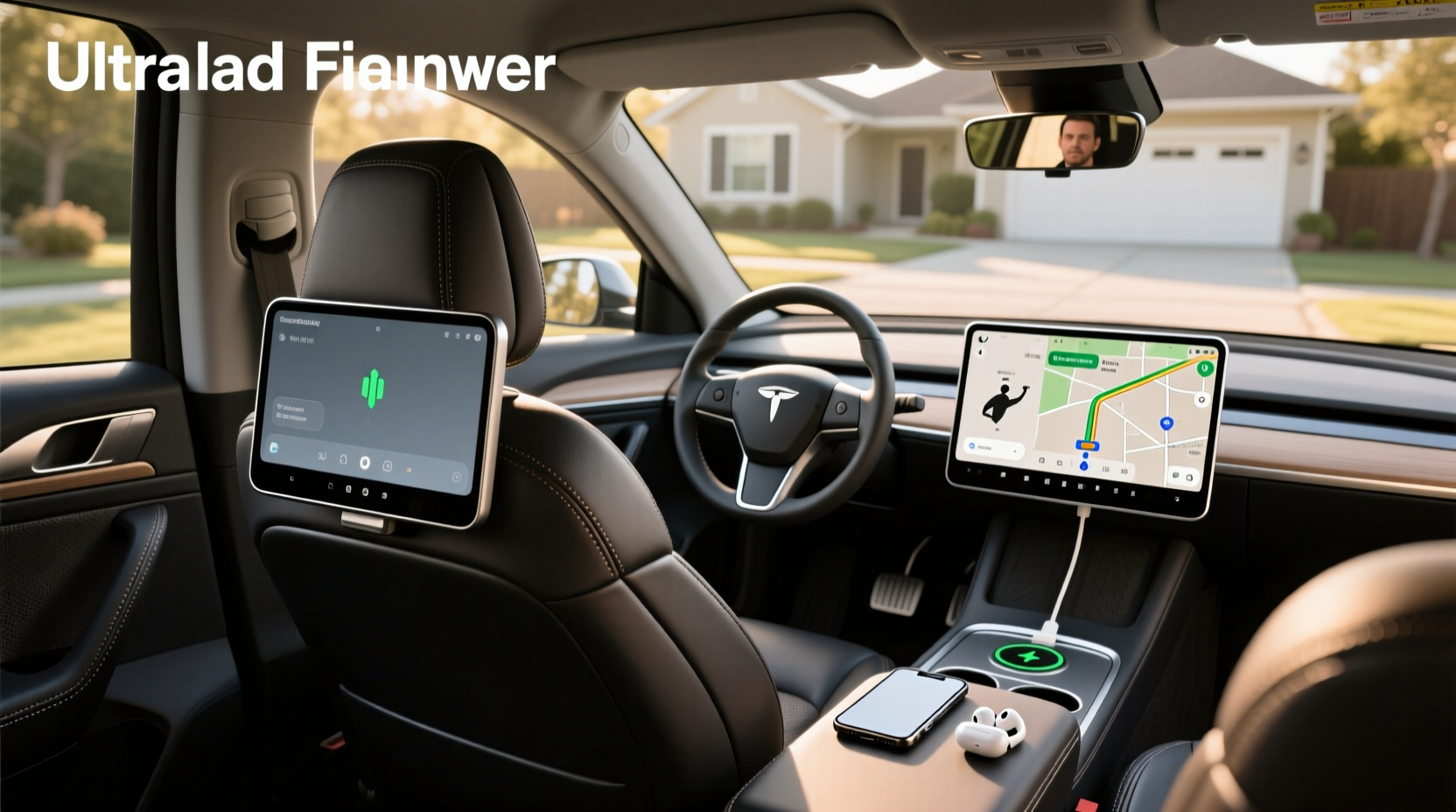
When searching for in-car entertainment solutions, many drivers come across the term car headrest monitor Android—a feature-rich upgrade from traditional DVD players. These modern systems integrate an Android operating system directly into headrest-mounted screens, enabling access to streaming platforms, Bluetooth connectivity, Wi-Fi, and even app installations such as YouTube, Netflix, or Spotify. Unlike basic headrest DVD players that only play physical media or USB files ✅, Android-based models transform your vehicle into a connected entertainment hub 🌐. This guide breaks down exactly how these devices work, what to look for when buying one, and whether they’re suitable for your car and usage needs.
Understanding Car Headrest Monitor with Android OS
A car headrest monitor with Android OS is essentially a built-in touchscreen display installed in the back of front seats, typically ranging from 7 to 10.1 inches. What sets it apart from standard headrest DVD players is its internal Android-powered processor, which allows full functionality similar to a tablet or smartphone ⚙️. Instead of being limited to playing DVDs or MP4s from a USB drive, users can install apps, connect to Wi-Fi networks, stream video content, and sometimes even use GPS navigation or voice assistants.
These monitors are especially useful for families with children or long-distance travelers who want reliable rear-seat entertainment without relying on portable tablets 🔧. They are usually hardwired into the vehicle’s power system and can be controlled via touch, remote control, or wireless headphones. Some advanced models support dual screens (one per headrest), HDMI input for external devices like gaming consoles, and Bluetooth audio transmission.
How Does an Android Headrest Monitor Work?
The core difference between a regular headrest DVD player and an Android headrest monitor lies in the operating system and processing capabilities. Traditional units run on proprietary firmware designed solely for media playback. In contrast, Android-based systems run on versions like Android 9.0 or higher, giving them access to Google Play Store (if supported) or third-party APK installations.
Here’s how they function:
- Operating System: Runs Android OS, allowing multitasking, app downloads, and settings customization.
- Connectivity: Equipped with Wi-Fi, Bluetooth, and sometimes cellular data options (via SIM card slot). \li> Media Playback: Supports USB, SD cards, HDMI input, and internal storage for offline viewing.
- Streaming Capabilities: Can run apps like YouTube Kids, Netflix, Hulu, or Disney+ if connected to the internet.
- Power Source: Typically powered through the car’s fuse box or cigarette lighter socket, ensuring stable voltage supply during operation.
Installation involves mounting the screen into the headrest shell using brackets or custom housings, then routing wires through the seat frame to the trunk or center console for connection to power and AV sources. Professional installation is recommended due to wiring complexity and potential airbag interference risks ❗.
Key Features to Look For
Not all headrest monitors with Android offer the same performance or compatibility. To make an informed decision, consider the following technical aspects:
Screen Size & Resolution
Most Android headrest monitors range from 7-inch to 10.1-inch displays. Larger screens provide better visibility but may not fit all headrest types. Resolution varies significantly:
- 800x480 (HD Ready): Entry-level; acceptable for kids’ videos
- 1024x600 or 1280x720 (HD): Recommended for clearer image quality
- 1920x1080 (Full HD): Premium option, ideal for streaming high-definition content
For extended viewing comfort, opt for IPS panels with wide viewing angles and anti-glare coating ✨.
Processor and RAM
Performance depends heavily on the chipset and memory. Look for at least:
- CPU: Quad-core ARM processor (e.g., Rockchip RK3318 or similar)
- RAM: Minimum 2GB, preferably 4GB for smooth multitasking
- Storage: At least 16GB internal storage, expandable via microSD
Lower-end models with 1GB RAM may struggle with app switching or video buffering, especially when streaming over Wi-Fi.
Connectivity Options
Modern Android car headrest TVs should include multiple I/O ports:
| Port Type | Purpose |
|---|---|
| HDMI Input | Connect game consoles, set-top boxes, or external cameras |
| USB 2.0/3.0 | Play media files or charge devices |
| SD Card Slot | Expand storage or load pre-downloaded movies |
| AV In/Out | Link to factory head unit or backup camera |
| Wi-Fi 802.11 b/g/n/ac | Stream online content or download updates |
| Bluetooth 4.0+ | Pair wireless headphones or speakers |
| IR Transmitter | Control screen remotely with included remote |
Some premium units also feature Ethernet ports or LTE modems for more stable internet connections.
Software and App Support
This is where Android headrest monitors truly differentiate themselves. Check whether the device supports:
- Google Mobile Services (GMS): Enables access to Google Play Store, Gmail, Maps, etc.
- Third-party APK Installation: Allows sideloading apps not available on official stores
- Parental Controls: Set time limits, restrict content, or disable internet access
- Firmware Updates: Regular OTA (over-the-air) updates improve stability and security
Be cautious: Not all manufacturers provide long-term software support. Devices without GMS require manual app installation, which can be cumbersome for non-tech-savvy users.
Can You Watch Streaming Services on a Headrest TV?
Yes—you can watch streaming services on a headrest TV if it runs Android OS and has internet connectivity. Platforms like YouTube, Netflix, Hulu, Amazon Prime Video, and Disney+ are accessible either through native apps or web browsers. However, there are limitations:
- Data Usage: Streaming HD video consumes about 1–3 GB per hour. Using mobile hotspot data can quickly exhaust monthly caps 📊.
- Content Licensing: Some apps restrict playback outside home networks or require subscription plans that allow offline/downloading.
- DRM Compliance: Certain DRM-protected content (like Netflix HD) may not play if the device lacks Widevine L1 certification.
To maximize streaming reliability, pair the monitor with a dedicated mobile hotspot or OBD-II 4G router for consistent signal strength while driving 🚚.
Are Headrest DVD Players Safe?
Safety concerns often arise regarding installation and usage. Here's what you need to know:
Physical Safety During Installation
Improper installation of any headrest-mounted device can compromise occupant safety. Key risks include:
- Interference with seatbelt anchors or side airbags located in some seatbacks
- Loose wiring causing electrical shorts or fire hazards
- Obstructed rear visibility if screens swing forward unexpectedly
Always verify compatibility with your vehicle model before purchase. If unsure, consult a certified auto electronics installer.
Distraction Risks
While passengers benefit from entertainment, drivers must avoid interacting with rear screens while operating the vehicle. Most systems are designed to lock driver interaction when the car is in motion—a critical safety feature required by regulations in many regions.
Durability and Heat Exposure
Headrest monitors operate in high-temperature environments. Prolonged sun exposure can degrade LCD panels or cause battery swelling in models with internal batteries. Choose units rated for automotive temperature ranges (-20°C to +70°C) and avoid leaving them powered on when parked under direct sunlight.
Universal vs. OEM Compatibility
One major consideration is whether the Android headrest monitor will fit your vehicle. Two main categories exist:
Universal Fit Monitors
Designed to work across various car makes and models, these use adjustable mounting brackets and generic harnesses. Pros include lower cost and wider availability. However, they may require modifications to the headrest cover and lack seamless integration with factory controls.
OEM-Style Integration
High-end aftermarket kits mimic original equipment manufacturer (OEM) designs, offering plug-and-play compatibility with specific brands like Toyota, Honda, or BMW. These often retain factory functions like OnStar or CarPlay and provide cleaner aesthetics. But they come at a higher price point and limited model availability.
Check dimensions of your current headrest before purchasing. Standard sizes vary between 9” x 9”, 10” x 10”, or slim profiles used in luxury sedans.
How to Attach a Portable DVD Player to a Car Headrest
If you're considering a simpler alternative, attaching a portable DVD player to a headrest is possible using aftermarket accessories:
- Headrest Mounting Straps: Elastic or Velcro straps wrap around headrest posts to secure portable screens up to 10.5 inches 🛒.
- Swivel Mounts: Allow rotation for optimal viewing angle adjustment.
- Flip-Down Housings: Custom enclosures that replace the entire headrest cover for a permanent look.
While cheaper than integrated Android monitors, strap-on units are less durable, prone to vibration, and lack built-in power solutions. They also don’t support advanced features like HDMI or app ecosystems.
Pros and Cons of Android Headrest Monitors
Advantages ✅
- Access to streaming apps and internet-based content
- Supports HDMI input for gaming or external devices
- Wireless headphone compatibility reduces noise disturbance
- Long-term value compared to disposable tablets
- Fixed installation prevents loss or damage
Limitations ❗
- Higher upfront cost than basic DVD players
- Complex installation requiring professional help
- Varying software support and update frequency
- Potential obsolescence as smartphones dominate entertainment
- Limited resale value after vehicle sale
Common Misconceptions About Headrest Entertainment Systems
Several myths persist about these devices. Let’s clarify:
Misconception 1: “All Headrest Screens Are Just for Kids”
While popular among families, adults on road trips also benefit from having personal screens for business calls, language learning, or watching documentaries.
Misconception 2: “They Drain the Car Battery”
Well-designed systems draw power only when the ignition is on or use low-voltage circuits that shut off automatically after engine shutdown. Properly installed units do not drain the battery.
Misconception 3: “You Can’t Use Them Without Internet”
You absolutely can. Most Android headrest monitors support local media playback via USB, SD card, or internal storage. Download movies beforehand for offline use.
How to Choose the Right Model for Your Needs
Selecting the best car headrest monitor Android requires evaluating several factors based on your usage scenario:
Family Use (Kids' Entertainment)
Prioritize:
- Parental controls and content filtering
- Built-in educational games or preloaded content
- Dual-screen setup for independent viewing
- Compatibility with wireless headphones
Road Trips & Long Drives
Focus on:
- Battery-saving modes and efficient power consumption
- Large storage capacity or expandable memory
- Reliable Wi-Fi reception or hotspot compatibility
- Anti-glare screen for daytime viewing
Professional Vehicles (Limousines, Rideshares)
Look for:
- OEM-style integration for premium appearance
- Multi-language interface support
- Remote management features (volume control, power scheduling)
- Durable construction with commercial-grade components
Maintenance Tips for Longevity
To extend the life of your Android headrest monitor, follow these maintenance practices:
- Regular Cleaning: Use microfiber cloth and screen-safe cleaner to remove fingerprints and dust 🧼.
- Firmware Updates: Install updates promptly to fix bugs and enhance security 🔍.
- Cable Management: Secure loose wires to prevent wear from seat movement.
- Heat Protection: Park in shade or use windshield shades to reduce cabin temperature.
- Storage Mode: If unused for weeks, disconnect power to prevent capacitor aging.
Alternatives to Built-In Headrest Monitors
If installation seems too complex or costly, consider these alternatives:
- Portable Tablets: Mountable with suction holders; reusable across vehicles ✈️.
- Flip-Down Roof Monitors: Installed in ceiling near sunroof; larger screens but visible when not in use.
- Seat-Back Trays with Clip-On Screens: Temporary solution for rental cars or shared vehicles.
- Smartphone Mirroring: Use wireless dongles (like Chromecast) to project phone content to small receivers.
Each has trade-offs in convenience, cost, and durability.
Final Considerations Before Buying
Before investing in a car headrest monitor with Android, ask yourself:
- Do I already have a reliable way to entertain passengers (e.g., tablets)?
- Will I use streaming apps frequently enough to justify the cost?
- Is my vehicle compatible with aftermarket headrest modifications?
- Am I comfortable with technical setup, or will I need professional help?
- Could future tech advancements (like AR windshields) make this obsolete?
If you answer “yes” to most streaming and integration questions, an Android headrest monitor could be a worthwhile upgrade. Otherwise, simpler solutions might suffice.
Frequently Asked Questions (FAQs)
- Can you watch Netflix on a car headrest Android monitor?
- Yes, if the device runs Android OS and has internet access via Wi-Fi or hotspot, you can install and stream Netflix just like on a tablet.
- Do Android headrest monitors work without internet?
- Yes. They support offline playback via USB drives, SD cards, and internal storage. Apps and downloaded content can be used without a live connection.
- Are headrest DVD players legal to install?
- Yes, as long as the screen does not obstruct the driver’s view and cannot be viewed by the driver while driving. Regulations vary by country, so check local laws.
- How much does it cost to install a headrest monitor?
- Professional installation typically costs between $100–$300 depending on wiring complexity and vehicle type. DIY kits reduce labor expenses but require technical skill.
- Can I connect a game console to a headrest monitor?
- Yes, if the monitor has an HDMI input port. Most Android models support external devices like Nintendo Switch, PlayStation, or Xbox for in-car gaming.





 浙公网安备
33010002000092号
浙公网安备
33010002000092号 浙B2-20120091-4