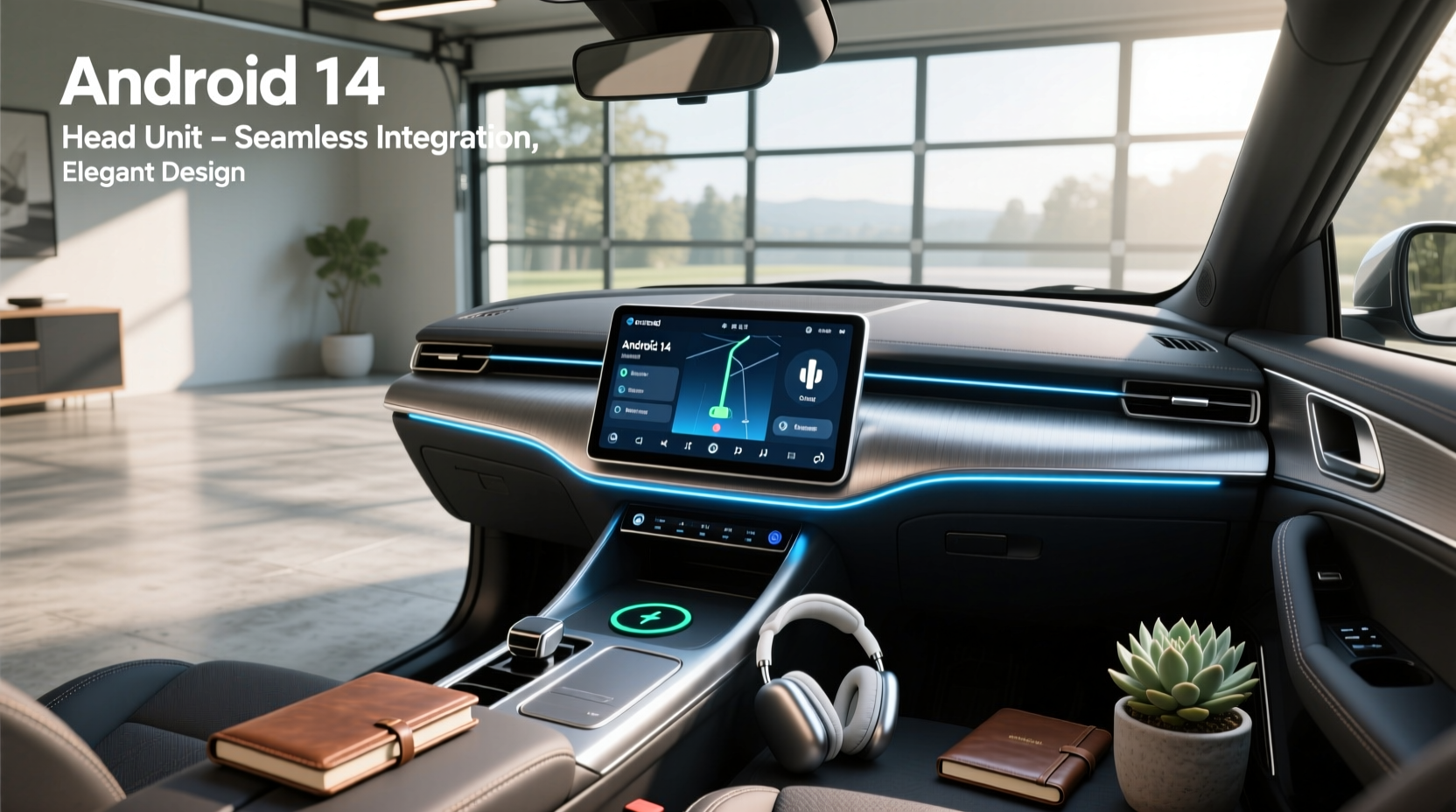
Upgrading to an Android 14 head unit can transform your driving experience with smoother performance, better app support, and improved connectivity. If you're searching for a modern infotainment solution that supports wireless Apple CarPlay, Android Auto, GPS navigation, and over-the-air updates, an aftermarket head unit running Android 14 is a compelling choice—especially for older vehicles like the Citroen C4 (2004–2018) that lack built-in smart features ✅.
This guide breaks down everything you need to know before buying an Android 14-powered car stereo: from hardware specs and software stability to fitment compatibility, installation complexity, and real-world usability. We’ll cover common pitfalls, regional differences in firmware, and how to verify if a unit truly runs Android 14 or just claims to. Whether you’re replacing a factory radio or upgrading from an older Android version, this article helps you make an informed decision ⚙️.
Why Upgrade to an Android 14 Head Unit?
Car manufacturers often lag behind in software updates. Many factory-installed systems still run outdated versions of Android or proprietary OS platforms with limited functionality. An aftermarket Android 14 head unit brings current mobile technology into your vehicle:
- Latest security patches: Android 14 includes enhanced privacy controls and permission management 🔐
- Better app compatibility: Newer apps require recent Android versions; older head units may fail to install or run them reliably 📱
- Smoother UI performance: Optimized resource handling reduces lag during multitasking ⚡
- Support for newer Bluetooth and Wi-Fi standards, improving phone mirroring and streaming quality 🌐
- Future-proofing: Devices launched with Android 14 are more likely to receive long-term firmware updates ✅
For users of models like the Citroen C4, Peugeot 308, or other European cars without native smartphone integration, adding a modern head unit significantly improves daily usability.
Key Features to Look For
Not all head units labeled “Android 14” offer the same experience. Here’s what actually matters when comparing options:
Processor & RAM (Performance Core)
The chipset determines responsiveness. Look for at least:
- CPU: Octa-core processor (e.g., Rockchip PX6, PX5, or Qualcomm Snapdragon)
- RAM: Minimum 4GB, ideally 6–8GB for smooth multitasking
- Storage: At least 64GB internal storage (32GB fills quickly with maps and apps)
A unit with only 2GB RAM will struggle even with basic tasks on Android 14 due to increased system overhead ❗
Screen Quality and Size
Most aftermarket units range from 7” to 13”. Consider:
- 9–10.1 inches: Balanced visibility without obstructing dash vents or instrument clusters
- Resolution: Full HD (1920x1080) preferred; avoid 800x480 displays
- Panel type: IPS or QLED screens provide better viewing angles and sunlight readability
- Touch sensitivity: Multi-touch support with glove mode (if applicable)
Some listings advertise large sizes (e.g., 12.3”) but use low-resolution panels—verify specs carefully 🔍.
Connectivity Options
A robust head unit should include:
- Bluetooth 5.0+: For stable hands-free calling and audio streaming
- Dual-band Wi-Fi (2.4GHz & 5GHz): Faster OTA updates and hotspot tethering
- USB ports: At least two (one front-facing for dashcams or charging)
- Support for wired and wireless Apple CarPlay and Android Auto ⭐
- GPS module with external antenna: Ensures accurate location tracking
- OBD2 integration: Real-time engine diagnostics via app
Check whether USB-C is supported—many newer phones rely on it, though adapters exist.
Software & User Interface
An Android 14 car head unit should not feel like a phone clone. Prioritize clean UIs designed for driving:
- Minimal bloatware
- Customizable home screen layouts
- Voice assistant compatibility (Google Assistant, Siri via CarPlay)
- Split-screen capability (e.g., navigation + music)
- Dark mode for nighttime driving
Some vendors overlay heavy skins that slow down performance—read user reviews about interface lag ⚠️.
Compatibility: Will It Fit Your Car?
Finding a compatible unit starts with knowing your vehicle’s dashboard dimensions and wiring harness.
DIN Standards
Most modern replacements are Double DIN (2-DIN), measuring approximately 180mm x 100mm. Older European cars like the Citroen C4 (2004–2010) often have non-standard openings requiring custom mounting kits 🛠️.
Single DIN units (180mm x 50mm) are less common today but still used in compact installations.
Vehicle-Specific Fitment
Aftermarket stereos come in two types:
- Universal fit: Requires modification, potentially affecting warranty or resale value
- OEM-style fit: Designed to match factory dimensions and retain steering wheel controls, climate display integration, and backup camera signals ✅
For example, a 2011–2018 Citroen C4 LHD model benefits from a plug-and-play unit that preserves CAN bus communication. These typically cost more but reduce installation time ⏱️.
Steering Wheel Control Retention
Ensure the head unit supports your car’s signal protocol (e.g., resistor-based or CAN bus). Without proper decoding, steering wheel buttons won’t function—a major safety and convenience drawback.
Backup Camera & Factory Sensors
If your car has parking sensors or a rearview camera, confirm the new head unit accepts analog (AHD) or digital input. Some budget units only support generic inputs, causing distortion or black screens.
Installation Challenges You Should Know
Swapping a head unit isn’t always as simple as unplugging the old one.
DIY vs Professional Installation
While many buyers opt for self-installation to save money, consider these risks:
- Incorrect wiring can damage the vehicle’s electrical system or trigger error codes
- Misaligned mounting may block HVAC controls or create glare
- Losing access to factory features (e.g., trip computer, tire pressure monitoring)
Hiring a professional installer costs $100–$250 but ensures correct CAN decoder setup and calibration ⚙️.
Required Tools & Parts
A typical upgrade requires:
- DIN removal tools (pry bars)
- Wire harness adapter (matches factory loom to new unit)
- Antenna adapter (for FM reception)
- GPS antenna (usually included)
- Optional: microphone extension for voice commands
Some sellers bundle these; others charge extra—factor this into total cost 💰.
Time Investment
Expect 1–3 hours for experienced DIYers. First-timers may take longer, especially if dealing with hidden screws or integrated trim pieces.
Potential Drawbacks of Android 14 Head Units
Despite advantages, there are trade-offs:
Firmware Stability Varies by Manufacturer
Unlike Google-certified devices, most aftermarket head units run modified AOSP builds. Bugs like random reboots, Bluetooth dropouts, or failed GPS locks are not uncommon, especially in early firmware releases.
Always check release dates and update history. A unit shipped with Android 14 day-one may have unresolved issues compared to one upgraded months later.
Battery Drain When Parked
Some units continue drawing power after ignition off, particularly if they support “always-on” features like remote wake-up or dashcam loop recording. This can drain the battery over several days, especially in cold climates ❄️.
Solution: Use a hardwire kit with ignition-sensing wire or disable standby modes.
Overheating Risk in Hot Climates
Prolonged sun exposure heats the dashboard. Poorly ventilated units may throttle performance or shut down. Choose models with aluminum heat sinks or passive cooling design.
No Official Google Certification
These devices don’t pass Google Mobile Services (GMS) certification. That means:
- No guaranteed access to Google Play Store (some use sideloaded versions)
- Delayed or no security updates
- Inconsistent app behavior (e.g., YouTube background play disabled)
Instead, many rely on third-party app stores or APK sideloading, which introduces security risks if not managed properly 🔒.
How to Verify True Android 14 Support
Marketing labels can be misleading. Follow these steps to confirm authenticity:
- Check Settings Menu: Go to System > About > Android Version. It must show “Android 14” or “API level 34”
- Review Kernel Version: While not definitive, Linux kernel 5.15+ aligns better with Android 14
- Look for OEM Update Logs: Reputable brands publish changelogs showing Android version upgrades
- Avoid vague terms like “Powered by Android” or “Based on Android” without specifying the version
Be cautious of units advertised as “Android 14” but released before late 2023—official Android 14 launch was October 2023. Any earlier claim is likely false 🚫.
Regional Differences and Language Support
Firmware varies by market:
- Units sold in Europe typically include multilingual OSD (on-screen display), including French, German, Spanish, Italian
- Chinese-made units may default to Chinese language and require manual switch to English
- Map providers differ: Some preload Here WeGo or IGO, while others depend on Google Maps via Wi-Fi
If purchasing internationally, ensure firmware supports your region’s DAB/DAB+ radio bands and GPS satellite systems (GPS + GLONASS + Galileo).
Price Range and Value Assessment
Prices vary widely based on specs and fitment:
| Spec Tier | Ram / Storage | Screen | Avg Price (USD) | Best For |
|---|---|---|---|---|
| Basic | 4GB / 64GB | 9" HD | $90–$150 | Budget-conscious users; temporary fix |
| Mid-tier | 6GB / 128GB | 10.1" FHD IPS | $180–$280 | Most drivers seeking balance |
| Premium | 8GB / 128GB+ | 12.3" QLED | $350–$650 | Enthusiasts wanting OEM-like quality |
Spending under $90 often means compromised build quality or fake specs. Research seller reputation and return policies before ordering 🛒.
Alternatives to Full Replacement Units
If you want minimal disruption, consider:
Android Auto Integration Boxes
Devices like the AAIC box connect inline with factory screens, enabling wireless Android Auto on stock displays. Pros:
- No dashboard modification
- Retains original look and warranty
- Lower cost (~$60–$100)
Cons:
- Limited to Android Auto interface (no standalone apps)
- Depends on phone for processing
- May lack CarPlay support
Factory Radio Upgrades
Some dealers offer official infotainment upgrades. However, these are rare for discontinued models and often expensive.
Final Checklist Before Buying
Before placing an order, ask yourself:
- ✅ Does my car have a standard Double DIN opening or require a custom kit?
- ✅ Will steering wheel controls work post-installation?
- ✅ Is there support for backup camera and parking sensors?
- ✅ What is the actual Android version shown in settings—not just advertised?
- ✅ Are firmware updates provided regularly?
- ✅ Does it support both wireless CarPlay and Android Auto?
- ✅ Is the screen readable in direct sunlight?
- ✅ Can I return it if compatibility is incorrect?
Answering these questions minimizes frustration and ensures a seamless upgrade 📋.
Frequently Asked Questions
- Can I install an Android 14 head unit myself?
- Yes, if you have basic technical skills and the right tools. However, improper installation can lead to electrical issues or lost functionality. For complex integrations (CAN bus, factory cameras), professional help is recommended.
- Do Android 14 head units have Google Play Store?
- Most do not have official Google certification, so the Play Store isn't preinstalled. Some vendors add it manually, but reliability varies. You can sideload apps using APK files, though this carries security risks.
- Will an Android 14 head unit improve my car's resale value?
- It depends. A high-quality, cleanly installed unit can be a selling point. However, poorly fitted or overly customized systems may deter buyers who prefer factory setups.
- Are there security concerns with aftermarket Android head units?
- Yes. Since they don’t receive regular security patches, vulnerabilities may persist. Avoid storing sensitive data on the device and keep software updated when possible.
- Can I revert back to the original head unit?
- Yes, as long as you keep the original unit and wiring harness. Most installations are reversible, allowing you to restore factory condition if needed.





 浙公网安备
33010002000092号
浙公网安备
33010002000092号 浙B2-20120091-4