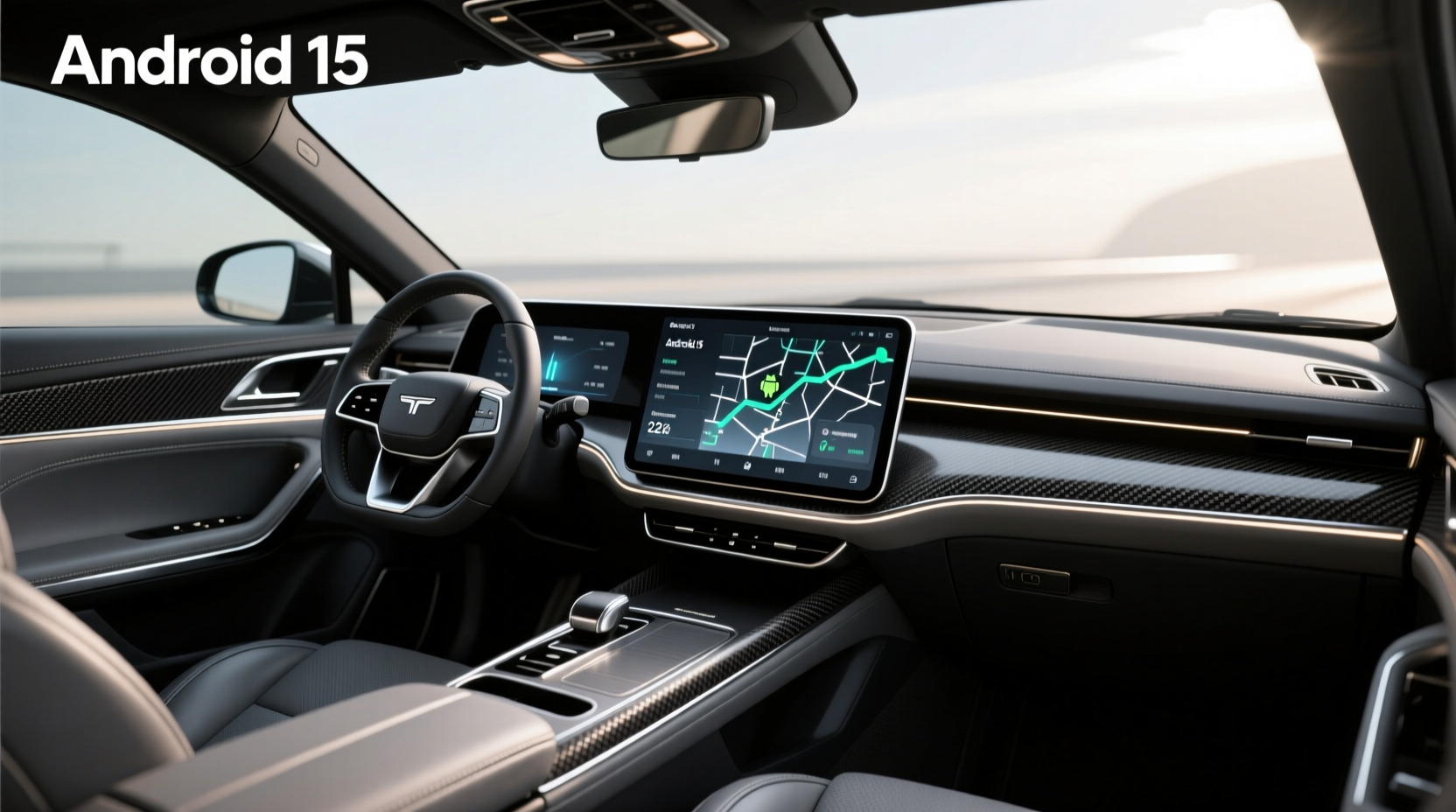
If you're searching for the latest in-car tech, you may have come across listings for an Android 15 head unit—but what exactly does that mean, and is it available yet? As of mid-2024, Android 15 is still in developer preview and has not been officially released for consumer devices, including automotive head units. Most current aftermarket units run on Android 12, 13, or 14. While some sellers list products as 'Android 15' for marketing appeal, these claims are often premature or inaccurate. This article breaks down everything you need to know about Android-based car stereos, the reality behind Android 15 head units, compatibility with vehicles like the Citroen C4, and how to make a smart upgrade decision without falling for misleading labels.
Understanding Android-Based Head Units
🛒 An Android head unit replaces your factory car stereo with a touchscreen infotainment system running a version of the Android operating system. These units offer advanced functionality beyond basic radio and CD playback, including GPS navigation, Bluetooth calling, Wi-Fi connectivity, app support (like YouTube, Spotify, or Waze), and integration with Apple CarPlay and Android Auto.
🔧 Unlike proprietary OEM systems, Android head units provide a familiar interface similar to smartphones. Users can install apps from the Google Play Store (if supported), customize settings, and update software over time. However, the actual performance depends heavily on hardware specs such as processor type, RAM, storage, and firmware optimization.
Is Android 15 Available for Car Head Units Yet?
📍 As of now, no legitimate Android 15-powered head unit is commercially available. Google typically releases new Android versions for mobile devices in the fall (e.g., Android 14 launched September 2023). Automotive adaptations follow months later due to rigorous testing and integration requirements.
⚡ Even high-end manufacturers like Xtrons, Belsee, or Sigma Car Stereo advertise units with upgradable firmware or future-proof hardware capable of supporting upcoming OS versions—but none ship with true Android 15. Listings labeled “Android 15” on marketplaces like eBay or AliExpress are likely using the term for SEO advantage rather than technical accuracy.
📌 For example, a product listing stating “9.7" Android 15 for Citroen C4” may actually run Android 13 or 14 at launch, with potential for future updates depending on chipset support and developer commitment. Always verify the current OS version, not just advertised future capability.
Key Features of Modern Aftermarket Head Units
When evaluating an Android-based head unit—even if it’s not truly Android 15—it’s essential to focus on real-world performance factors:
- Operating System Version: Look for units shipping with Android 12 or higher for better security, UI responsiveness, and app compatibility.
- Processor & RAM: Octa-core processors paired with 4GB+ RAM ensure smooth multitasking. Avoid units with less than 2GB RAM for Android 11+.
- Storage: 32GB minimum; 64GB preferred for apps, maps, and media caching.
- Connectivity: Dual-band Wi-Fi, Bluetooth 5.0+, USB ports, and optional 4G/LTE modules enhance usability.
- Display Quality: Screen size ranges from 7" to 13", with IPS or QLED panels offering better viewing angles and brightness.
- Integration: Support for Apple CarPlay (wired/wireless) and Android Auto ensures smartphone mirroring works seamlessly.
- Vehicle Fitment: Ensure the unit matches your car’s dashboard dimensions (usually Double DIN) and wiring harness.
| Feature | Recommended Minimum | Ideal for Future Use |
|---|---|---|
| OS Version | Android 12 | Android 14+ |
| CPU | Quad-core | Octa-core (e.g., Rockchip PX6) |
| RAM | 4GB | 6–8GB |
| Internal Storage | 32GB | 64–128GB |
| Wireless CarPlay/AA | No | Yes |
| 4G LTE Module | Optional | Integrated SIM slot |
Compatibility: Will It Work With My Car?
🚗 One of the most common questions users ask is whether an Android head unit will fit their specific vehicle. The answer depends on several factors:
Dashboard Size and Mounting
Most modern cars use a Double DIN (approx. 180mm x 100mm) opening, which accommodates larger touchscreens. Older models might require modification or a custom fascia panel. Vehicles like the Citroen C4 (2004–2010 or 2011–2018) often need model-specific kits to ensure flush installation.
Steering Wheel Controls
✅ Many aftermarket units support retention of factory steering wheel audio controls via a CAN bus interface or adapter. Check product specifications for compatibility with your make/model.
OEM Integration
Some vehicles include built-in sensors (backup cameras, climate display, trip computer) that communicate with the original head unit. Replacing it may disable these features unless the new unit supports reverse camera input, external DSPs, or CAN decoding.
Audio System Matching
🔊 Factory premium sound systems (e.g., Harman Kardon, Bose) may not deliver optimal output when paired with low-voltage aftermarket head units. Consider adding an external amplifier or digital signal processor (DSP) for best audio quality.
Why Sellers Mislabel Products as 'Android 15'
🔍 Marketplaces like eBay and AliExpress host numerous third-party sellers who prioritize visibility over accuracy. By labeling a unit as “Android 15,” they tap into trending search queries even if the device doesn’t meet that standard.
❗ Red flags include:
- Vague descriptions without clear OS version confirmation
- Unrealistically low prices (<$150) for high-spec claims
- Lack of firmware update history or developer support
- No mention of CPU model or benchmark data
📋 Always request detailed specs before purchasing. Reputable brands publish firmware changelogs and provide customer service channels for technical inquiries.
Benefits of Upgrading to an Android Head Unit
✨ Despite the hype around Android 15, upgrading to a current-generation Android head unit brings tangible benefits:
Enhanced Navigation
Preloaded GPS maps (often offline-capable) reduce reliance on phone data. Real-time traffic via Wi-Fi or 4G helps avoid congestion. Some units support split-screen navigation and music playback simultaneously.
App Ecosystem Access
Install streaming services, dashcam viewers, tire pressure monitoring apps, or even browser-based tools directly on the head unit—without draining your phone battery.
Customization and Personalization
Change wallpapers, voice assistants, startup animations, and default apps. Set up user profiles or parental controls where supported.
Over-the-Air Updates
Units with active development receive periodic improvements for stability, security patches, and feature additions—similar to smartphones.
Potential Drawbacks and Limitations
⚠️ While powerful, Android head units aren’t perfect. Common issues include:
Performance Lag
Low-end units with outdated processors or insufficient RAM suffer from slow boot times, app crashes, and unresponsive touchscreens—especially after multiple app installations.
Battery Drain
Running background apps or leaving the unit powered on overnight can drain your car’s battery. Enable auto-shutdown features or disconnect power when parked long-term.
Security Risks
Older Android versions lack critical security updates, making them vulnerable to malware if sideloading unknown APKs. Stick to trusted sources and avoid rooting unless necessary.
Firmware Lock-In
Not all manufacturers provide long-term software support. A unit launching on Android 12 may never get updated past Android 13, limiting its lifespan.
How to Choose the Right Unit for Your Needs
📋 Follow this step-by-step checklist before buying:
- Verify Vehicle Compatibility: Confirm Double DIN fitment and check for model-specific installation kits.
- Check Real OS Version: Ignore 'future Android 15' claims; ask for current firmware details.
- Evaluate Hardware Specs: Prioritize octa-core CPUs, 4GB+ RAM, and reputable chipsets (e.g., Rockchip, Samsung).
- Confirm Connectivity Options: Ensure wireless CarPlay/Android Auto if desired, plus Bluetooth calling clarity.
- Review Update Policy: Research brand reputation for firmware updates and customer support response.
- Read User Feedback: Look for verified purchase reviews discussing reliability, heat management, and GPS accuracy.
- Consider Installation Complexity: DIY-friendly units include plug-and-play harnesses; others may require professional help.
Installation Tips and Best Practices
🛠️ Installing an Android head unit involves more than just swapping screens. Here’s how to do it right:
- Disconnect Battery First: Prevent electrical shorts during installation.
- Use Proper Tools: Trim removal tools prevent dashboard scratches.
- Match Wiring Colors: Refer to wiring diagrams specific to your car model.
- Test Before Final Assembly: Power on the unit before securing it to confirm all functions work.
- Secure Cables Neatly: Avoid pinched wires or interference with gear shifters.
- Calibrate Touchscreen: Run calibration after mounting to ensure accurate taps.
⏱️ A typical installation takes 1–3 hours for experienced users. If unsure, consult a professional installer to avoid damaging airbag systems or interior trim.
Alternatives to Full Head Unit Replacement
🔄 If replacing the entire stereo feels too invasive, consider these alternatives:
CarLinkMyQ or Wireless Adapter Boxes
Devices like Carlinkit allow wireless Apple CarPlay and Android Auto mirroring through your existing factory screen—no replacement needed. They connect via USB and HDMI output, preserving OEM aesthetics.
OBD-II Dongles with App Control
Some OBD-II devices stream diagnostics and media control to phones, offering limited infotainment upgrades without touching the head unit.
FM Transmitters with Smart Features
Budget option: FM transmitters with Bluetooth let you play music and take calls but lack touchscreen control or navigation.
Regional Differences and Availability
🌍 Availability of advanced head units varies by region. In North America and Europe, stricter EMC and safety regulations mean certified units undergo more testing. In contrast, Asian and Middle Eastern markets may see faster rollouts of newer hardware—but with fewer warranty protections.
🚚 Importing units from overseas can lead to voltage mismatches (12V vs 24V systems), language limitations, or lack of local service centers. Always confirm regional firmware variants and power compatibility.
Future Trends in Automotive Infotainment
🌐 While Android 15 isn't here yet, the direction of in-car tech is clear:
- Google Built-in: Newer vehicles from GM, Honda, and Polestar come with native Android Automotive OS—fully integrated, secure, and regularly updated.
- Voice Assistant Integration: Deeper access to Google Assistant enables hands-free control of climate, navigation, and messages.
- OTA Platform Updates: Expect full-system updates similar to Tesla, improving functionality over time.
- AI-Powered Interfaces: Predictive routing, driver behavior analysis, and contextual suggestions based on habits.
For aftermarket users, the gap between factory and upgraded systems will continue narrowing—but only for brands committed to ongoing software development.
Frequently Asked Questions (FAQs)
- Can I update my current Android head unit to Android 15?
- It depends on hardware compatibility. Most units based on Android 12 or 13 with sufficient RAM and modern chipsets may receive incremental updates, but there's no guarantee. Manufacturers decide update eligibility based on technical feasibility and market demand. Always check with the vendor before assuming upgradeability.
- Are Android 15 head units safe to use while driving?
- All Android head units carry distraction risks if used improperly. However, most lock complex interactions (like typing or app switching) while the vehicle is in motion. Pair voice commands and steering wheel controls to minimize visual distraction. Safety depends more on usage habits than the OS version itself.
- Do Android head units void my car’s warranty?
- In most regions, installing an aftermarket head unit does not automatically void your entire vehicle warranty under consumer protection laws (e.g., Magnuson-Moss Warranty Act in the U.S.). However, if damage occurs during installation or the new unit causes electrical issues, those specific repairs may not be covered. Keep original parts and documentation for resale value.
- How do I know if a seller’s 'Android 15' claim is fake?
- Ask for proof: firmware screenshots, build numbers, or links to official update logs. If the seller cannot provide verifiable evidence or uses vague terms like “coming soon,” treat it as marketing exaggeration. True Android 15 won’t appear until late 2024 at earliest.
- Will an Android head unit work with my backup camera?
- Yes, most Android head units include RCA or dedicated video inputs for reverse cameras. When reversing, the screen automatically switches to camera view. Ensure your camera outputs a compatible signal (NTSC/PAL) and matches the voltage requirements of the head unit.




 浙公网安备
33010002000092号
浙公网安备
33010002000092号 浙B2-20120091-4